Tips, Guides & Tools for Creators
Learn how to grow on TikTok, YouTube Shorts, and Instagram Reels with AI-powered editing tips and free tools.
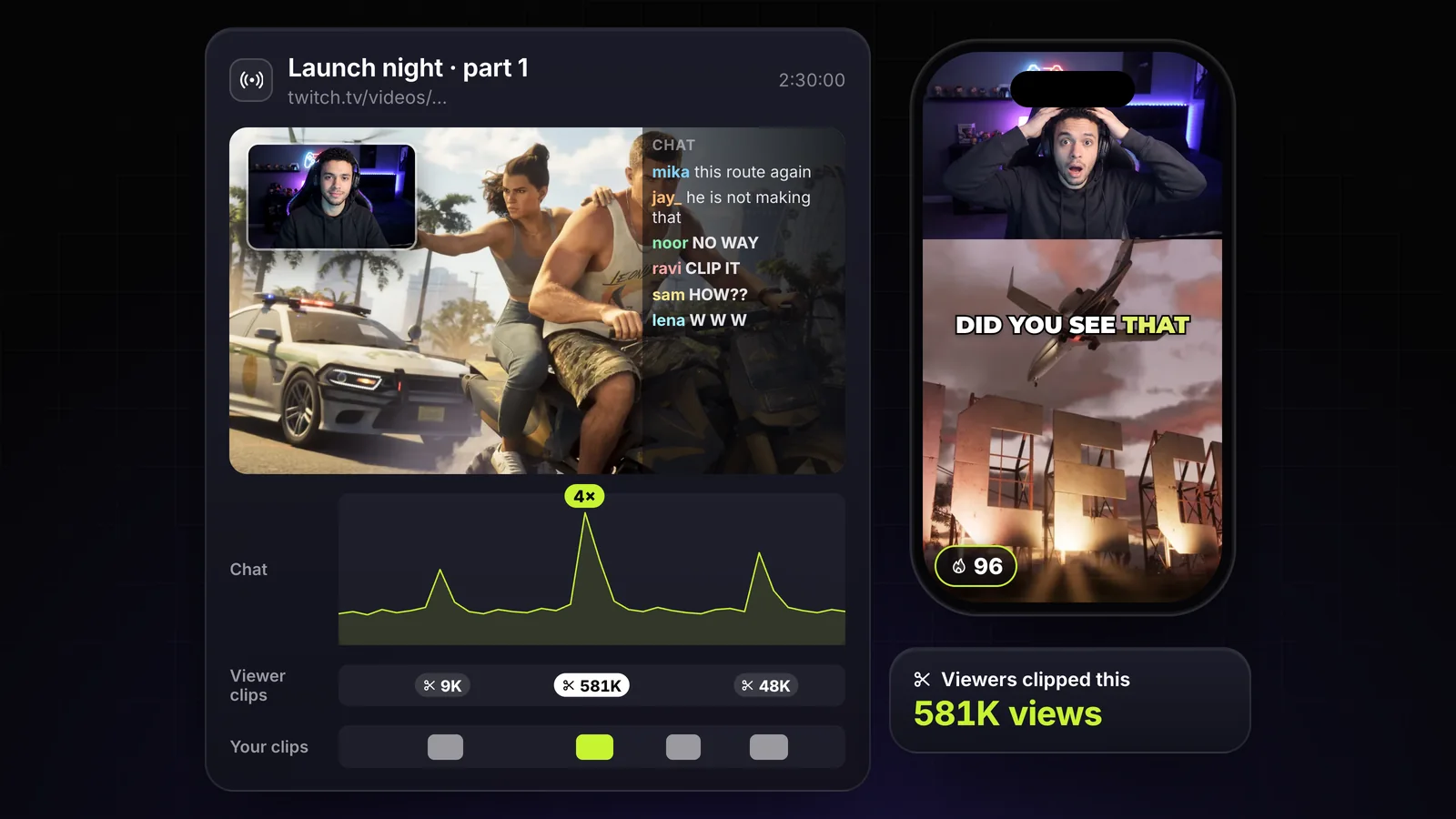
How to Find the Best Moments in a Twitch VOD: Chat Spikes and Viewer Clips, Tested
Where are the best moments of a Twitch stream? We compared chat spikes with the clips viewers made on nine streams: what works, what doesn’t, and how far before a spike the moment starts.

GTA 6 Shorts That Don’t Get Removed: Nudity, Violence, Music and Reposts
YouTube removed GTA VI streams over nudity in launch week. What keeps GTA 6 Shorts, TikToks and Reels up: nudity, the first 7 seconds, cutscenes, radio music and reposts, in each platform’s own words.
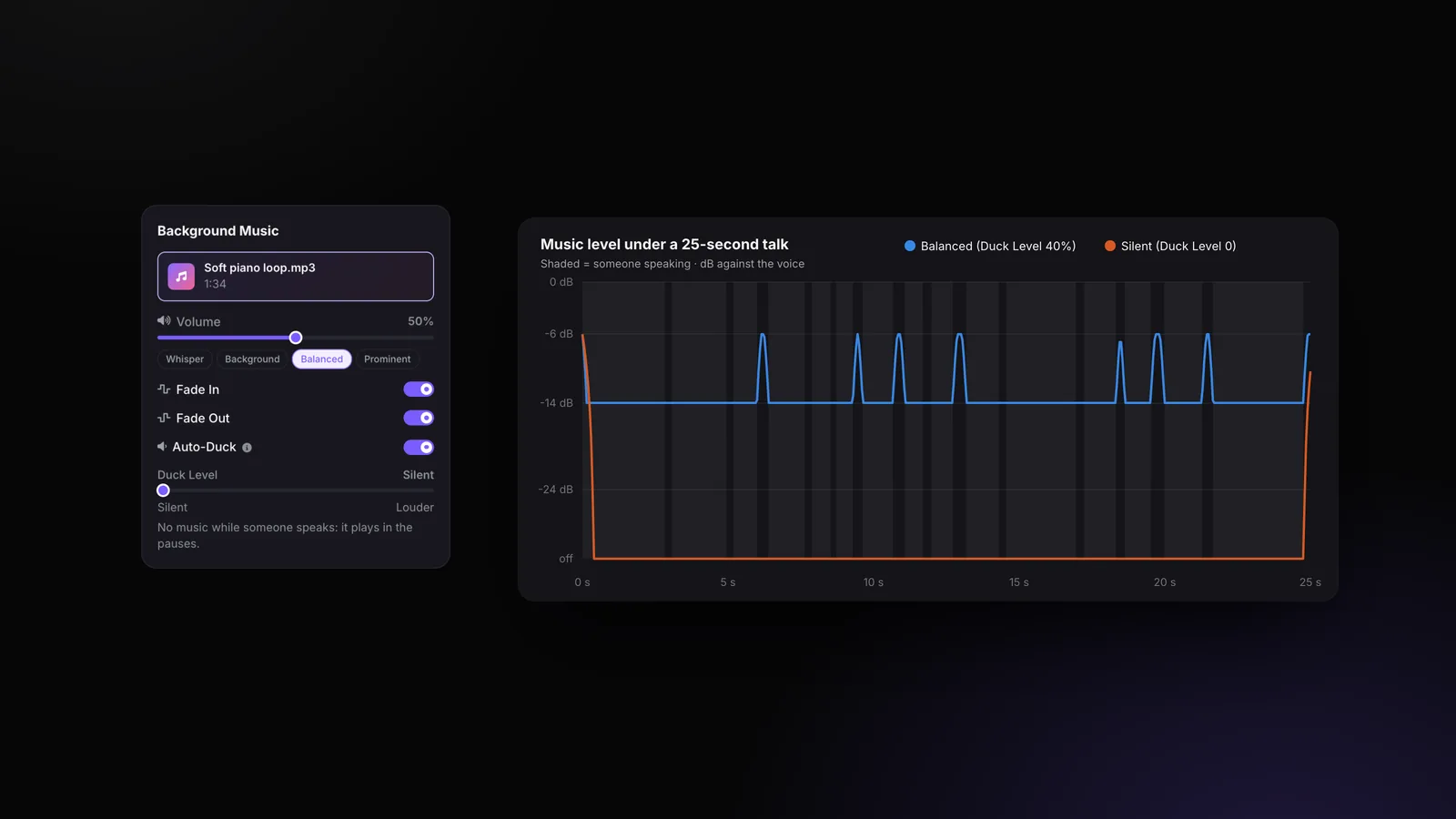
How Loud Should Background Music Be in a Video?
How many dB under the voice background music should sit, between sentences and while someone speaks, why a volume percentage can’t tell you, and how to duck it automatically.
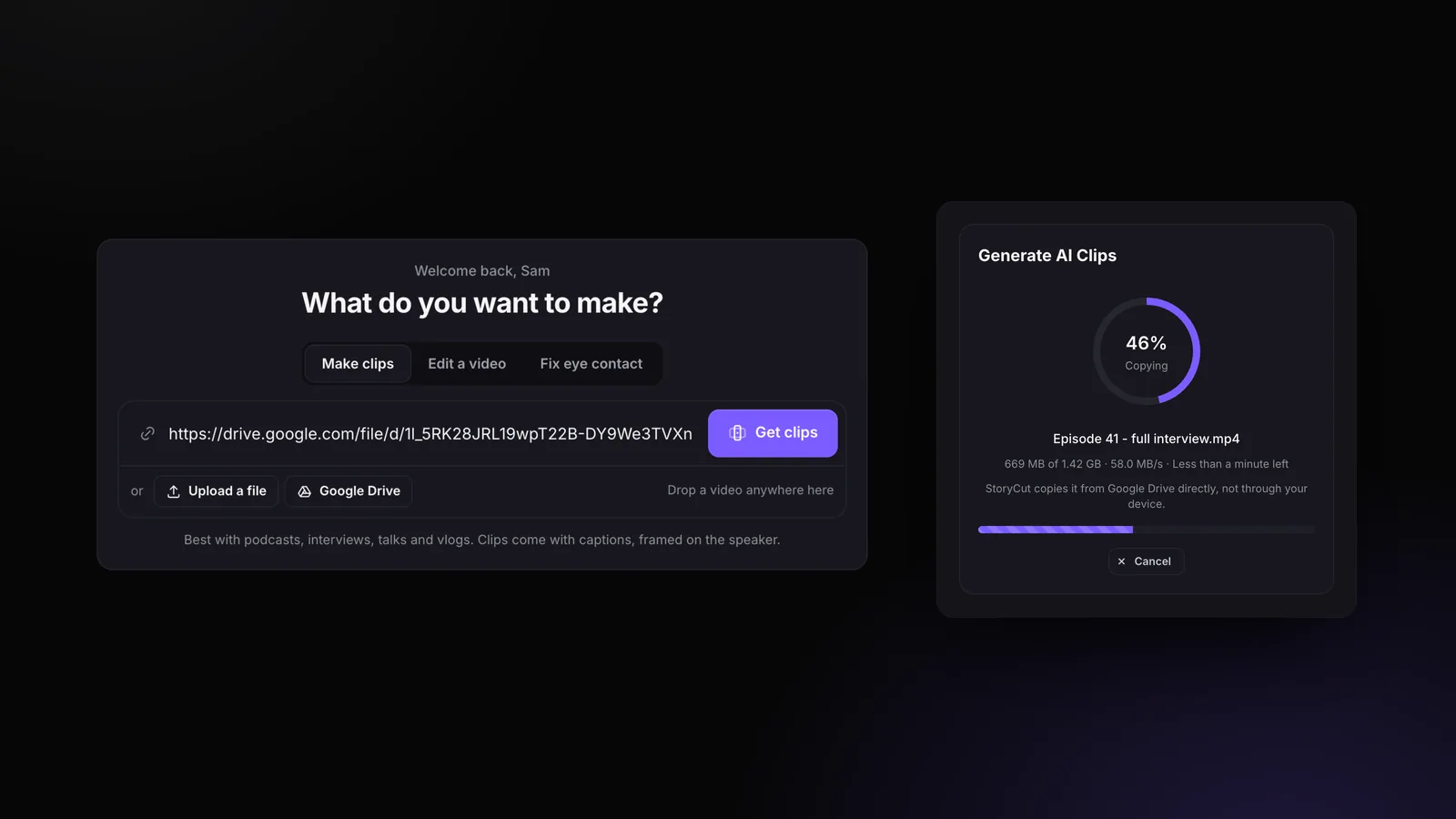
How to Edit a Video From Google Drive or Dropbox Without Downloading It
Turn a video stored in Google Drive or Dropbox into clips or an edited video without downloading it to your phone: the sharing setting, the steps, and what each message means.
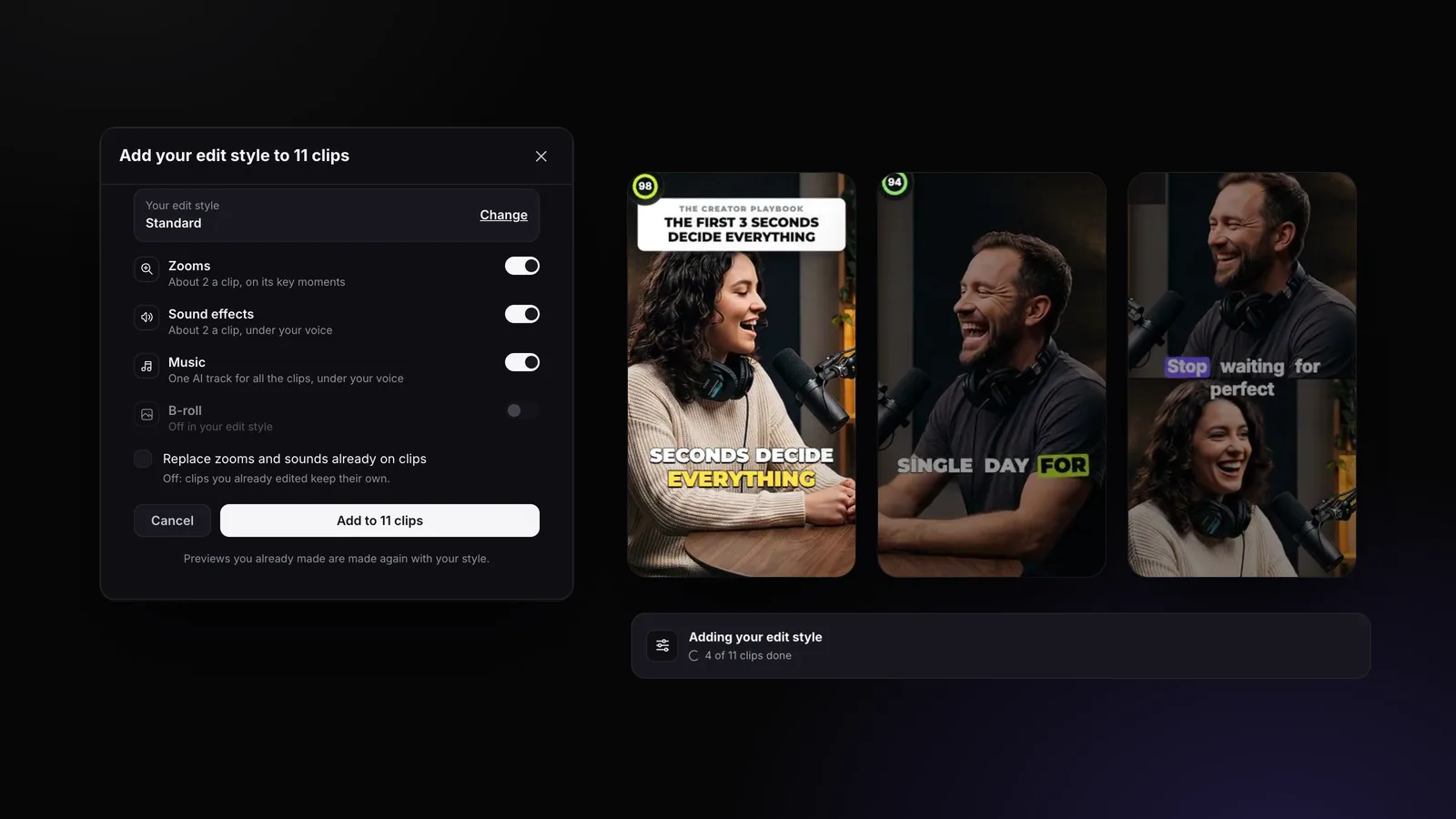
How to Edit Multiple Videos at Once (One Style on Every Clip)
Put the same zooms, sound effects, music and captions on every clip in one go instead of editing them one by one: how batch editing works in StoryCut, Premiere Pro and Resolve.
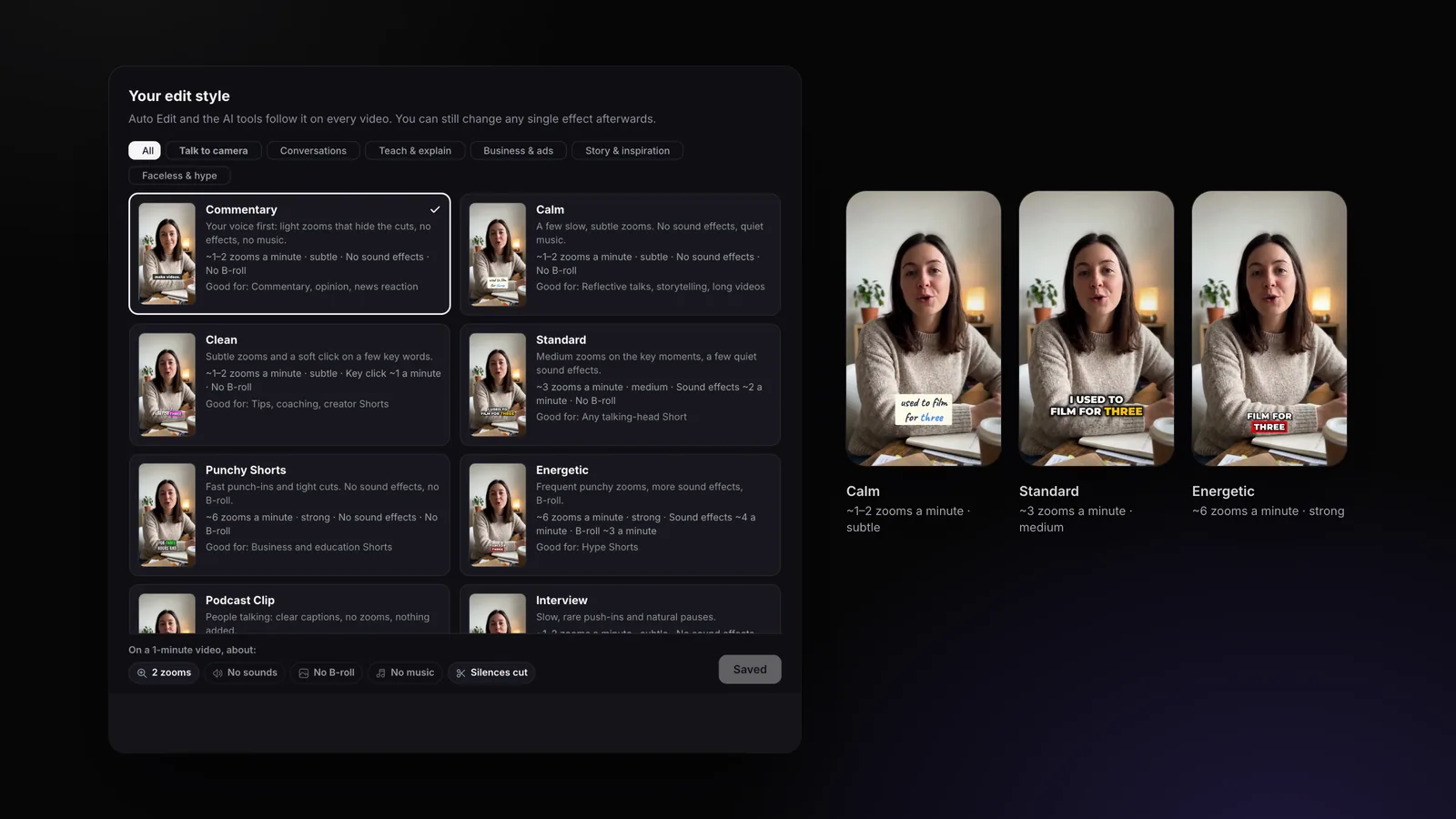
Video Editing Styles for Short-Form Video: 18 Styles, With the Numbers
The editing styles short-form creators use, in numbers: zooms a minute, zoom strength, sound effect and music levels, pause cuts. 18 styles, which fits you, and how to keep one.
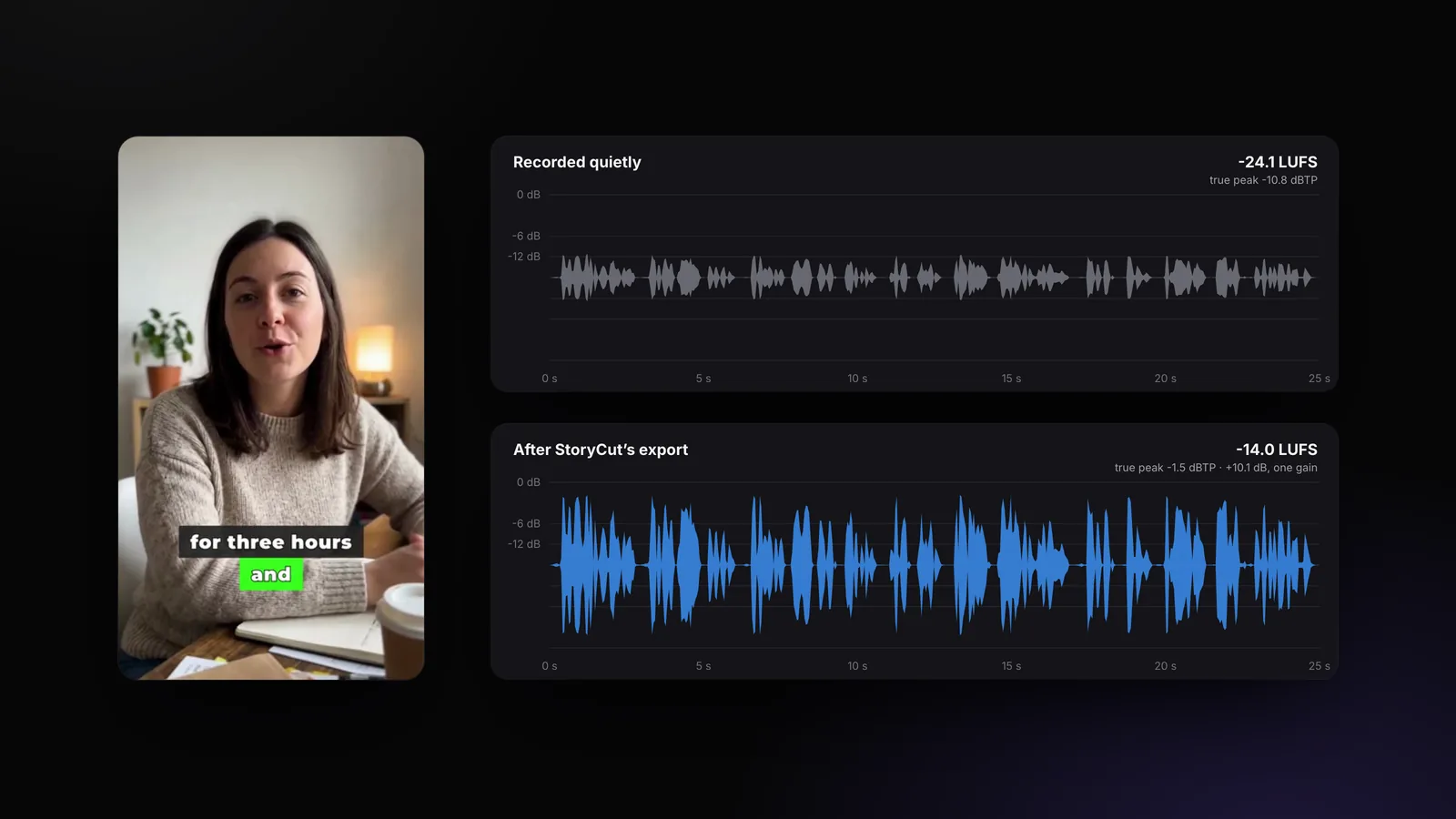
The Best Loudness for TikTok, Reels and Shorts (and Why Your Video Sounds Quiet)
Why your TikTok or Short sounds quieter than the next one, the loudness to aim for (-14 LUFS, peaks under -1 dBTP), and how to fix a quiet video without distortion.
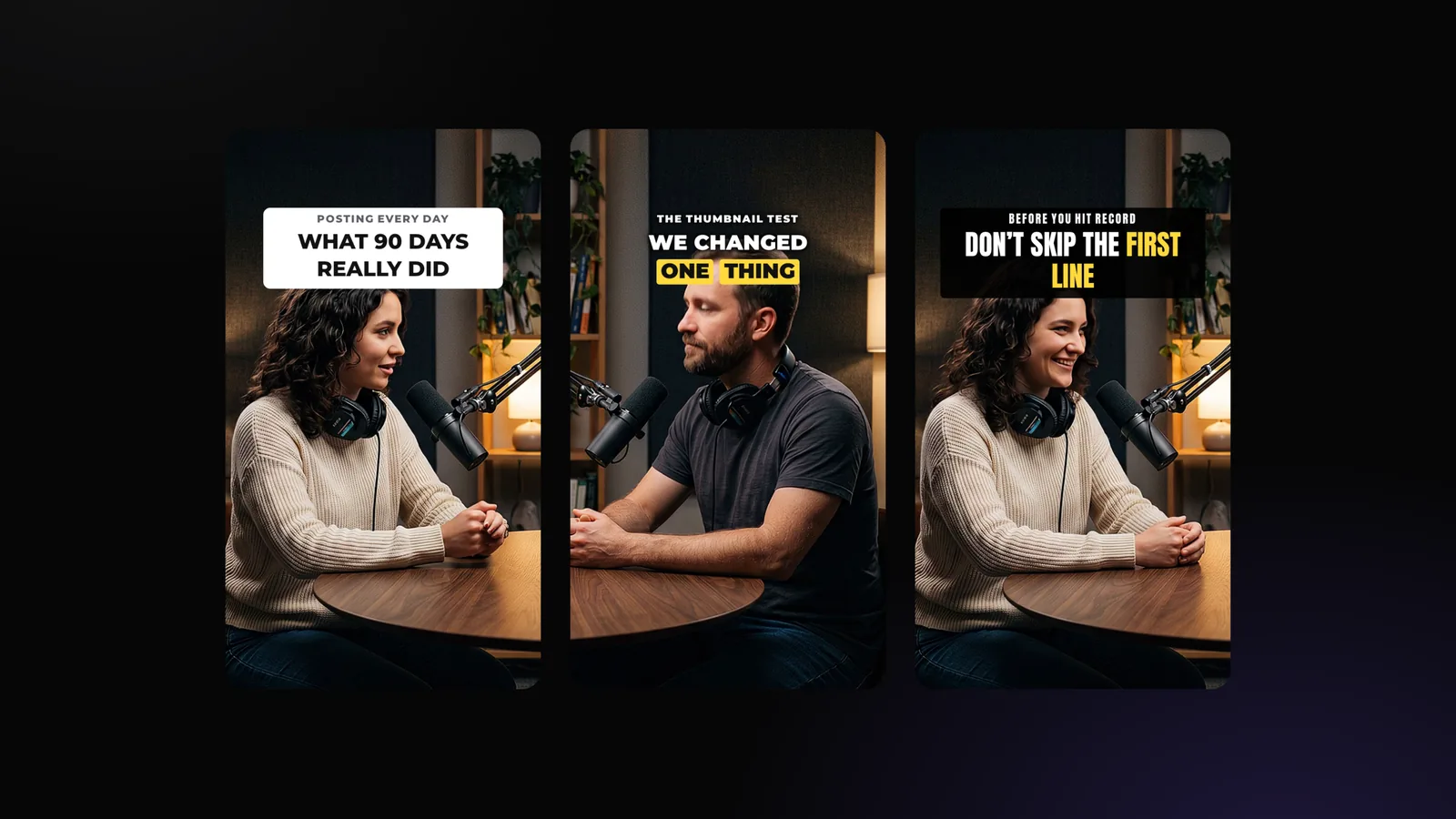
How to Add a Title to YouTube Shorts and TikToks (and Where to Put It)
Add an on-screen title to your Shorts and TikToks: what to write, how long to show it, and where TikTok, Reels and Shorts buttons won’t cover it.
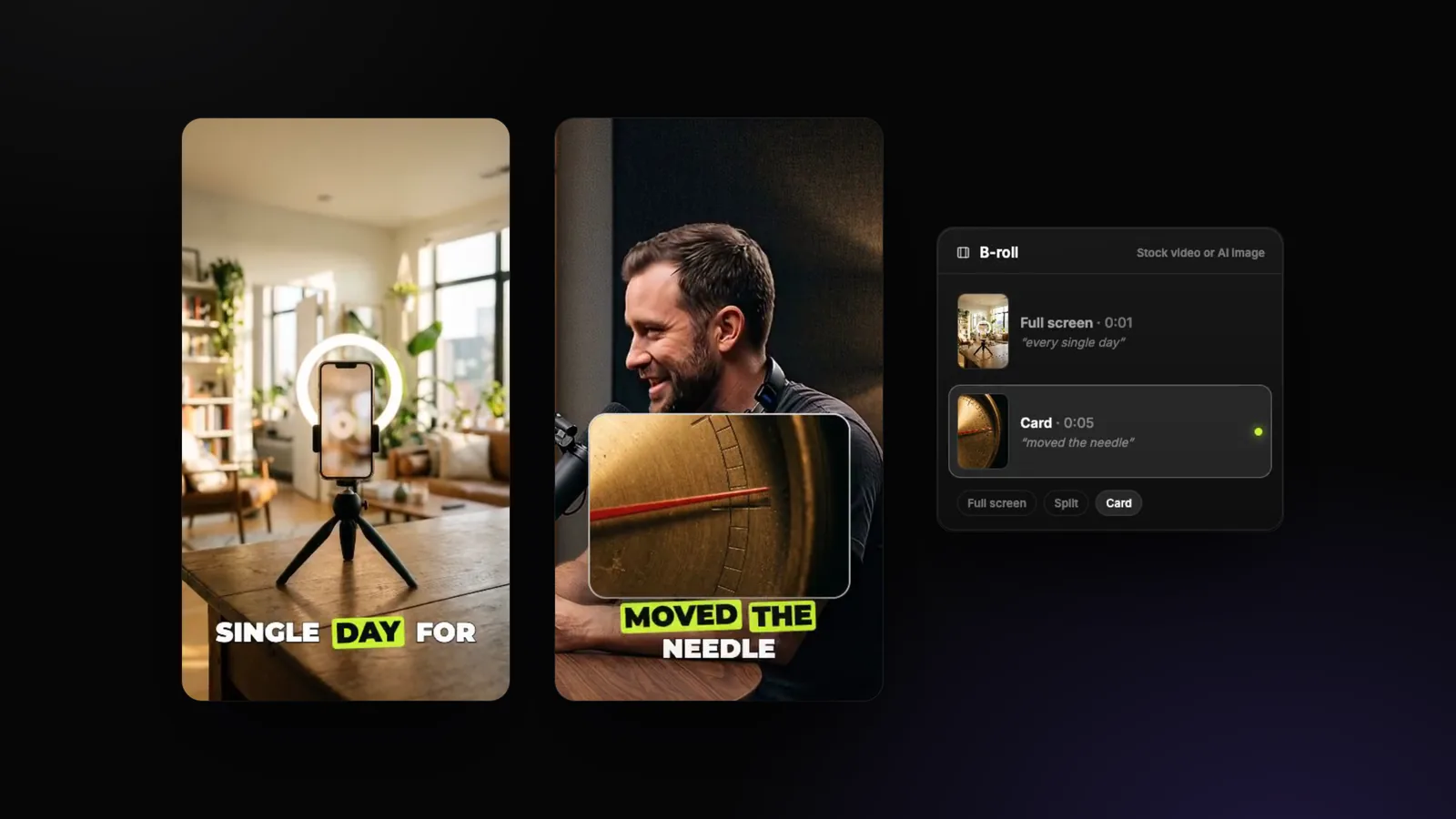
How to Add B-Roll to Talking-Head Videos Automatically
Add B-roll to a talking-head video without searching stock sites: where cutaways go, how long they last, full screen vs split vs card, and how StoryCut picks stock clips for you.
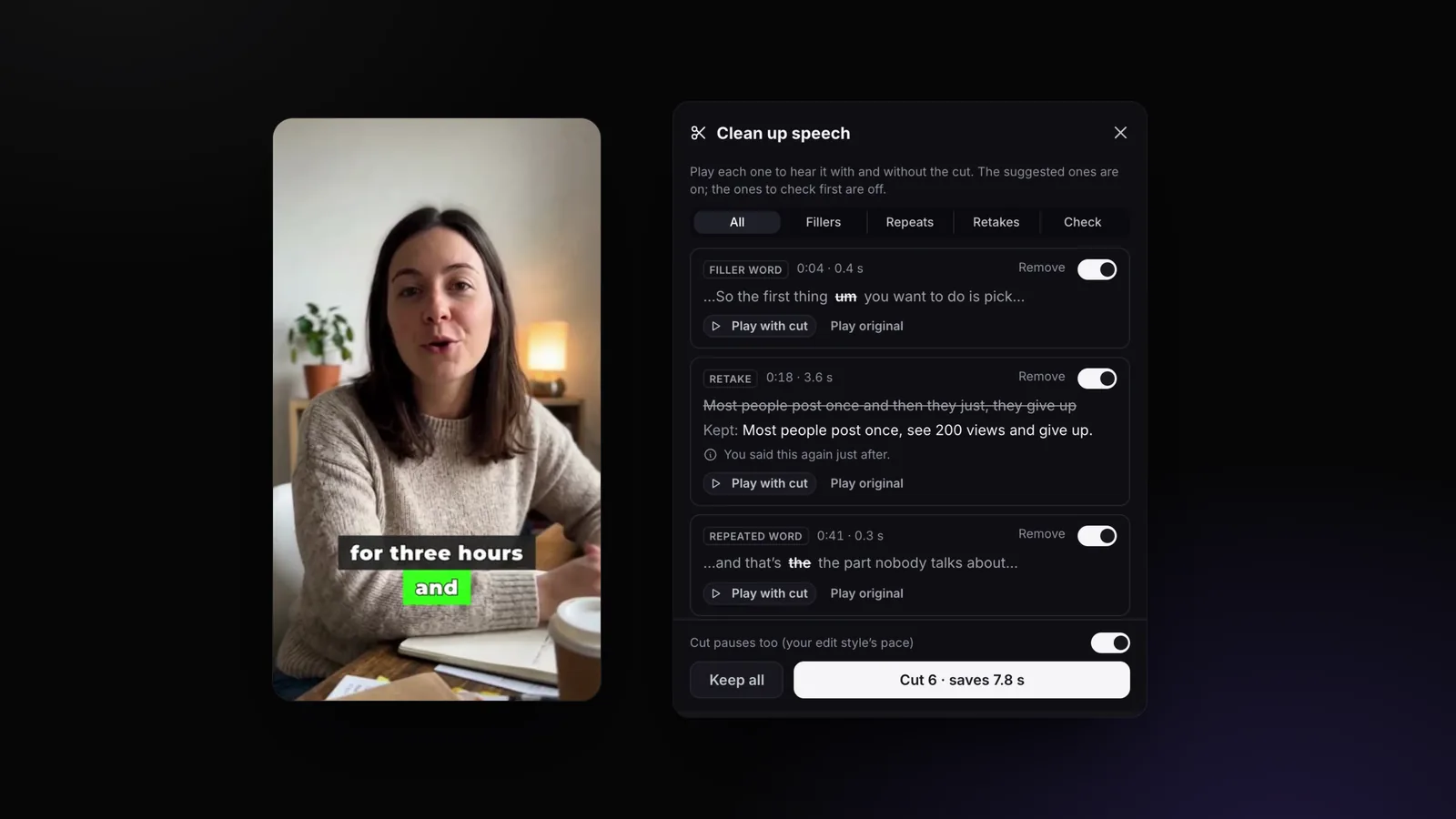
How to Remove Filler Words and Bad Takes From a Video
Remove ums, uhs, repeated words and retakes from a talking video without cutting what you meant to say: how AI finds them, how to review each cut, and when to keep one.

How to Clip GTA 6 on PS5 and Xbox Series X|S
How to clip GTA VI now that it’s out: on PS5, press Create to save the last 15 seconds to 1 hour; on Xbox Series X|S, press the Xbox button, then X. Plus your voice, your phone and Shorts.
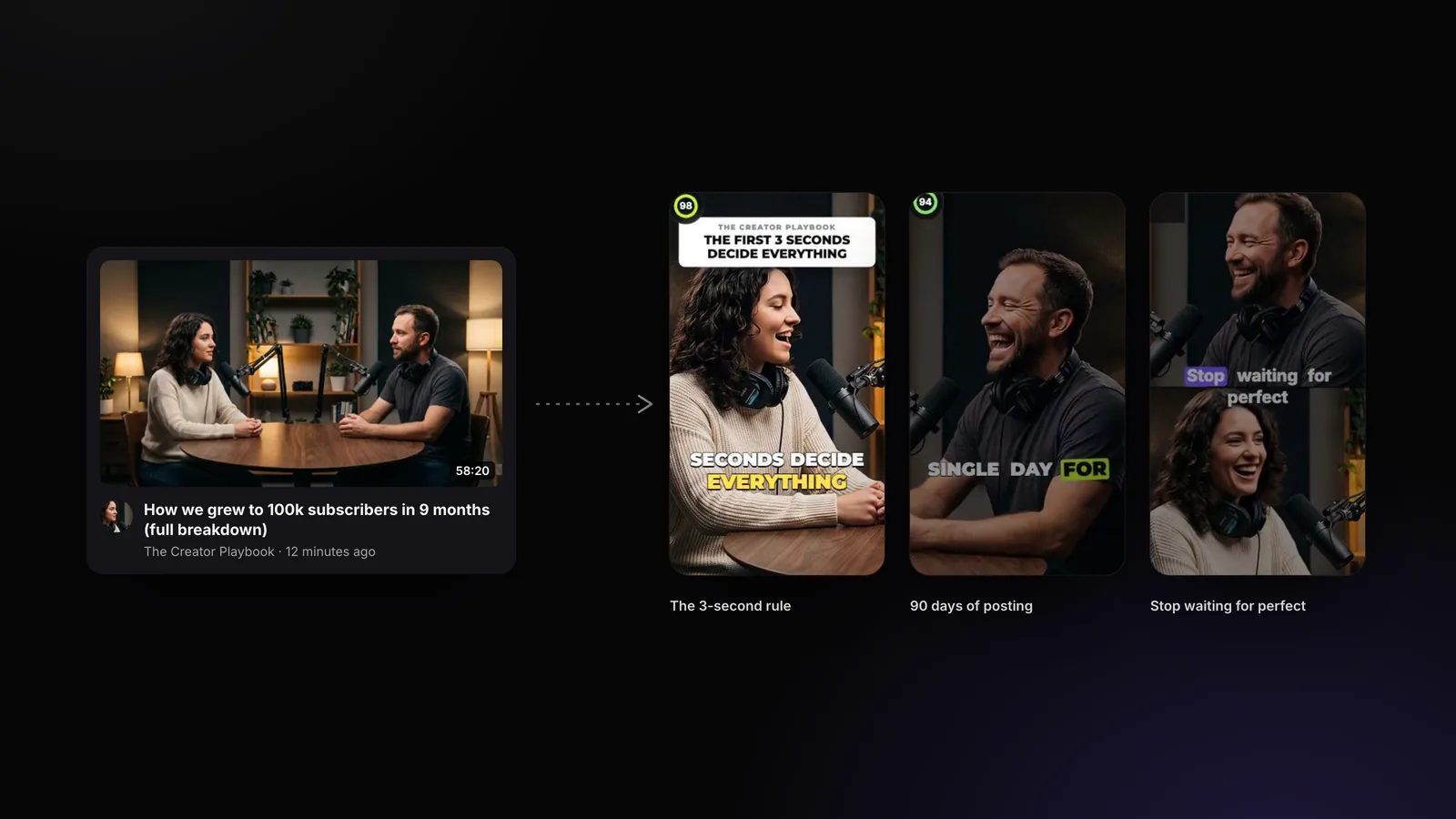
How to Automatically Turn Every New YouTube Video Into Shorts
Connect your YouTube channel once and every new long video becomes Shorts with captions, a headline and your edit style. The setup step by step, the settings that matter, and the limits.
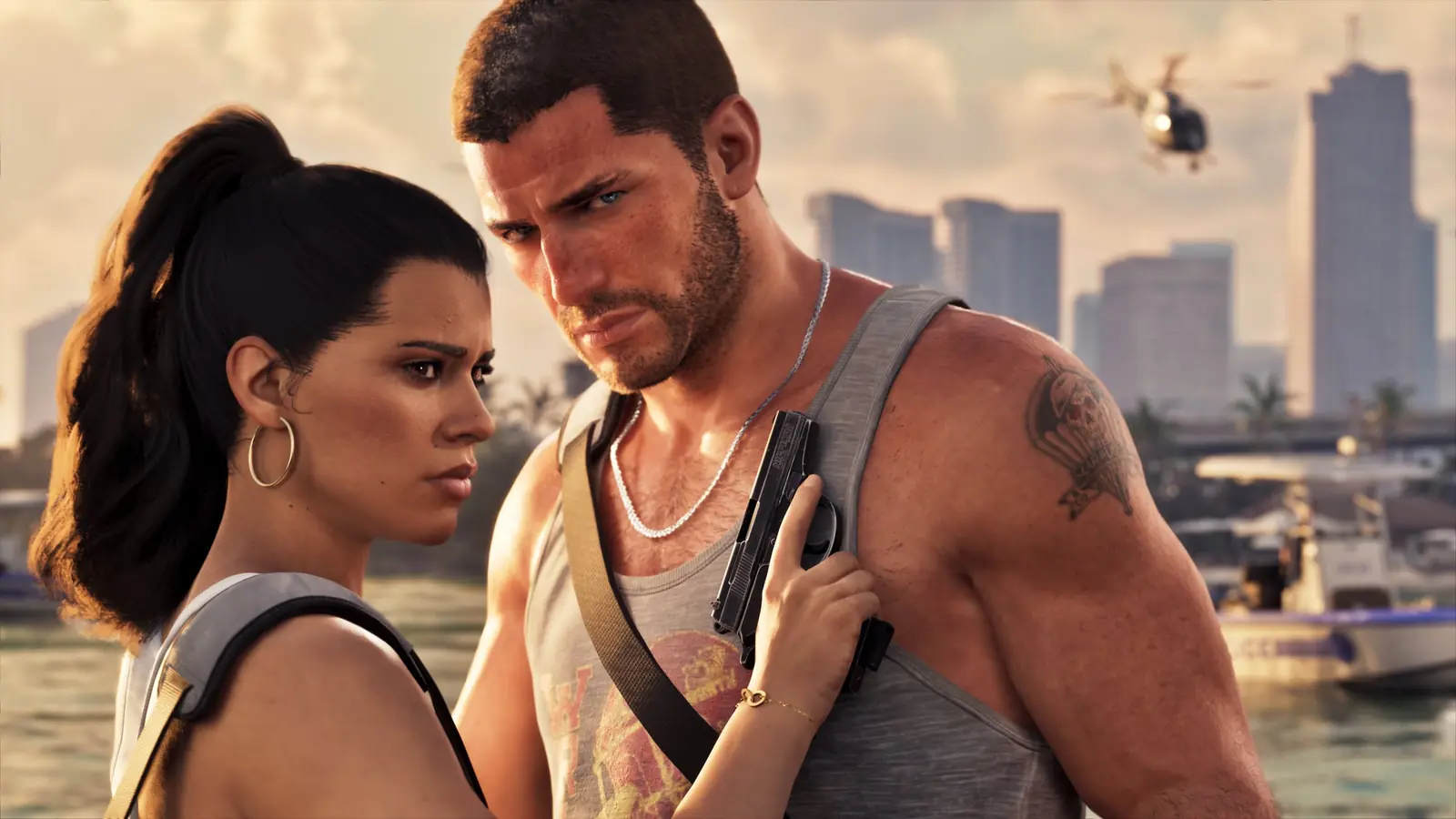
GTA 6 Clipping: What Campaigns Pay and How to Clip Streams
GTA VI clipping after launch: the 23 GTA campaigns live on November 20, what they pay per 1,000 views (with sources), the rules that get clips rejected, and the fastest way to clip a stream.
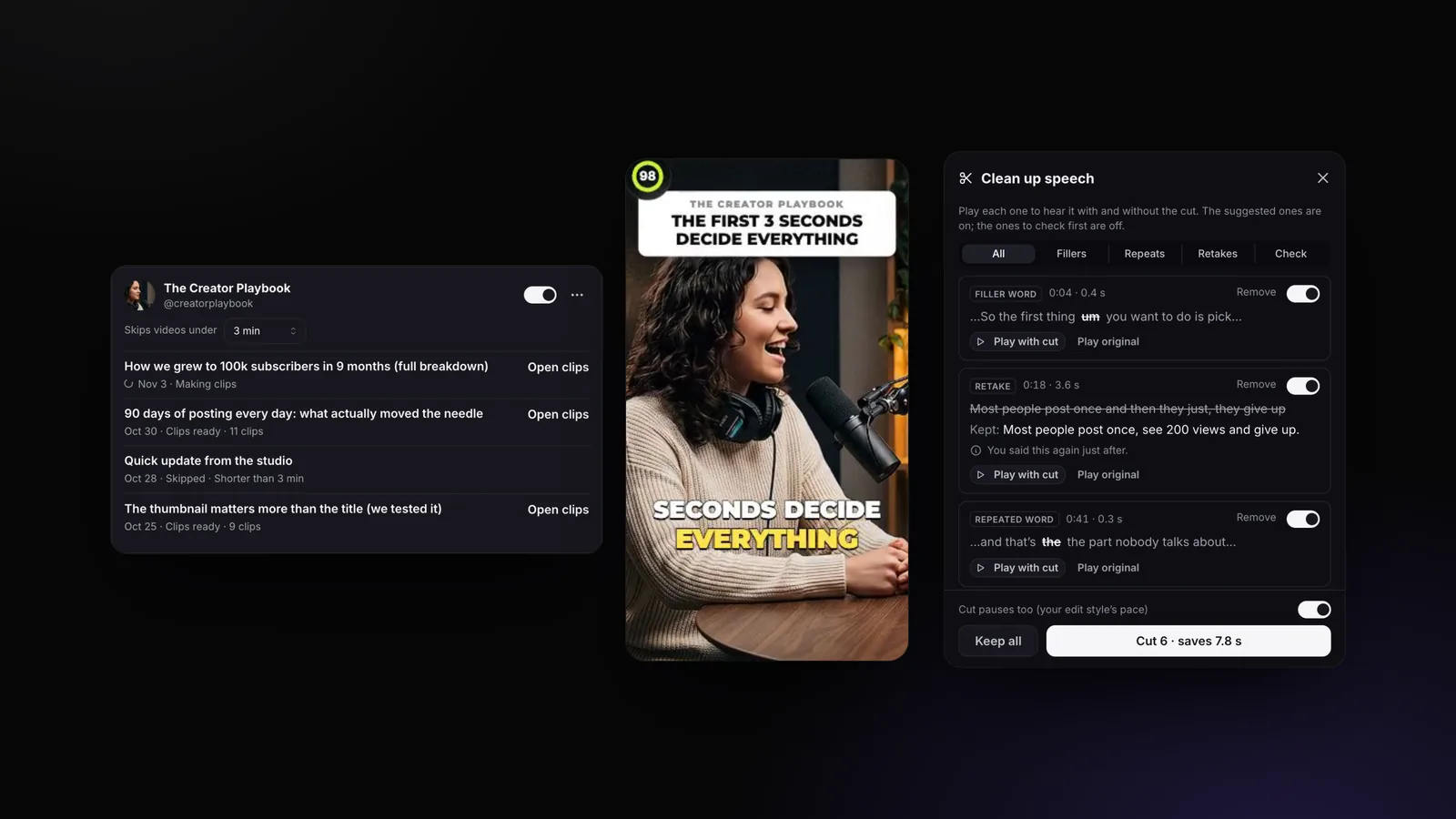
What’s New in StoryCut: Auto Import, Edit Styles, Stock B-Roll and Cleaner Speech
StoryCut’s November 2026 update: every new YouTube video clipped automatically, 18 edit styles, stock video B-roll, filler-word and retake removal, and 11 headline looks.
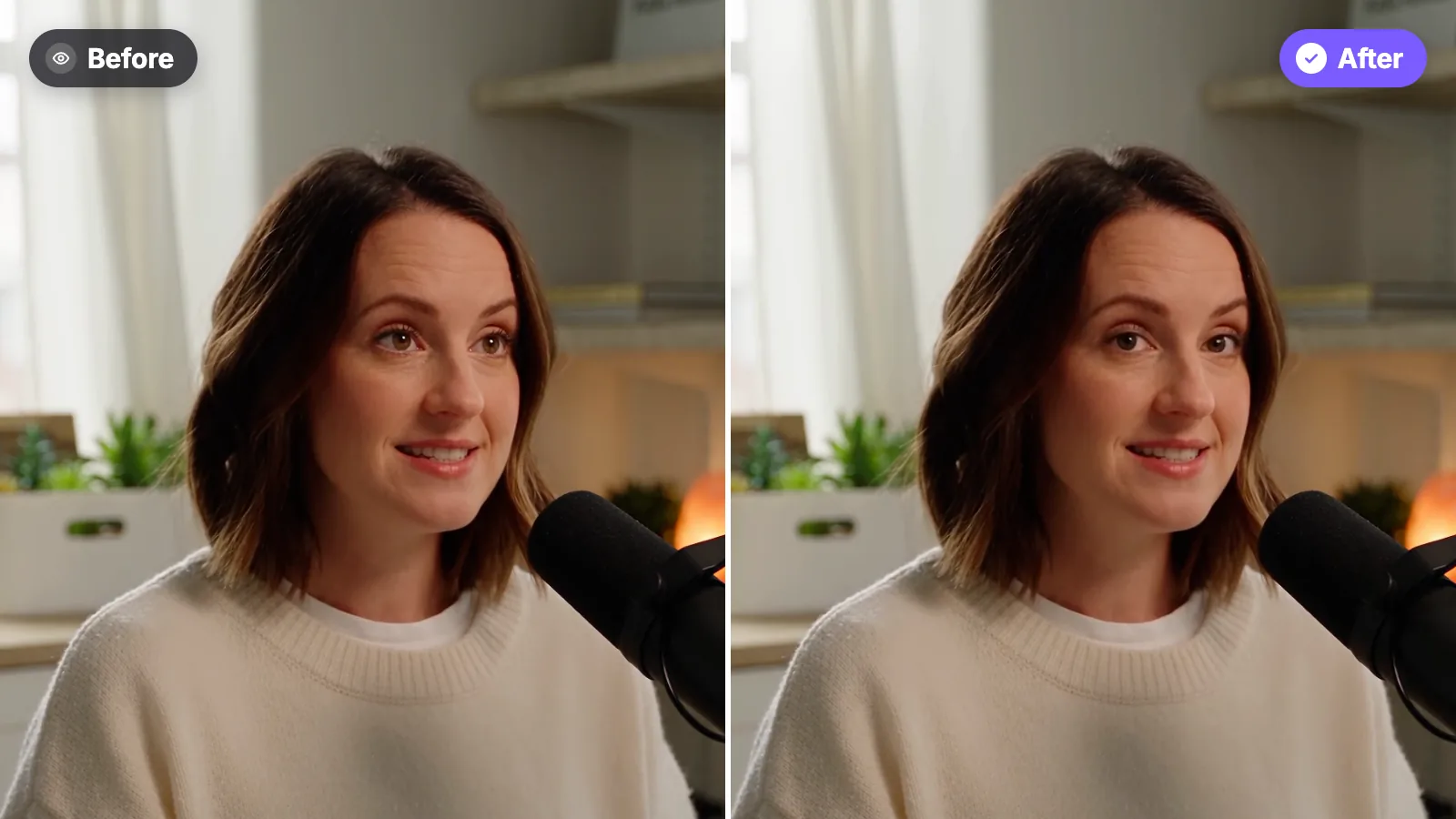
How to Fix Eye Contact in a Video (Even After You Recorded It)
Looked at your script instead of the camera? Fix eye contact in a video you already recorded, right in your browser, plus free options and recording tips.
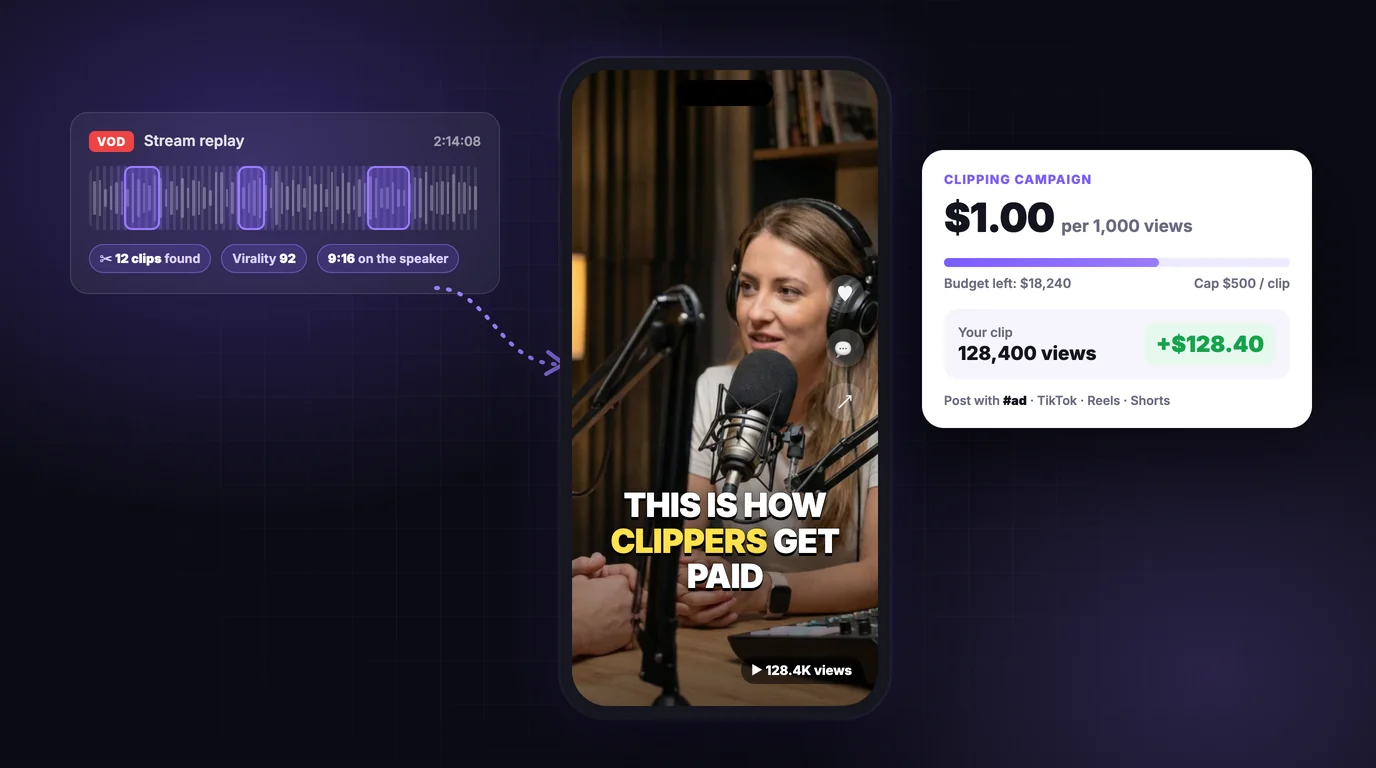
How to Make Money Clipping in 2026
How clipping works in 2026: where clippers find paid campaigns, what they pay per 1,000 views, the rules that get clips rejected, and a workflow that turns a stream into clips in minutes.
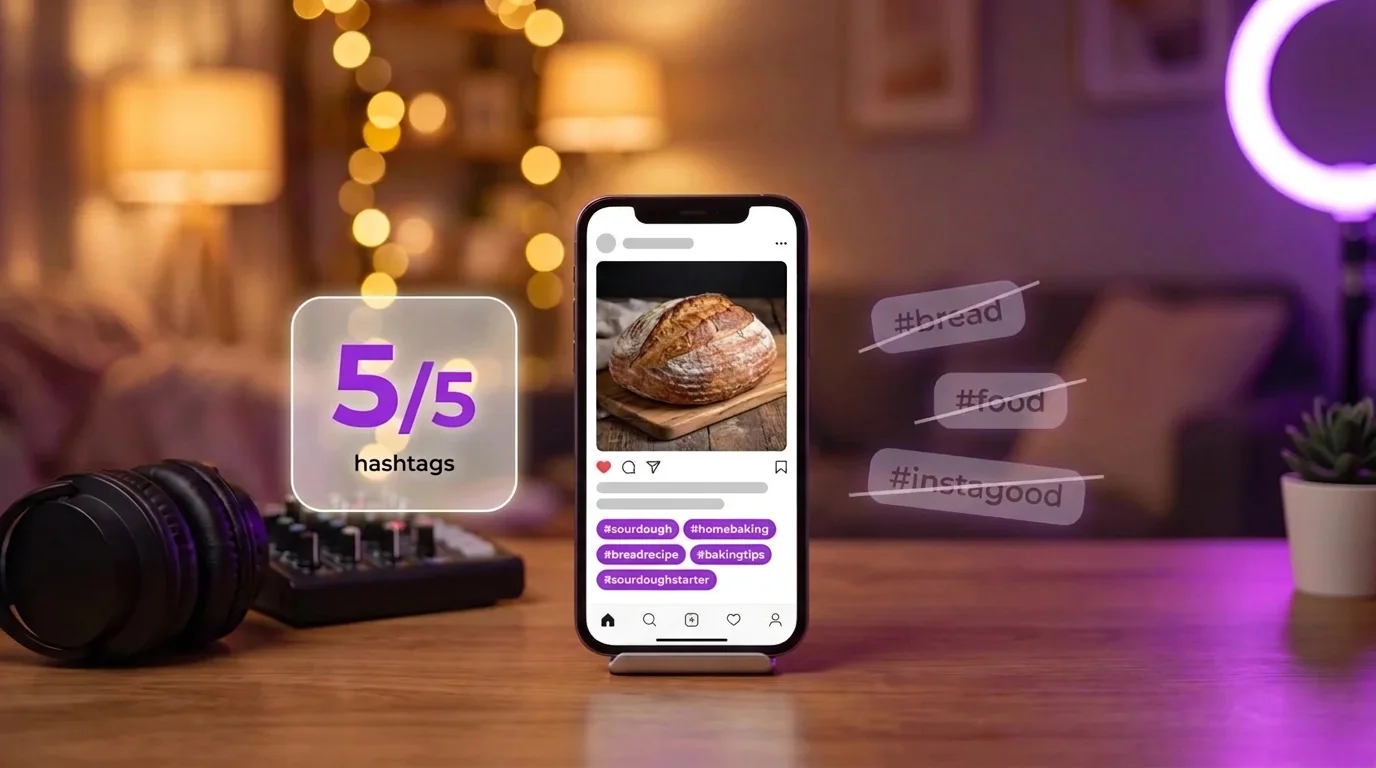
Instagram’s 5-Hashtag Limit: What Changed and How to Choose Your 5
Instagram cut the hashtag limit from 30 to 5 per post and Reel in December 2025. What changed, what Instagram says about hashtags and reach, and a simple way to choose your 5.
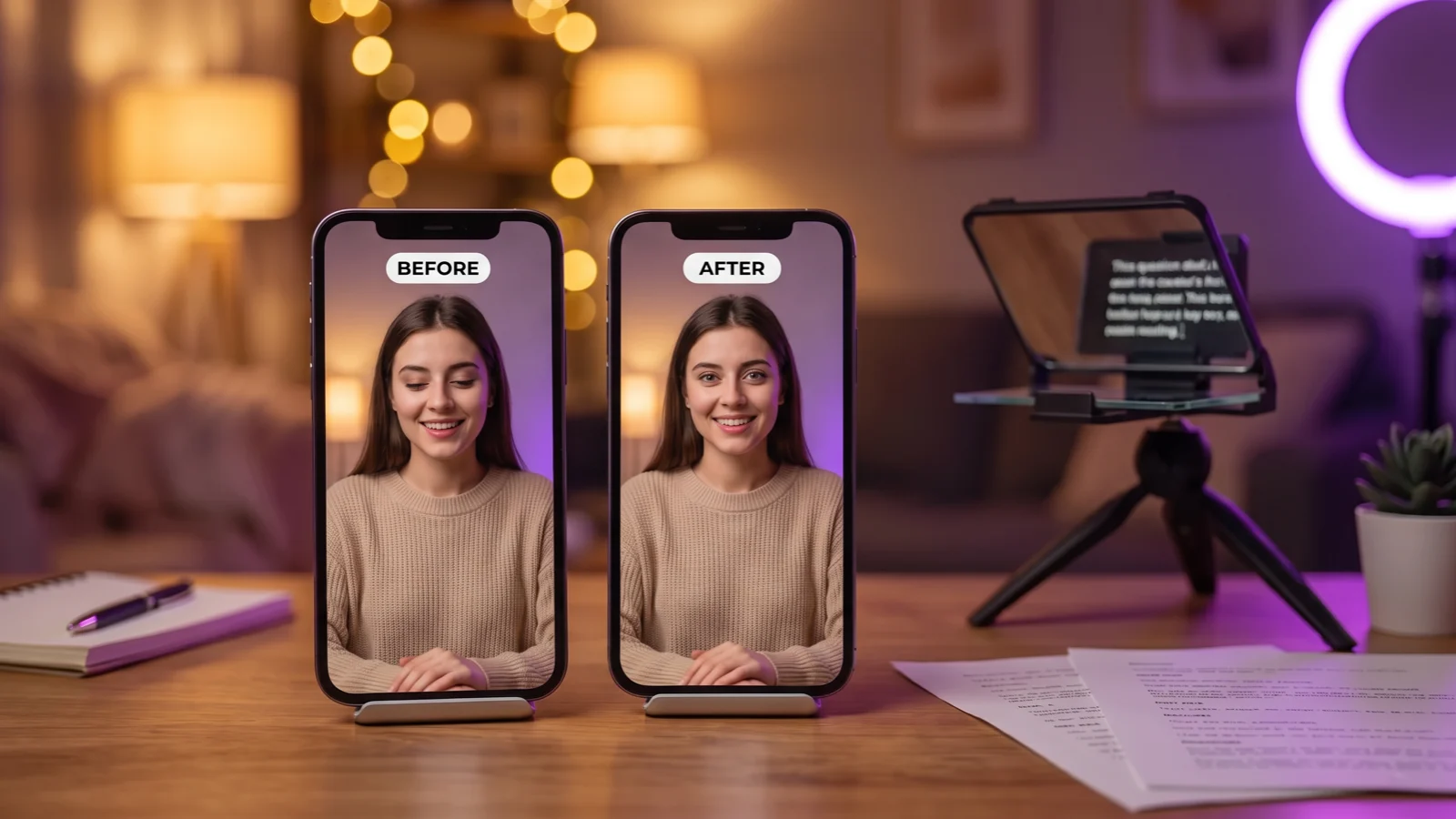
How to Read a Script While Looking at the Camera (and Fix It When You Can’t)
Why viewers can tell you’re reading, how close your text must sit to the lens (with numbers), how to format and chunk a script, and how AI fixes eye contact after you record.
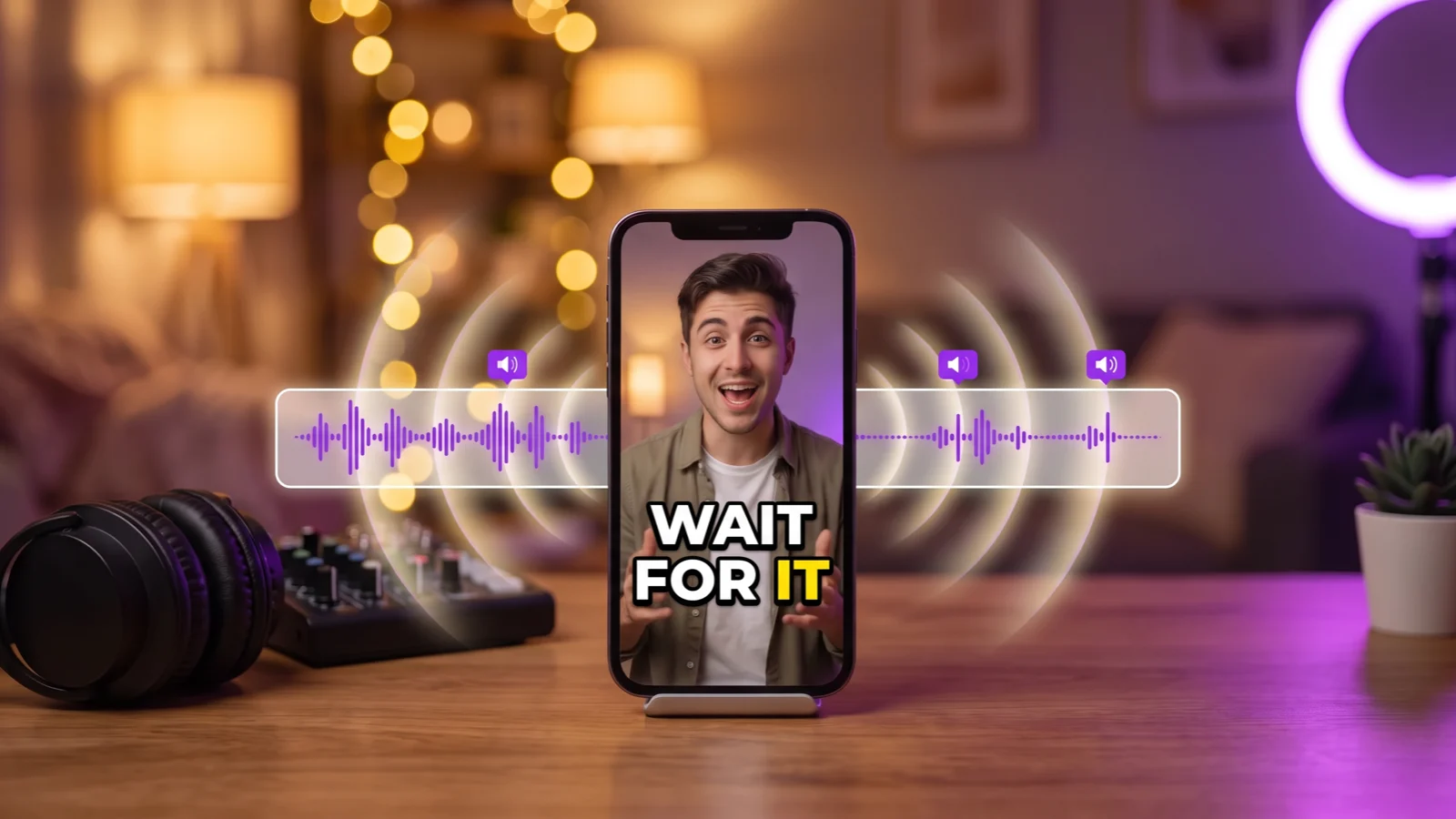
How to Add Sound Effects to TikTok, Reels and Shorts (Which Sounds, Where, How Loud)
Add sound effects in the TikTok app, in an editor, or automatically with AI. Which sound goes on cuts, text and numbers, how loud to make it, and what’s copyright-safe.
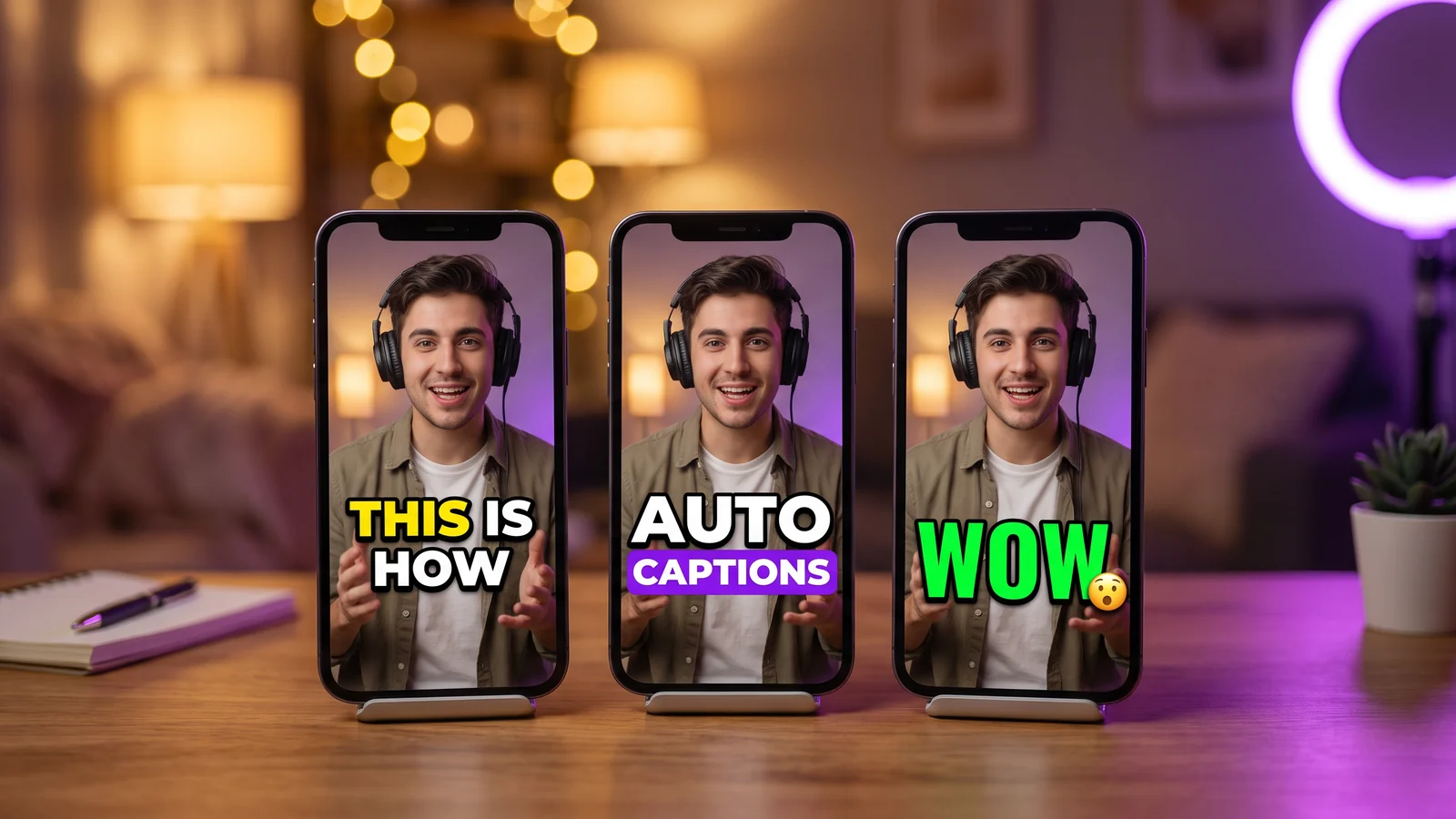
Best AI Caption Apps in 2026: 10 Tools Compared With Real Prices
The best AI caption apps for TikTok and Reels in 2026, compared on price, free plan, watermark, languages, eye contact and auto sound effects.

YouTube Shorts Title Generator: How to Write Titles That Get Views
Learn how to write YouTube Shorts titles that get clicks. 50+ viral title formulas, AI title generator, and data-backed tips from top creators.

TikTok Caption Generator: 80+ Viral Captions That Actually Drive Engagement
The ultimate guide to TikTok captions. 80+ copy-paste captions, AI generator, and the psychology behind captions that drive engagement.
150 Viral TikTok Hooks That Stop the Scroll in 2026
The first 3 seconds decide everything. Get 150 proven TikTok hooks organized by niche, plus a free AI hook generator.
Podcast Name Generator: 200+ Creative Ideas & Naming Formulas That Actually Work
Find the perfect podcast name with 200+ ideas by category, naming formulas that work, and a free AI podcast name generator.

YouTube Hashtag Generator Guide: The 2026 Strategy That Actually Gets Views
Learn the YouTube hashtag strategy that actually works in 2026. How many hashtags, where to place them, and a free AI generator.
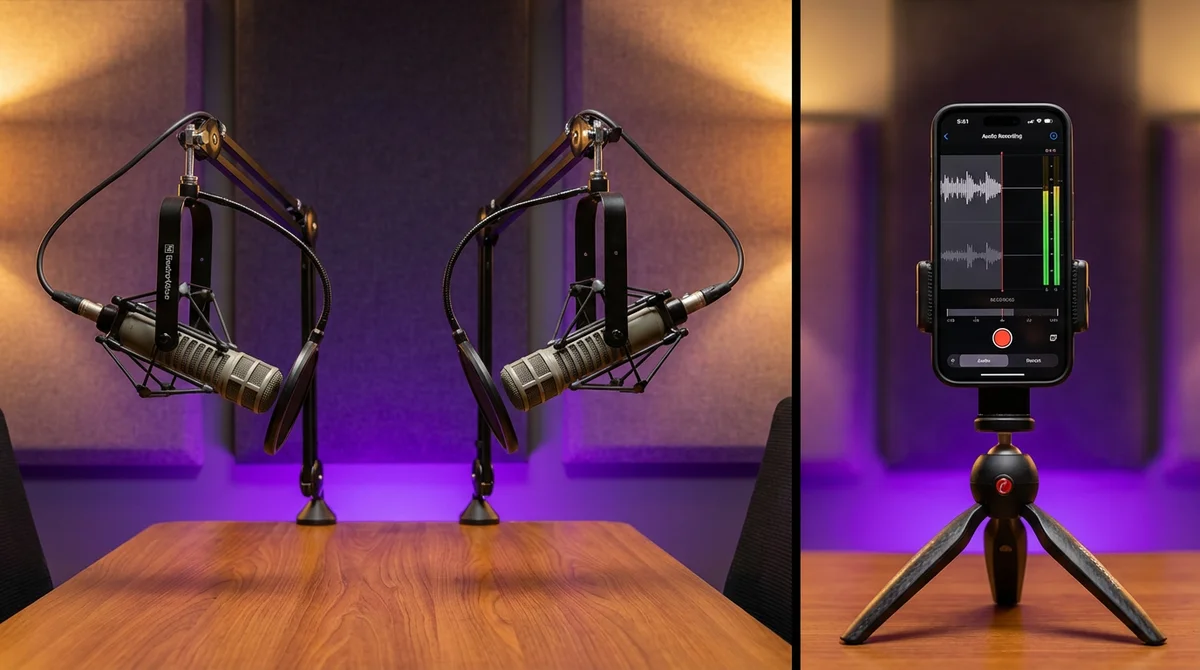
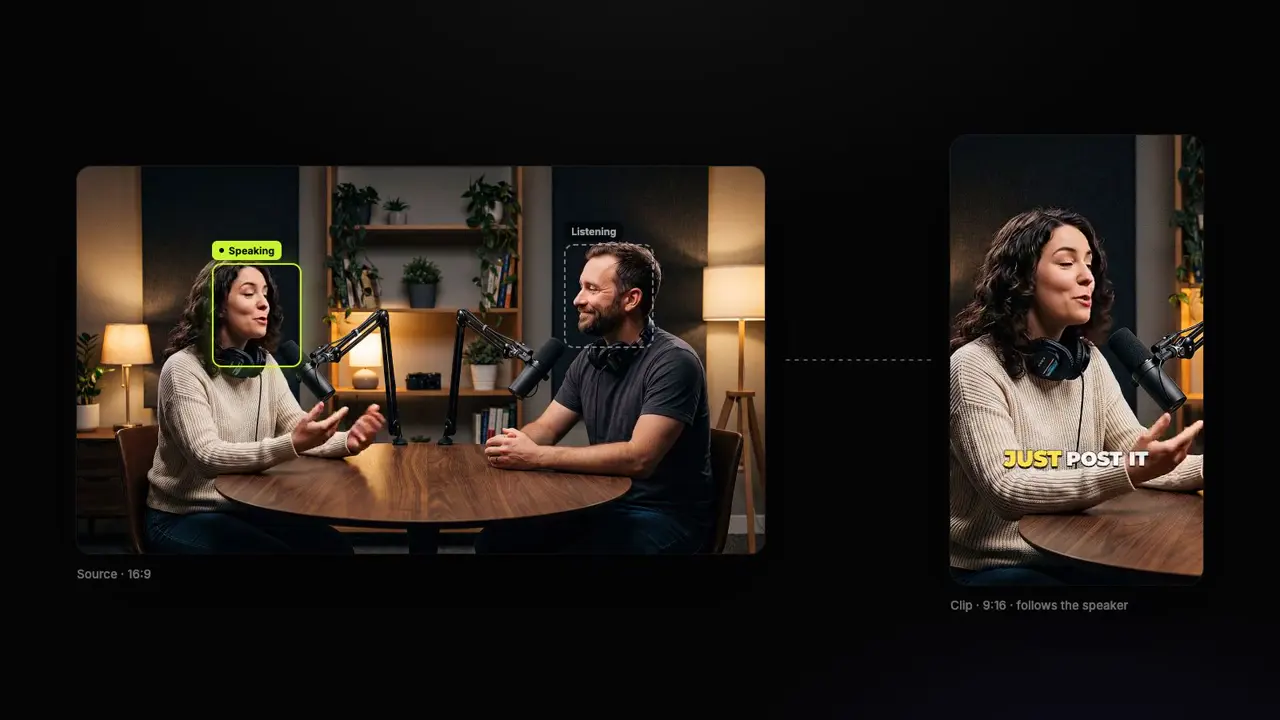
How to Turn Podcast Episodes Into Viral Reels & Shorts
Step-by-step guide to repurposing podcast episodes into short-form video clips for TikTok, YouTube Shorts, and Instagram Reels.
Ready to Create Viral Content?
AI captions, transitions, sound effects, and more. Start editing for free.
Start Free
AI video editor for creators who want viral content without the editing grind.
Features
All FeaturesAI CaptionsHormozi CaptionsMrBeast CaptionsAdd Subtitles to VideoSubtitle GeneratorAI Video EditorAI Clip GeneratorYouTube to ShortsYouTube Auto ImportAI HeadlinesChatGPT & Claude ConnectorVideo Clipping APIEye Contact FixMagic ZoomTransitionsClean AudioAI MusicSound EffectsAI Auto EditEdit StylesAI B-RollGTA 6 Clip MakerTwitch & Kick Clip MakerTwitch Highlight FinderRemove SilenceRemove Filler WordsAI ThumbnailsBrand KitsCommunity StylesAI Video TranslatorFree Tools
Video Hook GeneratorTikTok CaptionsInstagram CaptionsYouTube TitlesTikTok HashtagsVideo Script GeneratorAI Video IdeasContent CalendarTikTok TranscriptVideo to TextFree SRT GeneratorSubtitle TranslatorFree TeleprompterWords to MinutesSRT to VTT ConverterTikTok Safe ZoneFree Sound EffectsAll 40 Tools →Use Cases
TikTok CreatorsYouTube ShortsInstagram ReelsPodcastersClippersGTA RP ClipsGTA 6 Shorts with AIClip GTA 6 with ClaudeAgencies & TeamsLinkedIn VideosTeleprompter Eye ContactPremiere Pro Eye ContactDaVinci Resolve Eye ContactFinal Cut Pro Eye ContactLoom Eye Contact