
Features
Tools
Pricing
Affiliate
Public videos only. Copy the link from Share → Copy link in the TikTok app.
Making your own TikToks? Add captions that move
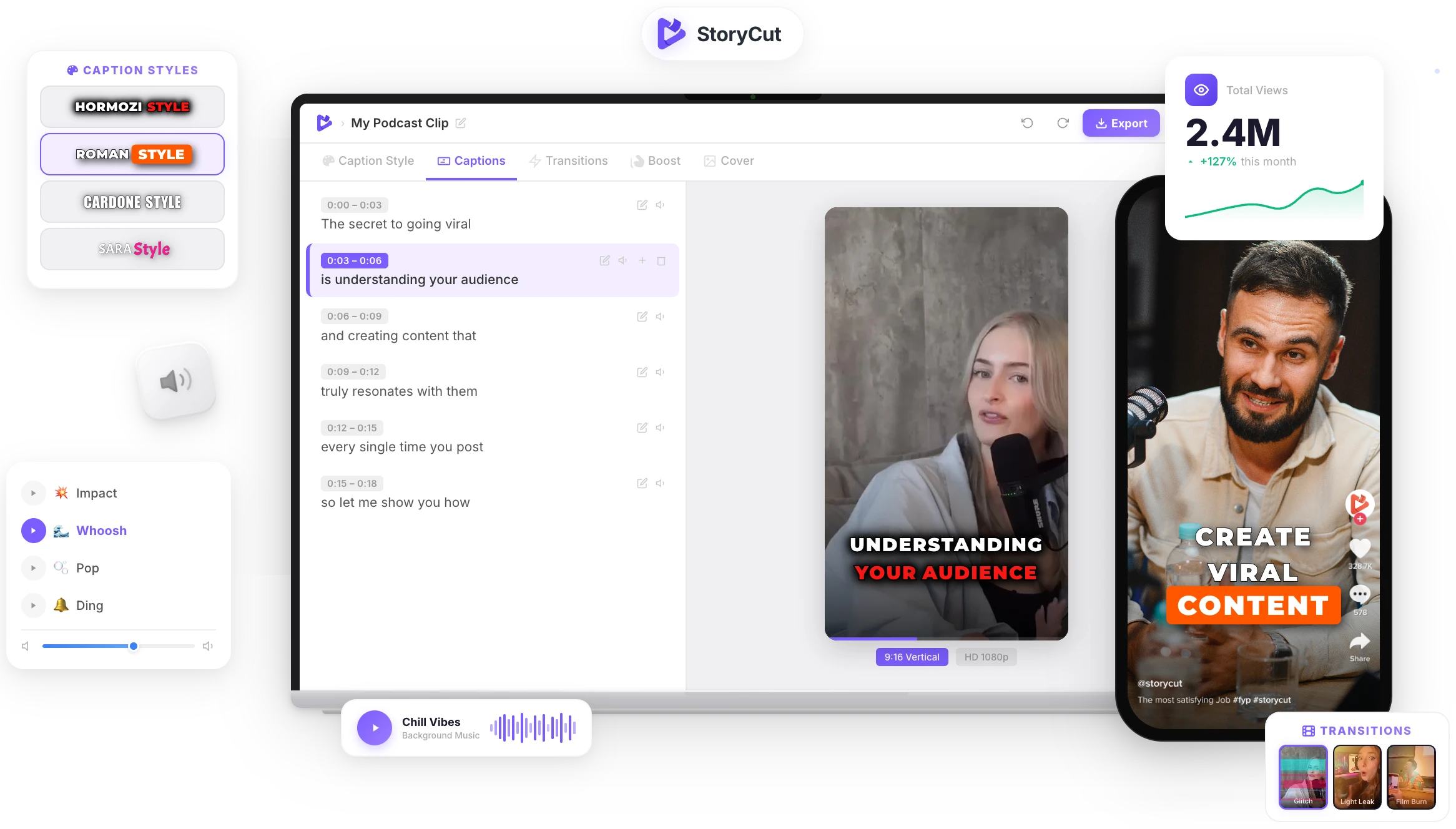
StoryCut transcribes your video and adds animated, word-by-word captions in the style of the biggest creators, plus zoom effects and transitions. Upload once, post everywhere.
How to get the transcript of a TikTok
Copy the TikTok link
In the TikTok app, tap Share, then Copy link. On a computer, copy the address of the video page.
Paste it here
Paste the link in the box. Leave the language on "Detect automatically" or pick the language spoken in the video.
Press Transcribe
The audio is transcribed in a few seconds. Read the text, switch to the timestamped view, or see it as subtitles.
Copy or download
Copy the transcript in one click. With a free StoryCut account you can also download it as TXT, SRT or VTT.
What you get from one TikTok
The same 20-second video, three ways.
Transcript
Three things I wish I knew before starting a podcast. One, nobody cares about your intro. Two, your first ten episodes are practice. Three, clips bring listeners, not the full episode.
With timestamps
[00:00:00] Three things I wish I knew before starting a podcast. [00:00:04] One, nobody cares about your intro. [00:00:07] Two, your first ten episodes are practice.
Subtitles (SRT)
1 00:00:00,120 --> 00:00:01,900 Three things I wish I knew 2 00:00:01,900 --> 00:00:03,700 before starting a podcast.

Got the words? Now make your own TikTok stand out
Upload a video to StoryCut and it adds animated captions in 1,000+ styles, zoom effects on every beat and transitions, ready for TikTok, Reels and Shorts. No editing skills needed.
AI Captions in 1 Click
50+ Transitions
Auto Zoom Effects
Clean Audio AI
Video & Subtitle Tools
Why turn a TikTok into text?
A transcript makes a TikTok searchable, quotable and reusable. Creators use it to turn a video that worked into a caption, a blog post, a thread or the script of the next video. Marketers and researchers use it to study what is said in trending videos without watching them again and again, and anyone who can’t play the sound gets the full message. TikTok can show captions while a video plays, but it doesn’t give you the words as text you can keep.
Tips for a better TikTok transcript
- Use the link of the video itself, not of a profile or a sound page.
- If the video mixes speech and loud music, pick the spoken language instead of automatic detection.
- Read names, brands and slang before you reuse the text: speech recognition can spell them differently.
- Want to study a hook? Switch to "With timestamps" to see exactly what is said in the first 3 seconds.
- The words still belong to the creator: ask before you republish someone else’s script.
A TikTok to text converter that does more than copy the captions
Just a Link
Paste a tiktok.com or vm.tiktok.com link. No download, no screen recording, no app.
49 Languages
English, Spanish, Portuguese, Hindi, Arabic, Indonesian and more, detected automatically or chosen by you.
Timestamps & Subtitles
See when every line is said, or get the whole video as SRT or VTT subtitles timed to the speech.
Nothing Kept
The video is only fetched to transcribe it and deleted right after. Your transcript isn’t stored on our servers.
FAQ
You Might Wanna Know...
You’ve Got the Transcript.
Now Make the Video.
You just used a free tool to turn a TikTok into text. Now imagine dropping a raw video into StoryCut and getting it back fully edited — captions styled to your brand, zoom effects synced to every beat, transitions between scenes, audio cleaned up — all in under 2 minutes.
No timeline. No learning curve. No exporting headaches. Just upload, let the AI work, and post. That’s what 10,000+ creators do every day with StoryCut.
This tool gave you the words. StoryCut gives you the video.
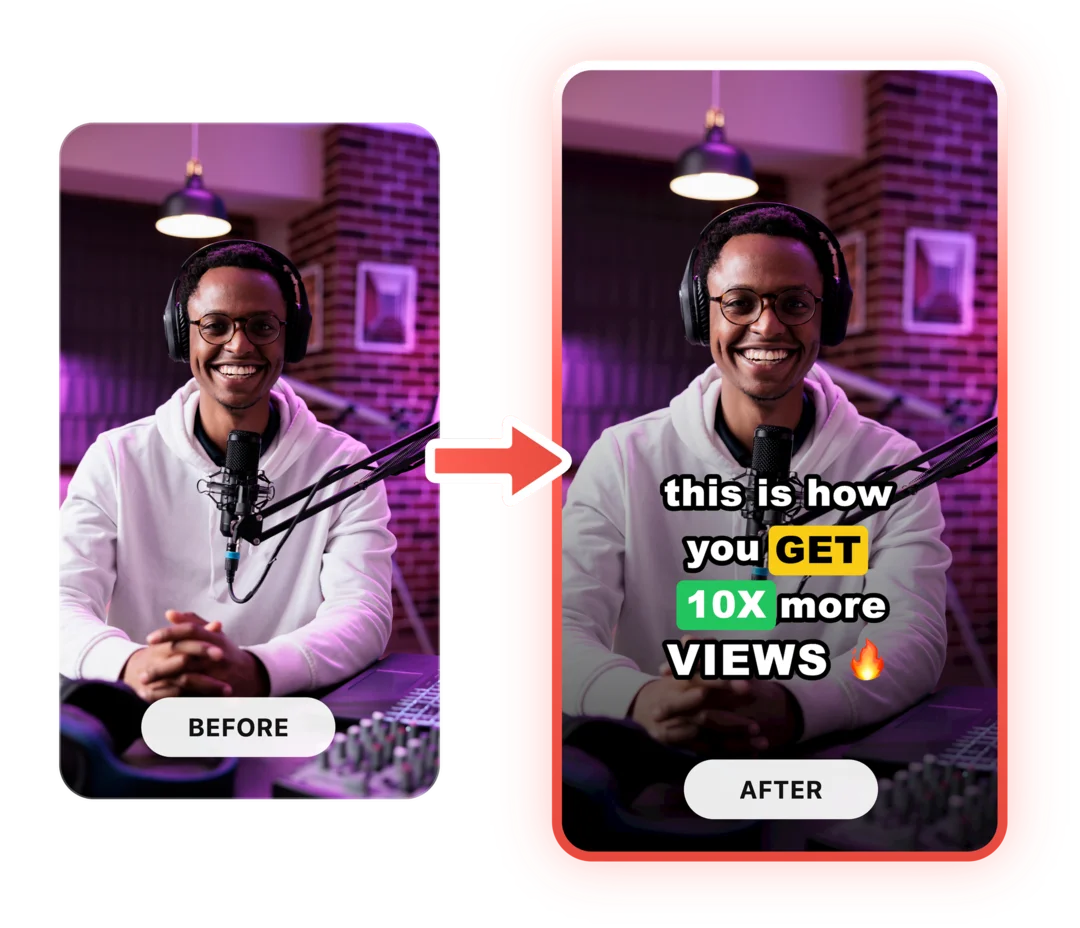
Your Next Viral Video Starts Here
Join 10,000+ creators who save hours every week with AI-powered editing. Upload a video, get a scroll-stopper back.
No credit card required • Free plan, no time limit • Cancel anytime

AI video editor for creators who want viral content without the editing grind.
Features
All FeaturesAI CaptionsHormozi CaptionsMrBeast CaptionsAdd Subtitles to VideoSubtitle GeneratorAI Video EditorAI Clip GeneratorYouTube to ShortsEye Contact FixMagic ZoomTransitionsClean AudioAI MusicSound EffectsAI Auto EditRemove SilenceAI ThumbnailsBrand KitsCommunity StylesAI Video TranslatorFree Tools
Video Hook GeneratorTikTok CaptionsInstagram CaptionsYouTube TitlesTikTok HashtagsVideo Script GeneratorAI Video IdeasContent CalendarTikTok TranscriptVideo to TextFree SRT GeneratorSubtitle TranslatorFree TeleprompterWords to MinutesSRT to VTT ConverterTikTok Safe ZoneFree Sound EffectsAll 40 Tools →Use Cases
TikTok CreatorsYouTube ShortsInstagram ReelsPodcastersClippersAgencies & TeamsLinkedIn VideosTeleprompter Eye ContactPremiere Pro Eye ContactDaVinci Resolve Eye ContactFinal Cut Pro Eye ContactLoom Eye Contact