Everything You Need to Create Viral Content
From AI captions to eye contact fix, every tool a creator needs in one editor.

Add Animated Captions to Any Video
Upload a video and StoryCut adds animated, word-level captions automatically, with 99.5% accuracy across 50+ languages. Pick a style, fix any word, export. No editing skills needed.
Add Subtitles to Video Automatically
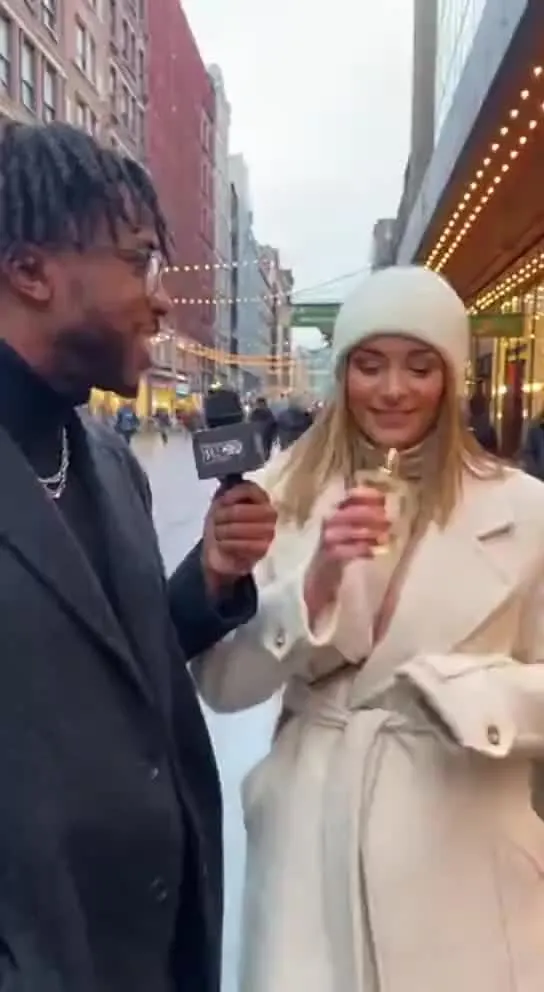
Upload an MP4, MOV or WebM and StoryCut transcribes the speech word by word, then lays out timed subtitles you can edit and style. Export the video with the subtitles burned in, or download them as an SRT file.
Auto Subtitle Generator for Any Video
StoryCut’s AI listens to your video, writes down every word with its timing and turns it into subtitles you can edit. Burn them into the video in a clean or animated style, or download an SRT file.
How to Add Captions on TikTok
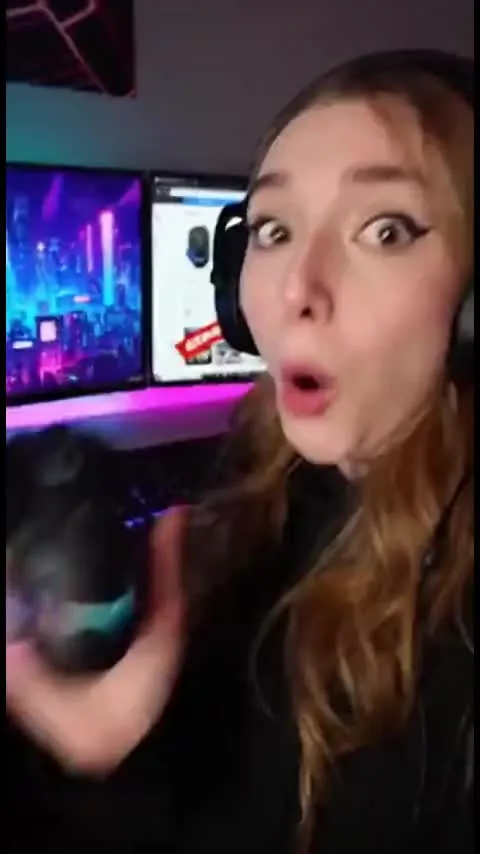
TikTok can caption your video for you, and for many posts that’s enough. When you want bold, animated subtitles that stay on the video wherever it’s posted, StoryCut’s TikTok subtitle generator burns them in. Here are the steps for both.
AI Video Editor for Short-Form Videos
Upload a talking video and the AI writes your captions as soon as the upload finishes. Auto Edit then cuts the silences and adds sound effects, zooms and music in one click, and clean audio, B-roll and eye contact are one click each. No timeline to learn.
Hormozi Style Captions, Generated for You
Bold uppercase words, two or three at a time, the key word in color and a quick pop-in. Upload a video and StoryCut transcribes it and animates the captions in the Hormozi style.
MrBeast Style Captions, Generated for You
Big comic-style words, a thick black outline and keywords that pop in yellow and red. Upload a video and StoryCut transcribes it and animates the captions in the MrBeast style.
AI Eye Contact and Gaze Correction for Recorded Videos
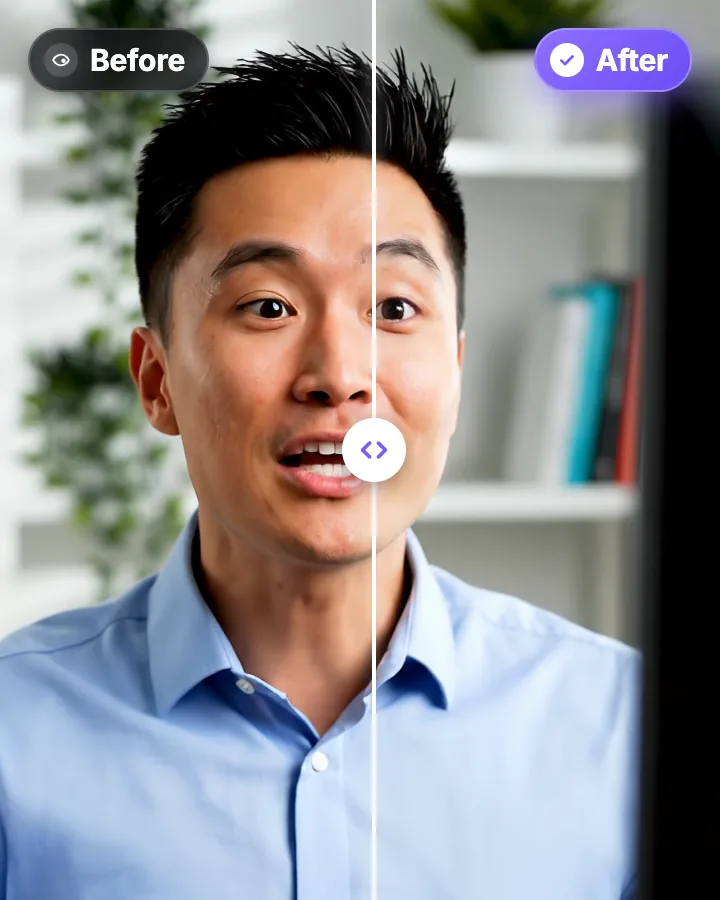
Read a script, checked your notes or watched yourself on screen? Upload the video and the AI points your gaze back at the lens in every frame, keeping your resolution, frame rate and audio. Your first video is free.
Magic Zoom: Auto-Focus on What Matters
The AI reads your transcript, finds the key moments and adds timed zoom-ins. Punchlines hit harder and reveals feel bigger.
51 Transitions That Make Your Cuts Disappear
Overlay transitions that turn choppy cuts into smooth, polished edits. Film burns, glitches, light leaks and more, included in the free plan.
Remove Background Noise from Video with AI
One click isolates your voice and removes background noise and room echo from your video’s audio. Record anywhere, sound clear. Powered by ElevenLabs.
Add Music to Your Video with AI
StoryCut writes a music prompt from your transcript and generates an original background track for your video, or follows your own description. Prefer a song you already have? Upload it. Either way, the music ducks under your voice automatically.
Auto SFX: Add Sound Effects to Your Video Automatically
StoryCut reads your transcript, picks the 4 to 8 words that deserve a sound and places a matching whoosh, pop or ding on each one, timed to the word. No library to dig through, no timeline to drag.
Remove Silences From Your Video Automatically
StoryCut finds every pause longer than half a second between your words, cuts it out of the video and moves your captions to match. One click, and you can switch back to the original at any time.
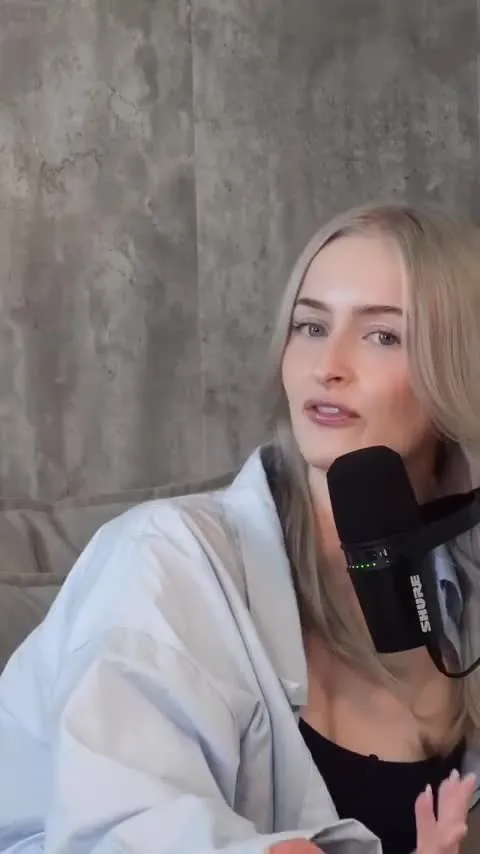
Auto-Edit Your Talking-Head Videos in One Click
For videos you filmed yourself. Once your captions are ready, Auto Edit cuts the silences, places sound effects on your key words, zooms in on the key moments and composes background music. Then you keep or remove each one.
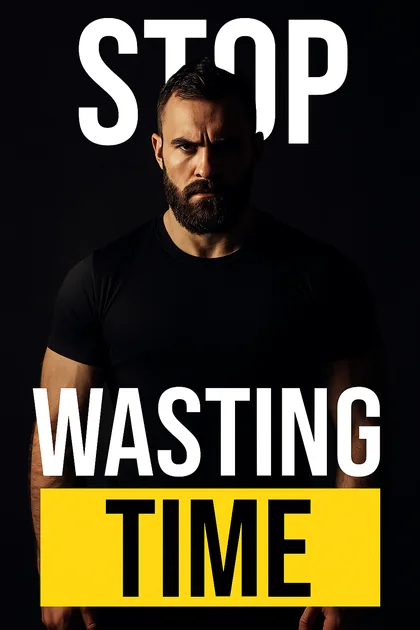
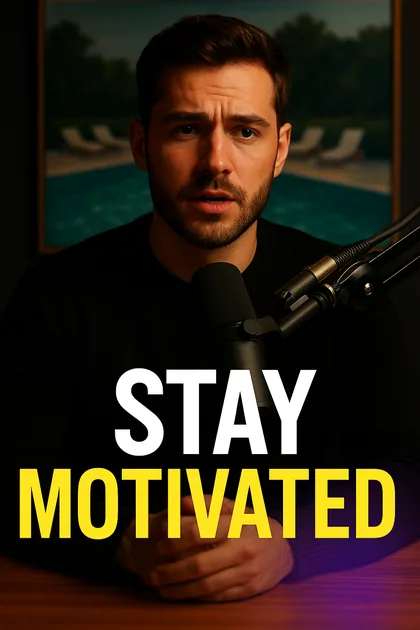
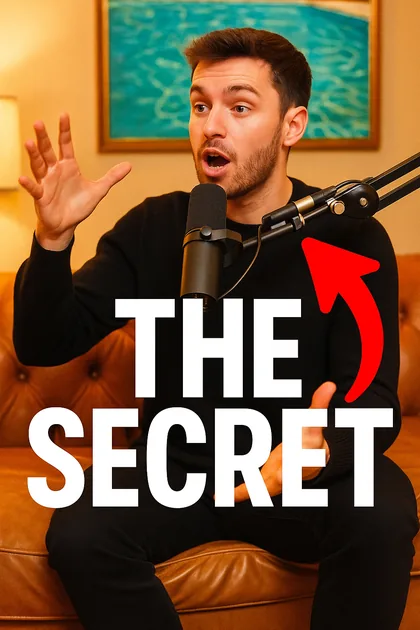
AI Covers and Thumbnails From Your Own Video
StoryCut takes frames from your video and its title and generates a cover image with AI, in one of 6 styles. Add your own instructions if you want something specific.
Keep Every Video On-Brand
Save your colors, fonts and logos once. They show up in the editor’s pickers on every project, so matching your brand takes a click instead of a search.
Caption Styles for Every Kind of Video
Animated, dynamic captions in one click: 26 built-in styles including Hormozi and MrBeast looks, a community library that brings the total to 1,000+ styles, and your own saved styles. Apply any of them and customize everything.
Video Translator: Translate and Dub Your Videos with AI
Translate a video’s captions into 33 languages, English included, or dub the voice too, in a clone of your own voice or a stock male or female voice. Turn it on when you upload, and the translated video opens ready to edit.
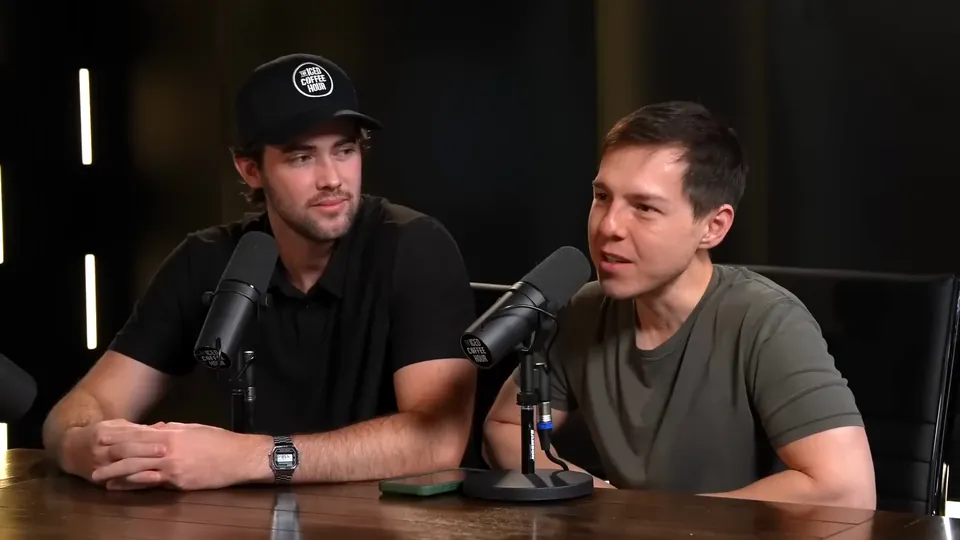
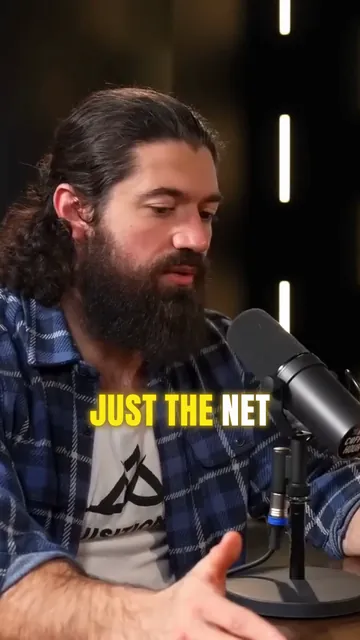
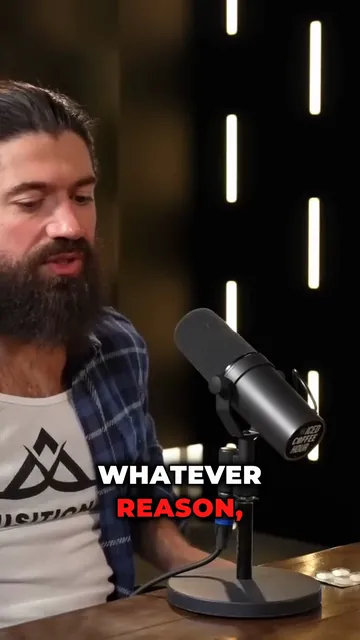
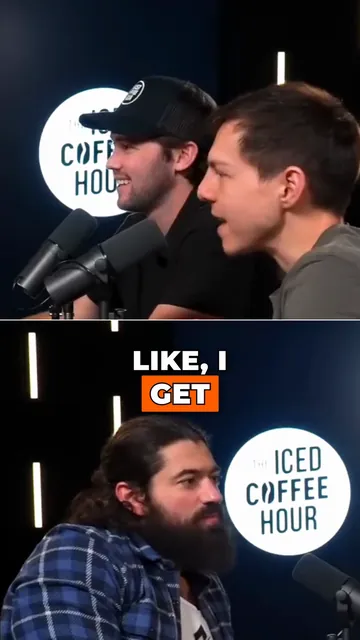
AI Clip Generator: Turn Long Videos Into Shorts
Paste a YouTube link or upload a video from 2 to 150 minutes. The AI reads the transcript, picks 3 to 12 moments, scores each one, reframes it to 9:16 around faces and the active speaker, and adds animated captions.
Turn YouTube Videos Into Shorts with AI
Paste a YouTube link or upload a long video. The AI picks the strongest moments, cuts 3 to 12 short clips, reframes them to 9:16 around the person speaking and adds captions, ready for Shorts, TikTok and Reels.
Ready to Create Viral Content?
Upload your video. Get back a scroll-stopper with viral captions, cinematic transitions, auto zoom, and clean audio. The same tools top creators use to explode views.
- Join 10,000+ creators
- No credit card required


AI video editor for creators who want viral content without the editing grind.
Features
All FeaturesAI CaptionsHormozi CaptionsMrBeast CaptionsAdd Subtitles to VideoSubtitle GeneratorAI Video EditorAI Clip GeneratorYouTube to ShortsEye Contact FixMagic ZoomTransitionsClean AudioAI MusicSound EffectsAI Auto EditRemove SilenceAI ThumbnailsBrand KitsCommunity StylesAI Video TranslatorFree Tools
Video Hook GeneratorTikTok CaptionsInstagram CaptionsYouTube TitlesTikTok HashtagsVideo Script GeneratorAI Video IdeasContent CalendarTikTok TranscriptVideo to TextFree SRT GeneratorSubtitle TranslatorFree TeleprompterWords to MinutesSRT to VTT ConverterTikTok Safe ZoneFree Sound EffectsAll 40 Tools →Use Cases
TikTok CreatorsYouTube ShortsInstagram ReelsPodcastersClippersAgencies & TeamsLinkedIn VideosTeleprompter Eye ContactPremiere Pro Eye ContactDaVinci Resolve Eye ContactFinal Cut Pro Eye ContactLoom Eye Contact