YouTube Shorts Title Generator
Titles That Get Clicks and Views

Turn Your Words Into Viral Videos
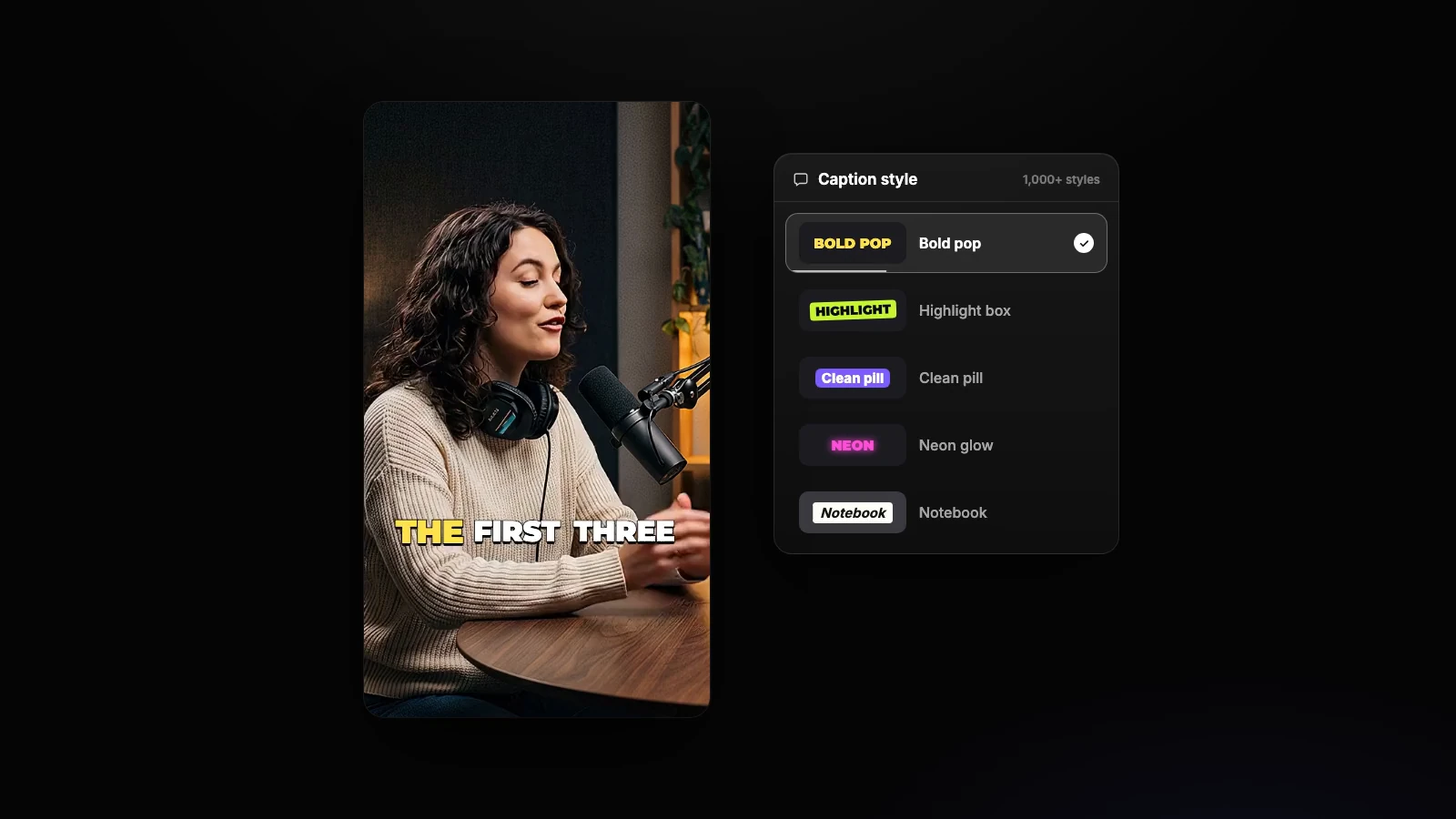
You’ve got the hooks, captions, and ideas. Now bring them to life. StoryCut auto-generates captions with 1,000+ styles, adds zoom effects that match your beats, and drops in transitions—all from a single upload. No editing skills needed.
Why do YouTube Shorts titles matter?
Your title is the first thing viewers see in the Shorts shelf and search results. A strong title signals what your video is about, helps YouTube's algorithm recommend it to the right audience, and convinces viewers to tap on your Short instead of scrolling past.
What makes great captions & titles?
Search Intent Targeting
Titles built around what people actually search on YouTube — not just catchy phrases, but keyword-optimized titles that surface your Shorts in search results alongside the Shorts shelf.
Click-Through Engineered
Every title uses proven power words, numbers, and curiosity formulas that maximize click-through rate. The difference between 100 views and 10K views often comes down to 3 words in the title.
Character-Perfect Length
YouTube truncates titles on mobile at ~60 characters. Every title is optimized for that limit so nothing important gets cut off where 90% of Shorts are consumed.
Algorithm Signal Clarity
Titles that give YouTube’s recommendation engine a crystal-clear signal about your topic and audience — so the algorithm knows exactly who to push your Short to.
You Might Wanna Know...
How long should a YouTube Shorts title be?
Keep titles under 60 characters for optimal display. YouTube truncates longer titles on mobile, which is where most Shorts are consumed.
Do Shorts titles affect the algorithm?
Yes! YouTube uses titles to understand your content and match it with interested viewers. A clear, keyword-rich title helps your Short reach the right audience.
What makes a good Shorts title?
A good Shorts title is specific, includes a power word, creates curiosity, and contains relevant keywords. Our generator balances all four elements.
Should I use hashtags in Shorts titles?
No, hashtags belong in the description, not the title. Keep your title clean and focused on the topic. Our YouTube Shorts Hashtag Generator handles hashtags separately.
Can I use these titles for regular YouTube videos?
These are optimized for the shorter, punchier Shorts format. For long-form videos, titles can be longer and more detailed. But many of these work great for both.
Other Content Creation Tools
Improve your video views and engagement with free online tools saving you time in your content creation process!
You’ve Got the Title Generation.
Now Make the Video.
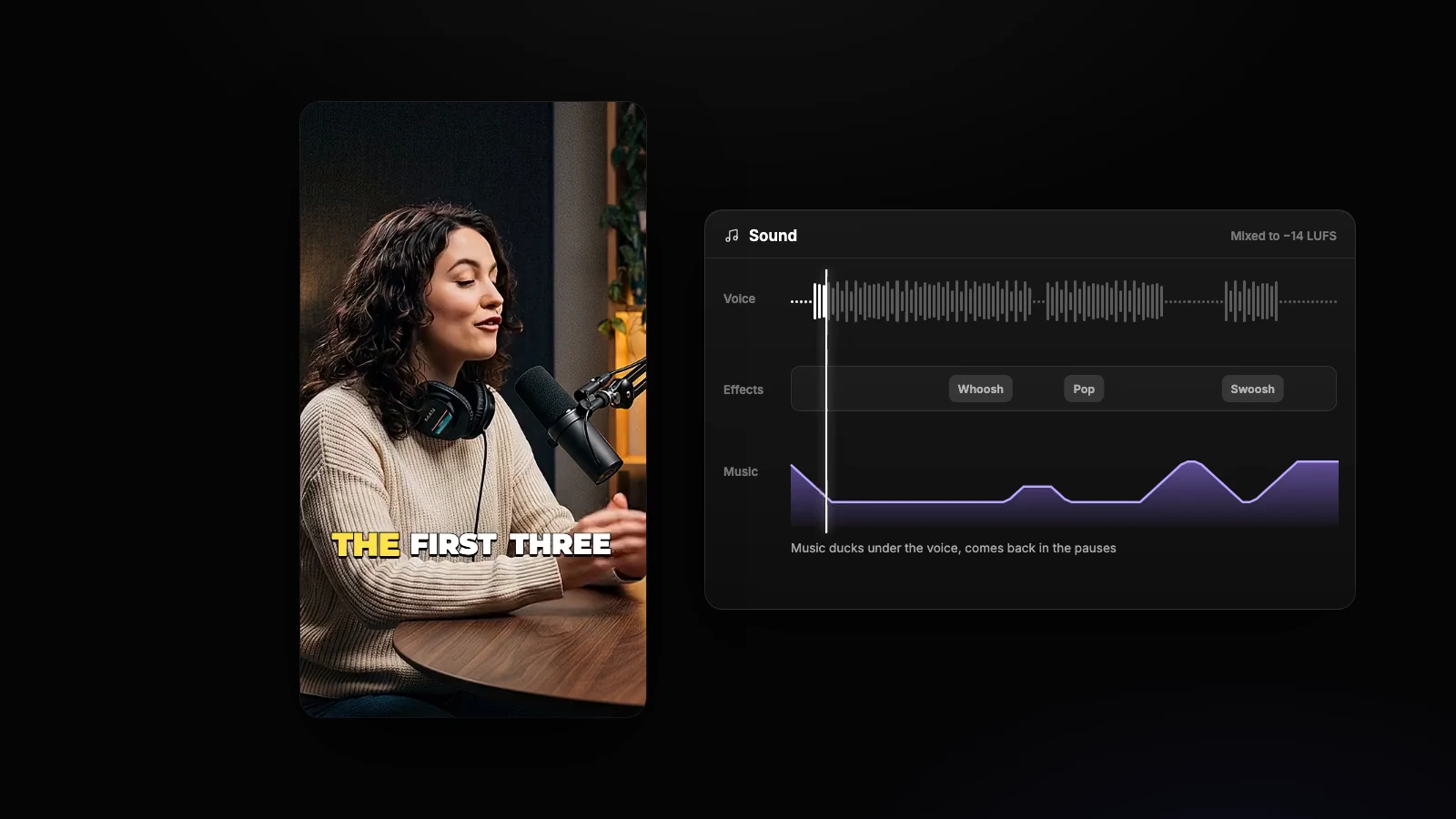
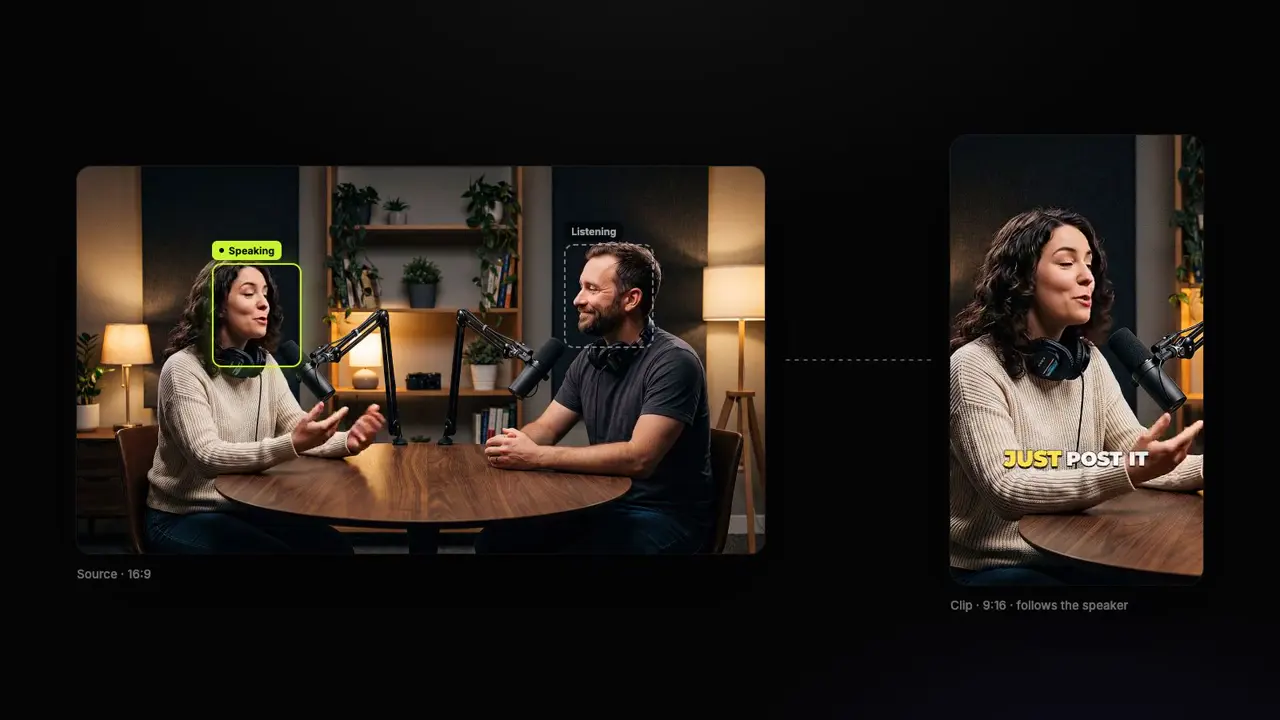
You just used a free tool to generating YouTube Shorts titles. Now imagine dropping a raw video into StoryCut and getting it back fully edited — captions styled to your brand, zoom effects synced to every beat, transitions between scenes, audio cleaned up — all in under 2 minutes.
No timeline. No learning curve. No exporting headaches. Just upload, let the AI work, and post. That’s what 10,000+ creators do every day with StoryCut.
This tool gave you the words. StoryCut gives you the video.
Your Next Viral Video Starts Here
Join 10,000+ creators who save hours every week with AI-powered editing. Upload a video, get a scroll-stopper back.
No credit card required • Free plan, no time limit • Cancel anytime

AI video editor for creators who want viral content without the editing grind.
Features
All FeaturesAI CaptionsHormozi CaptionsMrBeast CaptionsAdd Subtitles to VideoSubtitle GeneratorAI Video EditorAI Clip GeneratorYouTube to ShortsYouTube Auto ImportAI HeadlinesChatGPT & Claude ConnectorVideo Clipping APIEye Contact FixMagic ZoomTransitionsClean AudioAI MusicSound EffectsAI Auto EditEdit StylesAI B-RollGTA 6 Clip MakerTwitch & Kick Clip MakerTwitch Highlight FinderRemove SilenceRemove Filler WordsAI ThumbnailsBrand KitsCommunity StylesAI Video TranslatorFree Tools
Video Hook GeneratorTikTok CaptionsInstagram CaptionsYouTube TitlesTikTok HashtagsVideo Script GeneratorAI Video IdeasContent CalendarTikTok TranscriptVideo to TextFree SRT GeneratorSubtitle TranslatorFree TeleprompterWords to MinutesSRT to VTT ConverterTikTok Safe ZoneFree Sound EffectsAll 40 Tools →Use Cases
TikTok CreatorsYouTube ShortsInstagram ReelsPodcastersClippersGTA RP ClipsGTA 6 Shorts with AIClip GTA 6 with ClaudeAgencies & TeamsLinkedIn VideosTeleprompter Eye ContactPremiere Pro Eye ContactDaVinci Resolve Eye ContactFinal Cut Pro Eye ContactLoom Eye Contact