Remove Background Noise from Video with AI
One click isolates your voice and removes background noise and room echo from your video’s audio. Record anywhere, sound clear. Powered by ElevenLabs.
- Included in Pro (from $14/mo)
Removing background noise in StoryCut: key facts
- Short answer
- Open your video in the StoryCut editor and click Clean Audio. The AI isolates your voice, removes the background noise and puts the cleaned track back on your video. Compare before and after, then export.
- Technology
- ElevenLabs Voice Isolator, an AI model that separates speech from everything else.
- What it removes
- Traffic, fans, air conditioning, crowd chatter, room echo, and music playing in the room.
- Best results
- When your voice is louder than the noise. Very loud backgrounds (construction, concerts) may leave some residual noise.
- Plan
- Pro ($14/mo billed yearly, $19/mo monthly) and Business.
How to Remove Background Noise from a Video
Upload your video to StoryCut, open it in the editor and click Clean Audio. StoryCut sends the audio through ElevenLabs voice isolation, which keeps your voice and removes the rest: traffic, fans, air conditioning, chatter, room echo. When it’s done, toggle between the original and the cleaned audio, then export. Captions, music and sound effects you add stay on their own tracks.
Viewers forgive bad video, rarely bad audio. Background noise and echo make content feel amateur instantly, and fixing them used to mean exporting the audio, cleaning it in a separate audio editor and putting it back on the video. Here it happens in the same editor as your captions.
What Clean Audio Removes
Background Noise
Traffic, crowd chatter, air conditioning, fans, appliances. If it is not your voice, the AI removes it.
Room Echo
Reverb and echo from untreated rooms, bathrooms, hallways. Get a dry, close-mic sound from any space.
Background Music
Music playing in the room is treated as noise and removed, so add your own music after cleaning.
Before / After Toggle
Compare the original and the cleaned audio in the editor before you export.
Audio
One Click. Clear Audio.
Click Clean Audio in the editor, wait a few moments while it processes, then toggle between before and after to hear the difference.
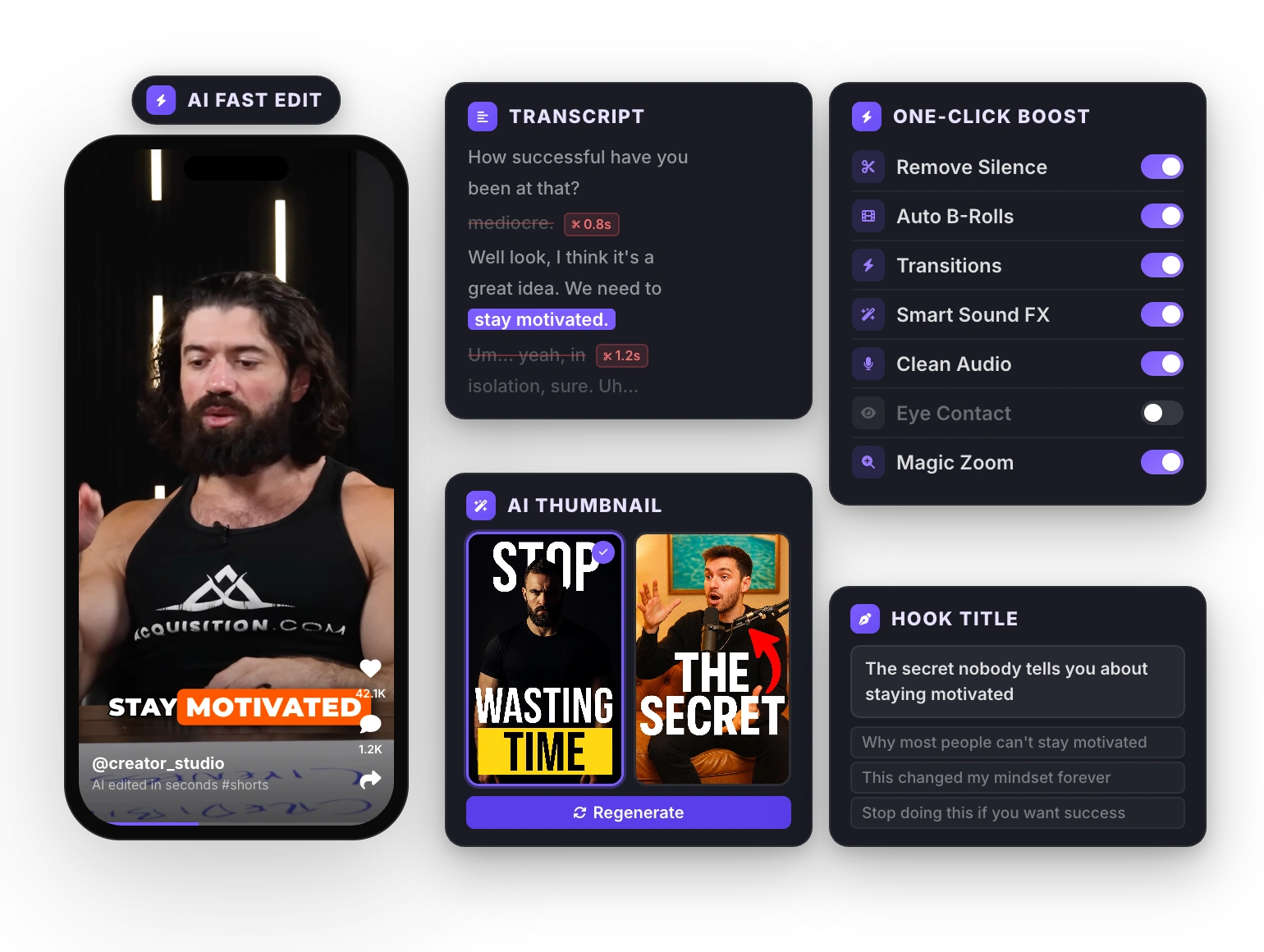
Results
Clean Audio, Higher Retention
Viewers stay longer when audio is clean and professional. Bad audio is the #1 reason people scroll past.
How It Works
How to clean audio in your videos using StoryCut?
StoryCut is the simplest and fastest way to remove background noise with AI.
- 01
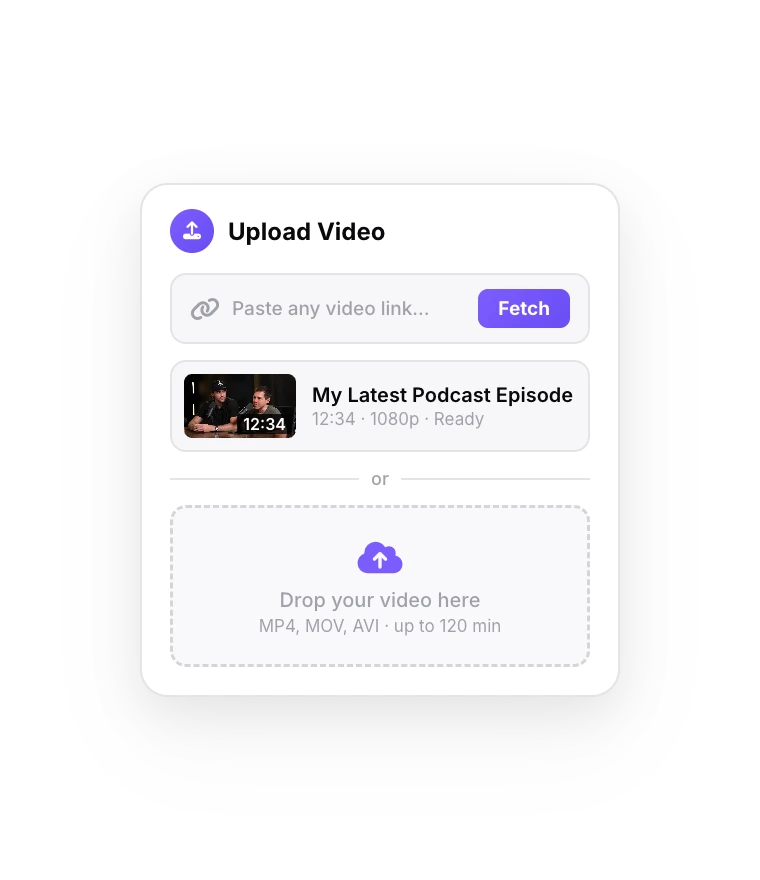
Upload Your Video
Import any video with audio that needs cleaning.
- 02
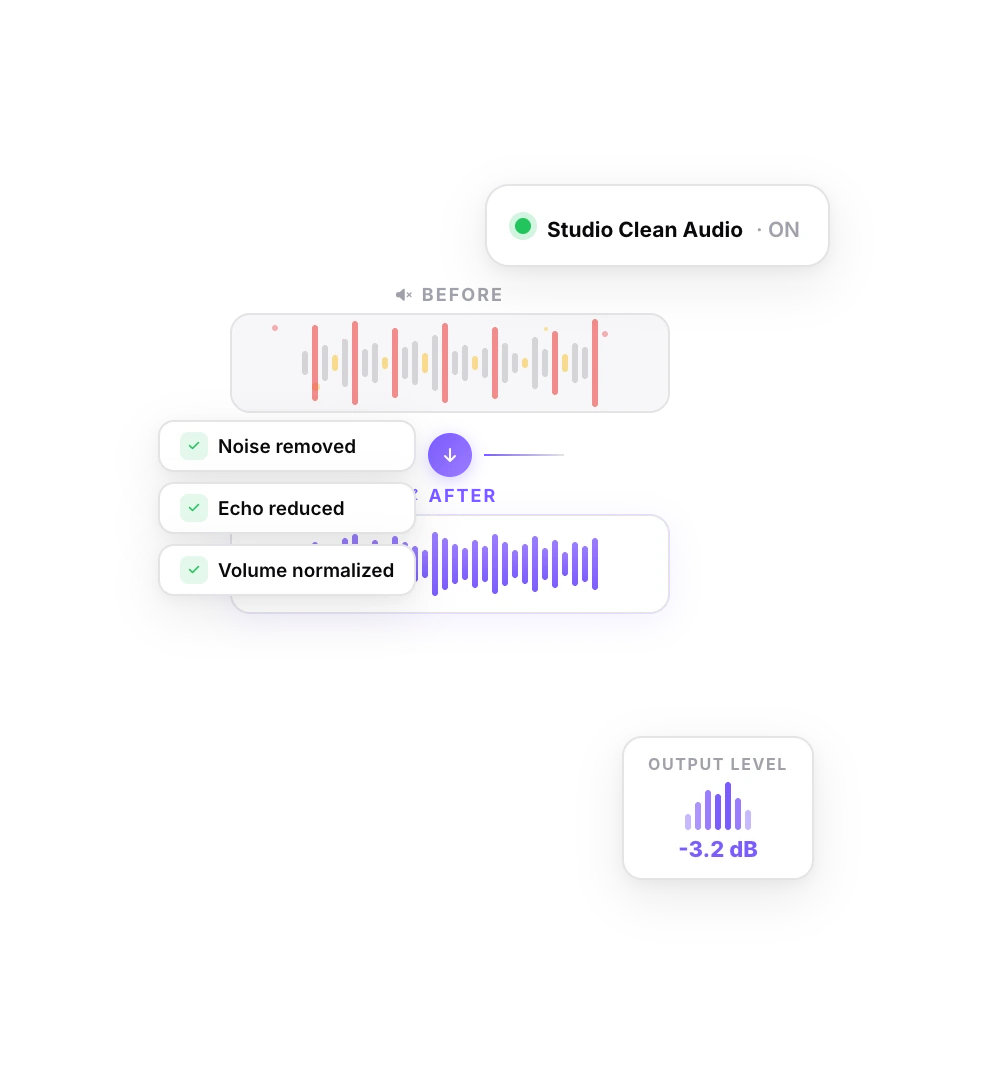
Click Clean Audio
The AI processes your audio track and removes background noise. Compare before and after.
- 03
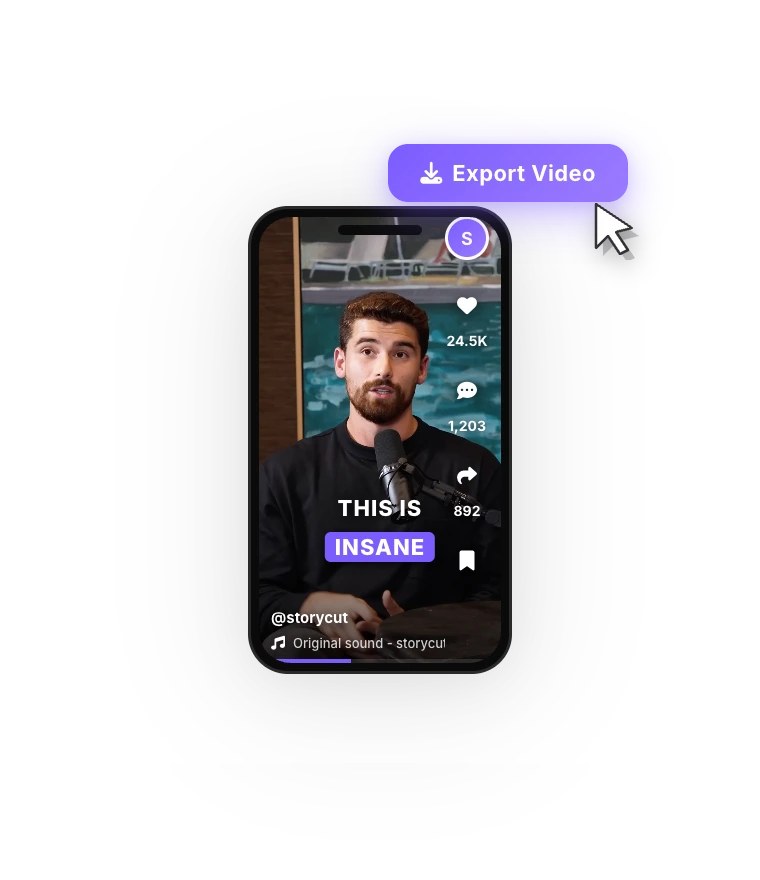
Export Your Video
Download your finished video with studio-clean audio, ready to post on any platform.
FAQ
Frequently Asked Questions
Sound Professional on Every Video
Upload your video. Get back a scroll-stopper with viral captions, cinematic transitions, auto zoom, and clean audio. The same tools top creators use to explode views.
One click removes background noise and echo. Record from your bedroom, car or a coffee shop and still sound clear.
- Join 10,000+ creators
- No credit card required

You Might Also Like

Add Animated Captions to Any Video
Upload a video and StoryCut adds animated, word-level captions automatically, with 99.5% accuracy across 50+ languages. Pick a style, fix any word, export. No editing skills needed.
Add Music to Your Video with AI
StoryCut writes a music prompt from your transcript and generates an original background track for your video, or follows your own description. Prefer a song you already have? Upload it. Either way, the music ducks under your voice automatically.
Auto SFX: Add Sound Effects to Your Video Automatically
StoryCut reads your transcript, picks the 4 to 8 words that deserve a sound and places a matching whoosh, pop or ding on each one, timed to the word. No library to dig through, no timeline to drag.

AI video editor for creators who want viral content without the editing grind.
Features
All FeaturesAI CaptionsHormozi CaptionsMrBeast CaptionsAdd Subtitles to VideoSubtitle GeneratorAI Video EditorAI Clip GeneratorYouTube to ShortsEye Contact FixMagic ZoomTransitionsClean AudioAI MusicSound EffectsAI Auto EditRemove SilenceAI ThumbnailsBrand KitsCommunity StylesAI Video TranslatorFree Tools
Video Hook GeneratorTikTok CaptionsInstagram CaptionsYouTube TitlesTikTok HashtagsVideo Script GeneratorAI Video IdeasContent CalendarTikTok TranscriptVideo to TextFree SRT GeneratorSubtitle TranslatorFree TeleprompterWords to MinutesSRT to VTT ConverterTikTok Safe ZoneFree Sound EffectsAll 40 Tools →Use Cases
TikTok CreatorsYouTube ShortsInstagram ReelsPodcastersClippersAgencies & TeamsLinkedIn VideosTeleprompter Eye ContactPremiere Pro Eye ContactDaVinci Resolve Eye ContactFinal Cut Pro Eye ContactLoom Eye Contact