Instagram Reels That Look Like Your Brand
AI captions in bold or clean styles, your colors, fonts and logos one click away in a brand kit (Pro), and an AI cover for each Reel. Export 9:16 for Reels, or 4:5 and 1:1 for the feed.
- Included in the free plan
- No credit card required
StoryCut for Instagram Reels: key facts
- What it does
- Captions your Reel automatically after upload, then lets you style it with your brand kit, add transitions, music and an AI cover, and download it for Instagram.
- Brand kit
- Save your colors, fonts and logos and pick the kit in any project. Pro includes 1 kit, Business unlimited. Kits are attached per project, not applied automatically.
- Formats
- 9:16 for Reels, plus 4:5, 1:1 and 16:9. MP4 export.
- Price
- Free: 720p with a watermark, videos up to 4 min. Starter: $7/mo billed yearly, 1080p, no watermark. Pro: $14/mo billed yearly, adds the brand kit, custom fonts, presets, AI cover and AI music.
- Not included
- No posting or scheduling to Instagram, and no carousel editor.
A consistent look takes setup, not hours
A recognizable style helps people spot your Reels in a busy feed. In StoryCut you set it up once: a caption style, a brand kit with your colors, fonts and logos, and a preset with your usual settings. For each new Reel, pick the style and the kit, and spend your time on the content instead of rebuilding the look.
What Instagram creators use StoryCut for
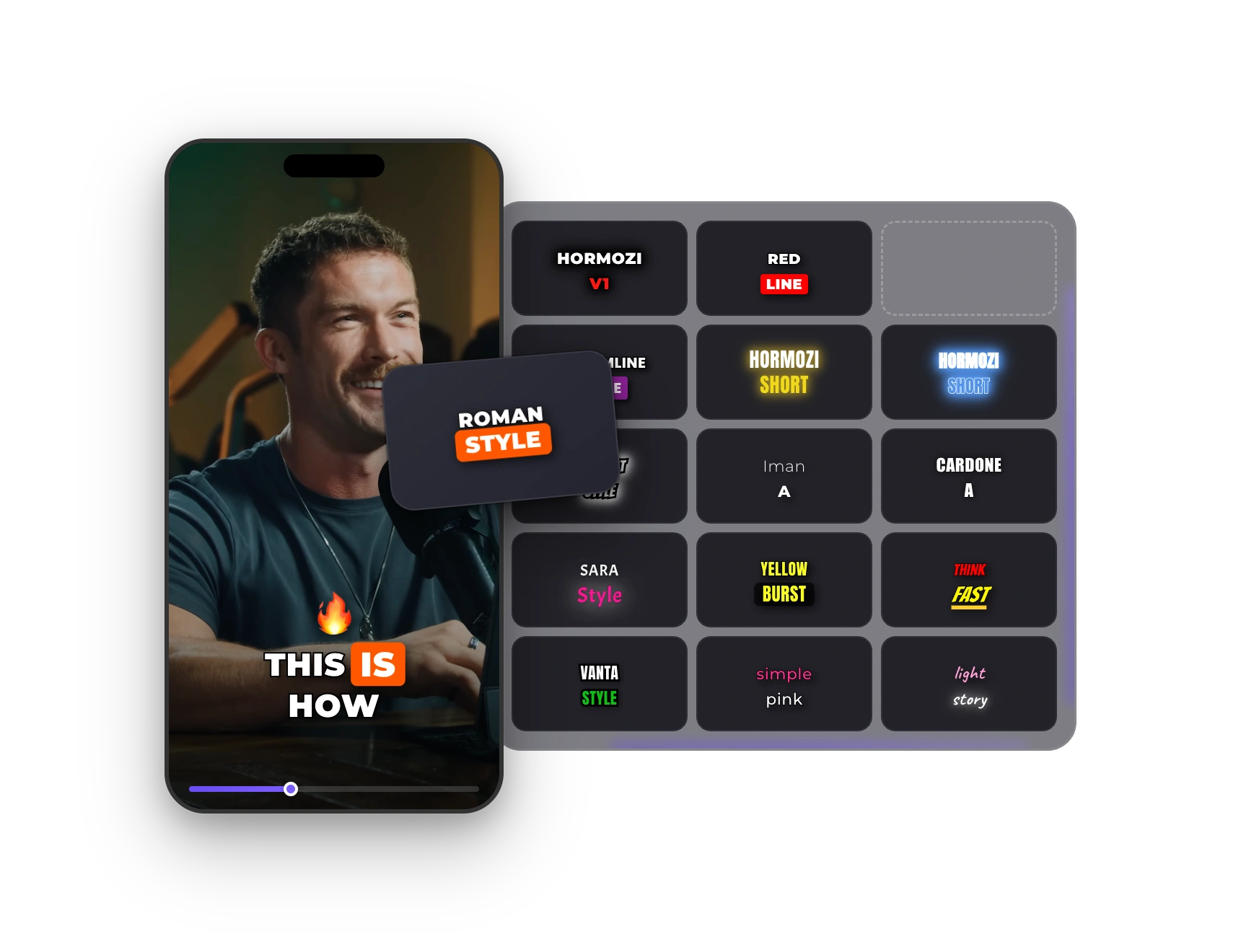
Captions in your style
26 built-in styles, from bold (Hormozi, MrBeast) to cleaner ones like Light Story or Simple Pink. Change font, colors and position, and save it as your own style on any plan.
Brand kit (Pro)
Keep your colors, fonts and logos in one kit. Your colors show up as swatches wherever you pick a color, and logos drop onto any video in a click.
AI cover (Pro)
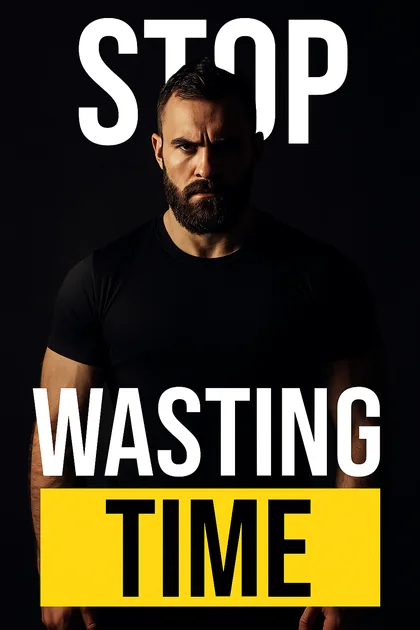
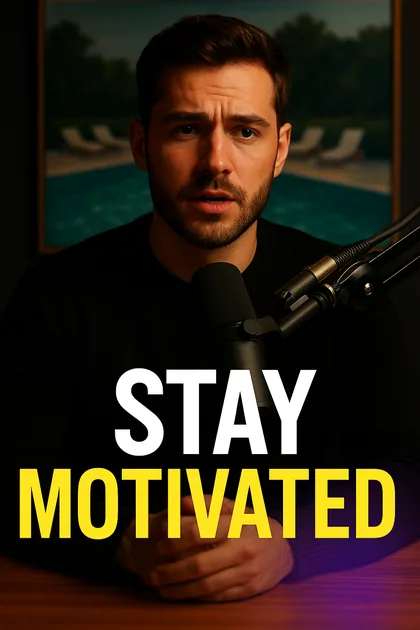
An image model creates a portrait, square or landscape cover from frames of your video and your title, in 6 styles. Download it or place it as the first frame.
51 transitions (all plans)
Film, light leak, glass, scribble, glitch, pixel and slide transitions, placed by AI where your scenes change. Swap or remove any of them, or lower its opacity.
Captions That Fit Your Feed
Pick a calm style for lifestyle content or a bold one for tips and talking videos. Use your own font (Pro), your brand colors and your logo, then save the whole setup as a preset (Pro) for the next Reel.
How It Works
Your Instagram Reels Workflow
- 01
Upload your clip
Upload your Reel. Captions start generating as soon as the upload finishes.
- 02
Apply your look
Pick your caption style and brand kit, or apply a saved preset (Pro). Add transitions, and music or sound effects on Pro.
- 03
Export with a cover
Download the Reel as a 9:16 MP4, plus an AI cover image on Pro, and post it from Instagram.
FAQ
Frequently Asked Questions
Make Your Next Reel On-Brand
Upload your video. Get back a scroll-stopper with viral captions, cinematic transitions, auto zoom, and clean audio. The same tools top creators use to explode views.
Upload, pick your caption style and brand kit, export. Free plan, no credit card.
- Join 10,000+ creators
- No credit card required

You Might Also Like
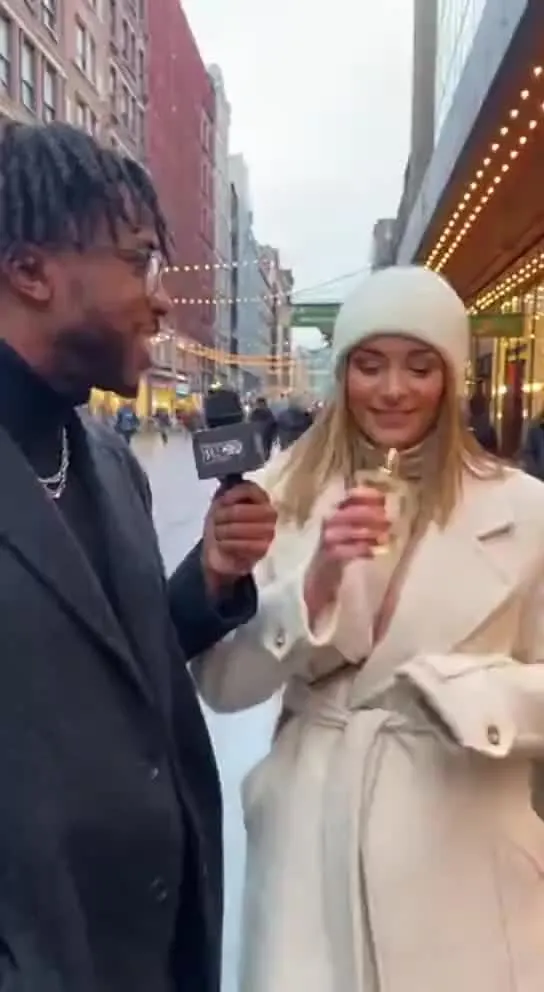
Keep Every Video On-Brand
Save your colors, fonts and logos once. They show up in the editor’s pickers on every project, so matching your brand takes a click instead of a search.
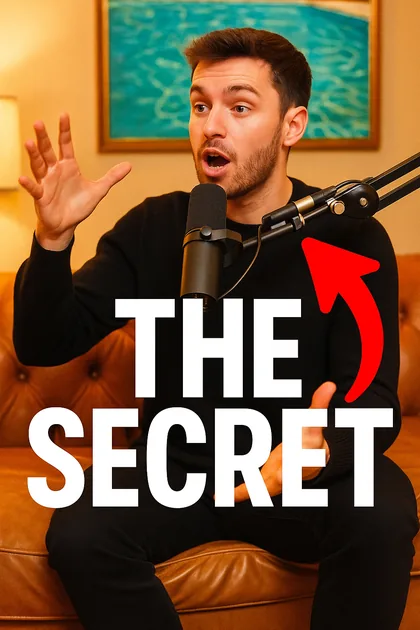
AI Covers and Thumbnails From Your Own Video
StoryCut takes frames from your video and its title and generates a cover image with AI, in one of 6 styles. Add your own instructions if you want something specific.

Add Animated Captions to Any Video
Upload a video and StoryCut adds animated, word-level captions automatically, with 99.5% accuracy across 50+ languages. Pick a style, fix any word, export. No editing skills needed.

AI video editor for creators who want viral content without the editing grind.
Features
All FeaturesAI CaptionsHormozi CaptionsMrBeast CaptionsAdd Subtitles to VideoSubtitle GeneratorAI Video EditorAI Clip GeneratorYouTube to ShortsEye Contact FixMagic ZoomTransitionsClean AudioAI MusicSound EffectsAI Auto EditRemove SilenceAI ThumbnailsBrand KitsCommunity StylesAI Video TranslatorFree Tools
Video Hook GeneratorTikTok CaptionsInstagram CaptionsYouTube TitlesTikTok HashtagsVideo Script GeneratorAI Video IdeasContent CalendarTikTok TranscriptVideo to TextFree SRT GeneratorSubtitle TranslatorFree TeleprompterWords to MinutesSRT to VTT ConverterTikTok Safe ZoneFree Sound EffectsAll 40 Tools →Use Cases
TikTok CreatorsYouTube ShortsInstagram ReelsPodcastersClippersAgencies & TeamsLinkedIn VideosTeleprompter Eye ContactPremiere Pro Eye ContactDaVinci Resolve Eye ContactFinal Cut Pro Eye ContactLoom Eye Contact