Built for Every Kind of Creator
Whether you make TikToks, YouTube Shorts, Reels, or podcast clips — StoryCut fits your workflow.
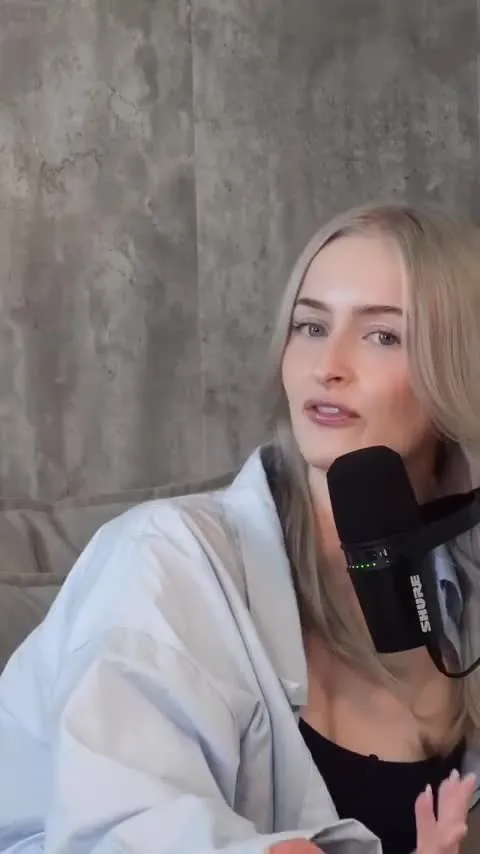
The TikTok Video Editor That Does Your Captions for You
A TikTok video editor that runs in your browser. Upload a talking video and word-by-word captions start on their own. Pick one of 26 styles, add zoom, sound effects and music in one click each (Pro), and download a 9:16 MP4 ready for TikTok.
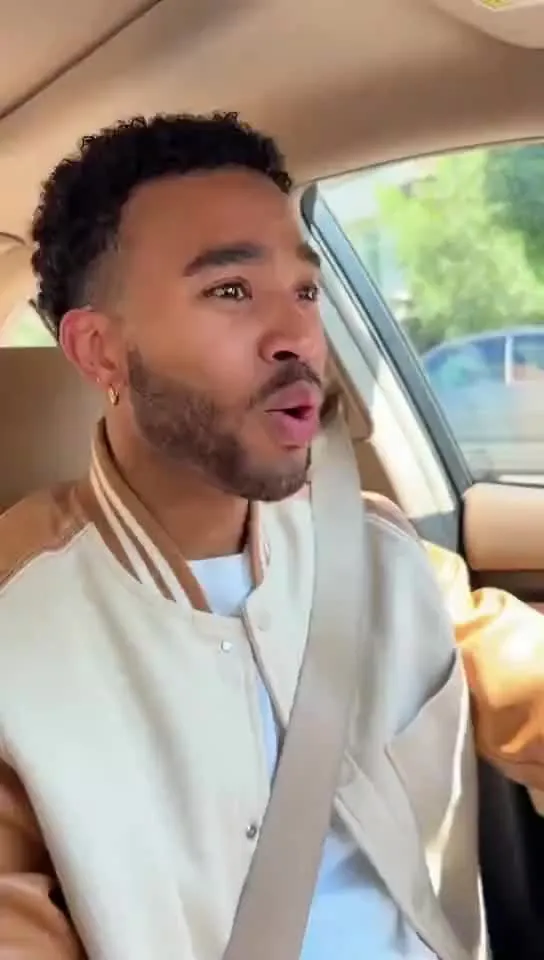
Edit YouTube Shorts, or Cut Them From Your Long Videos
Caption a Short you filmed, or paste the link to a long YouTube video and let AI clips pick up to 12 moments, reframed to 9:16 with captions. Clean audio, zoom and an AI cover are one click each on Pro.
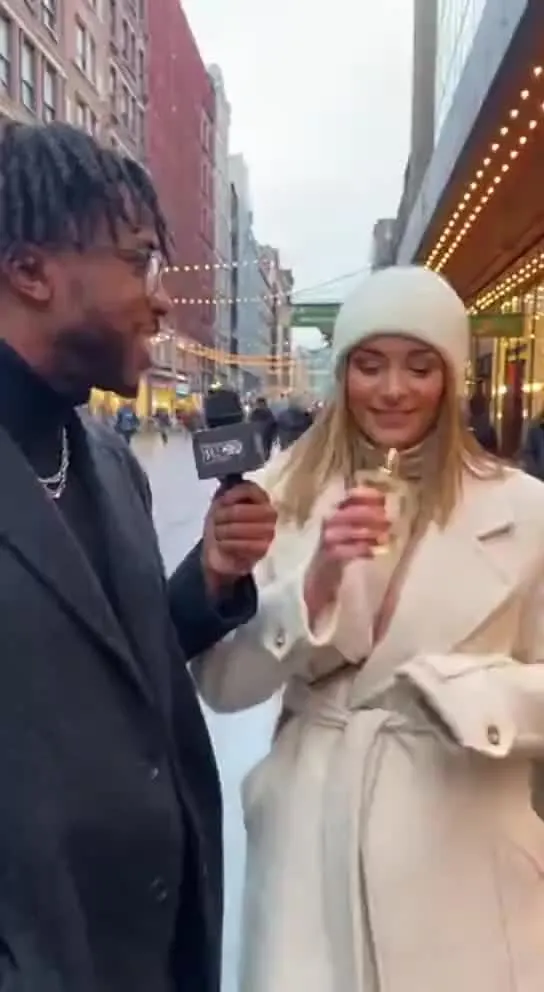
Instagram Reels That Look Like Your Brand
AI captions in bold or clean styles, your colors, fonts and logos one click away in a brand kit (Pro), and an AI cover for each Reel. Export 9:16 for Reels, or 4:5 and 1:1 for the feed.
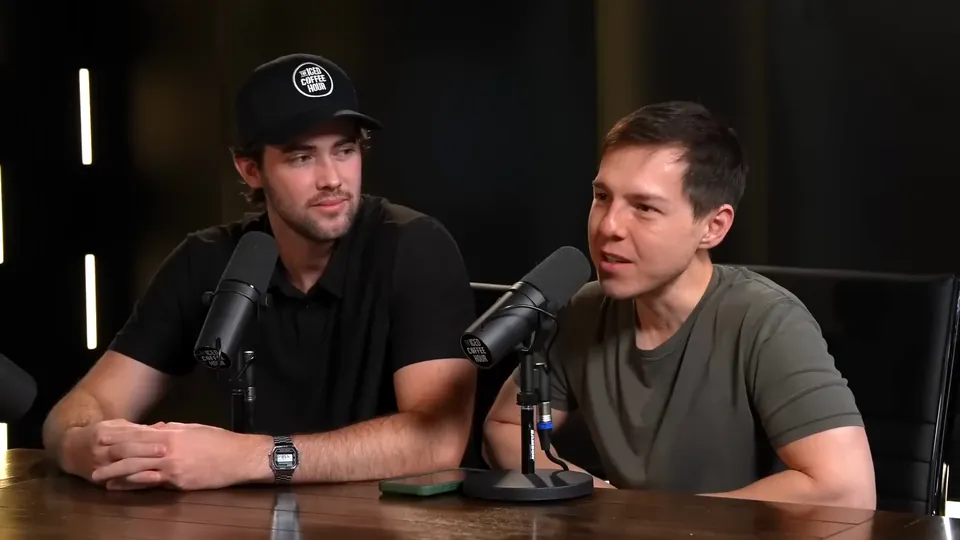
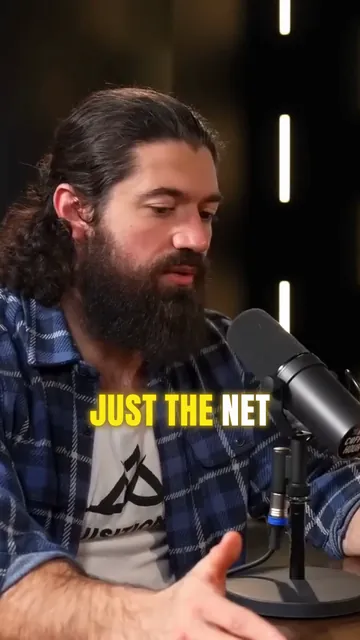
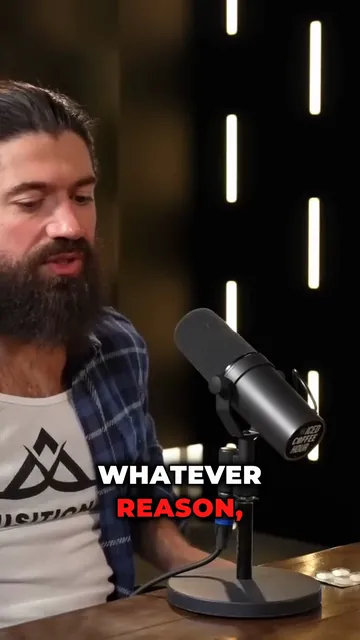
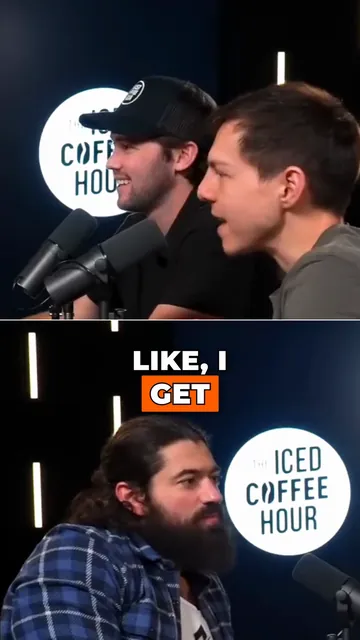
Turn a Podcast Episode Into Up to 12 Short Clips
Upload the full episode or paste its YouTube link. AI clips reads the transcript, picks the strongest moments, reframes them to 9:16 around whoever is speaking and adds captions. Then polish each clip in the editor.
The AI Clipping Tool for Clippers
Paste a YouTube link or upload a stream VOD or podcast. StoryCut finds the moments worth posting, cuts them to 9:16 around whoever is speaking and adds captions, so you spend your time posting clips instead of scrubbing footage.
Short-Form Video Editing for Agencies and Teams
One workspace for your editors and your clients’ brands: 5 team members, unlimited brand kits, presets for each client’s look, and AI captions on every upload. Business plan, $39/mo billed yearly.
Captions for LinkedIn Videos That Play on Mute
LinkedIn can autoplay videos without sound in the feed. Burned-in captions carry your message anyway, in your brand’s fonts and colors. Here are LinkedIn’s video specs, how its own auto captions compare, and how to caption a talking-head video for LinkedIn with StoryCut.
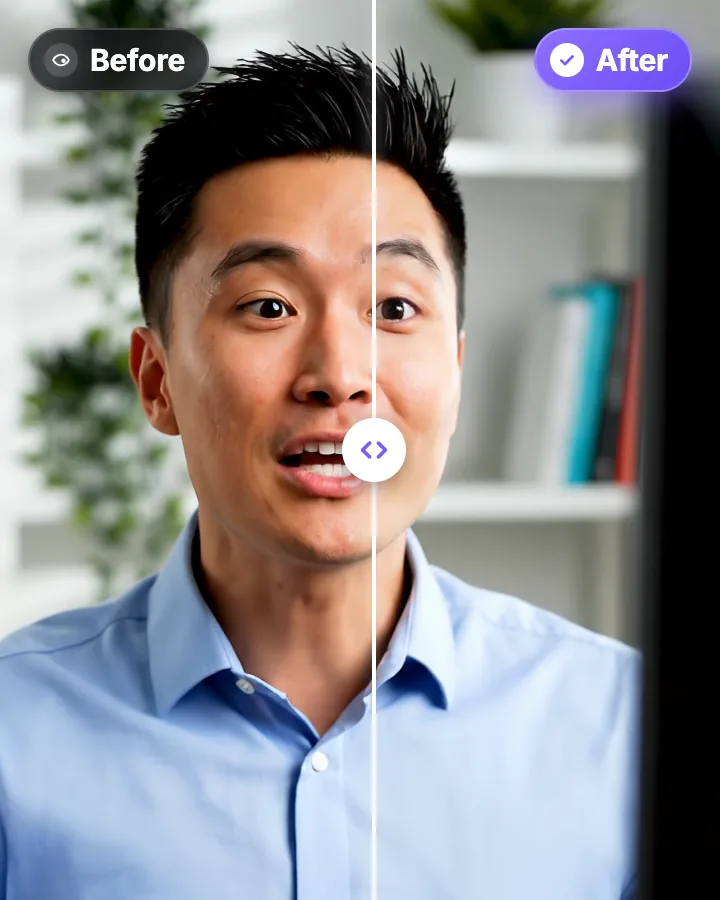
Teleprompter Eye Contact: Read a Script and Still Look at the Lens
A teleprompter puts your script in front of the lens, yet viewers can still see your eyes scan each line. Here is how wide to set the text, how far to sit, and what to do when the take is already recorded.
Fix Eye Contact in Premiere Pro Footage, No Plugin Needed
Premiere Pro has no built-in eye contact correction. The workaround: correct the talking-head clip outside Premiere, then swap it back in. The corrected file keeps the same length, frame rate and audio, so your cuts stay where they are.
Fix Eye Contact in DaVinci Resolve Footage, Free or Studio, No Plugin
DaVinci Resolve has no gaze correction, in the free version or in Studio. The workaround: correct the talking-head clip outside Resolve, then swap it back into your edit. The corrected file keeps the same length, frame rate and audio, so your cuts stay where they are.
Fix Eye Contact in Final Cut Pro and iMovie Footage on a Mac
Final Cut Pro and iMovie have no gaze correction, and NVIDIA Broadcast, the free live option, is Windows-only. On a Mac, correct the talking-head clip in Safari or Chrome, then bring it back into your project. The corrected file keeps the same length, frame rate and audio.
Does Loom Have Eye Contact Correction? How to Fix Your Gaze in a Loom Recording
Loom’s AI can remove filler words and silences, but it can’t make you look at the camera. If you read notes or a script during a Loom, you can correct the video file afterwards, as long as your plan lets you download it. Checked on Loom’s pages on October 9, 2026. StoryCut is our product.
Ready to Create Viral Content?
Upload your video. Get back a scroll-stopper with viral captions, cinematic transitions, auto zoom, and clean audio. The same tools top creators use to explode views.
- Join 10,000+ creators
- No credit card required


AI video editor for creators who want viral content without the editing grind.
Features
All FeaturesAI CaptionsHormozi CaptionsMrBeast CaptionsAdd Subtitles to VideoSubtitle GeneratorAI Video EditorAI Clip GeneratorYouTube to ShortsEye Contact FixMagic ZoomTransitionsClean AudioAI MusicSound EffectsAI Auto EditRemove SilenceAI ThumbnailsBrand KitsCommunity StylesAI Video TranslatorFree Tools
Video Hook GeneratorTikTok CaptionsInstagram CaptionsYouTube TitlesTikTok HashtagsVideo Script GeneratorAI Video IdeasContent CalendarTikTok TranscriptVideo to TextFree SRT GeneratorSubtitle TranslatorFree TeleprompterWords to MinutesSRT to VTT ConverterTikTok Safe ZoneFree Sound EffectsAll 40 Tools →Use Cases
TikTok CreatorsYouTube ShortsInstagram ReelsPodcastersClippersAgencies & TeamsLinkedIn VideosTeleprompter Eye ContactPremiere Pro Eye ContactDaVinci Resolve Eye ContactFinal Cut Pro Eye ContactLoom Eye Contact