NVIDIA Eye Contact for Videos You Already Recorded
NVIDIA Broadcast corrects your gaze live, on a Windows PC with an RTX graphics card. If you have a recorded video, a Mac or no RTX GPU, StoryCut runs NVIDIA’s Maxine Eye Contact model on the file, in its cloud. StoryCut is not affiliated with or endorsed by NVIDIA.
- 1 free video up to 4 min
- Mac, Windows or phone
- No GPU needed
NVIDIA eye contact: the short answer
- Does Broadcast fix a recording?
- No. NVIDIA Broadcast applies Eye Contact to your webcam feed in real time, as a virtual camera that apps such as Zoom, Teams or OBS pick up. It doesn’t open video files.
- What Broadcast needs
- Windows and an NVIDIA GeForce RTX 2060, Quadro RTX 3000, TITAN RTX or higher, per NVIDIA. There is no Mac version.
- For recorded video
- StoryCut runs NVIDIA’s Maxine Eye Contact model (the official NVIDIA NIM) on videos you upload, from any browser on a Mac, a Windows PC, a Chromebook or a phone. No graphics card needed on your side.
- Maxine for developers
- NVIDIA offers Maxine Eye Contact to developers as an API and a container on build.nvidia.com. Using it directly means writing code against the API or hosting the container on your own NVIDIA GPU.
- Price
- 1 free video up to 4 minutes, then 5 videos for $9 one-time (up to 10 minutes each), or Pro with 10 a month at $14/mo billed yearly.
NVIDIA Broadcast vs StoryCut for eye contact
| What you need to know | NVIDIA Broadcast |  StoryCut StoryCut |
|---|---|---|
| Works on | A live webcam feed | Recorded video files |
| Mac | NoWindows only | Yesin Safari or Chrome |
| Graphics card | NVIDIA RTX 2060 or better | None, it runs in StoryCut’s cloud |
| Phone or Chromebook | No | Yesin the browser |
| Model | NVIDIA’s Eye Contact effect, on your GPU | NVIDIA Maxine Eye Contact, in the cloud |
| Price | Free app | 1 free video, then $9 for 5 or Pro |
| Length | As long as you are live | 4 min free, 10 min pack and Pro, 30 min Business |
| Output | A corrected camera feed in your call or recording app | H.264 MP4 at the original resolution (up to 4K), frame rate and audio |
| Best for | Calls, streams and live recording on an RTX PC | Videos already recorded, on any computer or phone |
Checked on October 8, 2026 from each product’s public pages. Sources: NVIDIA Broadcast, NVIDIA Maxine Eye Contact, StoryCut pricing.
Why NVIDIA Broadcast can’t fix a pre-recorded video
Broadcast sits between your webcam and the apps that use it. It takes each frame from the camera, corrects the gaze on your RTX GPU and hands the result to Zoom, Teams or OBS as a virtual camera. There is no Open File button, because the effect is built for live video.
Workarounds exist, such as feeding a video into Broadcast through a virtual camera and recording the output, but they play in real time, still need the RTX PC, and leave you to re-sync the audio. A file-based tool processes the recording directly and hands back a file with the audio already in place.
NVIDIA eye contact on a Mac
NVIDIA Broadcast has no macOS version, and current Macs don’t use NVIDIA graphics cards, so there is no way to run it locally. On a Mac, upload the recording to StoryCut in Safari or Chrome: the Maxine Eye Contact model runs on NVIDIA GPUs in StoryCut’s cloud, not on your Mac, and you download a corrected MP4 with the same resolution, frame rate and audio.
The same goes for a Windows laptop without an RTX card, a Chromebook, or a video you filmed on your phone: if it is a file, it can be corrected in the browser.
Live eye contact on Windows and in OBS: what each option needs
| Option | What it needs | Live calls and streams | Recorded video files |
|---|---|---|---|
| NVIDIA Broadcast | Windows and an NVIDIA RTX 2060, Quadro RTX 3000, TITAN RTX or better | Yesas a virtual camera | No |
| Windows Studio Effects, standard eye contact | A Windows PC with an NPU (neural processing unit), mainly Copilot+ PCs | Yeson video calls | No |
| Windows Studio Effects, Teleprompter mode | A Snapdragon Copilot+ PC | Yeson video calls | No |
| OBS Studio | Noeye contact filter of its own; add the NVIDIA Broadcast camera as a source (Windows, RTX GPU) | Yesthrough NVIDIA Broadcast | No |
| StoryCut | Any browser: Mac, Windows, Chromebook or phone | No | Yes1 free video, then $9 for 5 or Pro |
Checked on October 9, 2026 from each product’s public pages. Sources: NVIDIA Broadcast, NVIDIA Broadcast setup guide (OBS Studio), Microsoft: Windows Studio Effects, OBS Studio 32.0 release notes, StoryCut pricing.
How It Works
How to apply NVIDIA’s eye contact model to a recorded video
In any browser, no GPU and no code.
- 01
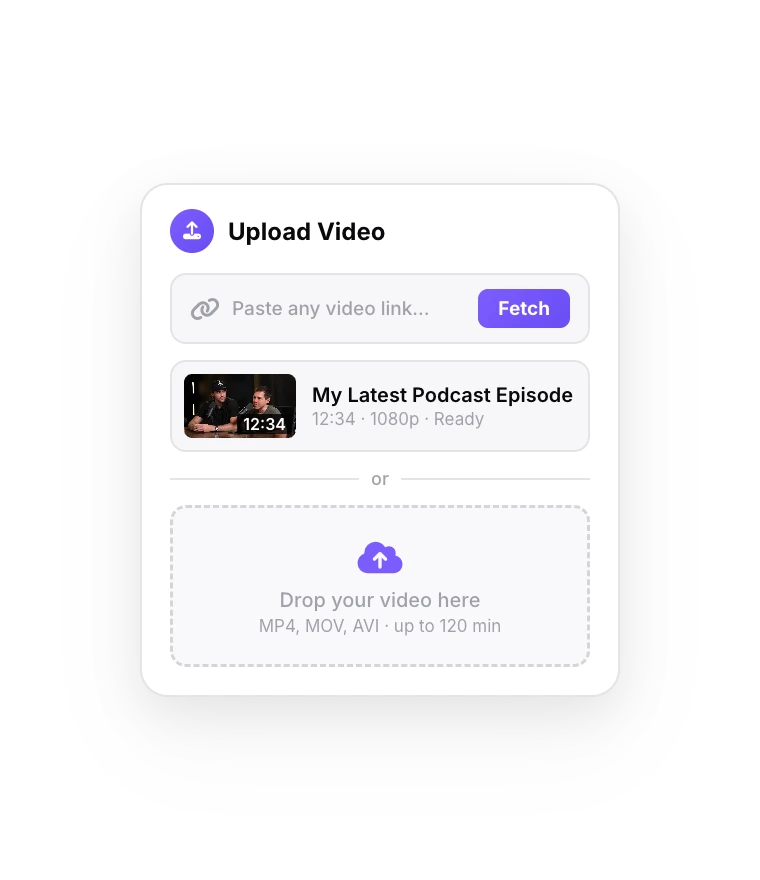
Upload the recording
Sign up free and drop in the MP4, MOV, AVI, MKV or WebM file: a webcam recording, a phone video or a camera clip.
- 02
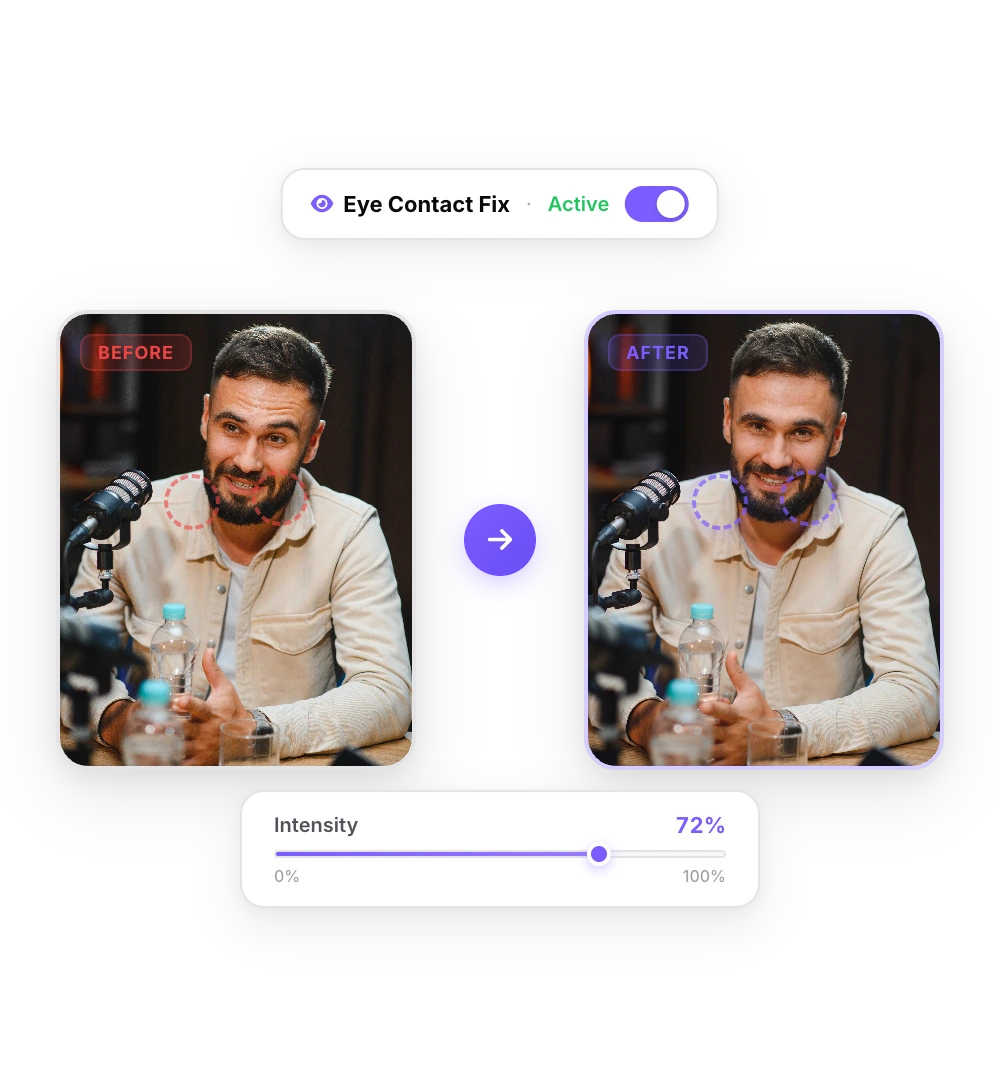
Maxine corrects the gaze
NVIDIA’s Maxine Eye Contact model points your eyes at the lens in every frame. A short video takes a minute or two.
- 03
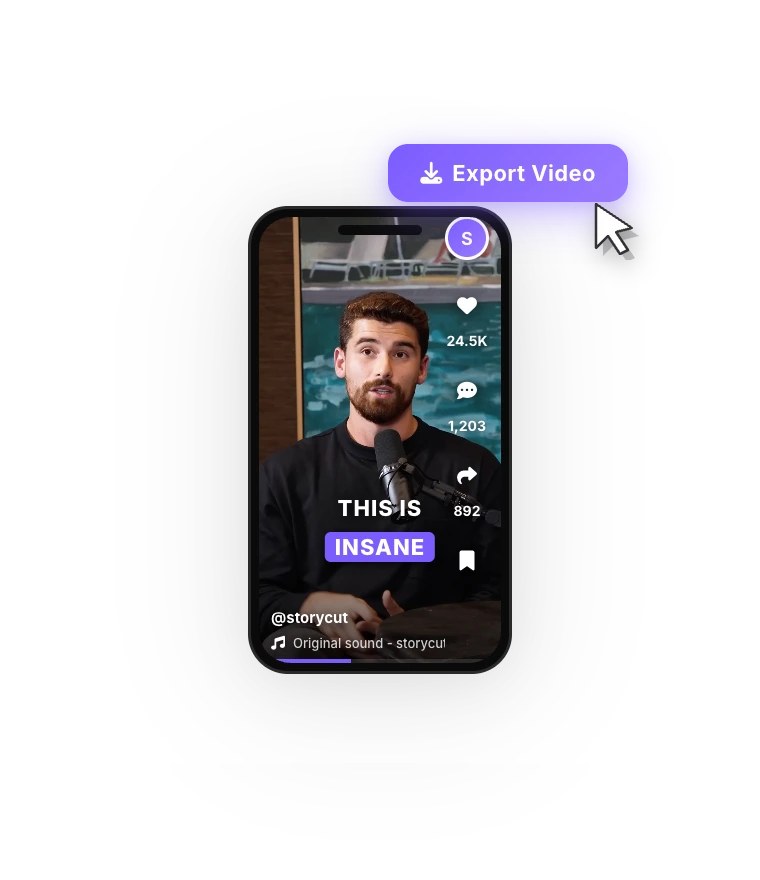
Download the MP4
Compare before and after, then download the corrected video at its original resolution, with its audio.
More on eye contact correction
 Descript eye contact: price and limitsRead
 Captions eye contact on web and AndroidReadFix eye contact in Premiere Pro footageRead
 CapCut eye contact on PC, Mac and webReadFix eye contact in DaVinci Resolve footageReadFix eye contact in Final Cut Pro and iMovieReadDoes Canva have eye contact correction?ReadLoom eye contactReadBIGVU pricing and AI eye contactReadRiverside eye contact: what it can’t fixReadVEED eye contact: price and limitsReadKapwing eye contact: credits and cost per minuteRead
 Submagic pricing and AI eye contactReadElgato Prompter alternativeRead
FAQ
Frequently Asked Questions
Correct a Recorded Video in Your Browser
Upload your video. Get back a scroll-stopper with viral captions, cinematic transitions, auto zoom, and clean audio. The same tools top creators use to explode views.
NVIDIA’s Maxine Eye Contact model, no GPU, no Windows. 1 free video, no credit card.
- Join 10,000+ creators
- No credit card required

You Might Also Like
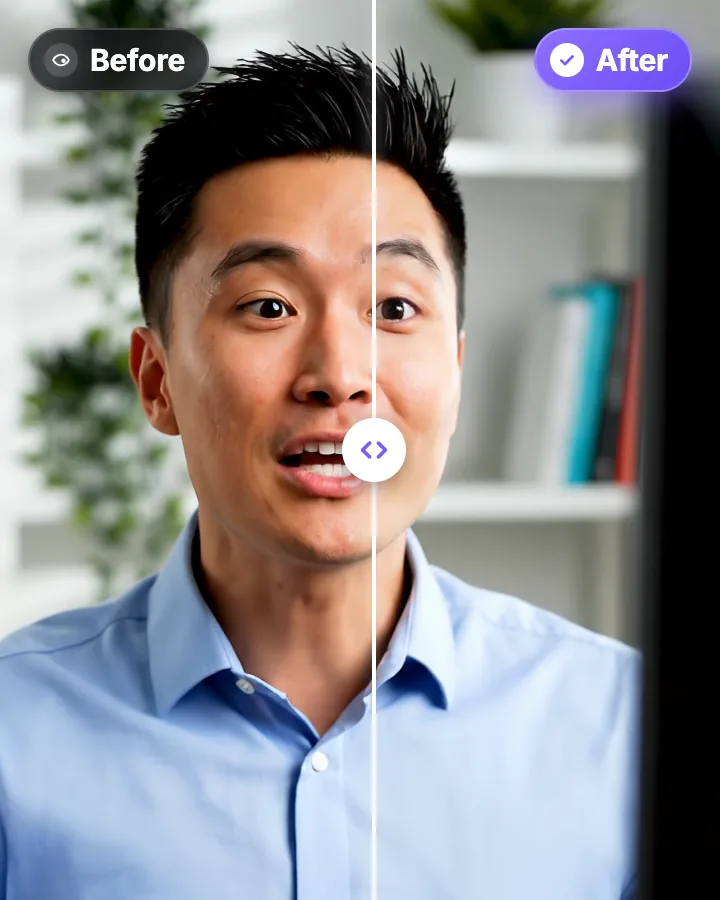
AI Eye Contact and Gaze Correction for Recorded Videos
Read a script, checked your notes or watched yourself on screen? Upload the video and the AI points your gaze back at the lens in every frame, keeping your resolution, frame rate and audio. Your first video is free.
Fix Eye Contact in Final Cut Pro and iMovie Footage on a Mac
Final Cut Pro and iMovie have no gaze correction, and NVIDIA Broadcast, the free live option, is Windows-only. On a Mac, correct the talking-head clip in Safari or Chrome, then bring it back into your project. The corrected file keeps the same length, frame rate and audio.
Best AI Eye Contact Correction Software in 2026, Compared
Which tools fix eye contact in a video you already recorded, which only work on a live webcam, and what each one costs. Checked on each vendor’s own pages on October 8, 2026. StoryCut publishes this page and is one of the tools listed.

AI video editor for creators who want viral content without the editing grind.
Features
All FeaturesAI CaptionsHormozi CaptionsMrBeast CaptionsAdd Subtitles to VideoSubtitle GeneratorAI Video EditorAI Clip GeneratorYouTube to ShortsEye Contact FixMagic ZoomTransitionsClean AudioAI MusicSound EffectsAI Auto EditRemove SilenceAI ThumbnailsBrand KitsCommunity StylesAI Video TranslatorFree Tools
Video Hook GeneratorTikTok CaptionsInstagram CaptionsYouTube TitlesTikTok HashtagsVideo Script GeneratorAI Video IdeasContent CalendarTikTok TranscriptVideo to TextFree SRT GeneratorSubtitle TranslatorFree TeleprompterWords to MinutesSRT to VTT ConverterTikTok Safe ZoneFree Sound EffectsAll 40 Tools →Use Cases
TikTok CreatorsYouTube ShortsInstagram ReelsPodcastersClippersAgencies & TeamsLinkedIn VideosTeleprompter Eye ContactPremiere Pro Eye ContactDaVinci Resolve Eye ContactFinal Cut Pro Eye ContactLoom Eye Contact