Does Loom Have Eye Contact Correction? How to Fix Your Gaze in a Loom Recording
Loom’s AI can remove filler words and silences, but it can’t make you look at the camera. If you read notes or a script during a Loom, you can correct the video file afterwards, as long as your plan lets you download it. Checked on Loom’s pages on October 9, 2026. StoryCut is our product.
- 1 free video up to 4 min
- No credit card
- No watermark
Loom eye contact: the short answer
- Does Loom fix eye contact?
- No. Loom AI covers auto titles, summaries and chapters, AI workflows, auto call-to-action, filler word and silence removal, edit by transcript, overlays, video prompts and bug reports. Eye contact isn’t on the list.
- Can you fix it afterwards?
- Yes, on the file. Download the Loom as an MP4, correct it, then upload it back to Loom or send the file.
- Which Loom plans can download
- Business ($18 per user a month, or $15 billed yearly) and up. Loom says admins and creators on the free Starter plan can’t download videos, and uploading videos is a Business feature too.
- Which Looms correct well
- Camera-only recordings, or a large camera bubble. In a screen recording with a small bubble, your face is a small circle in a corner, so the correction has much less to work with.
- StoryCut price
- 1 free video up to 4 minutes, then 5 videos for $9 one-time (up to 10 minutes each). Pro: 10 a month. Business: unlimited, with 5 team members.
Which Loom recordings you can correct
| Your Loom | Can it be corrected? | What to expect |
|---|---|---|
| Camera only (desktop app: Record camera only) | Yes | The best case: your face fills the frame |
| Screen and camera, large bubble | Yes | Works when the face is clearly visible; the screen is left as it is |
| Screen and camera, small bubble | Yesbut weaker | A small face gives a weaker, less even result; try it on your free video first |
| Screen only | No | There is no face to correct |
| Recorded on the free Starter plan | Not from Loom | Starter can’t download videos, so there is no file to correct |
Checked on October 9, 2026 from each product’s public pages. Sources: Loom AI features, Loom: Download your Loom video, Loom: capture modes, Loom pricing.
How It Works
How to fix eye contact in a Loom video
A few minutes in your browser, on a Business plan or higher.
- 01
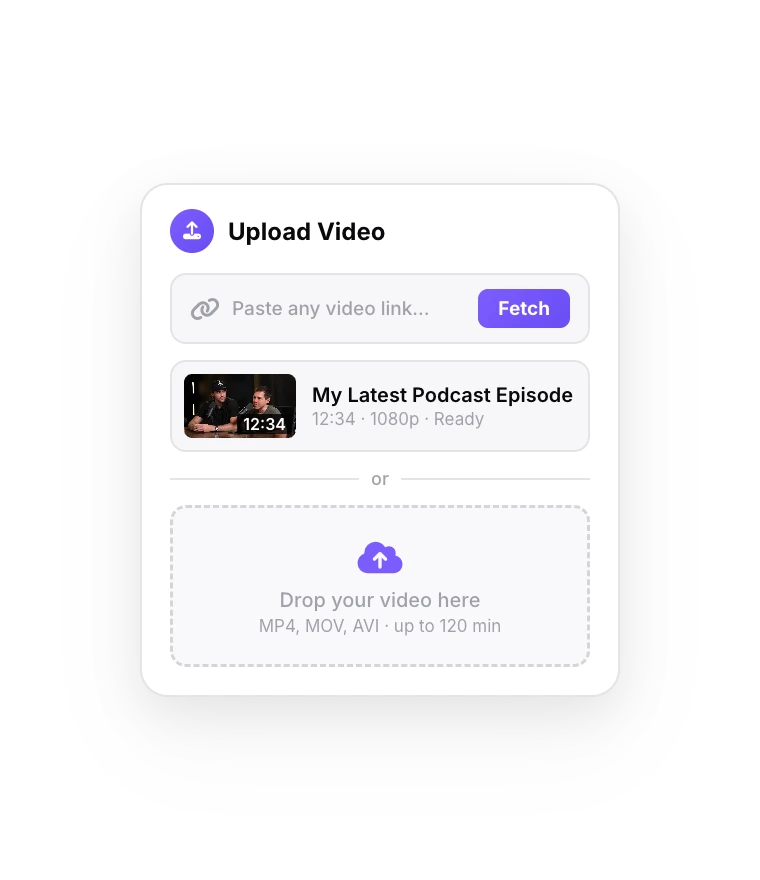
Download the Loom, then upload it
In your Loom library, open the video’s menu and choose Download to get the MP4. Sign up to StoryCut free and drop the file in.
- 02
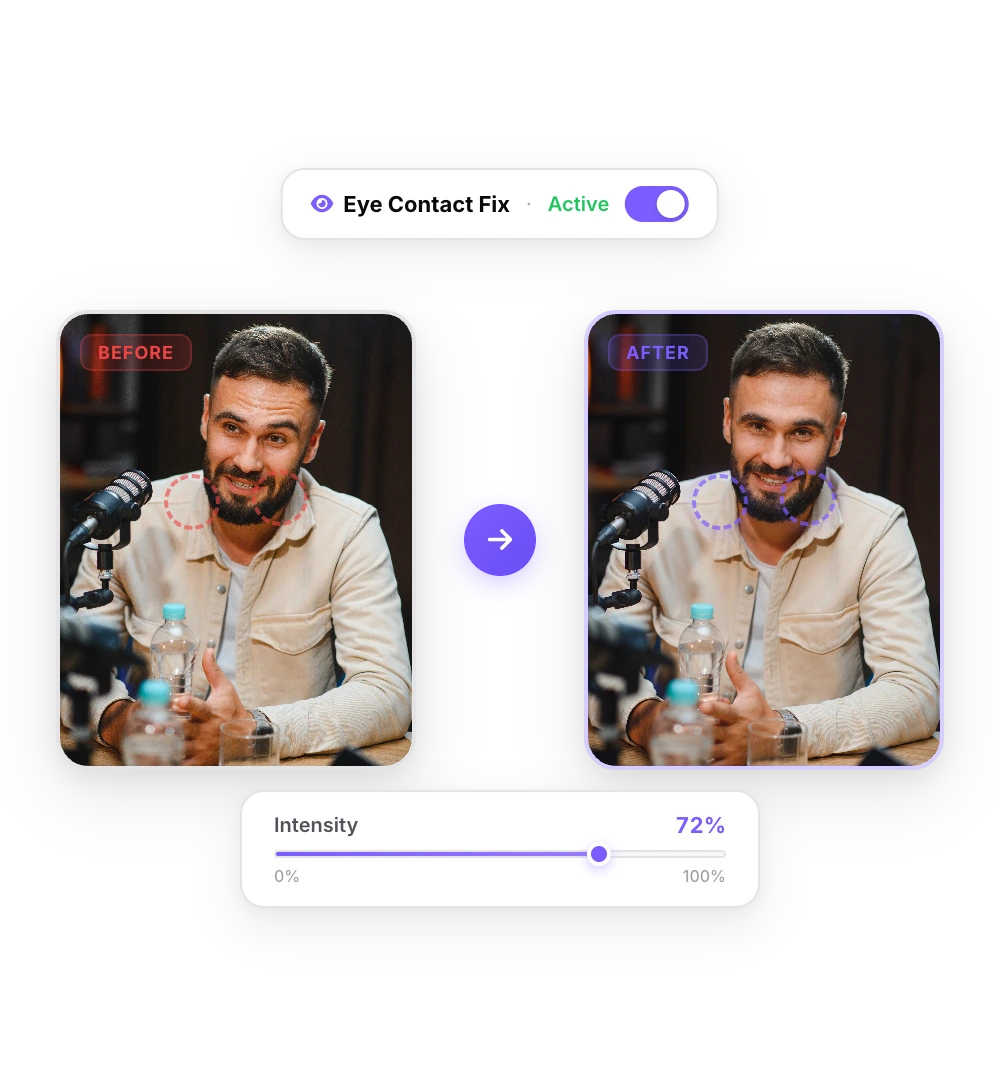
The AI fixes your gaze
NVIDIA’s Maxine Eye Contact model points your eyes at the lens in every frame. A short Loom takes a minute or two.
- 03
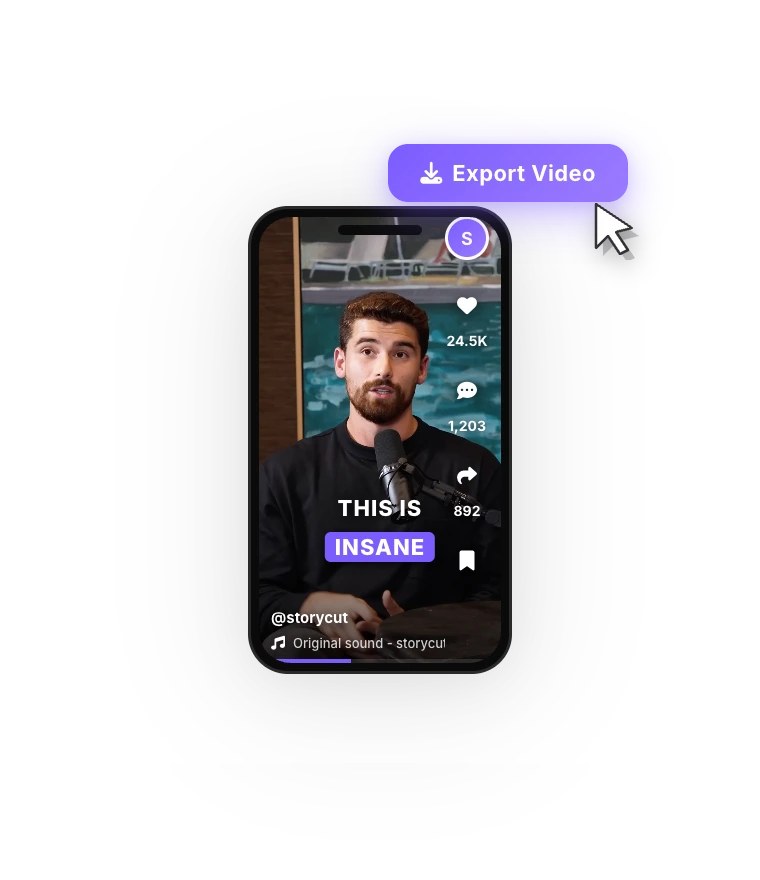
Upload it back or send it
Download the corrected MP4. Upload it to Loom (Business plans) to share it with a Loom link, or send the file directly.
Before you correct a Loom
Correct the Looms that matter. A sales video to a prospect, a course lesson or a customer onboarding walkthrough is worth a few extra minutes; a quick internal update isn’t.
Loom gives you a link as soon as you stop recording, and the corrected file becomes a second video with its own link. If you know you read from notes, correct the video before you send the link. In screen-and-camera Looms, make the camera bubble as large as your content allows: Loom’s desktop app has five bubble sizes, and camera-only mode gives the face the whole frame.
Before and after
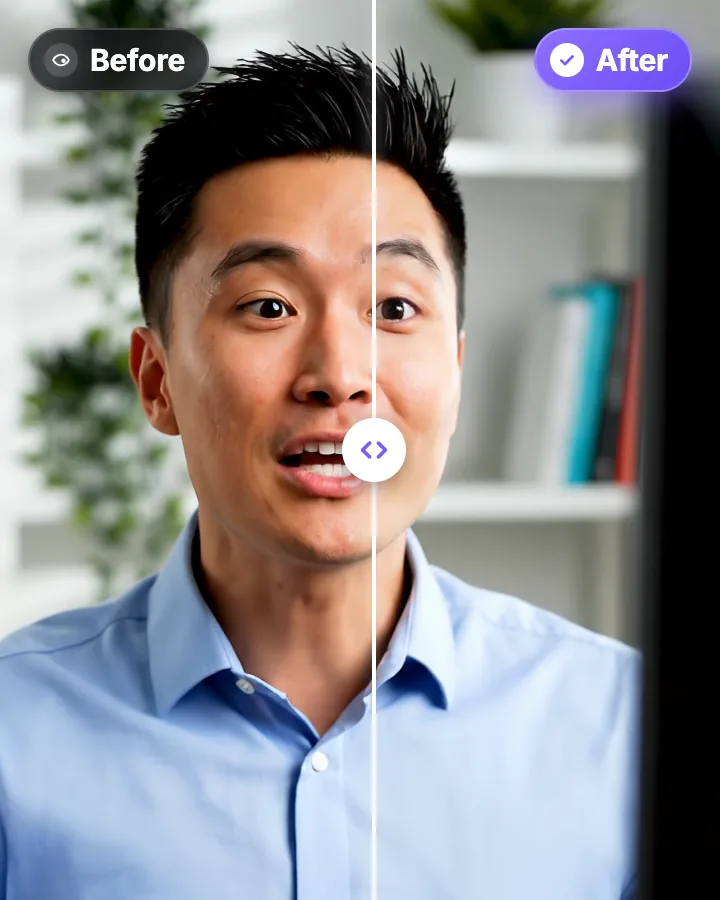
The same take before and after correction. Only the eyes change: the framing, the blinks and the audio stay as recorded.
Reading a script on Loom without the scan
If you read from a script, put it right under your webcam. Paste it into StoryCut’s free online teleprompter, shrink the window to a narrow strip, drag it just below the camera and record in Loom as usual. A narrow column read from arm’s length keeps your eye movement small. Whatever drift is left, typically a few degrees, is well inside the roughly 20° that the correction fully covers.
Tools and guides for talking to camera
 Descript eye contact: price and limitsRead
 Captions eye contact on web and AndroidReadFix eye contact in Premiere Pro footageRead
 CapCut eye contact on PC, Mac and webReadFix eye contact in DaVinci Resolve footageReadFix eye contact in Final Cut Pro and iMovieReadDoes Canva have eye contact correction?ReadBIGVU pricing and AI eye contactReadRiverside eye contact: what it can’t fixReadVEED eye contact: price and limitsReadKapwing eye contact: credits and cost per minuteRead
 Submagic pricing and AI eye contactReadElgato Prompter alternativeRead
FAQ
Frequently Asked Questions
Send the Loom Where You Look at Them
Upload your video. Get back a scroll-stopper with viral captions, cinematic transitions, auto zoom, and clean audio. The same tools top creators use to explode views.
Download the MP4, correct it in your browser, share it. 1 free video, no credit card.
- Join 10,000+ creators
- No credit card required

You Might Also Like
AI Eye Contact and Gaze Correction for Recorded Videos
Read a script, checked your notes or watched yourself on screen? Upload the video and the AI points your gaze back at the lens in every frame, keeping your resolution, frame rate and audio. Your first video is free.
Teleprompter Eye Contact: Read a Script and Still Look at the Lens
A teleprompter puts your script in front of the lens, yet viewers can still see your eyes scan each line. Here is how wide to set the text, how far to sit, and what to do when the take is already recorded.
Short-Form Video Editing for Agencies and Teams
One workspace for your editors and your clients’ brands: 5 team members, unlimited brand kits, presets for each client’s look, and AI captions on every upload. Business plan, $39/mo billed yearly.

AI video editor for creators who want viral content without the editing grind.
Features
All FeaturesAI CaptionsHormozi CaptionsMrBeast CaptionsAdd Subtitles to VideoSubtitle GeneratorAI Video EditorAI Clip GeneratorYouTube to ShortsEye Contact FixMagic ZoomTransitionsClean AudioAI MusicSound EffectsAI Auto EditRemove SilenceAI ThumbnailsBrand KitsCommunity StylesAI Video TranslatorFree Tools
Video Hook GeneratorTikTok CaptionsInstagram CaptionsYouTube TitlesTikTok HashtagsVideo Script GeneratorAI Video IdeasContent CalendarTikTok TranscriptVideo to TextFree SRT GeneratorSubtitle TranslatorFree TeleprompterWords to MinutesSRT to VTT ConverterTikTok Safe ZoneFree Sound EffectsAll 40 Tools →Use Cases
TikTok CreatorsYouTube ShortsInstagram ReelsPodcastersClippersAgencies & TeamsLinkedIn VideosTeleprompter Eye ContactPremiere Pro Eye ContactDaVinci Resolve Eye ContactFinal Cut Pro Eye ContactLoom Eye Contact