 VSVEED
VEED Eye Contact: Price, Limits and a No-Subscription Alternative
VEED’s Eye Contact is an AI tool inside its browser editor. Every account can try it once; after that it comes with a paid plan. Here is what it costs, what each plan exports, and when paying per video makes more sense. Checked on VEED’s pricing page and help center on October 9, 2026. StoryCut is our product.
- Free 20 s preview
- Then $3.99 a video or 5 for $9, one-time
- No watermark
VEED eye contact: the short answer
- Free use
One. VEED’s help center lists Eye Contact as “Try once” on the free plan, one use per account. Free exports are 720p with a watermark.
- Paid plans
- Creator, Pro, Studio and Enterprise include it. Creator is $20 a month, or $9.67 a month billed yearly ($116 a year), per user.
- Export quality
- Creator exports up to 1080p. 4K export starts with Pro: $44 a month, or $21.42 a month billed yearly.
- Credits and length
- Not published. VEED’s Eye Contact article doesn’t say whether the tool uses AI credits or how long a video can be.
- How to apply it
- Click the clip on the timeline and choose Eye Contact under AI Tools, or find it in the Video section of the left panel.
- Pay per video instead
- StoryCut: a free 20-second preview on a video up to 4 minutes, then $3.99 for the full video or 5 for $9 one-time, up to 10 minutes each. The corrected file keeps its resolution, up to 4K.
VEED vs StoryCut for eye contact
| What you get | VEED | StoryCut |
|---|---|---|
| Free use | Once per account; free exports are 720p with a watermark | Free 20 s preview of your video, no watermark, original resolution |
| Cheapest paid option | Creator: $20/mo, or $9.67/mo billed yearly ($116/yr) | $9 one-time for 5 videos |
| Buy without a subscription | No, a subscription is needed | Yes, pack credits never expire |
| Export resolution | Up to 1080p on Creator, 4K on Pro and Studio | Same as the original, up to 4K, on every option |
| Length limit | Not published | 10 min per video (pack, Pro), 30 min (Business) |
| How usage is counted | Not published | One credit per video |
| Priced | Per user | Per account |
| Where it runs | Browser editor | Any browser, including phones |
| Also on the plan | Full browser editor, subtitles, stock media, AI credits | Captions editor; Pro adds sound effects, zooms, silence removal and clean audio |


Checked on October 9, 2026 from each product’s public pages.Sources3
- VEED: Eye Contactsupport.veed.io
- VEED pricingveed.io
- StoryCut pricingstorycut.com
What one corrected video costs on VEED
VEED sells eye contact as part of a plan, not per video. After the free use, the cheapest route is one month of Creator at $20. If you correct two or three videos that month, that is about $7 to $10 a video, exported in up to 1080p. To export a 4K recording in 4K you need Pro: $44 for a month, or $257 for a year.
On StoryCut, the first 20 seconds of your video are free to watch, a video costs $3.99, and the $9 pack covers 5, $1.80 each, with no subscription and credits that don’t expire. The download keeps the original resolution, frame rate and audio, 4K included.
Before and after
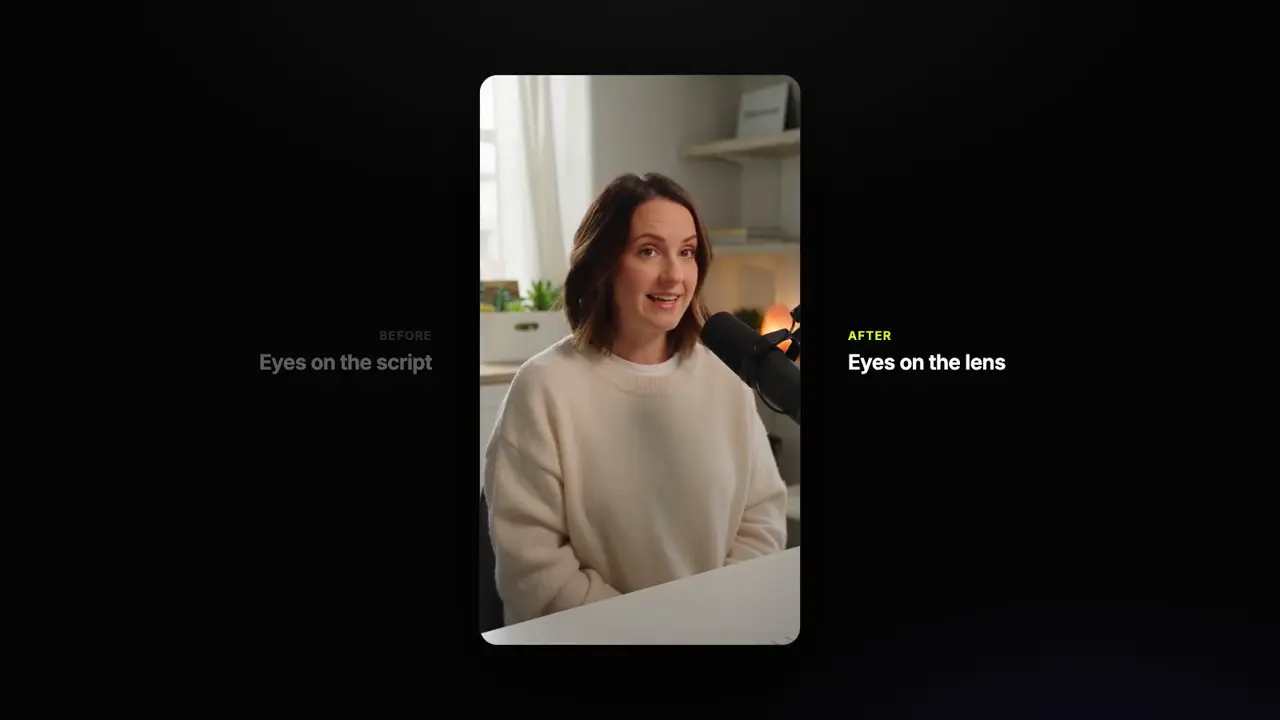
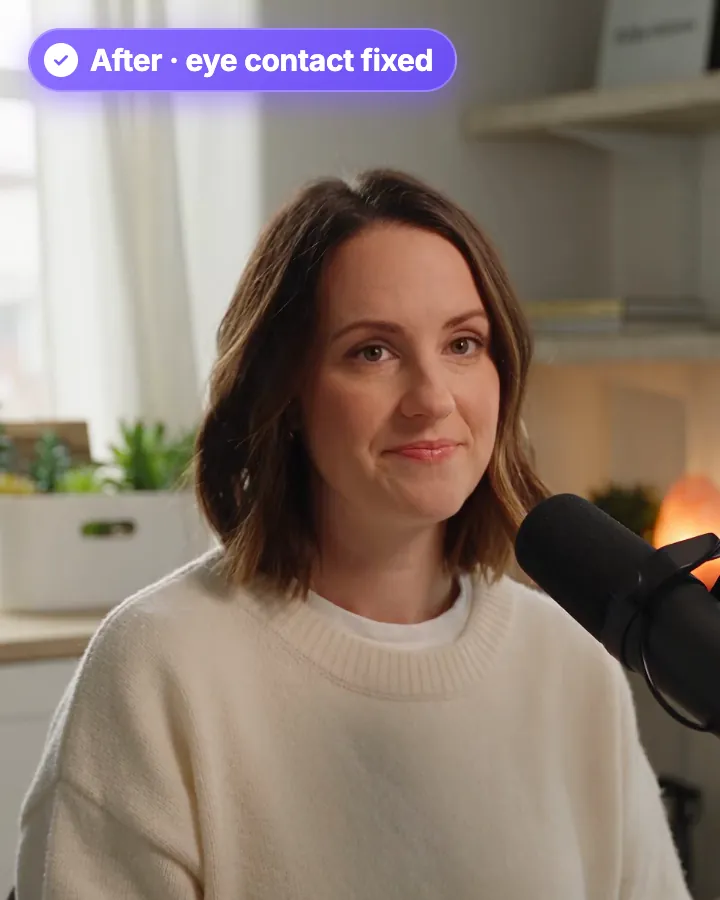
The same take before and after correction in StoryCut. Only the eyes change: the framing, the blinks and the audio stay as recorded.
When VEED is the better choice
If you already edit in VEED, use its Eye Contact. It is applied to the clip in your project, so there is no export and re-import. On a yearly Creator plan, at $9.67 a month, you get it with subtitles, stock media and the rest of the editor. If you correct videos every month and 1080p is enough, staying in VEED is likely the better deal.
A separate tool makes sense when you don’t edit in VEED, when you have one or two videos to fix, or when you want the corrected file in 4K without moving up to VEED Pro.
More on VEED and eye contact




Frequently Asked Questions
Is VEED eye contact free?
Once. VEED’s free plan includes one use of Eye Contact per account, and free exports are 720p with a watermark. After that it needs a paid plan, from Creator at $20 a month or $9.67 a month billed yearly. StoryCut lets every account watch the first 20 seconds of its own video fixed for free, with no watermark.
Which VEED plan has eye contact?
Creator, Pro, Studio and Enterprise, per VEED’s help center. Creator exports up to 1080p; Pro ($44 a month, or $21.42 billed yearly) and Studio export in 4K.
Does VEED eye contact use AI credits?
VEED doesn’t say. Its Eye Contact help article lists the plans that include the tool, but not a credit cost or a length limit. Creator includes 500 AI credits a month, or 6,000 a year on yearly billing.
How do I use eye contact in VEED?
Open your project, click the video clip on the timeline and choose Eye Contact under AI Tools, or open the Video section in the left panel.
Is there a cheaper alternative to VEED for eye contact?
For a few videos, yes: StoryCut costs $3.99 a video or $9 once for 5 videos after a free preview, with no subscription. If you correct videos every month and already edit in VEED, a yearly Creator plan at $9.67 a month is the cheaper route.
Can I use StoryCut and VEED together?
Yes. Correct the recording in StoryCut, then upload the corrected MP4 to VEED for subtitles and editing. It keeps the original resolution, frame rate, length and audio.
Fix Eye Contact Without a Plan
Upload your video. Get back a scroll-stopper with viral captions, cinematic transitions, auto zoom, and clean audio. The same tools top creators use to explode views.
Upload a recording, compare before and after, download the MP4. Free 20-second preview, then $3.99 a video or 5 for $9 one-time.
- Join 10,000+ creators
- No credit card required
You Might Also Like
AI Eye Contact and Gaze Correction for Recorded Videos
Read a script, checked your notes or watched yourself on screen? Upload the video and the AI points your gaze back at the lens in every frame, keeping your resolution, frame rate and audio. Try it free: watch the first 20 seconds of your own video fixed.
VEED Pricing 2026: Plans, Credits and What You Actually Get
Every VEED plan, with monthly and yearly prices, AI credits, export limits, seats, trials and refunds, checked on VEED’s pricing page and Terms of Sale on October 3, 2026.
Best AI Eye Contact Correction Software in 2026, Compared
Which tools fix eye contact in a video you already recorded, which only work on a live webcam, and what each one costs. Checked on each vendor’s own pages on October 8, 2026. StoryCut publishes this page and is one of the tools listed.

AI video editor for creators who want viral content without the editing grind.
Features
All FeaturesAI CaptionsHormozi CaptionsMrBeast CaptionsAdd Subtitles to VideoSubtitle GeneratorAI Video EditorAI Clip GeneratorYouTube to ShortsYouTube Auto ImportAI HeadlinesChatGPT & Claude ConnectorVideo Clipping APIEye Contact FixMagic ZoomTransitionsClean AudioAI MusicSound EffectsAI Auto EditEdit StylesAI B-RollGTA 6 Clip MakerTwitch & Kick Clip MakerRemove SilenceRemove Filler WordsAI ThumbnailsBrand KitsCommunity StylesAI Video TranslatorFree Tools
Video Hook GeneratorTikTok CaptionsInstagram CaptionsYouTube TitlesTikTok HashtagsVideo Script GeneratorAI Video IdeasContent CalendarTikTok TranscriptVideo to TextFree SRT GeneratorSubtitle TranslatorFree TeleprompterWords to MinutesSRT to VTT ConverterTikTok Safe ZoneFree Sound EffectsAll 40 Tools →Use Cases
TikTok CreatorsYouTube ShortsInstagram ReelsPodcastersClippersGTA RP ClipsGTA 6 Shorts with AIAgencies & TeamsLinkedIn VideosTeleprompter Eye ContactPremiere Pro Eye ContactDaVinci Resolve Eye ContactFinal Cut Pro Eye ContactLoom Eye Contact