The Best Vizard AI Alternatives in 2026 (With Real Credit Costs)
Vizard is a well-reviewed AI clipper, but it charges a credit for every minute you upload, and credits expire. Here is what Vizard really costs, and 7 alternatives compared on free plans, watermarks, captions, eye contact and price, all checked on each tool’s own site on October 3, 2026. We make StoryCut, and we say where Vizard is still the better pick.
- Free plan, no credit card
- Free exports are 720p with a watermark






Vizard alternatives: the short answer
- Short answer
- Opus Clip is the closest like-for-like (same yearly price for Pro, with auto sound effects and dubbing). Klap is the pick if you want no watermark, even on its free video. StoryCut adds eye contact correction, sound effects on key words and voice dubbing, and counts long videos instead of minutes. Submagic, Captions, CapCut and Descript fit if editing or captions matter more than clip finding.
- Vizard’s prices
- Free: 60 credits a month, 720p with a watermark. Creator $29/mo or $14.50/mo billed yearly ($174 a year) for 600 credits. Business $39/mo or $19.50/mo yearly. 1 credit = 1 minute of uploaded video; more credits cost more (see the credit ladder below).
- What Vizard does well
- 4K export on the entry paid plan, AI B-roll even on Free, iPhone and Android apps, scheduling to 6 networks, and the best review scores in this group: 4.7 on Trustpilot from 2,521 reviews and 4.9 on Capterra from 481.
- Why people leave
- Credits are charged per uploaded minute and expire (2 months on monthly plans), refunds are only within 7 days and only if you haven’t used the service, the brand kit is Business-only, and the free plan is 720p with a watermark.
- StoryCut
- AI clips on every plan, counted per long video rather than per minute (10 a month on Starter at $7/mo billed yearly), plus 26 caption styles, auto sound effects, dubbing and eye contact (Pro, 1 free eye contact try). No mobile app, no scheduling, 4K only on Business.
Quick answer: the best Vizard alternatives
| Tool | Best for | Entry price | Free plan & watermark | Eye contact | Mobile app |
|---|---|---|---|---|---|
| Vizard | Clip finding with 4K and apps | Creator $29/mo, $14.50/mo yearly | 60 credits/mo, 720p, watermark | Not found | YesiOS and Android |
| StoryCut | Clips + captions + SFX + eye contact | Starter $9/mo, $7/mo yearly | 1 long video/mo, 720p, watermark | YesPro (10/mo) and Business, 1 free try | Noweb (mobile browsers too) |
| Opus Clip | The closest like-for-like | Starter $15/mo; Pro $14.50/mo yearly | 60 credits/mo, watermark | No | YesiOS; limited Android |
| Klap | Nowatermark, even free | Basic $29/mo, $14/mo yearly | 1 free video, no watermark | Not found | Noweb only |
| Submagic | Caption styles on short videos | Starter $19/mo, $12/mo yearly | Trial: 3 short videos, watermark | YesPro and Business | Noweb only |
| Captions | AI editing on an iPhone | Basic $9.99/mo; Max $24.99/mo | 60–200 lifetime credits | YesiOS from Basic | YesiPhone; Android Lite |
| CapCut | A free full editor | Pro $19.99/mo or $179.99/yr | Free editor; Pro assets add a watermark | Yesmobile app | YesiOS and Android |
| Descript | Editing by transcript | Hobbyist $24/mo, $16/mo yearly | 60 min/mo, 720p, watermark | Yeslimited on Free, full from Hobbyist (credits) | No(Mac, Windows, web) |
Checked on October 3, 2026 from each product’s public pages. Sources: Vizard pricing, StoryCut pricing, Opus Clip pricing, Klap pricing, Submagic pricing, Captions pricing, Captions feature availability, CapCut Standard vs Pro, Descript pricing.
What Vizard does well
Vizard is one of the better-liked tools in this category, and it is worth saying why before listing alternatives. It has 4.7 stars on Trustpilot from 2,521 reviews (89% five stars) and 4.9 on Capterra from 481, the strongest scores of any clipper we checked.
The entry paid plan, Creator, already exports in 4K with no length limit on exports, and takes uploads of up to 600 minutes. AI B-roll, emojis, keyword highlights and reframing are on every plan, including Free. Each clip gets a viral score with a reason, clip settings cover 9:16, 1:1, 4:5 and 16:9 and lengths from under 30 seconds to 3 minutes, and paid plans schedule to YouTube, TikTok, Instagram, Facebook, X and LinkedIn from a calendar. Vizard also has good mobile apps: 4.8 stars on the App Store (749 ratings) and 4.4 on Google Play (about 6,700 reviews).
If you mostly turn long videos into clips, have a steady upload volume, and want 4K and apps for a low yearly price, Vizard is still a strong choice.
Why people look for a Vizard alternative
The credit model is the main reason. Vizard charges 1 credit per minute of video you upload, whether you keep one clip or twenty, so a 60-minute podcast costs 60 credits. Credits from monthly plans are valid for 2 months and credits from yearly plans for 13 months, and unused Creator credits are lost if you upgrade to Business. One Trustpilot reviewer put it simply: "any unused credits are forfeited" (March 2026).
Refunds are strict. Vizard refunds only within 7 days and only for unused service, where an upload counts as use, and processing fees may be deducted. Another reviewer wrote that "they say there’s a money back guarantee, but that only applies if you don’t use it" (June 2026).
Other limits: the free plan exports 720p with a watermark, caps exports at 10 minutes and keeps projects for 3 days; subtitle translation, SRT download and scheduling need a paid plan; and the brand kit, brand templates, custom fonts and extra editors are Business-only. Vizard’s AI Edit (beta), which adds B-roll, zooms and transitions to talking-head clips, costs 30 credits per minute. And we found no eye contact correction or sound effects on Vizard’s pages.
Vizard pricing in 2026: the credit ladder
| Credits per month | Creator, monthly | Creator, billed yearly | Business, monthly | Business, billed yearly |
|---|---|---|---|---|
| 600 | $29/mo | $14.50/mo | $39/mo | $19.50/mo |
| 1,000 | $48/mo | $24/mo | $68/mo | $34/mo |
| 1,400 | $67/mo | $33.50/mo | $97/mo | $48.50/mo |
| 2,200 | $105/mo | $52.50/mo | $155/mo | $77.50/mo |
| 3,000 | $143/mo | $71.50/mo | $213/mo | $106.50/mo |
| 6,200 (top tier) | $295/mo | $147.50/mo | $445/mo | $222.50/mo |
Checked on October 3, 2026 from each product’s public pages. Sources: Vizard pricing, Vizard credit validity, Vizard extra seats, Vizard refunds.
What Vizard’s credits buy
Vizard sells 15 credit tiers, from 600 to 6,200 credits a month in steps of 400. The 600-credit row is Vizard’s base price. The other rows are calculated from the per-step prices in Vizard’s pricing page (each extra 400 credits adds $19/mo to Creator and $29/mo to Business on monthly billing, or $9.50 and $14.50 on yearly billing), so check the exact tier on Vizard’s page before you buy.
What 600 credits get you: 600 minutes of uploads a month, which is ten 60-minute podcast episodes or twenty 30-minute videos. AI Edit costs 30 credits per minute of clip, so 600 credits cover 20 minutes of AI Edit and nothing else. AI Enhance (upscaling to 4K) costs 1 to 2 credits per second.
The iPhone app costs more than the web: Creator with 600 credits a month is $29.99 in the app against $29 on the web, and the yearly 7,200-credit plan is $199 in the app against $174 on the web. Extra Business seats cost $10/mo, or $5/mo billed yearly. After a subscription ends, projects are kept for 28 days.
The alternatives, one by one

StoryCut
Best for: clips plus eye contact, SFX and dubbing
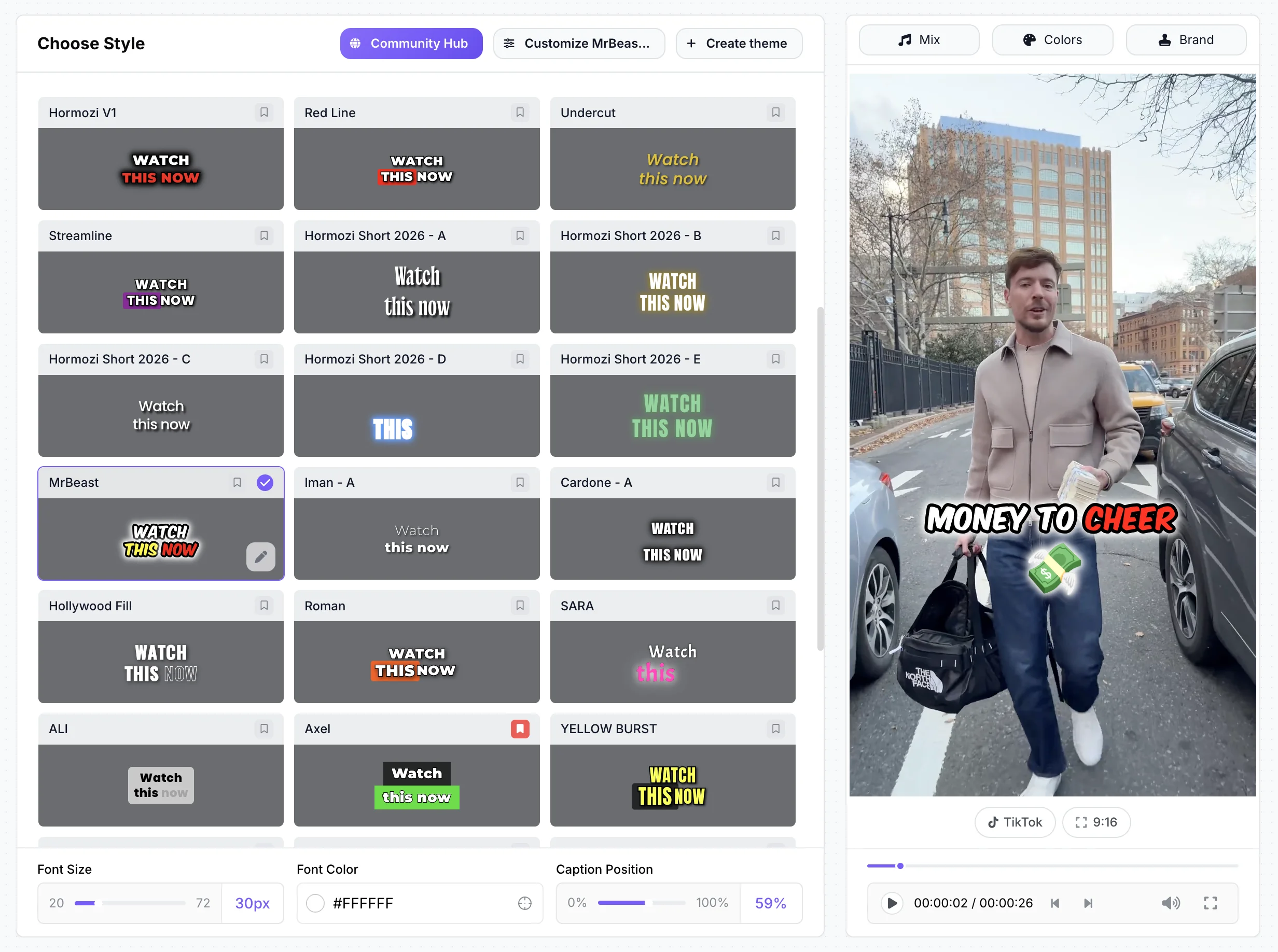
Price: Starter $9/mo or $7/mo billed yearly; Pro $19/mo or $14/mo; Business $49/mo or $39/mo. Free: 1 long video a month into clips, 720p with a watermark, no card. How it counts: long videos per month (10 on Starter, 50 on Pro, 100 on Business), each from 2 minutes to 2.5 hours, not minutes. Each video gives 3 to 12 clips with a 0–100 virality score, reframed to 9:16 around the active speaker, captions on. Better than Vizard at: eye contact correction (Pro and Business, 1 free try on every account), sound effects placed on key words and voice dubbing in 33 languages (Pro), a brand kit from Pro, a cheaper entry plan. Worse than Vizard at: no mobile apps, no scheduling or API, 4K only on Business, fewer clips per video, no third-party reviews yet.

Opus Clip
Best for: the closest like-for-like
Price: Starter $15/mo, monthly only (150 credits); Pro $29/mo or $14.50/mo billed yearly per pack (300 credits, 2 seats). Free: 60 credits a month, watermarked, clips expire after 3 days. Like Vizard, 1 credit = 1 minute of source video. Better than Vizard at: auto sound effects, voice dubbing in 25 languages and XML export to Premiere and DaVinci on Pro, uploads up to 10 hours, a 4.85-star iPhone app. Worse than Vizard at: 4K on Pro only from a true 4K source, no yearly billing on Starter, a weaker Android app, a lower Trustpilot score (4.0 from 501).
Klap
Best for: clips with no watermark
Price: Basic $29/mo or $14/mo billed yearly (100 clips a month, about 10 videos); Pro $79 or $39; Pro+ $189 or $94. Free: 1 video, no watermark, no card. Better than Vizard at: no watermark on any plan, captions in 52 languages against Vizard’s 40, refunds for unused months under its terms, a Claude connector and ChatGPT app. Worse than Vizard at: web only, length caps on Basic (45 minutes, per Klap’s blog), a 1-video trial, weaker reviews (Trustpilot 3.7 from 50).

Submagic
Best for: caption styles on short videos
Price: Starter $19/mo or $12/mo billed yearly (15 videos a month up to 2 minutes); Magic Clips (long video to clips) is a $19/mo add-on for 10 uploads. Free: a trial of 3 short videos with a watermark. Better than Vizard at: caption styling (35+ styles, including Hormozi 1–5), eye contact and clean audio on Pro, AI Auto Edit. Worse than Vizard at: no mobile app, clipping costs extra, edited videos capped at 2 minutes on Starter and 5 on Pro, no refunds, seats per member.

Captions
Best for: AI editing on an iPhone
Price: Basic $9.99/mo (iOS); Clips needs Max at $24.99/mo (500 credits, 2 seats). Free: 60 to 200 credits for the life of the account. Clips takes up to 3 hours or a YouTube link and ranks 30+ clips. Better than Vizard at: eye contact on iPhone from Basic, voice dubbing in 31 languages with Lipdub, AI Edit and AI avatars. Worse than Vizard at: credits are spent even without an export, the web app lacks many iPhone features, AI Edit stops at 2 minutes on iOS, monthly plans are non-refundable.

CapCut
Best for: a free full editor
Price: the editor is free; Pro costs $19.99/mo or $179.99/yr in the US, and prices vary by region and account. It has a "Long video to short" tool next to a full timeline editor. Better than Vizard at: complete manual editing on every device, a huge template library, AI sound effects and eye contact in the mobile app. Worse than Vizard at: you do most of the clipping and editing yourself, Pro assets add a watermark on the free plan, Pro’s yearly price rose in 2026.

Descript
Best for: editing long videos by editing text
Price: Hobbyist $24/mo or $16/mo billed yearly (10 hours of media a month, 1080p). Free: 60 media minutes a month, 720p with a watermark. You edit the video by editing its transcript, in a desktop app for Mac and Windows or on the web, and "Create clips" makes 1 to 20 clips of 10 seconds to 5 minutes. Better than Vizard at: text-based editing, eye contact from Hobbyist (paid in AI credits), dubbing in 30 languages, desktop apps. Worse than Vizard at: no mobile app, clip finding isn’t its core, transcription in 25 languages, credit costs that are hard to predict.
Try StoryCut’s AI clips on a long video, free
Full comparison: Vizard vs 7 alternatives
| Feature | Vizard | StoryCut | Opus Clip | Klap | Submagic | Captions | CapCut | Descript |
|---|---|---|---|---|---|---|---|---|
| Starting Price | $14.50/mo yearly ($29 monthly) | $7/mo yearly ($9/mo monthly) | Pro $14.50/mo yearly; Starter $15 | $14/mo yearly ($29 monthly) | $12/mo yearly ($19 monthly) | Basic $9.99/mo; Max $24.99/mo | $179.99/yr or $19.99/mo | $16/mo yearly ($24 monthly) |
| How usage is counted | 1 credit per uploaded minute | Long videos per month | 1 credit per source minute | Clips per month (10 per video) | Videos per month | Credits per AI action | AI credits (Pro: 1,200/mo) | Media minutes + AI credits |
| Free plan without watermark | No720p with watermark | No720p with watermark | No | Yes1 free video | No(3-video trial) | Limited(its pages conflict) | Limited(Pro assets add one) | No720p |
| AI Clipping | Yescore product | Yesevery plan | Yescore product | Yescore product | YesMagic Clips add-on | YesClips (Max) | YesLong video to short | YesCreate clips (1–20) |
| Caption languages | 40 | 49 + auto-detect | 20+ (25 listed) | 52 | 100+ (48+ on some pages) | 101 | Nocount published | 25 |
| Sound Effects | Not found | Yeson key words (Pro) | YesAuto SFX (Pro) | Not found | Limited(by hand) | Prompt-made (Max) | YesAI SFX (mobile) | Limited(library + prompt) |
| Eye Contact Fix | Not found | YesPro (10/mo) and Business, 1 free try | No | Not found | YesPro and Business | YesiOS from Basic | Yesmobile app | YesHobbyist (credits) |
| Video Translation | Via its Agent (not in plans) | Yesdubbing in 33 languages | Yesdubbing in 25 languages | Not verified | Nosubtitles only | Yes31 languages + Lipdub | Yeswith lip-sync | Yesdubbing in 30 languages |
| 4K export | YesCreator and up | YesBusiness | YesPro (4K source only) | YesPro and Pro+ (blog) | YesBusiness | Yes(per its feature table) | YesPro | YesCreator and up |
| Brand Kits | Business only | Pro (1), Business (unlimited) | Brand templates (1–2) | Not checked | Pro and up | Not checked | Not checked | Not checked |
| Mobile app | YesiOS and Android | Noweb only | YesiOS; limited Android | Noweb only | Noweb only | YesiOS; Android Lite | YesiOS and Android | No(Mac, Windows, web) |
| API | Yes | No | Limited(Pro), full (Business) | Yesmetered | Yesevery plan | Not listed | Not listed | Not checked |
Checked on October 3, 2026 from each product’s public pages. Sources: Vizard pricing, Vizard languages, Vizard API docs, Opus Clip pricing, Klap pricing, Submagic pricing, Captions pricing, Captions feature availability, CapCut Standard vs Pro, Descript pricing, StoryCut pricing.
Free Vizard alternatives without a watermark
Vizard’s free plan gives 60 credits a month, but exports are 720p, watermarked and capped at 10 minutes. Here is how the free plans of the alternatives compare:
Klap: 1 free video with no watermark and no card. It is the only clean free export we could confirm in this group.
Opus Clip: 60 credits a month, watermarked, clips can’t be exported after 3 days.
StoryCut: 1 long video a month into AI clips and 3 videos at a time in the editor, 720p with a watermark, no card.
Submagic: a trial of 3 short videos, watermarked.
Captions: 60 to 200 credits for the life of the account; exports that use paid AI features are watermarked.
CapCut: a free editor, but Pro assets add a watermark and watermark-free export is locked for free users on web and desktop.
Descript: 60 media minutes a month, 720p with a watermark.
To remove the watermark for the least money, the cheapest paid options here are StoryCut Starter ($7/mo billed yearly or $9/mo monthly), Klap Basic ($14/mo billed yearly) and Opus Clip Starter ($15/mo, monthly).
Vizard vs Opus Clip in one paragraph
Both find clips in long videos, score them, reframe them and post them, both charge 1 credit per minute of uploaded video, both watermark their free plans (60 credits a month each), and Vizard Creator and Opus Clip Pro cost the same billed yearly ($14.50/mo). Vizard is the better deal for 4K, which is on its entry plan, while Opus Clip downloads 4K only on Pro and only from a true 4K source. Opus Clip has more editing on Pro: auto sound effects, voice dubbing in 25 languages, AI B-roll and XML export to Premiere and DaVinci. Vizard has stronger reviews (Trustpilot 4.7 from 2,521 vs 4.0 from 501) and a better Android app. Neither fixes eye contact.
How we compared
We checked every price, limit and feature on each tool’s own pricing page, help center or app store listing on October 3, 2026, and we say where a vendor contradicts itself or doesn’t publish a number. Ratings come from Trustpilot, Capterra and the app stores on the same day. "Not found" means we looked on the vendor’s pages and found nothing, which is not proof the feature doesn’t exist. Vizard’s higher credit tiers are calculated from the steps on its pricing page. We did not run the same video through every tool for this page.
We make StoryCut. Its entries use our own current plans, and we list its weaknesses next to its strengths.
StoryCut vs Vizard: pros and cons
StoryCut
- Counts long videos, not minutes: a 2-hour episode uses one of your 10 (Starter)
- Eye contact correction: 1 free try on every account, then a $9 pack or Pro
- Sound effects placed on key words and voice dubbing in 33 languages (Pro)
- Cheaper entry: Starter $7/mo billed yearly vs $14.50
- Brand kit from Pro, and 26 caption styles including 6 Hormozi-style
- No mobile apps (Vizard has iOS and Android)
- No scheduling, posting or API
- 4K only on Business (Vizard has it on Creator)
- 3 to 12 clips per video
- Free exports are 720p with a watermark, like Vizard; no third-party reviews yet
Vizard
- 4K export on the entry Creator plan
- AI B-roll, emojis and reframing even on Free
- iPhone and Android apps
- Scheduling to 6 networks with a calendar
- Top review scores: Trustpilot 4.7 (2,521), Capterra 4.9 (481)
- Credits charged per uploaded minute, and they expire
- Refunds only within 7 days and only if unused, minus fees
- Brand kit, custom fonts and extra editors are Business-only
- iPhone app prices are higher than the web
- No eye contact correction or sound effects found
FAQ
Frequently Asked Questions
Try a Vizard alternative that counts videos, not minutes
Upload your video. Get back a scroll-stopper with viral captions, cinematic transitions, auto zoom, and clean audio. The same tools top creators use to explode views.
Paste a YouTube link or upload a long video and StoryCut finds the clips, reframes them and adds captions. Free plan with no credit card. Paid plans from $7/mo billed yearly.
- Join 10,000+ creators
- No credit card required

You Might Also Like

AI Clip Generator: Turn Long Videos Into Shorts
Paste a YouTube link or upload a video from 2 to 150 minutes. The AI reads the transcript, picks 3 to 12 moments, scores each one, reframes it to 9:16 around faces and the active speaker, and adds animated captions.
Opus Clip Alternatives in 2026: 7 Clip Makers Compared
Opus Clip is strong at finding clips in long videos. If you want a cheaper plan, a free test without a watermark, or more editing once the clip is cut, here is how seven tools compare. Prices checked on each tool’s website on October 3, 2026. StoryCut is our product.
The Best Klap Alternatives in 2026 (Prices Checked October 3)
Klap turns long videos into short clips, with no watermark even on its free video. If billing, length caps or the lack of a mobile app is why you are looking, here are 7 alternatives with real prices, free plans and limits, checked on each tool’s own site on October 3, 2026. We make StoryCut, and we say where the others do better.
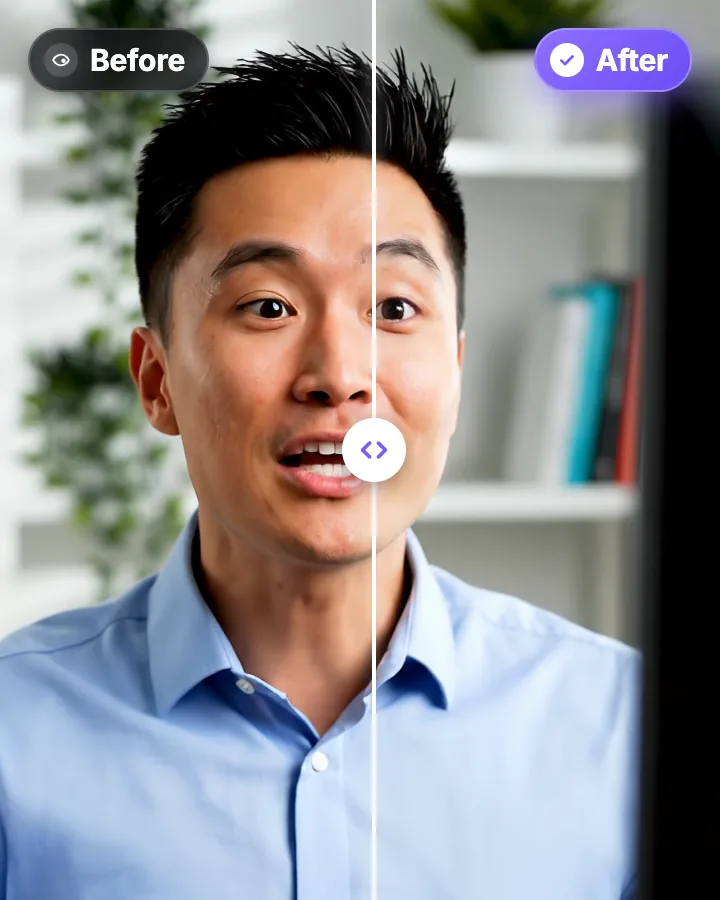
AI Eye Contact and Gaze Correction for Recorded Videos
Read a script, checked your notes or watched yourself on screen? Upload the video and the AI points your gaze back at the lens in every frame, keeping your resolution, frame rate and audio. Your first video is free.

AI video editor for creators who want viral content without the editing grind.
Features
All FeaturesAI CaptionsHormozi CaptionsMrBeast CaptionsAdd Subtitles to VideoSubtitle GeneratorAI Video EditorAI Clip GeneratorYouTube to ShortsEye Contact FixMagic ZoomTransitionsClean AudioAI MusicSound EffectsAI Auto EditRemove SilenceAI ThumbnailsBrand KitsCommunity StylesAI Video TranslatorFree Tools
Video Hook GeneratorTikTok CaptionsInstagram CaptionsYouTube TitlesTikTok HashtagsVideo Script GeneratorAI Video IdeasContent CalendarTikTok TranscriptVideo to TextFree SRT GeneratorSubtitle TranslatorFree TeleprompterWords to MinutesSRT to VTT ConverterTikTok Safe ZoneFree Sound EffectsAll 40 Tools →Use Cases
TikTok CreatorsYouTube ShortsInstagram ReelsPodcastersClippersAgencies & TeamsLinkedIn VideosTeleprompter Eye ContactPremiere Pro Eye ContactDaVinci Resolve Eye ContactFinal Cut Pro Eye ContactLoom Eye Contact