Caption Styles for Every Kind of Video
Animated, dynamic captions in one click: 26 built-in styles including Hormozi and MrBeast looks, a community library that brings the total to 1,000+ styles, and your own saved styles. Apply any of them and customize everything.
- Included in the free plan
- No credit card required
Caption styles in StoryCut: key facts
- Built-in styles
- 26, including 6 Hormozi-style presets, MrBeast, Iman Gadzhi- and Grant Cardone-inspired styles, and cleaner looks such as Light Story and Simple Pink.
- Community library
- 1,000+ styles in total with the built-in set. Browse by category (TikTok, YouTube Shorts, Podcast Clips, Gaming, Business and more), search by name, #tag or @creator, and favorite the ones you like.
- Your own styles
- Save as many custom styles as you like on any plan, and publish them to the community if you want.
- Build from scratch
- 60+ animation types and 166 fonts, plus colors, outline, shadow, highlight, words per line and position.
- Price
- Free. Every built-in and community style works on every plan, including Free.
What Are Animated Captions?
Animated captions, also called dynamic captions, are subtitles that move with the speech: words pop in, light up or change color as they are spoken, a few at a time, instead of sitting on screen as a static line. They are popular on TikTok, Reels and Shorts because they can be read with the sound off and they keep the eye in the center of the screen.
A caption style is the full recipe for that look: the font, size, colors, outline and shadow, how many words show at once, which words get highlighted, where the captions sit and how they animate. In StoryCut you pick a style and every caption in the video updates at once. Designing one from scratch takes time, so start from one of the 26 built-in styles, browse the community library, or build your own and save it.
Popular Caption Styles and When to Use Them
Hormozi-style
Bold uppercase words, one keyword in color and a quick pop-in. 6 built-in variants. Suits business, coaching and educational clips.
MrBeast-style
Comic Komika Axis lettering, a fat black outline and yellow and red keywords. Suits challenges, reactions and entertainment.
Karaoke
The line stays on screen and each word fills with color as it’s spoken. Suits storytelling, music and longer sentences.
Clean and minimal
Calmer fonts, longer lines and a soft highlight, such as Light Story or Simple Pink, or the Minimal and Podcast Clips categories. Suits podcasts, interviews and brand content.
How Styles Work
26 Ready-Made Styles
Bold, minimal, karaoke, neon and creator-inspired looks, available on every plan.
One-Click Apply
Click a style and your captions update instantly.
Fully Customizable
Change font, colors, animation, size and position, then save it as your own style.
Share With the Community
Publish your style so other creators can find it by search or category, apply it and favorite it.
Results
Styles That Perform on Social
Every style in the library is battle-tested by real creators on real platforms.
How It Works
How to use caption styles in StoryCut
Right after your captions are generated.
- 01
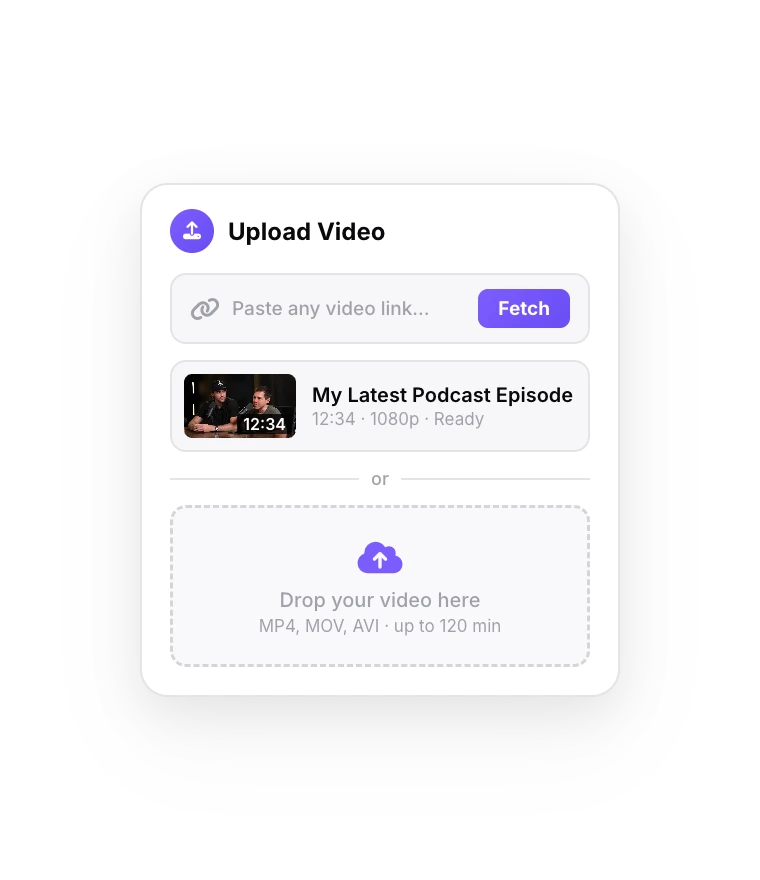
Upload Your Video
Captions are generated automatically after the upload.
- 02
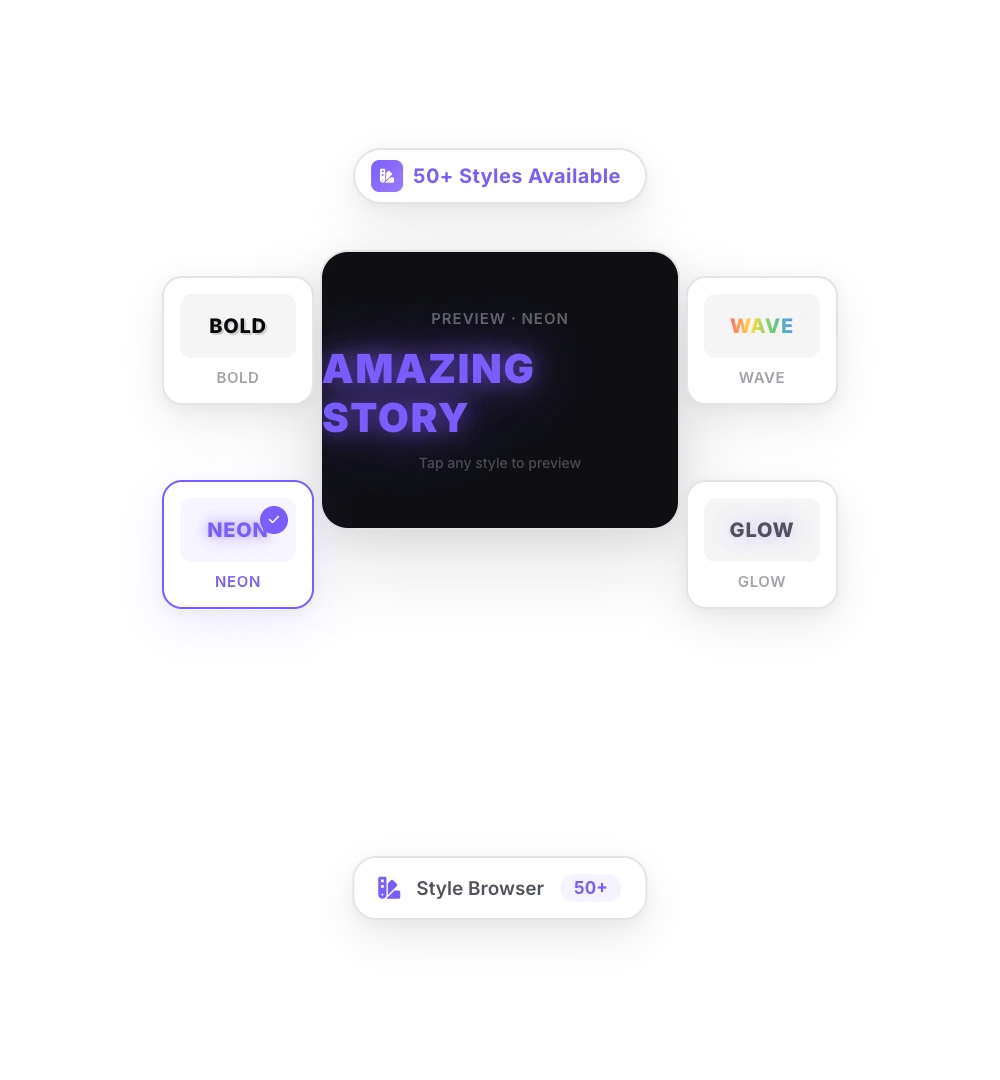
Pick a Style
Browse the built-in and community styles and click the one you like.
- 03
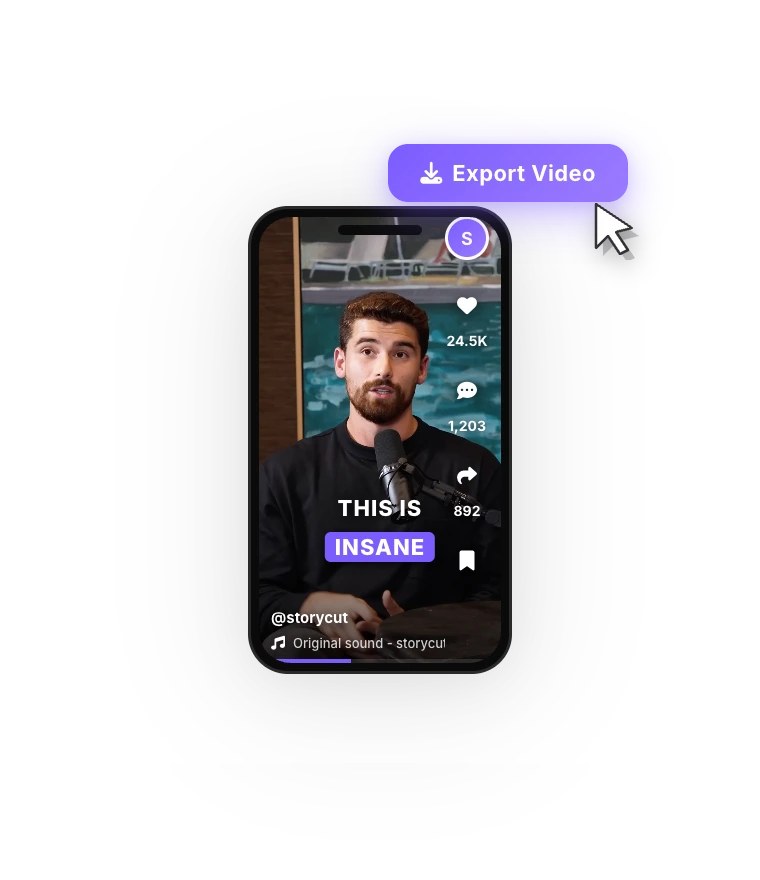
Export Your Video
Download your video with the style applied.
FAQ
Frequently Asked Questions
Find Your Signature Caption Style
Upload your video. Get back a scroll-stopper with viral captions, cinematic transitions, auto zoom, and clean audio. The same tools top creators use to explode views.
Start from a ready-made style, make it yours, and reuse it on every video.
- Join 10,000+ creators
- No credit card required

You Might Also Like

Hormozi Style Captions, Generated for You
Bold uppercase words, two or three at a time, the key word in color and a quick pop-in. Upload a video and StoryCut transcribes it and animates the captions in the Hormozi style.
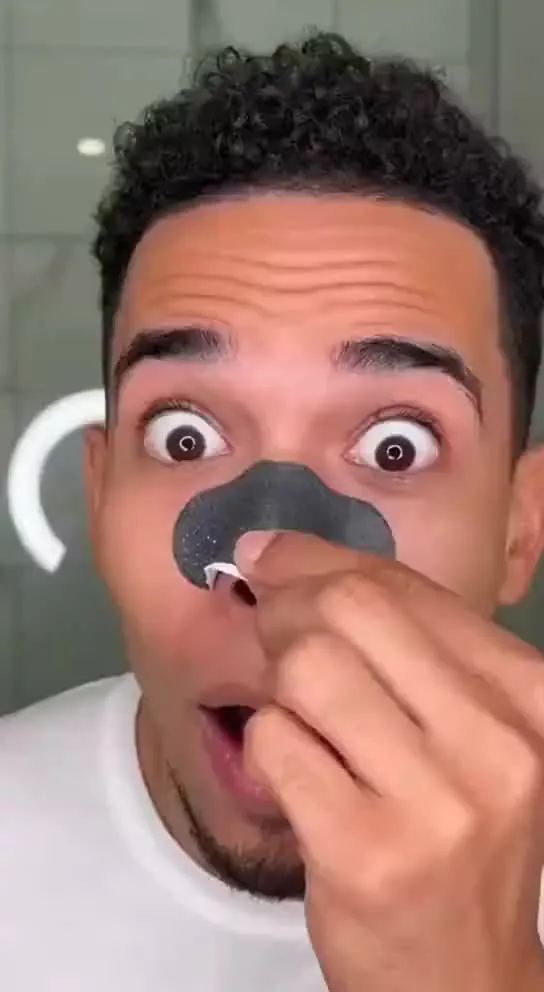
MrBeast Style Captions, Generated for You
Big comic-style words, a thick black outline and keywords that pop in yellow and red. Upload a video and StoryCut transcribes it and animates the captions in the MrBeast style.
Add Animated Captions to Any Video
Upload a video and StoryCut adds animated, word-level captions automatically, with 99.5% accuracy across 50+ languages. Pick a style, fix any word, export. No editing skills needed.

AI video editor for creators who want viral content without the editing grind.
Features
All FeaturesAI CaptionsHormozi CaptionsMrBeast CaptionsAdd Subtitles to VideoSubtitle GeneratorAI Video EditorAI Clip GeneratorYouTube to ShortsEye Contact FixMagic ZoomTransitionsClean AudioAI MusicSound EffectsAI Auto EditRemove SilenceAI ThumbnailsBrand KitsCommunity StylesAI Video TranslatorFree Tools
Video Hook GeneratorTikTok CaptionsInstagram CaptionsYouTube TitlesTikTok HashtagsVideo Script GeneratorAI Video IdeasContent CalendarTikTok TranscriptVideo to TextFree SRT GeneratorSubtitle TranslatorFree TeleprompterWords to MinutesSRT to VTT ConverterTikTok Safe ZoneFree Sound EffectsAll 40 Tools →Use Cases
TikTok CreatorsYouTube ShortsInstagram ReelsPodcastersClippersAgencies & TeamsLinkedIn VideosTeleprompter Eye ContactPremiere Pro Eye ContactDaVinci Resolve Eye ContactFinal Cut Pro Eye ContactLoom Eye Contact