Turn a Podcast Episode Into Up to 12 Short Clips
Upload the full episode or paste its YouTube link. AI clips reads the transcript, picks the strongest moments, reframes them to 9:16 around whoever is speaking and adds captions. Then polish each clip in the editor.
- 1 episode a month free
- YouTube link or upload
- No credit card
StoryCut for podcasters: key facts
- What it does
- AI clips turns one video episode (2 to 150 minutes, upload or YouTube link) into 3 to 12 vertical clips with captions, a title and a 0–100 virality score.
- Two-person shows
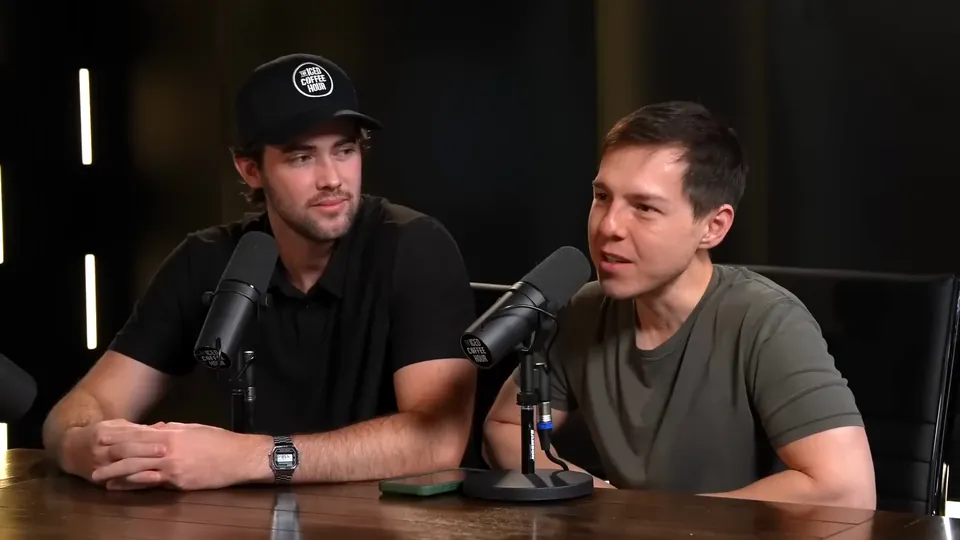
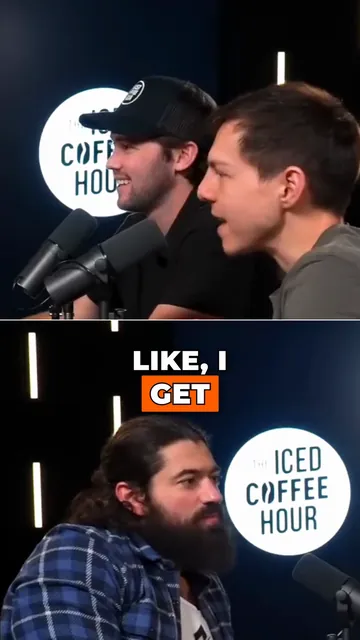
- Active speaker detection keeps whoever is talking in the 9:16 frame. When both people matter, a clip can switch to a split layout that shows both faces.
- Price
- Free: 1 episode a month, 720p exports with a watermark. Starter: $7/mo billed yearly, 10 episodes a month, 1080p, no watermark. Pro: $14/mo billed yearly, 50 a month, plus clean audio and magic zoom.
- Audio
- Clean audio (Pro) isolates voices and removes background noise with ElevenLabs voice isolation.
- Needs video
- AI clips works from a video file or a YouTube link. There is no RSS feed or audio-only import.
One recording, a week of clips
A long conversation usually has several moments that stand on their own: a strong opinion, a story, a quick tip. Finding and cutting them by hand means scrubbing through the whole episode. AI clips reads the full transcript, picks those moments (aiming for about one clip per two minutes of episode, between 3 and 12), and scores each one so you can start with the strongest.
The Podcast-to-Clips Toolkit
The AI picks the moments
Each clip gets a 0–100 virality score built from hook, story, emotion and shareability. Choose the clip length: auto (15–80 s), short, medium or long.
Reframed around the speaker
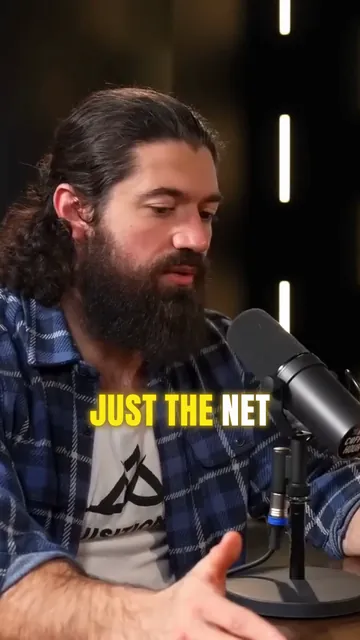
Landscape episodes become 9:16. Face tracking follows the active speaker, two-person shots can use a split layout, and shots with no face are letterboxed.
Captions on every clip
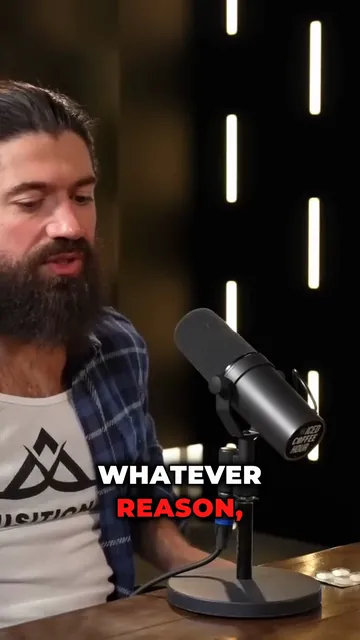
Word-by-word captions are added automatically in the style you pick before you start. They cover everyone who speaks, without speaker labels.
Clean audio (Pro)
ElevenLabs voice isolation removes background noise from the voice track. Toggle before and after to compare.
Podcasters
From Episode to Clip
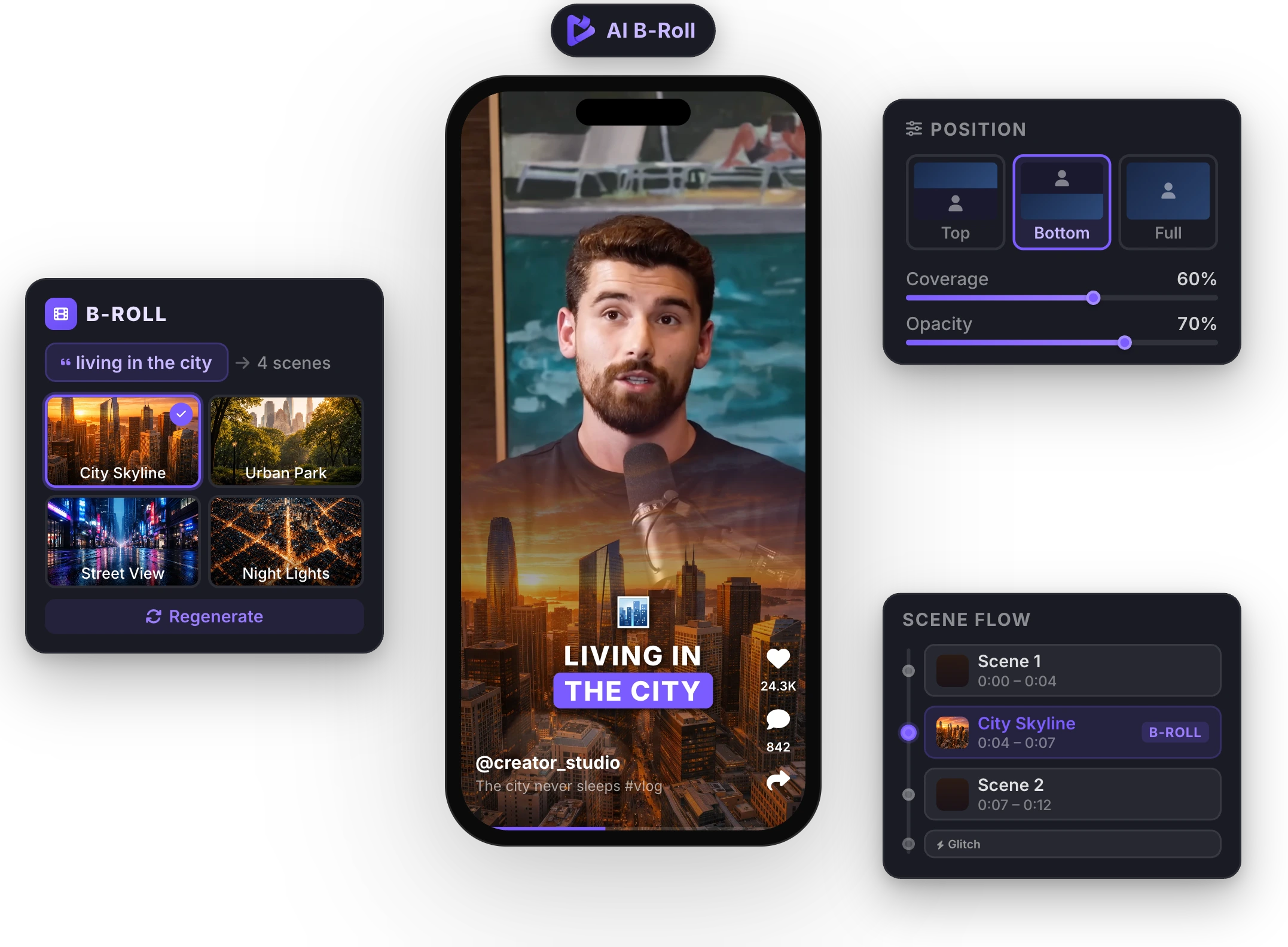
Each clip opens in the full editor. Change the caption style, fix words, add magic zoom on key lines, sound effects or music (Pro), and export a 9:16 MP4.
How It Works
Podcast Clip Workflow
- 01
Add the full episode
Upload the video (MP4, MOV, AVI, MKV or WebM, 2 to 150 minutes) or paste a YouTube link (up to 120 minutes).
- 02
Pick length and style
Choose a clip length and a caption style, and keep face tracking on for 9:16 reframing.
- 03
Review the clips
AI clips returns 3 to 12 clips with titles and scores. Open any clip to edit captions or add zoom, music or clean audio.
- 04
Export and post
Download each clip as an MP4 and post it to TikTok, YouTube Shorts or Instagram Reels yourself.
Comparing podcast clipping tools?


FAQ
Frequently Asked Questions
Turn Your Next Episode Into Clips
Upload your video. Get back a scroll-stopper with viral captions, cinematic transitions, auto zoom, and clean audio. The same tools top creators use to explode views.
Upload the episode or paste a YouTube link and get up to 12 captioned, vertical clips. 1 episode a month free, no credit card.
- Join 10,000+ creators
- No credit card required

You Might Also Like
AI Clip Generator: Turn Long Videos Into Shorts
Paste a YouTube link or upload a video from 2 to 150 minutes. The AI reads the transcript, picks 3 to 12 moments, scores each one, reframes it to 9:16 around faces and the active speaker, and adds animated captions.

Remove Background Noise from Video with AI
One click isolates your voice and removes background noise and room echo from your video’s audio. Record anywhere, sound clear. Powered by ElevenLabs.
AI Eye Contact and Gaze Correction for Recorded Videos
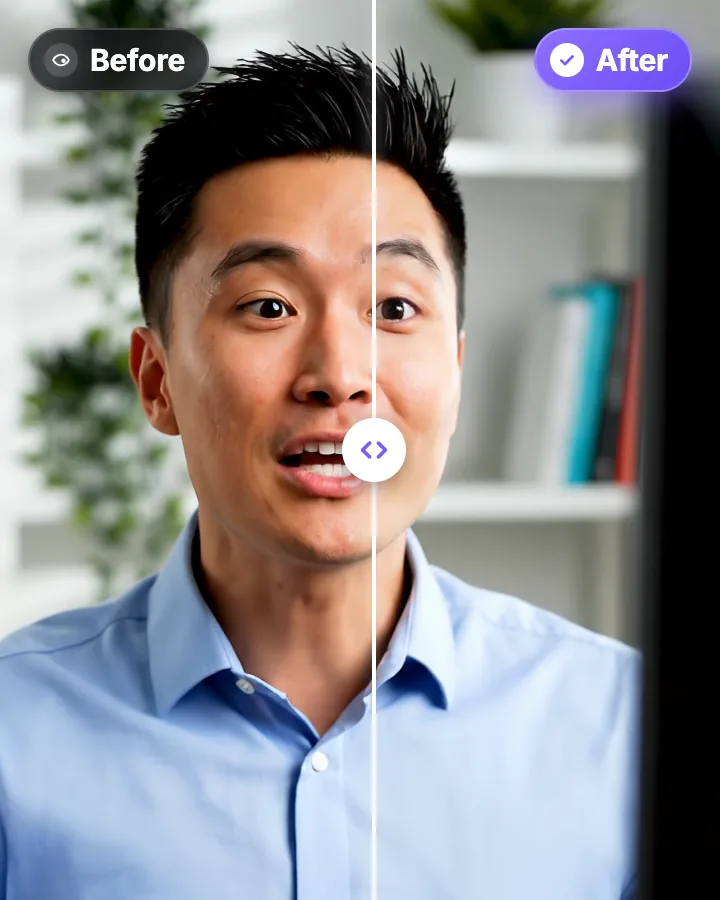
Read a script, checked your notes or watched yourself on screen? Upload the video and the AI points your gaze back at the lens in every frame, keeping your resolution, frame rate and audio. Try it free: watch the first 20 seconds of your own video fixed.

AI video editor for creators who want viral content without the editing grind.
Features
All FeaturesAI CaptionsHormozi CaptionsMrBeast CaptionsAdd Subtitles to VideoSubtitle GeneratorAI Video EditorAI Clip GeneratorYouTube to ShortsChatGPT & Claude ConnectorVideo Clipping APIEye Contact FixMagic ZoomTransitionsClean AudioAI MusicSound EffectsAI Auto EditRemove SilenceAI ThumbnailsBrand KitsCommunity StylesAI Video TranslatorFree Tools
Video Hook GeneratorTikTok CaptionsInstagram CaptionsYouTube TitlesTikTok HashtagsVideo Script GeneratorAI Video IdeasContent CalendarTikTok TranscriptVideo to TextFree SRT GeneratorSubtitle TranslatorFree TeleprompterWords to MinutesSRT to VTT ConverterTikTok Safe ZoneFree Sound EffectsAll 40 Tools →Use Cases
TikTok CreatorsYouTube ShortsInstagram ReelsPodcastersClippersAgencies & TeamsLinkedIn VideosTeleprompter Eye ContactPremiere Pro Eye ContactDaVinci Resolve Eye ContactFinal Cut Pro Eye ContactLoom Eye Contact