
Features
Tools
Pricing
Affiliate
No subtitle file yet?
Make one from the video first: the free subtitle generator turns speech into a timed SRT, then translate it here. StoryCut can also translate the captions and dub the voice inside the editor.
How to translate an SRT file
Add your subtitle file
Upload an .srt or .vtt file, drop it on the box, or paste its content. The number of subtitles and the length are checked right away.
Choose the language
Pick the language to translate into. The original language is detected automatically.
Translate
The subtitles are translated in batches, with the lines around each one as context, and shown next to the original.
Download the file
Download the translated subtitles as SRT or VTT with a free account, named like movie.es.srt so players find it.
Example: English to Spanish
The timing lines are copied as they are; only the text changes.
Original (English)
1 00:00:00,500 --> 00:00:02,600 Hey, quick question before we start. 2 00:00:02,800 --> 00:00:05,400 How many of you post a video and never look at the comments?
Translated (Spanish)
1 00:00:00,500 --> 00:00:02,600 Oye, una pregunta antes de empezar. 2 00:00:02,800 --> 00:00:05,400 ¿Cuántos publican un video y nunca miran los comentarios?
Kept as they are
Subtitle numbers and count Start and end times Line breaks <i>Italics</i>, <b>bold</b> and position tags

Reach viewers in every language
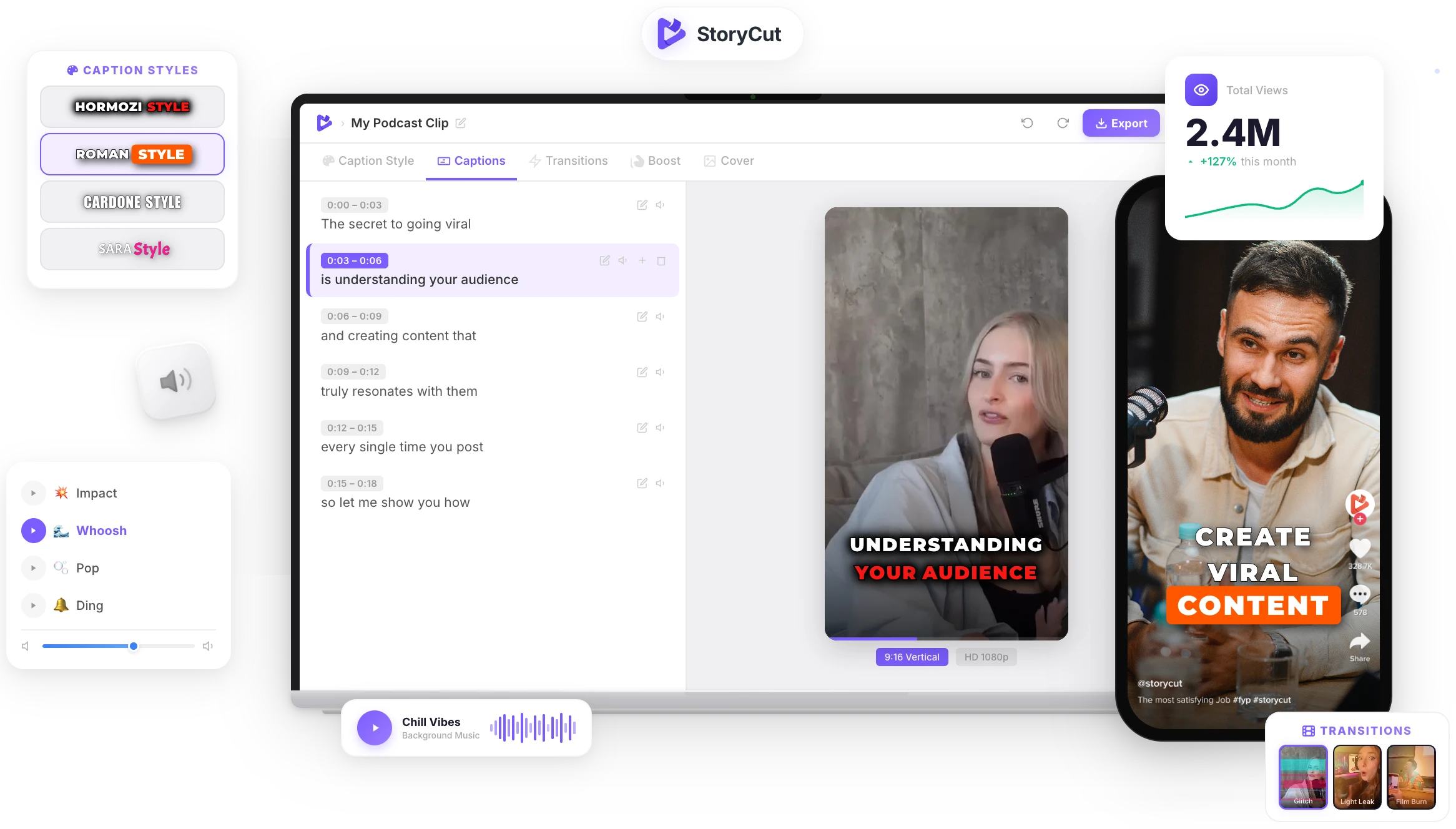
StoryCut adds animated captions to your video in 1,000+ styles, and its AI video translator turns them into 33 languages or dubs your voice, ready for TikTok, Reels and Shorts.
AI Captions in 1 Click
50+ Transitions
Auto Zoom Effects
Clean Audio AI
Video & Subtitle Tools
Why the timing stays exactly the same
A subtitle file is a list of numbered lines, each with a start time, an end time and some text. This translator never touches the first two: your file is read in your browser, only the text of each subtitle is sent to be translated, and every translation is put back on the subtitle it came from. The tool checks that it gets exactly one translation per line before it builds the file, so the translated subtitles stay in sync with the video, even with hundreds of lines.
Tips for a good subtitle translation
- Fix the original first: typos and wrong words in the source become wrong translations.
- Keep each subtitle to one idea. Very long lines are harder to translate naturally and to read on screen.
- Read the result with the video once. Jokes, names and slang are where machine translation slips most.
- Players pick up a subtitle file automatically when it is named after the video plus the language code, like interview.fr.srt.
- Subtitles out of sync? That isn’t a translation problem: fix the timing with the subtitle shifter, before or after translating.
An SRT translator that keeps your file intact
Same Timings
Only the text is translated. Every subtitle keeps its number, start and end time, so the file stays in sync.
Checked Line by Line
The translator must return one translation per subtitle; anything missing is retried before the file is built.
49 Languages
Spanish, Portuguese, French, German, Hindi, Arabic, Indonesian, Japanese, Korean, Chinese and more.
SRT or VTT
Upload either format and download either one: italics, bold and VTT positions are carried over where the format allows.
FAQ
You Might Wanna Know...
You’ve Got the Translation.
Now Make the Video.
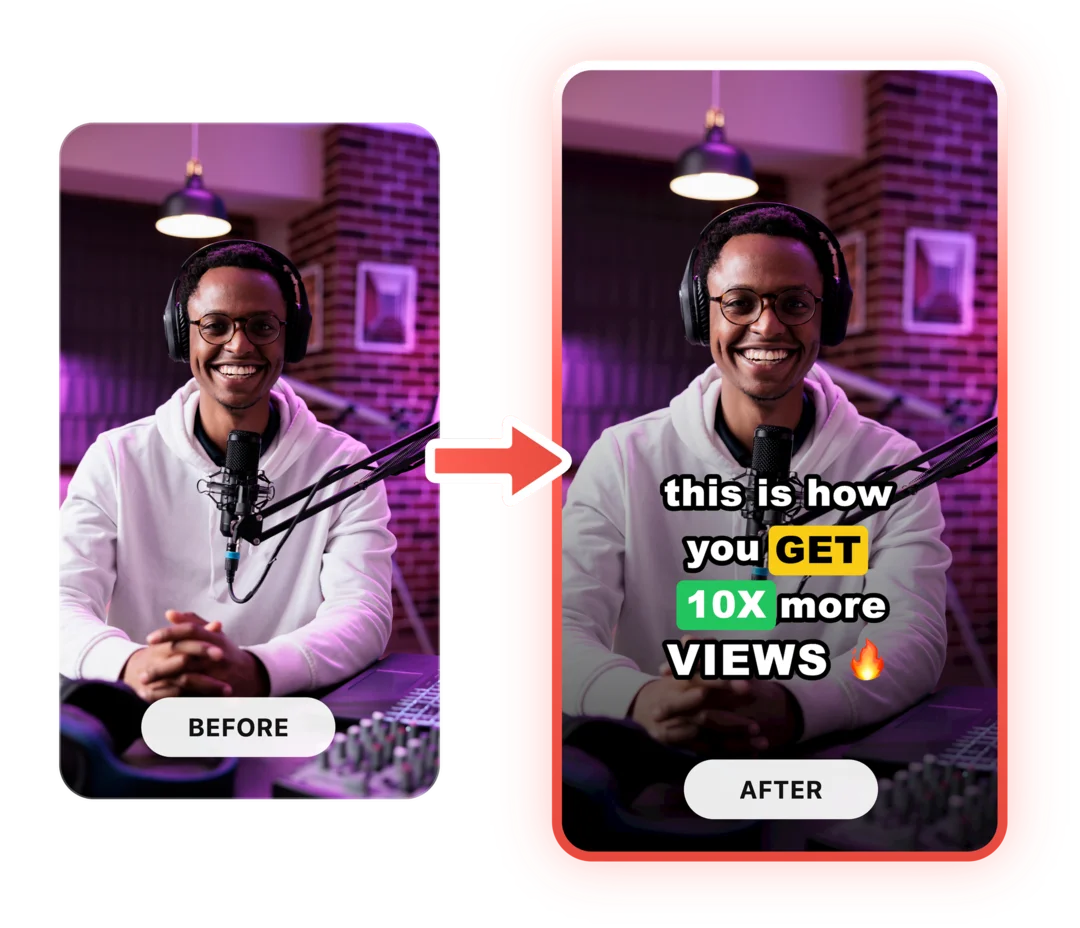
You just used a free tool to translate your subtitles. Now imagine dropping a raw video into StoryCut and getting it back fully edited — captions styled to your brand, zoom effects synced to every beat, transitions between scenes, audio cleaned up — all in under 2 minutes.
No timeline. No learning curve. No exporting headaches. Just upload, let the AI work, and post. That’s what 10,000+ creators do every day with StoryCut.
This tool gave you the words. StoryCut gives you the video.
Your Next Viral Video Starts Here
Join 10,000+ creators who save hours every week with AI-powered editing. Upload a video, get a scroll-stopper back.
No credit card required • Free plan, no time limit • Cancel anytime

AI video editor for creators who want viral content without the editing grind.
Features
All FeaturesAI CaptionsHormozi CaptionsMrBeast CaptionsAdd Subtitles to VideoSubtitle GeneratorAI Video EditorAI Clip GeneratorYouTube to ShortsEye Contact FixMagic ZoomTransitionsClean AudioAI MusicSound EffectsAI Auto EditRemove SilenceAI ThumbnailsBrand KitsCommunity StylesAI Video TranslatorFree Tools
Video Hook GeneratorTikTok CaptionsInstagram CaptionsYouTube TitlesTikTok HashtagsVideo Script GeneratorAI Video IdeasContent CalendarTikTok TranscriptVideo to TextFree SRT GeneratorSubtitle TranslatorFree TeleprompterWords to MinutesSRT to VTT ConverterTikTok Safe ZoneFree Sound EffectsAll 40 Tools →Use Cases
TikTok CreatorsYouTube ShortsInstagram ReelsPodcastersClippersAgencies & TeamsLinkedIn VideosTeleprompter Eye ContactPremiere Pro Eye ContactDaVinci Resolve Eye ContactFinal Cut Pro Eye ContactLoom Eye Contact