
Features
Tools
Pricing
Affiliate
Need the words on screen instead?
Put the transcript to work: StoryCut turns the speech in your video into styled captions, or download subtitles for YouTube and video players.
How to convert a video to text
Upload your file
Drop a video or audio file in the box, or click to choose one: MP4, MOV, WebM, MKV, MP3, WAV, M4A and more, up to 200 MB.
Pick the language
Automatic detection works for most files. Choose the spoken language yourself if the audio is noisy or mixes languages.
Get the transcript
The speech is turned into text with punctuation and paragraphs. Switch to the timestamped view to find a moment in the video.
Copy or save it
Copy the text for free, or create a free account to download it as a TXT file, or as SRT and VTT subtitles.
Example: a 2-minute tutorial, transcribed
Transcript
Today I’m going to show you how to repot a plant without hurting the roots. First, water it the day before, so the soil holds together. Next, tip the pot on its side and slide the plant out. Don’t pull it by the stem.
With timestamps
[00:00:00] Today I’m going to show you how to repot a plant without hurting the roots. [00:00:05] First, water it the day before, so the soil holds together. [00:00:10] Next, tip the pot on its side and slide the plant out.
Uses
Video description and chapters Blog post or newsletter Notes from a lecture or meeting Quotes for social posts

Turn the transcript into a video people finish
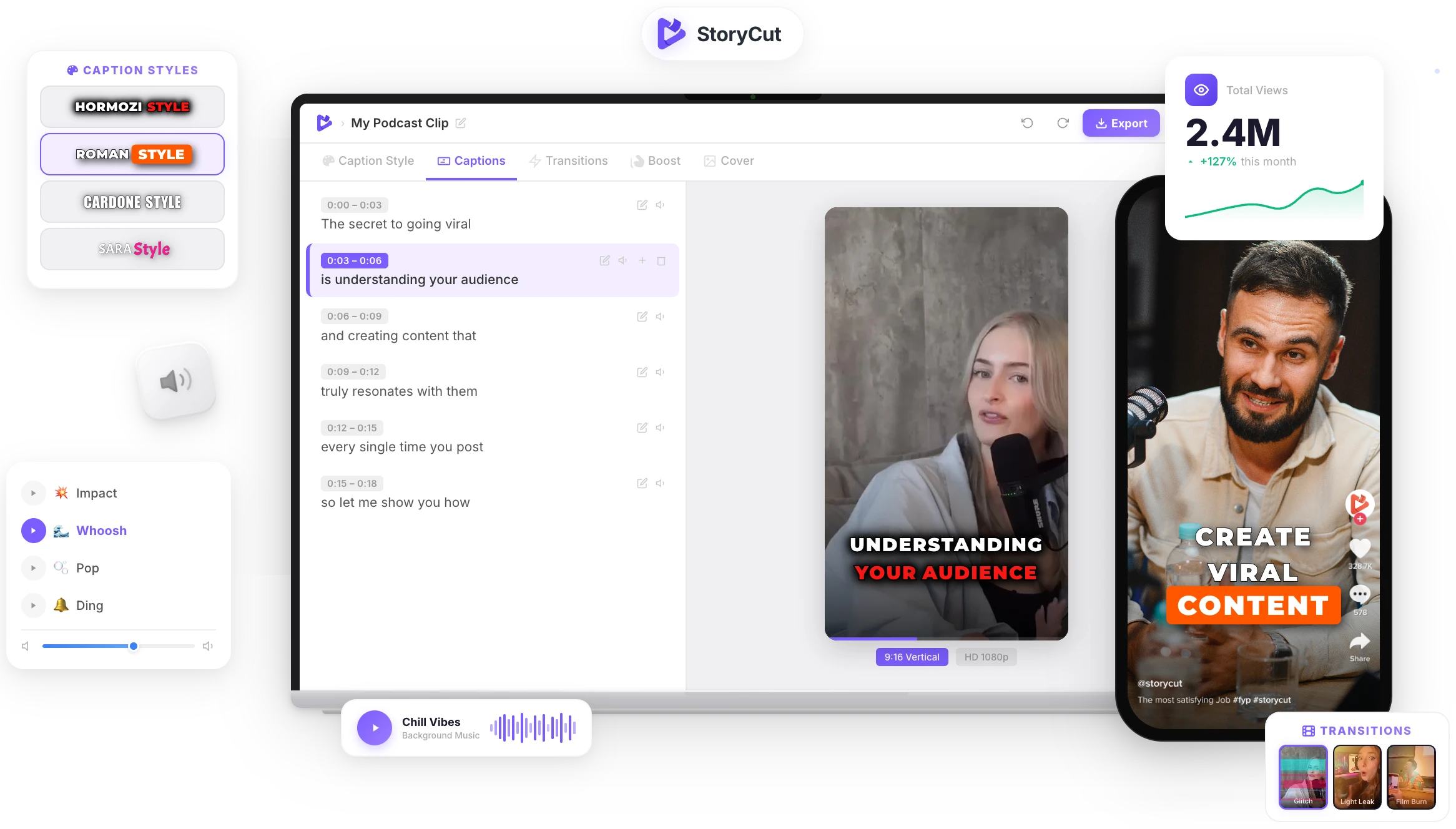
StoryCut uses the same speech recognition to add animated captions to your video in 1,000+ styles, with zoom effects, transitions and clean audio. Upload, check the words, export.
AI Captions in 1 Click
50+ Transitions
Auto Zoom Effects
Clean Audio AI
Video & Subtitle Tools
How does video to text conversion work?
A speech recognition model listens to the audio track of the video and writes down what is said, word by word, with the time each word starts and ends. Punctuation, numbers and paragraph breaks are then added so the transcript reads like text written by a person. This converter uses Deepgram’s Nova-3 model, the same one StoryCut uses for the captions in its video editor. The picture doesn’t matter: only the sound is transcribed, so an audio file works just as well as a video.
How to get the most accurate transcript
- Clear speech close to the microphone transcribes best. Background music and echo lower the accuracy.
- Pick the spoken language when the video has an accent, a lot of music, or starts with a few seconds of silence.
- Check names, brands and technical words: they are the words speech recognition gets wrong most often.
- Long recording? Split it into parts of 10 minutes or less and transcribe them one after the other.
- Only need the audio? Upload the MP3 or M4A instead of the video: it is smaller and uploads faster.
An MP4 transcript generator that keeps it simple
Video or Audio
MP4, MOV, WebM, MKV, AVI, MP3, WAV, M4A, AAC, OGG, FLAC and more. Only the sound is used.
Readable Text
Punctuation, numbers and paragraph breaks are added automatically, so you can paste the text straight into a document.
Timestamps
A second view puts the time in front of every sentence, handy for chapters, notes and quotes.
Private by Default
Your file goes straight to secure storage, is read once to transcribe it, and is deleted right after.
FAQ
You Might Wanna Know...
You’ve Got the Transcript.
Now Make the Video.
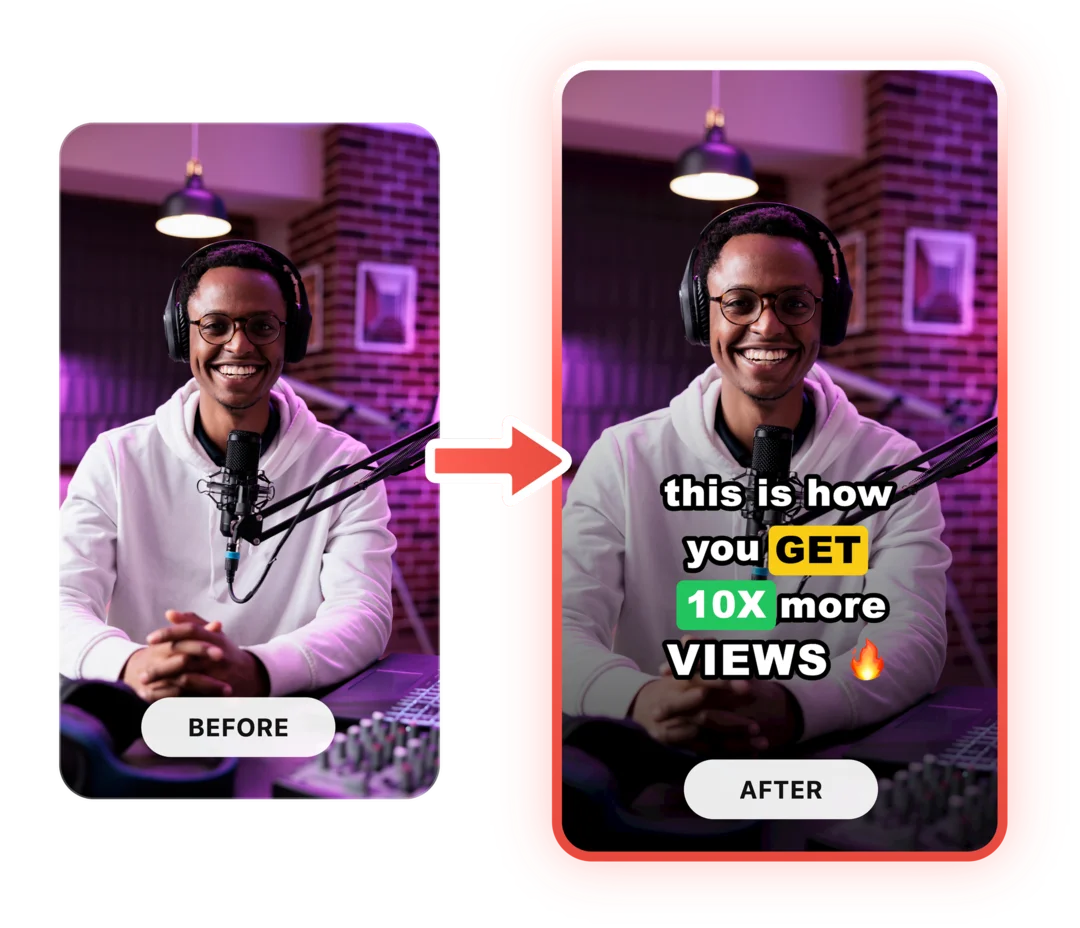
You just used a free tool to convert a video to text. Now imagine dropping a raw video into StoryCut and getting it back fully edited — captions styled to your brand, zoom effects synced to every beat, transitions between scenes, audio cleaned up — all in under 2 minutes.
No timeline. No learning curve. No exporting headaches. Just upload, let the AI work, and post. That’s what 10,000+ creators do every day with StoryCut.
This tool gave you the words. StoryCut gives you the video.
Your Next Viral Video Starts Here
Join 10,000+ creators who save hours every week with AI-powered editing. Upload a video, get a scroll-stopper back.
No credit card required • Free plan, no time limit • Cancel anytime

AI video editor for creators who want viral content without the editing grind.
Features
All FeaturesAI CaptionsHormozi CaptionsMrBeast CaptionsAdd Subtitles to VideoSubtitle GeneratorAI Video EditorAI Clip GeneratorYouTube to ShortsEye Contact FixMagic ZoomTransitionsClean AudioAI MusicSound EffectsAI Auto EditRemove SilenceAI ThumbnailsBrand KitsCommunity StylesAI Video TranslatorFree Tools
Video Hook GeneratorTikTok CaptionsInstagram CaptionsYouTube TitlesTikTok HashtagsVideo Script GeneratorAI Video IdeasContent CalendarTikTok TranscriptVideo to TextFree SRT GeneratorSubtitle TranslatorFree TeleprompterWords to MinutesSRT to VTT ConverterTikTok Safe ZoneFree Sound EffectsAll 40 Tools →Use Cases
TikTok CreatorsYouTube ShortsInstagram ReelsPodcastersClippersAgencies & TeamsLinkedIn VideosTeleprompter Eye ContactPremiere Pro Eye ContactDaVinci Resolve Eye ContactFinal Cut Pro Eye ContactLoom Eye Contact