Add Music to Your Video with AI
StoryCut writes a music prompt from your transcript and generates an original background track for your video, or follows your own description. Prefer a song you already have? Upload it. Either way, the music ducks under your voice automatically.
- Included in Pro (from $14/mo)
Adding music in StoryCut: key facts
- Short answer
- Open your video in the editor, go to Music, and generate a track or upload your own. The music is fitted to the length of the video and lowered automatically while you speak. Export, and it’s mixed into the MP4.
- AI music
- An original track generated with Suno’s music model, from a prompt written from your transcript, your own description or a quick style. Instrumental option.
- Your own music
- Upload an MP3, WAV, M4A, AAC or OGG file. It’s looped or trimmed to fit the video, with a fade at the end.
- Voice stays clear
- Auto-ducking lowers the music under your voice. Change the volume any time.
- Plan
- Pro ($14/mo billed yearly, $19/mo monthly) and Business.
How to Add Music to a Video
Open your video in StoryCut’s editor and go to Music. Let the AI write the prompt from what you say in the video, type the vibe you want, or pick a quick style, and StoryCut generates an original track with Suno’s music model. Or upload a song you already have. The track is fitted to your video’s length (looped or trimmed, with a fade at the end) and lowered automatically while you speak. Export, and the music is mixed into the MP4.
Music sets the tone and keeps the energy up, but digging through stock libraries for the right track takes forever. Generating one for each video, matched to what you say, skips the search.
AI Music Features
Matched to Your Video
The prompt is written from your transcript, so a calm explainer and a hype video don’t get the same track. Or type your own description.
Original Tracks
Every track is generated fresh for your video, with an instrumental option, instead of reusing a popular song.
Ducks Under Your Voice
Music automatically lowers while you speak so your words stay clear. Adjust the volume if you want it louder or softer.
Or Use Your Own
Upload your own track instead. It is trimmed or looped to fit the video, with a fade at the end.
Results
Music That Matches Your Mood
AI-generated tracks that fit your video perfectly. No licensing fees, no copyright strikes.
How It Works
How to add AI music to your videos using StoryCut?
Three steps, inside the editor.
- 01
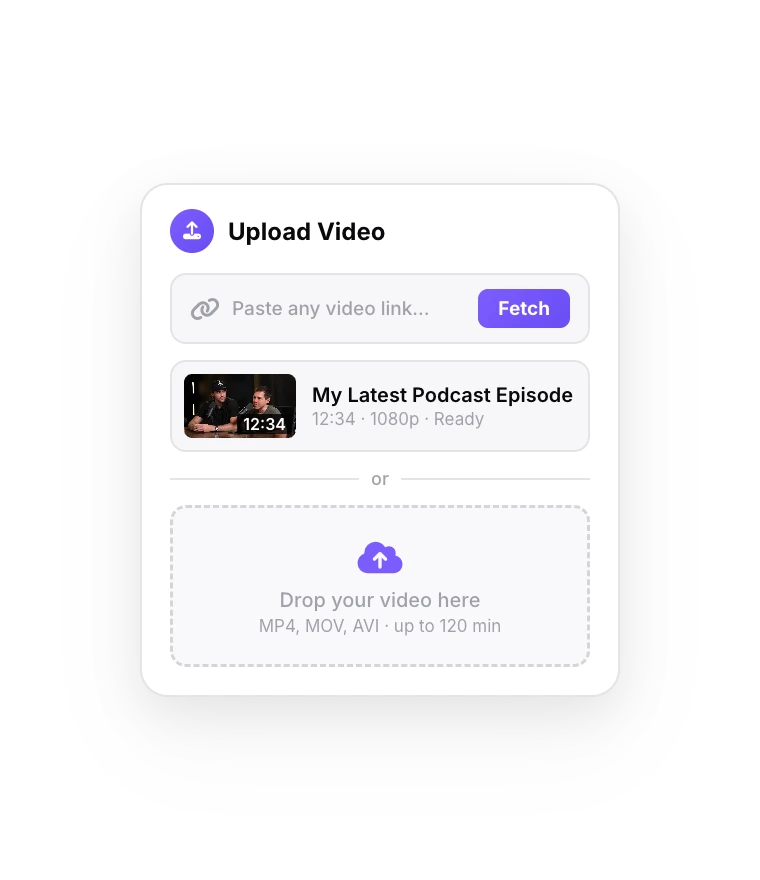
Upload Your Video
Import your video into the StoryCut editor.
- 02
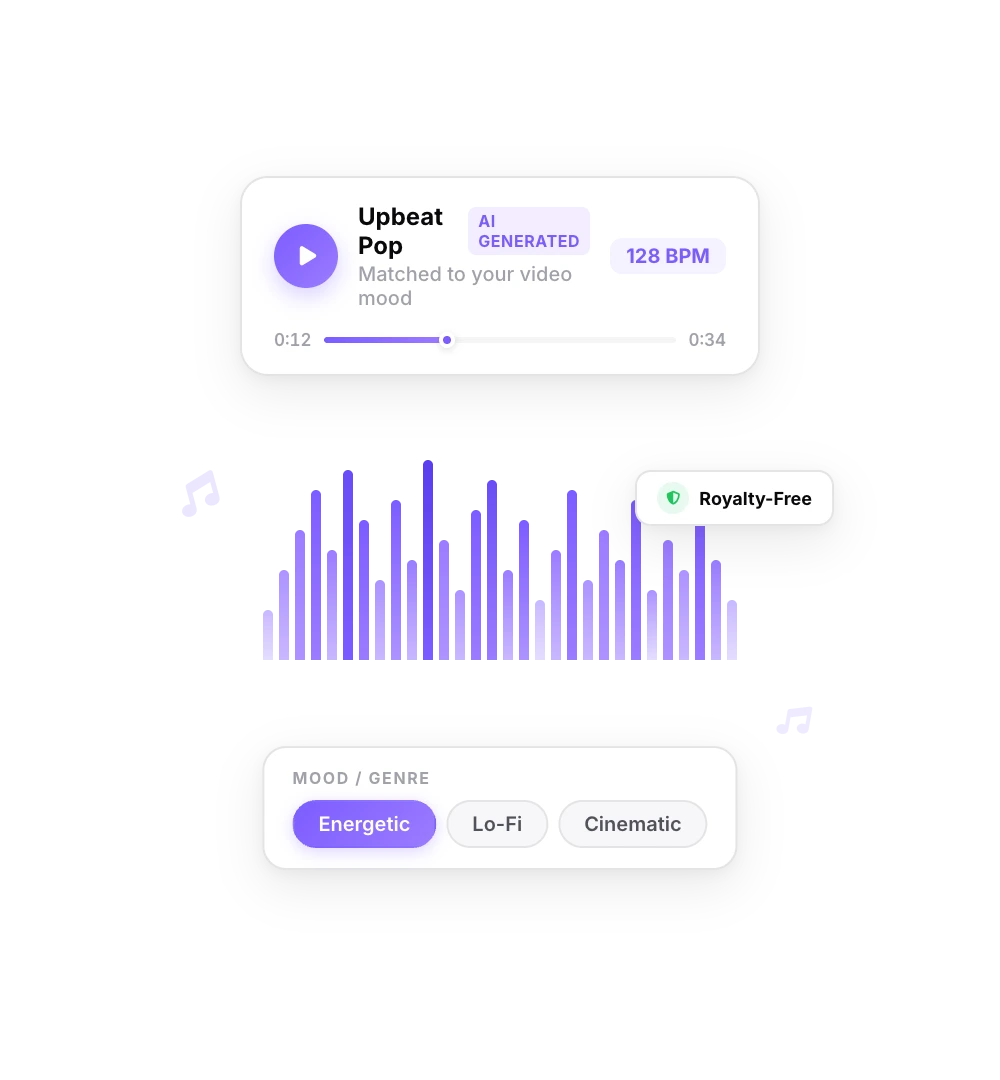
Generate a Track
Let the AI pick the mood from your transcript, or describe the vibe you want.
- 03
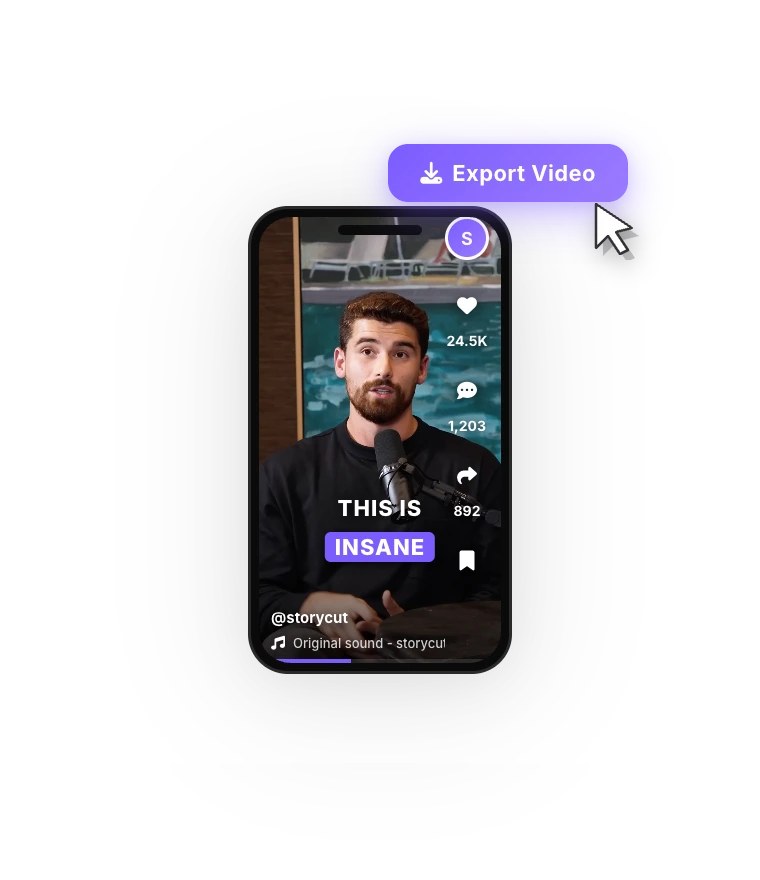
Export Your Video
Download your video with the music mixed under your voice.
FAQ
Frequently Asked Questions
Give Your Videos a Soundtrack
Upload your video. Get back a scroll-stopper with viral captions, cinematic transitions, auto zoom, and clean audio. The same tools top creators use to explode views.
Original background music matched to what you say, mixed under your voice automatically.
- Join 10,000+ creators
- No credit card required

You Might Also Like
Auto-Edit Your Talking-Head Videos in One Click
For videos you filmed yourself. Once your captions are ready, Auto Edit cuts the silences, places sound effects on your key words, zooms in on the key moments and composes background music. Then you keep or remove each one.

Auto SFX: Add Sound Effects to Your Video Automatically
StoryCut reads your transcript, picks the 4 to 8 words that deserve a sound and places a matching whoosh, pop or ding on each one, timed to the word. No library to dig through, no timeline to drag.
Remove Background Noise from Video with AI
One click isolates your voice and removes background noise and room echo from your video’s audio. Record anywhere, sound clear. Powered by ElevenLabs.

AI video editor for creators who want viral content without the editing grind.
Features
All FeaturesAI CaptionsHormozi CaptionsMrBeast CaptionsAdd Subtitles to VideoSubtitle GeneratorAI Video EditorAI Clip GeneratorYouTube to ShortsEye Contact FixMagic ZoomTransitionsClean AudioAI MusicSound EffectsAI Auto EditRemove SilenceAI ThumbnailsBrand KitsCommunity StylesAI Video TranslatorFree Tools
Video Hook GeneratorTikTok CaptionsInstagram CaptionsYouTube TitlesTikTok HashtagsVideo Script GeneratorAI Video IdeasContent CalendarTikTok TranscriptVideo to TextFree SRT GeneratorSubtitle TranslatorFree TeleprompterWords to MinutesSRT to VTT ConverterTikTok Safe ZoneFree Sound EffectsAll 40 Tools →Use Cases
TikTok CreatorsYouTube ShortsInstagram ReelsPodcastersClippersAgencies & TeamsLinkedIn VideosTeleprompter Eye ContactPremiere Pro Eye ContactDaVinci Resolve Eye ContactFinal Cut Pro Eye ContactLoom Eye Contact