
Features
Tools
Pricing
Affiliate
Read your script, then fix your eye contact with AI
Even with a teleprompter, your eyes follow the words. StoryCut’s AI eye contact fix redirects your gaze into the lens on every frame, and your first video is free.
How to use the online teleprompter
Paste your script
Paste or type your script in the box. The word count and the read time update as you type.
Set speed and text size
Pick a speed in words per minute (140 is a relaxed on-camera pace), a text size you can read from where you sit, and side margins that keep the lines short.
Place it under your camera
Put the browser window right below your webcam or phone lens so your eyes stay close to it. Turn on the webcam preview to check your framing.
Press Start and read
A 3-second countdown starts the scroll. Press Space or tap the text to pause, use the arrow keys to change speed, and go full screen for the biggest text.

Recorded your take? StoryCut edits it for you
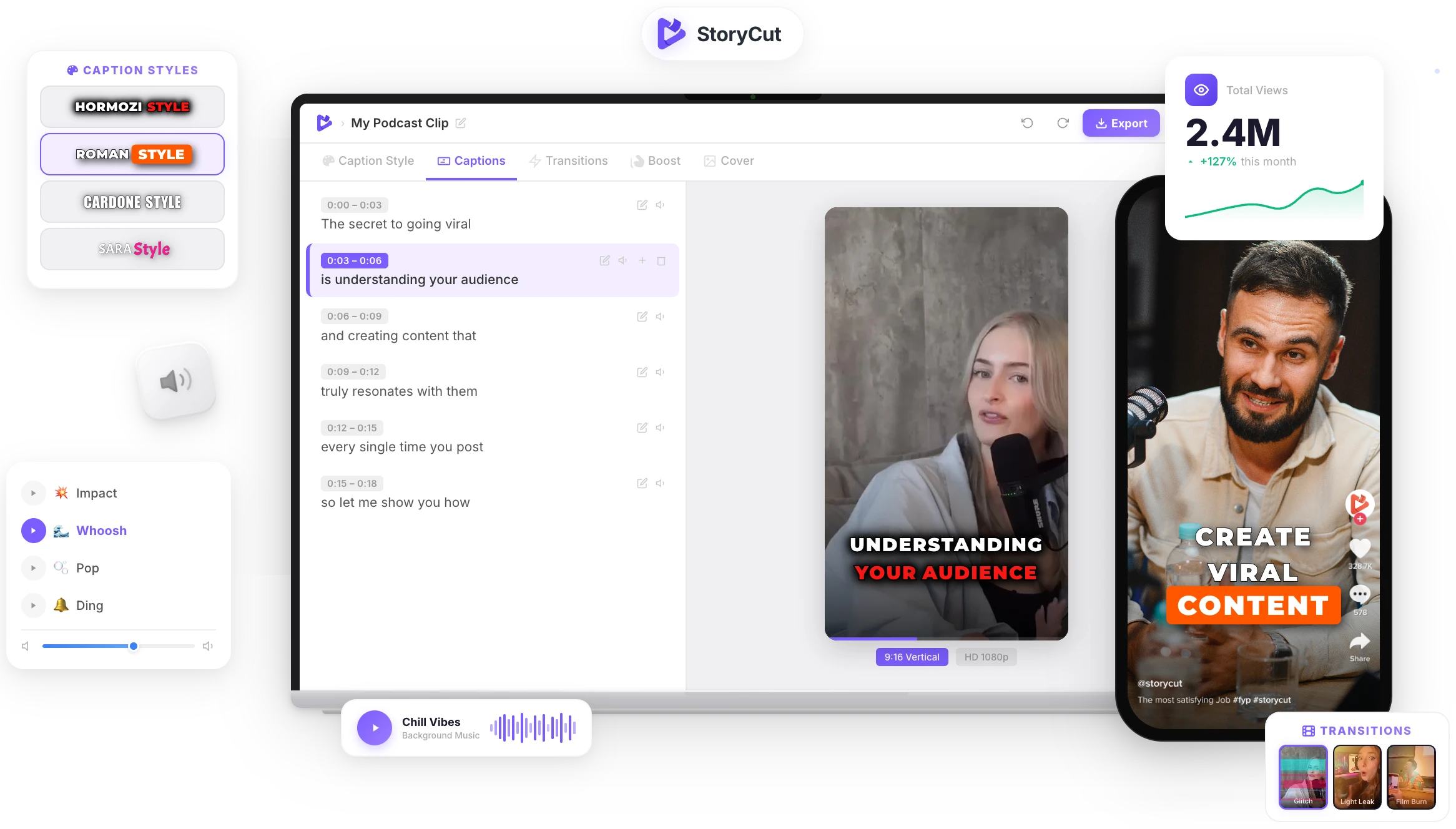
Upload the video and StoryCut adds animated captions in 1,000+ styles, zoom effects, transitions and clean audio, and its AI eye contact fix makes you look into the lens. No editing skills needed.
AI Captions in 1 Click
50+ Transitions
Auto Zoom Effects
Clean Audio AI
Video & Subtitle Tools
What is a teleprompter and how does it work?
A teleprompter shows your script and scrolls it while you speak, so you can deliver a talk without memorizing it. Studio teleprompters reflect the text onto a sheet of glass in front of the camera lens, which is why they need mirrored text. An online teleprompter does the same job on a laptop, tablet or phone: keep the text as close to the camera as you can and let it scroll at the pace you speak.
Teleprompter tips to look natural on camera
- Keep lines short: 5 to 8 words per line means your eyes barely move. Widen the side margins to get there.
- Sit at least an arm’s length from the screen. The farther away you are, the less the camera sees your eyes moving.
- Write the way you talk: contractions and short sentences sound less read.
- Put a line break where you want to pause and take a breath there.
- Do one practice run at your target speed. If you rush, lower the speed by 10 words per minute.
- Using teleprompter glass (a beam splitter)? Turn on mirror mode so the reflection reads the right way round.
Everything a free teleprompter should do
Speed in Words per Minute
Set the pace you actually speak at, from 60 to 260 words per minute. The scroll is calculated from the length of your script, so the read time shown is the real time it takes.
Mirror Mode
Flip the text horizontally for beam-splitter teleprompter glass, so the reflection in front of the lens reads the right way round.
Webcam Preview
See yourself behind the text or in a corner to check your framing and eye line while you read. The camera image never leaves your device.
Full Screen & Keyboard
Go full screen for the biggest text, start and pause with the Space bar or a tap, change speed with the arrow keys, and get a 3-second countdown before it scrolls.
FAQ
You Might Wanna Know...
You’ve Got the Script.
Now Make the Video.
You just used a free tool to read your script on camera. Now imagine dropping a raw video into StoryCut and getting it back fully edited — captions styled to your brand, zoom effects synced to every beat, transitions between scenes, audio cleaned up — all in under 2 minutes.
No timeline. No learning curve. No exporting headaches. Just upload, let the AI work, and post. That’s what 10,000+ creators do every day with StoryCut.
This tool gave you the words. StoryCut gives you the video.
Your Next Viral Video Starts Here
Join 10,000+ creators who save hours every week with AI-powered editing. Upload a video, get a scroll-stopper back.
No credit card required • Free plan, no time limit • Cancel anytime

AI video editor for creators who want viral content without the editing grind.
Features
All FeaturesAI CaptionsHormozi CaptionsMrBeast CaptionsAdd Subtitles to VideoSubtitle GeneratorAI Video EditorAI Clip GeneratorYouTube to ShortsEye Contact FixMagic ZoomTransitionsClean AudioAI MusicSound EffectsAI Auto EditRemove SilenceAI ThumbnailsBrand KitsCommunity StylesAI Video TranslatorFree Tools
Video Hook GeneratorTikTok CaptionsInstagram CaptionsYouTube TitlesTikTok HashtagsVideo Script GeneratorAI Video IdeasContent CalendarTikTok TranscriptVideo to TextFree SRT GeneratorSubtitle TranslatorFree TeleprompterWords to MinutesSRT to VTT ConverterTikTok Safe ZoneFree Sound EffectsAll 40 Tools →Use Cases
TikTok CreatorsYouTube ShortsInstagram ReelsPodcastersClippersAgencies & TeamsLinkedIn VideosTeleprompter Eye ContactPremiere Pro Eye ContactDaVinci Resolve Eye ContactFinal Cut Pro Eye ContactLoom Eye Contact