Auto SFX: Add Sound Effects to Your Video Automatically
StoryCut reads your transcript, picks the 4 to 8 words that deserve a sound and places a matching whoosh, pop or ding on each one, timed to the word. No library to dig through, no timeline to drag.
- Included in Pro (from $14/mo)
Auto sound effects in StoryCut: key facts
- What it does
- Picks 4 to 8 key words in your transcript and places a matching sound effect on each one, timed to the word.
- Sounds
- Public-domain (CC0) sounds from Freesound.org, chosen for each word: whooshes, pops, dings, impacts and more. Free to use commercially, no credit needed.
- Control
- Turn any sound on or off before exporting.
- How it differs
- StoryCut places existing sounds on words from your transcript. AI sound generators such as ElevenLabs and ACE Studio make new sounds from the picture instead.
- Plan
- Pro ($14/mo billed yearly) and Business. Free sounds to place yourself: the StoryCut sound effects library.
What auto SFX does, and what it doesn’t
Auto SFX means the sound effects are placed for you. In StoryCut it works from your words: once the captions are ready, the AI reads the transcript, picks 4 to 8 words that carry the moment (a number, a reveal, a punchline, an action) and puts a matching sound on each one, starting exactly on the word. Every placed sound is listed in the editor, and you switch off any you don’t want before you export.
That is a different job from AI sound effect generators. ElevenLabs and ACE Studio create new audio from what they see in the picture, which suits footsteps, doors or the ambience of a scene. StoryCut doesn’t generate audio: it picks short, public-domain (CC0) effects from Freesound.org, which suits talking videos, where the emphasis is in what you say.
Why bother: a well-placed whoosh, pop or ding makes a cut feel intentional and a punchline land, and doing it by hand means searching libraries and lining up every sound on a timeline. Prefer to place sounds yourself, in any editor? Download CC0 whooshes, pops, dings and more from the free StoryCut sound effects library.
How Auto SFX Works
Picks the Key Words
The AI reads your transcript and chooses the words that deserve emphasis: numbers, reveals, punchlines, actions.
Finds a Matching Sound
For each word it searches public-domain sounds for the best match, preferring short, clean, well-rated effects.
Timed to the Word
Each sound starts on its word, so the effect hits exactly when it is said.
Keep What You Like
Every sound is listed in the editor. Switch off the ones you don’t want before you export.
Results
SFX That Make Moments Hit
Auto-placed sound effects at the right moments make your content feel professionally produced.
How It Works
How to add sound effects to a video with StoryCut
One click once your captions are ready.
- 01
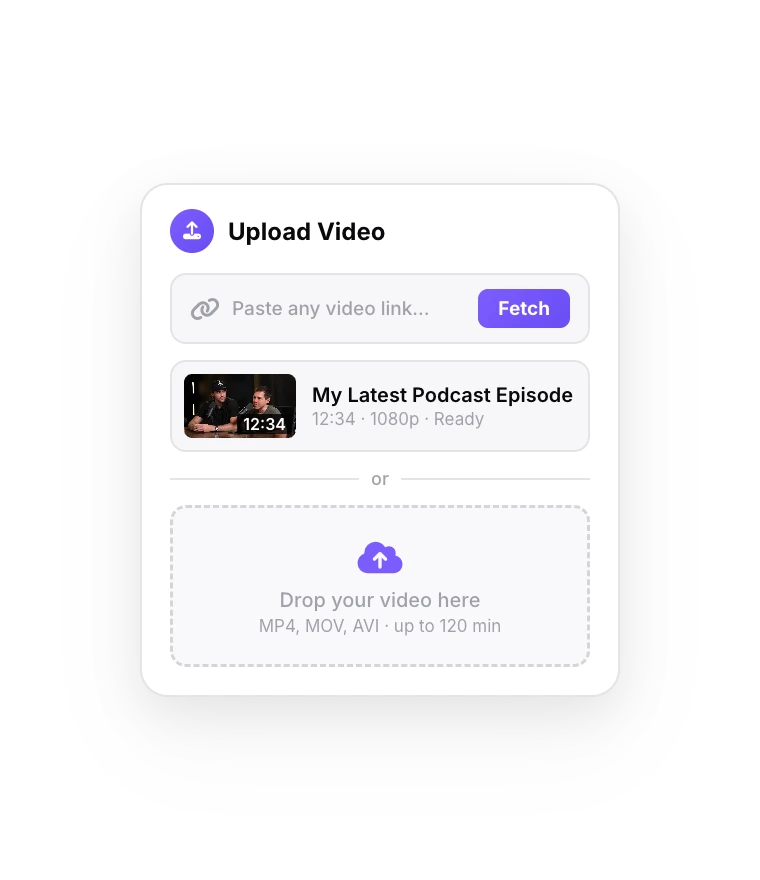
Upload Your Video
Captions are generated automatically after the upload.
- 02
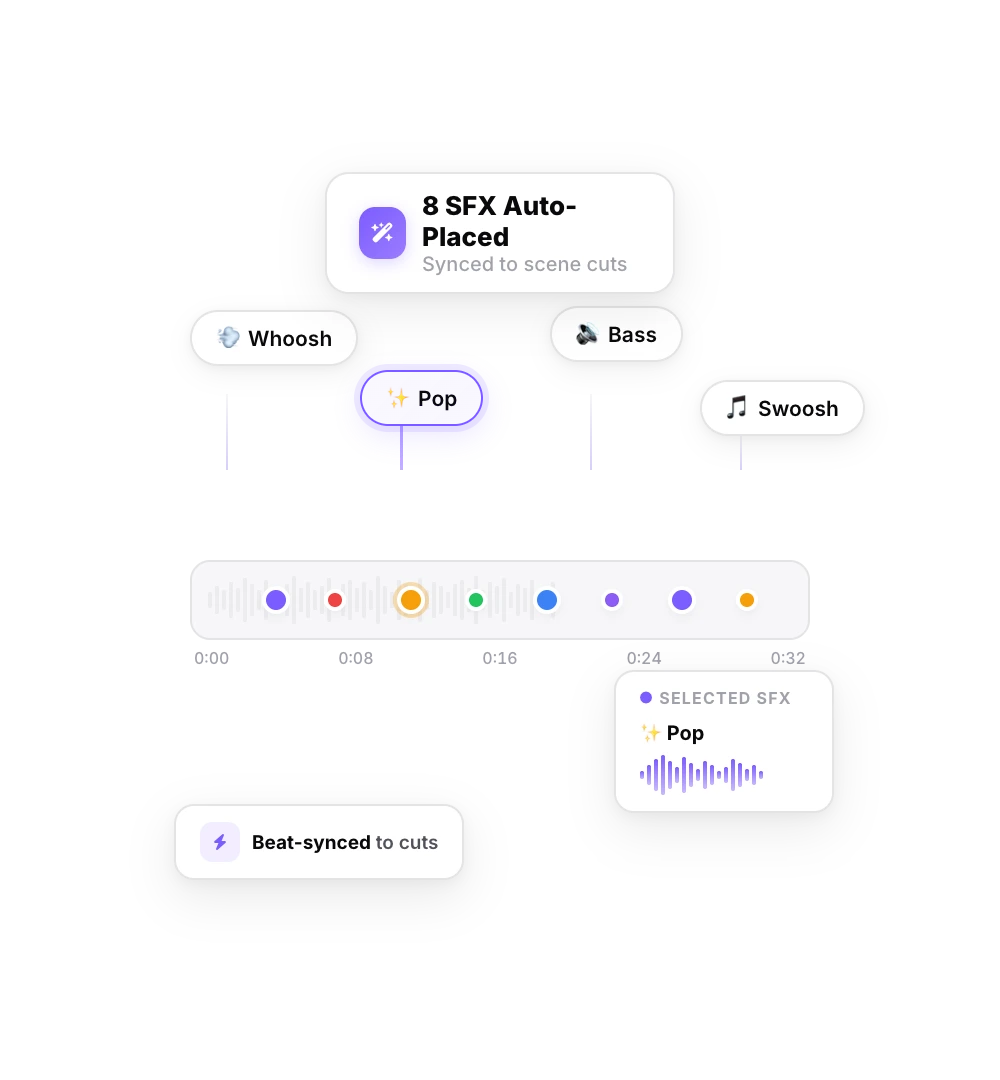
Add Sound Effects
Click Sound Effects. The AI picks the key words and places a sound on each one.
- 03
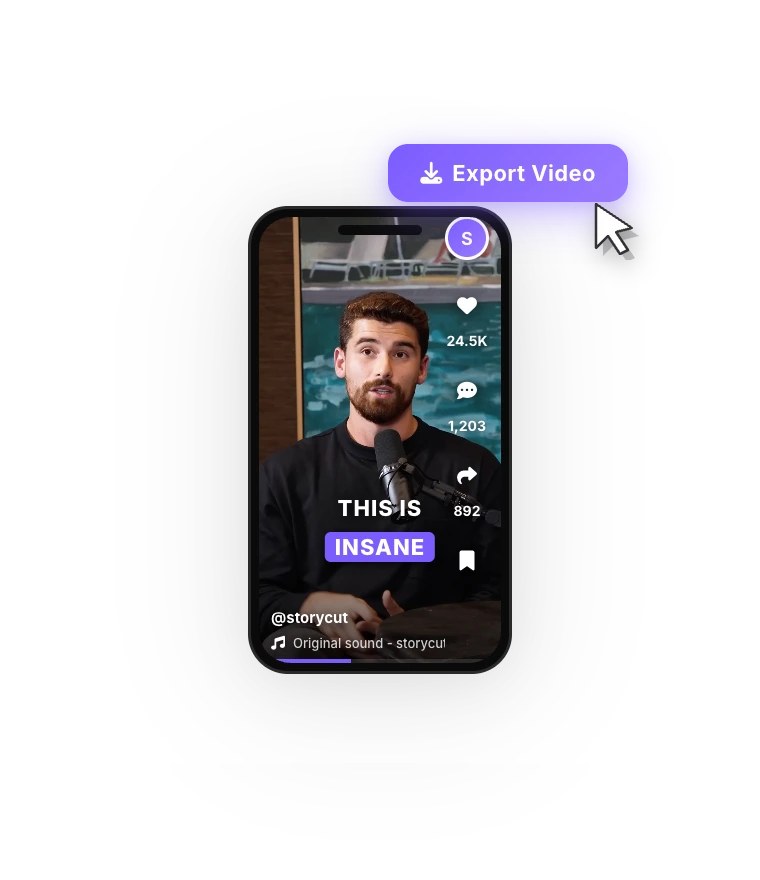
Export Your Video
Keep the sounds you like and export with everything mixed in.
FAQ
Frequently Asked Questions
Make Every Key Word Hit
Upload your video. Get back a scroll-stopper with viral captions, cinematic transitions, auto zoom, and clean audio. The same tools top creators use to explode views.
Whoosh, pop, ding: the AI places a sound on each key word of your video in one click.
- Join 10,000+ creators
- No credit card required

You Might Also Like
Auto-Edit Your Talking-Head Videos in One Click
For videos you filmed yourself. Once your captions are ready, Auto Edit cuts the silences, places sound effects on your key words, zooms in on the key moments and composes background music. Then you keep or remove each one.

Add Music to Your Video with AI
StoryCut writes a music prompt from your transcript and generates an original background track for your video, or follows your own description. Prefer a song you already have? Upload it. Either way, the music ducks under your voice automatically.
Magic Zoom: Auto-Focus on What Matters
The AI reads your transcript, finds the key moments and adds timed zoom-ins. Punchlines hit harder and reveals feel bigger.

AI video editor for creators who want viral content without the editing grind.
Features
All FeaturesAI CaptionsHormozi CaptionsMrBeast CaptionsAdd Subtitles to VideoSubtitle GeneratorAI Video EditorAI Clip GeneratorYouTube to ShortsChatGPT & Claude ConnectorVideo Clipping APIEye Contact FixMagic ZoomTransitionsClean AudioAI MusicSound EffectsAI Auto EditRemove SilenceAI ThumbnailsBrand KitsCommunity StylesAI Video TranslatorFree Tools
Video Hook GeneratorTikTok CaptionsInstagram CaptionsYouTube TitlesTikTok HashtagsVideo Script GeneratorAI Video IdeasContent CalendarTikTok TranscriptVideo to TextFree SRT GeneratorSubtitle TranslatorFree TeleprompterWords to MinutesSRT to VTT ConverterTikTok Safe ZoneFree Sound EffectsAll 40 Tools →Use Cases
TikTok CreatorsYouTube ShortsInstagram ReelsPodcastersClippersAgencies & TeamsLinkedIn VideosTeleprompter Eye ContactPremiere Pro Eye ContactDaVinci Resolve Eye ContactFinal Cut Pro Eye ContactLoom Eye Contact