Keep Every Video On-Brand
Save your colors, fonts and logos once. They show up in the editor’s pickers on every project, so matching your brand takes a click instead of a search.
- Included in Pro (from $14/mo)
Consistency Makes You Recognizable
Same colors, same fonts, same logo on every post: that is how people recognize your content in a feed. A brand kit keeps those assets in one place so you never have to look up a hex code or re-upload a font again.
What You Can Save
Brand Colors
Your colors appear in the color pickers for captions, highlights and text.
Brand Fonts
Upload your own fonts (TTF or OTF) and use them in any caption style.
Logos
Keep your logos in the kit, ready to add to a video.
Your Caption Styles
Save a styled caption look as your own style and reuse it on every video. Presets (Pro) also save your other settings.
Results
Consistency That Builds Recognition
On-brand content is recognized instantly in a crowded feed. Brand kits make it automatic.
How It Works
How to set up a brand kit in StoryCut
Five minutes, once.
- 01
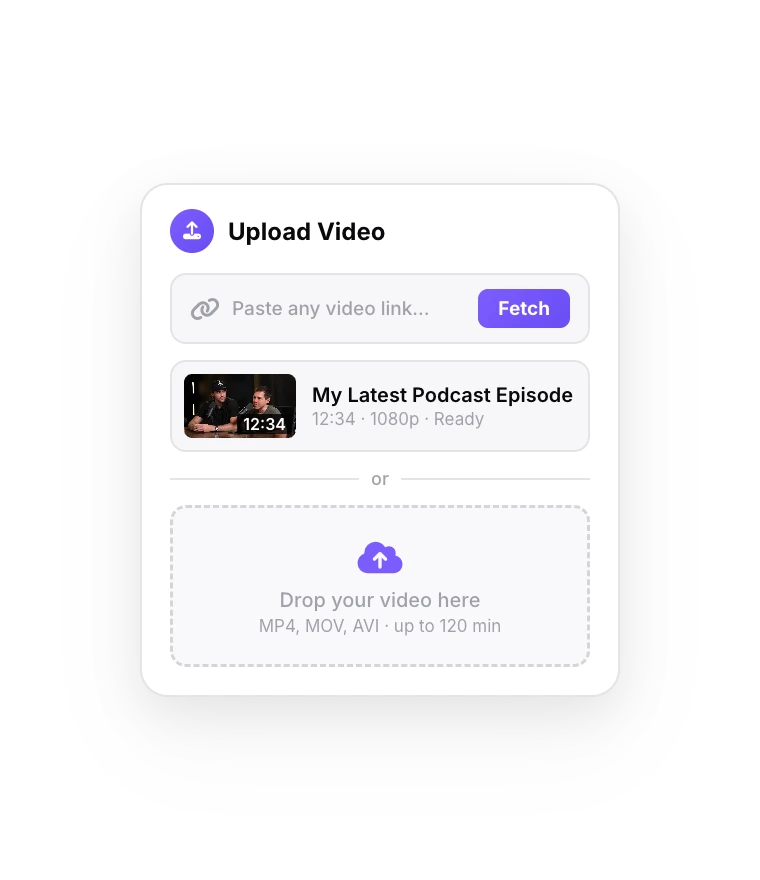
Open Brand Kit
From the dashboard, open Brand Kit.
- 02
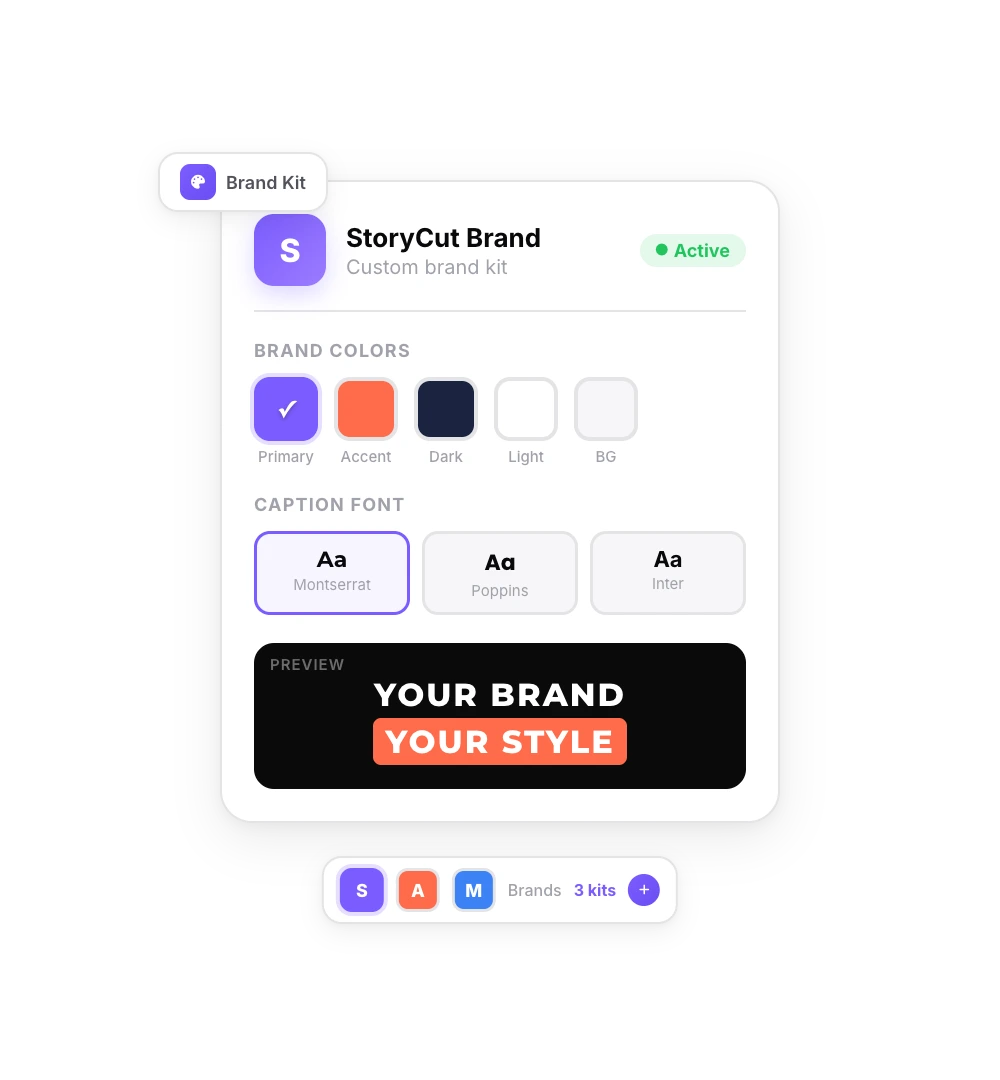
Add Your Assets
Add your colors, upload your fonts and logos.
- 03
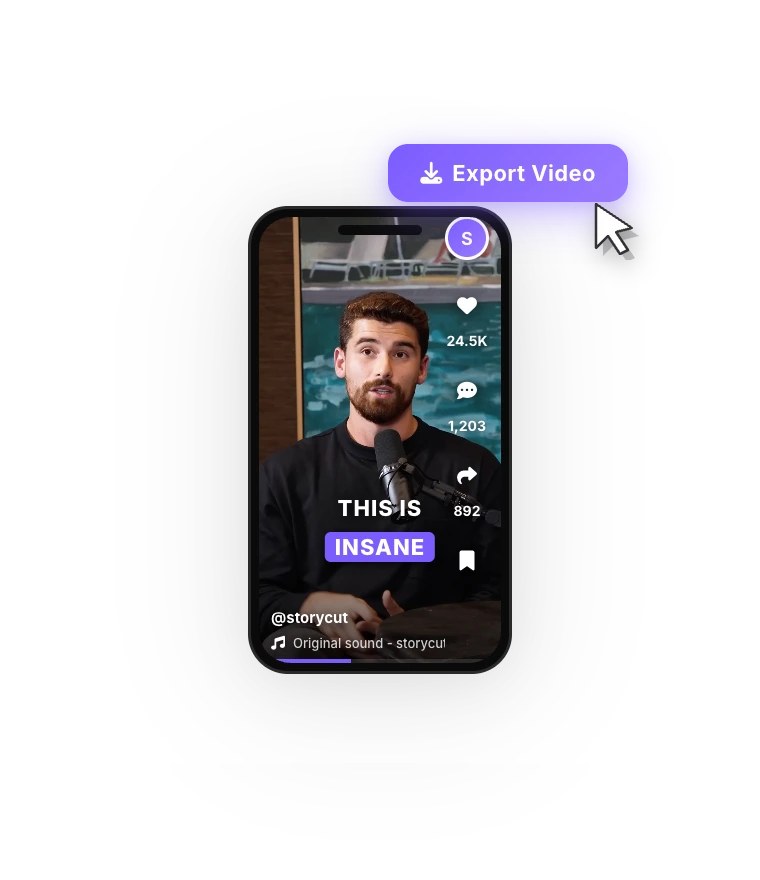
Use Them Anywhere
Pick your brand colors and fonts in any project.
FAQ
Frequently Asked Questions
Your Brand, One Click Away
Upload your video. Get back a scroll-stopper with viral captions, cinematic transitions, auto zoom, and clean audio. The same tools top creators use to explode views.
Save your colors, fonts and logos once and use them on every video.
- Join 10,000+ creators
- No credit card required

You Might Also Like
Captions for LinkedIn Videos That Play on Mute
LinkedIn can autoplay videos without sound in the feed. Burned-in captions carry your message anyway, in your brand’s fonts and colors. Here are LinkedIn’s video specs, how its own auto captions compare, and how to caption a talking-head video for LinkedIn with StoryCut.

Add Animated Captions to Any Video
Upload a video and StoryCut adds animated, word-level captions automatically, with 99.5% accuracy across 50+ languages. Pick a style, fix any word, export. No editing skills needed.
Hormozi Style Captions, Generated for You
Bold uppercase words, two or three at a time, the key word in color and a quick pop-in. Upload a video and StoryCut transcribes it and animates the captions in the Hormozi style.

AI video editor for creators who want viral content without the editing grind.
Features
All FeaturesAI CaptionsHormozi CaptionsMrBeast CaptionsAdd Subtitles to VideoSubtitle GeneratorAI Video EditorAI Clip GeneratorYouTube to ShortsEye Contact FixMagic ZoomTransitionsClean AudioAI MusicSound EffectsAI Auto EditRemove SilenceAI ThumbnailsBrand KitsCommunity StylesAI Video TranslatorFree Tools
Video Hook GeneratorTikTok CaptionsInstagram CaptionsYouTube TitlesTikTok HashtagsVideo Script GeneratorAI Video IdeasContent CalendarTikTok TranscriptVideo to TextFree SRT GeneratorSubtitle TranslatorFree TeleprompterWords to MinutesSRT to VTT ConverterTikTok Safe ZoneFree Sound EffectsAll 40 Tools →Use Cases
TikTok CreatorsYouTube ShortsInstagram ReelsPodcastersClippersAgencies & TeamsLinkedIn VideosTeleprompter Eye ContactPremiere Pro Eye ContactDaVinci Resolve Eye ContactFinal Cut Pro Eye ContactLoom Eye Contact