Fix Eye Contact in DaVinci Resolve Footage, Free or Studio, No Plugin
DaVinci Resolve has no gaze correction, in the free version or in Studio. The workaround: correct the talking-head clip outside Resolve, then swap it back into your edit. The corrected file keeps the same length, frame rate and audio, so your cuts stay where they are.
- 1 free video up to 4 min
- Mac, Windows or Linux browser
- No watermark
Eye contact in DaVinci Resolve: key facts
- Built into Resolve?
- No. DaVinci Resolve 21.1, the current version, has no eye contact or gaze correction, in the free version or in Studio ($295). Its new AI face tools change a person’s age (Face Age Transformer) and the shape and position of facial features (Face Reshaper); Blackmagic lists no gaze control.
- By hand
- The only built-in route is manual: track the eyes in Fusion and paint or warp them, frame by frame. Resolve users on Reddit describe it as significant manual work.
- Plugin
- CaptionX, which sells an eye contact plugin for Premiere Pro, lists its DaVinci Resolve version as a waitlist, not a release.
- Without a plugin
- Upload the original clip to StoryCut, download the corrected MP4, then swap it in with Replace Selected Clip in the Media Pool, or simply edit from the corrected clip if you haven’t cut yet.
- For two videos, not a subscription
- 1 video free up to 4 minutes, then 5 videos for $9 one-time (up to 10 minutes each). Credits never expire. Pro includes 10 a month; Business is unlimited, up to 30 minutes per video.
How It Works
The DaVinci Resolve eye contact round trip
A few minutes for a short clip, most of it waiting for the correction.
- 01
Find the camera original
Correct the source file, not a render of your timeline, so every cut and grade survives. In the Media Pool’s list view, the File Path column shows where each clip is on your drive.
- 02
Render it first only if you need to
If the clip is too long, or you shot 10-bit log or RAW, render the A-roll from the Deliver page as H.264 or H.265 at the source resolution and frame rate, with your conversion LUT applied. Files can run up to 4 minutes on the free try, 10 on the pack and Pro, 30 on Business.
- 03
Correct it in StoryCut
Upload the file in your browser on macOS, Windows or Linux. NVIDIA’s Maxine Eye Contact model redirects the gaze in every frame; download the corrected MP4 when it’s done.
- 04
Swap it into your edit
Not cut yet? Import the MP4 and edit from it. Already cut? Right-click the original clip in the Media Pool, choose Replace Selected Clip (under Clip Operations in recent versions) and pick the corrected MP4, so every use of that clip on the timeline points to it.
- 05
Check sync, then grade
Scrub a few cuts. The corrected MP4 starts at timecode 00:00:00:00. If your camera wrote its own start timecode and the cuts land on the wrong frames, undo, give the corrected clip the original’s start timecode in Clip Attributes > Timecode, and replace again.
Four ways to get eye contact into a Resolve edit
| What matters | StoryCut round trip | Fusion by hand | NVIDIA Broadcast | CaptionX for Resolve |
|---|---|---|---|---|
| Works on recorded clips | Yes | Yes | Nolive webcam only | Not released (waitlist) |
| Mac and Linux | Yesin the browser | Yesinside Resolve | NoWindows only | — |
| Effort | Upload, wait a few minutes, replace | Frame-by-frame tracking and paint | Record again live, with an RTX GPU | — |
| Cost | 1 free video, then $9 for 5, or Pro | Included in Resolve and Studio | Free app, needs an RTX 2060 or better | Not priced |
| Look-aways and blinks | Eases off past about 20°, keeps blinks | Whatever you paint | Handled live by the effect | — |
Checked on October 9, 2026 from each product’s public pages. Sources: DaVinci Resolve 21: What’s New, Blackmagic Design: DaVinci Resolve 21.1 announcement (Sept 8, 2026), CaptionX: DaVinci Resolve eye contact (waitlist), r/davinciresolve: Eye Tracking Correction (Teleprompter), NVIDIA Broadcast, StoryCut pricing.
Keep the quality through the round trip
Upload the camera original when you can. StoryCut accepts MP4, MOV, AVI, MKV and WebM and returns an H.264 MP4 at the same resolution, up to 4K, and the same frame rate, so a 4K 25 fps clip comes back as 4K 25 fps. Don’t upload huge ProRes or DNxHR intermediates: files are capped at 2 GB on the Free and Starter plans (pack videos included), 5 GB on Pro and 10 GB on Business, and a high-bitrate H.264 or H.265 render keeps the face just as clean.
The corrected file is 8-bit SDR. If you shot 10-bit log, apply your conversion LUT before you render the clip for correction, and do the fine grade after the swap. HDR footage (HLG or PQ) comes back converted to SDR.
The first audio track is copied as it is; uncompressed PCM audio comes back as 320 kbps AAC. If you sync sound from a separate recorder, the swap doesn’t touch it: keep using the synced audio on your timeline.
When it’s worth it, and when it isn’t
For one or two talking-head videos, the pack is the cheapest route: your first video is free, then $9 once for 5 more, with no subscription to cancel. If you publish a corrected video every week, Pro includes 10 a month along with captions and effects.
For an interview shot wide with two people, correct each speaker’s close-up instead: the model works best with one main face. And don’t expect it to change a deliberate look to the side or a head turn. The correction fades out between about 20° and 30° and leaves bigger turns as recorded, which is what keeps it from looking like a stare.
More on eye contact correction
 Descript eye contact: price and limitsRead
 Captions eye contact on web and AndroidReadFix eye contact in Premiere Pro footageRead
 CapCut eye contact on PC, Mac and webReadFix eye contact in Final Cut Pro and iMovieReadDoes Canva have eye contact correction?ReadLoom eye contactReadBIGVU pricing and AI eye contactReadRiverside eye contact: what it can’t fixReadVEED eye contact: price and limitsReadKapwing eye contact: credits and cost per minuteRead
 Submagic pricing and AI eye contactReadElgato Prompter alternativeRead
FAQ
Frequently Asked Questions
Correct Your Talking-Head Clip Now
Upload your video. Get back a scroll-stopper with viral captions, cinematic transitions, auto zoom, and clean audio. The same tools top creators use to explode views.
Upload the original, download the corrected MP4, replace it in the Media Pool. 1 free video, nothing to install.
- Join 10,000+ creators
- No credit card required

You Might Also Like
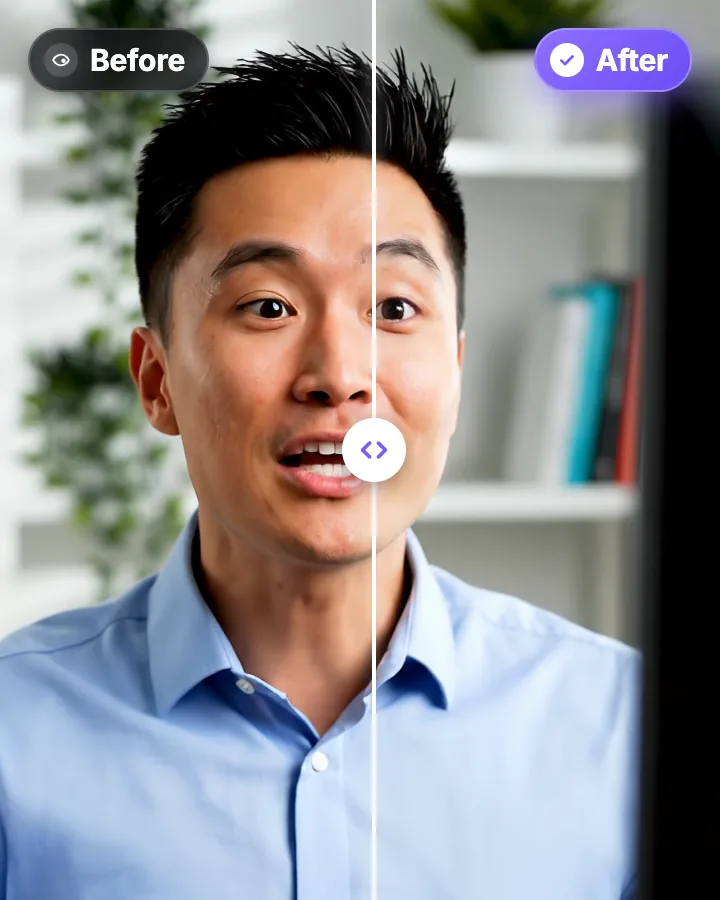
AI Eye Contact and Gaze Correction for Recorded Videos
Read a script, checked your notes or watched yourself on screen? Upload the video and the AI points your gaze back at the lens in every frame, keeping your resolution, frame rate and audio. Your first video is free.
Fix Eye Contact in Premiere Pro Footage, No Plugin Needed
Premiere Pro has no built-in eye contact correction. The workaround: correct the talking-head clip outside Premiere, then swap it back in. The corrected file keeps the same length, frame rate and audio, so your cuts stay where they are.
Fix Eye Contact in Final Cut Pro and iMovie Footage on a Mac
Final Cut Pro and iMovie have no gaze correction, and NVIDIA Broadcast, the free live option, is Windows-only. On a Mac, correct the talking-head clip in Safari or Chrome, then bring it back into your project. The corrected file keeps the same length, frame rate and audio.

AI video editor for creators who want viral content without the editing grind.
Features
All FeaturesAI CaptionsHormozi CaptionsMrBeast CaptionsAdd Subtitles to VideoSubtitle GeneratorAI Video EditorAI Clip GeneratorYouTube to ShortsEye Contact FixMagic ZoomTransitionsClean AudioAI MusicSound EffectsAI Auto EditRemove SilenceAI ThumbnailsBrand KitsCommunity StylesAI Video TranslatorFree Tools
Video Hook GeneratorTikTok CaptionsInstagram CaptionsYouTube TitlesTikTok HashtagsVideo Script GeneratorAI Video IdeasContent CalendarTikTok TranscriptVideo to TextFree SRT GeneratorSubtitle TranslatorFree TeleprompterWords to MinutesSRT to VTT ConverterTikTok Safe ZoneFree Sound EffectsAll 40 Tools →Use Cases
TikTok CreatorsYouTube ShortsInstagram ReelsPodcastersClippersAgencies & TeamsLinkedIn VideosTeleprompter Eye ContactPremiere Pro Eye ContactDaVinci Resolve Eye ContactFinal Cut Pro Eye ContactLoom Eye Contact