 Eye Contact
CapCut Eye Contact on PC, Mac and Web: Where It Works and What to Do When It’s Missing
CapCut has an AI Eye Contact tool, but it doesn’t show up for everyone. CapCut’s own page only covers the phone app, and on desktop it depends on your region and app version. Here is where to look, why it may be missing, and how to correct a clip for your CapCut edit in any browser. Checked on October 9, 2026. StoryCut is our product.
- 1 free video up to 4 min
- PC, Mac or Chromebook
- No watermark
CapCut eye contact: the short answer
- In the phone app
- Yes. CapCut’s eye contact page describes it in the CapCut app: tap the clip, choose Eye contact in the bottom menu and turn the switch on (Apply to all covers every clip). CapCut says it is free and exports without a watermark.
- On PC and Mac
- Sometimes. In the desktop app, users find it as an Eye Contact checkbox under Video > Basic, near the bottom of the panel. Others report it missing on the same version, depending on their country and device. CapCut doesn’t publish where it is available.
- On CapCut Web
- Not documented. CapCut’s eye contact page only covers the app, and we found no eye contact option documented for its online editor.
- What it’s made for
- One speaker. CapCut says the feature is optimized for close-ups with a single, dominant speaker.
- If it’s missing
- Correct the clip outside CapCut and import it back. StoryCut does it in any browser: 1 free video up to 4 minutes, then 5 for $9 one-time, with no subscription.
CapCut vs StoryCut for eye contact, by device
| What you get | CapCut |  StoryCut StoryCut |
|---|---|---|
| iPhone and Android | In the CapCut app, if your app shows it | In Safari or Chrome, no app |
| Windows PC | Desktop app, Video > Basic, in some regions and versions | In any browser |
| Mac | Desktop app, same caveat | In Safari or Chrome |
| Browser or Chromebook | Not documented for CapCut Web | Yesany browser |
| Price | Free, per CapCut | 1 free video, then $9 for 5, or Pro |
| Length limit | Not published | 4 min free, 10 min pack and Pro, 30 min Business |
| Output | Applied inside your CapCut project | H.264 MP4, same resolution (up to 4K), frame rate and audio |
| Model | Not published | NVIDIA Maxine Eye Contact |
Checked on October 9, 2026 from each product’s public pages. Sources: CapCut: Free AI Eye Contact Correction App, r/CapCut: Eye Contact Feature (user reports, 2025), StoryCut pricing.
CapCut eye contact not showing? What to check
Update CapCut first, so you aren’t on an older version.
Select the video clip itself, not a text or audio track. On desktop, the Eye Contact checkbox sits in the Video tab of the right-hand panel, under Basic, near the bottom, so scroll the panel. On a phone, it is in the toolbar that appears when you tap the clip; swipe the toolbar along.
If it still isn’t there, it is probably not available for your account, region or device, and there is no setting that switches it on. CapCut users on Reddit report it on one phone and not on another signed into the same account, and on desktop in some countries but not others.
If it is there but the result looks off, CapCut’s own advice applies: one main speaker, a close-up, the face turned toward the camera. Low light and glare on glasses make every gaze tool worse.
Workaround: correct the clip, then keep editing in CapCut
If your CapCut has no Eye Contact option, or it only shows on your phone while you edit on a computer, correct the file before it goes into CapCut. Some users move the clip to the phone that has the feature, apply it there and send it back. That works if you have that phone; a browser tool works on the computer you already edit on.
With StoryCut, upload the original recording, download the corrected MP4 and import it into CapCut desktop or CapCut Web. It keeps the resolution (up to 4K), frame rate, length and audio, so CapCut’s auto captions, cuts and effects work on it like on the original. Do it before you start cutting: correcting one take is quicker than swapping clips in a finished edit.
How It Works
How to fix eye contact for a CapCut desktop or web edit
Three steps in your browser, then back to CapCut.
- 01
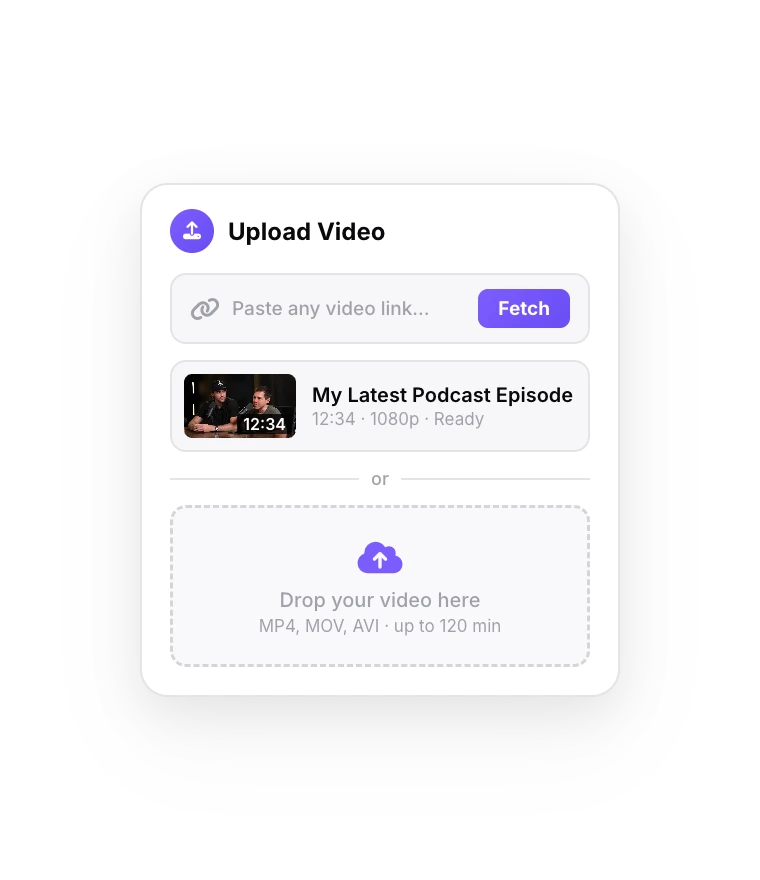
Upload the original take
Sign up free and drop in the file from your camera, phone or recorder (MP4, MOV, AVI, MKV or WebM). If you only have a CapCut project, export the talking-head part before adding captions or effects.
- 02
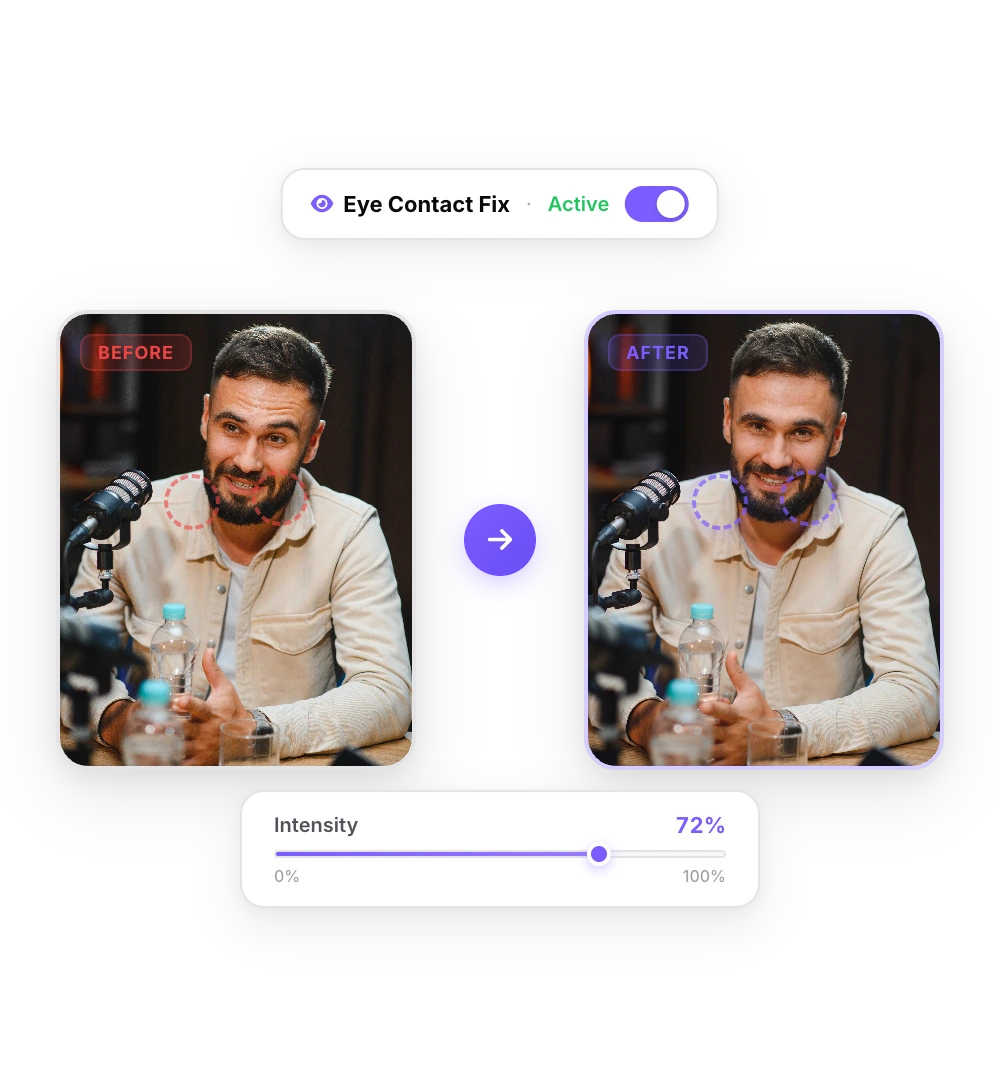
The AI fixes your gaze
NVIDIA’s Maxine Eye Contact model points your eyes at the lens in every frame. A short video takes a minute or two.
- 03
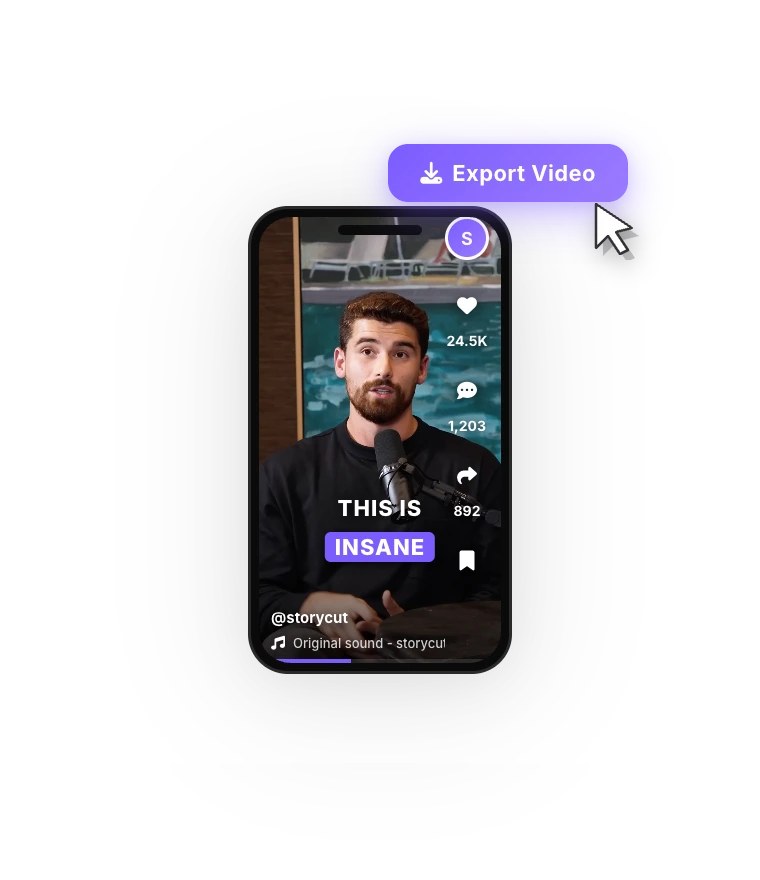
Import it into CapCut
Download the corrected MP4 and import it into CapCut. Edit as usual: captions, cuts, effects and music all work on it.
Before and after
The same take before and after correction in StoryCut. Only the eyes change: the framing, the blinks and the audio stay as recorded.
When CapCut’s own eye contact is the better choice
If the Eye Contact option shows up in your CapCut and the result looks right, use it: it is free, and it stays inside your project, with no export and re-import. It is also the quickest route when you film and edit on the same phone.
A separate tool makes sense when the option is missing on the device you edit on, when you need the same result on a PC, a Mac and a phone, or when you want a corrected file to reuse in other editors. StoryCut corrects the file itself and keeps the resolution, frame rate and audio. You pay per video, $1.80 each in the pack, with no subscription.
More on CapCut and eye contact
CapCut Pro price 2026ReadAI eye contact correctionTry it freeBest eye contact correction software (2026)ReadNVIDIA Broadcast eye contact alternativeReadTeleprompter eye contactRead Descript eye contact: price and limitsRead
 Captions eye contact on web and AndroidReadFix eye contact in Premiere Pro footageReadFix eye contact in DaVinci Resolve footageReadFix eye contact in Final Cut Pro and iMovieReadDoes Canva have eye contact correction?ReadLoom eye contactReadBIGVU pricing and AI eye contactReadRiverside eye contact: what it can’t fixReadVEED eye contact: price and limitsReadKapwing eye contact: credits and cost per minuteRead
 Submagic pricing and AI eye contactReadElgato Prompter alternativeRead
FAQ
Frequently Asked Questions
No Eye Contact in Your CapCut? Fix the Clip First
Upload your video. Get back a scroll-stopper with viral captions, cinematic transitions, auto zoom, and clean audio. The same tools top creators use to explode views.
Upload the take in any browser, download the corrected MP4, import it into CapCut. 1 free video, no credit card.
- Join 10,000+ creators
- No credit card required

You Might Also Like
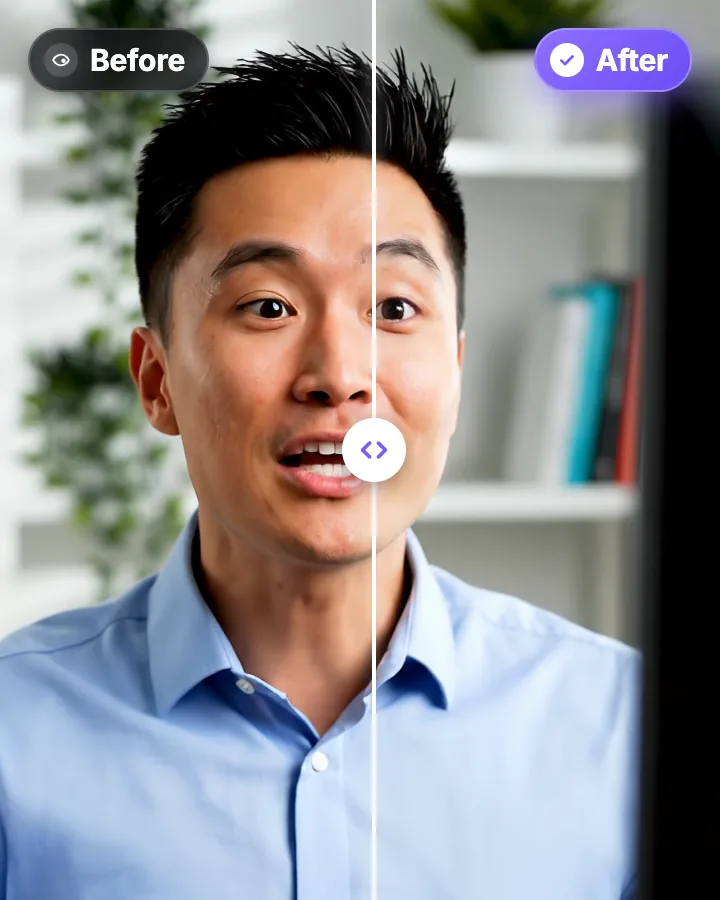
AI Eye Contact and Gaze Correction for Recorded Videos
Read a script, checked your notes or watched yourself on screen? Upload the video and the AI points your gaze back at the lens in every frame, keeping your resolution, frame rate and audio. Your first video is free.
CapCut Pro Price 2026: Every Plan and What You Actually Get
CapCut has no public pricing page. These prices come from CapCut’s help center, its own Standard vs Pro article, the App Store in 9 countries and Newsweek, checked in October 2026. Here is what each plan costs in your currency, what it includes and what it leaves out.
StoryCut vs CapCut: Manual Editing or Automatic Captions?
CapCut gives you a free, full timeline editor with a huge toolbox. StoryCut gives you captions as soon as your upload finishes and effects in one click. Here is how they compare on price and features in 2026.

AI video editor for creators who want viral content without the editing grind.
Features
All FeaturesAI CaptionsHormozi CaptionsMrBeast CaptionsAdd Subtitles to VideoSubtitle GeneratorAI Video EditorAI Clip GeneratorYouTube to ShortsEye Contact FixMagic ZoomTransitionsClean AudioAI MusicSound EffectsAI Auto EditRemove SilenceAI ThumbnailsBrand KitsCommunity StylesAI Video TranslatorFree Tools
Video Hook GeneratorTikTok CaptionsInstagram CaptionsYouTube TitlesTikTok HashtagsVideo Script GeneratorAI Video IdeasContent CalendarTikTok TranscriptVideo to TextFree SRT GeneratorSubtitle TranslatorFree TeleprompterWords to MinutesSRT to VTT ConverterTikTok Safe ZoneFree Sound EffectsAll 40 Tools →Use Cases
TikTok CreatorsYouTube ShortsInstagram ReelsPodcastersClippersAgencies & TeamsLinkedIn VideosTeleprompter Eye ContactPremiere Pro Eye ContactDaVinci Resolve Eye ContactFinal Cut Pro Eye ContactLoom Eye Contact