
Features
Tools
Pricing
Affiliate
Want the subtitles burned into the video?
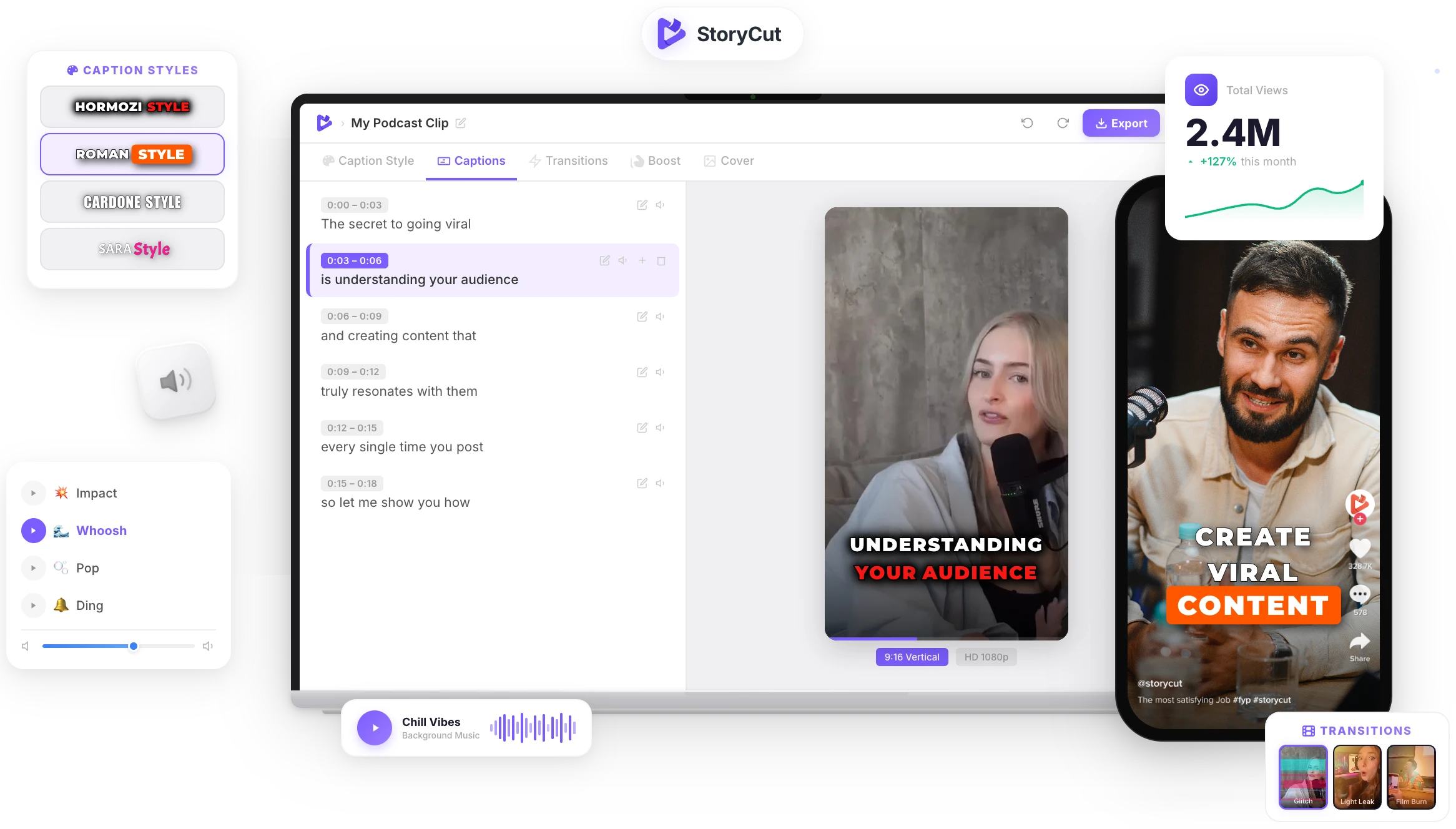
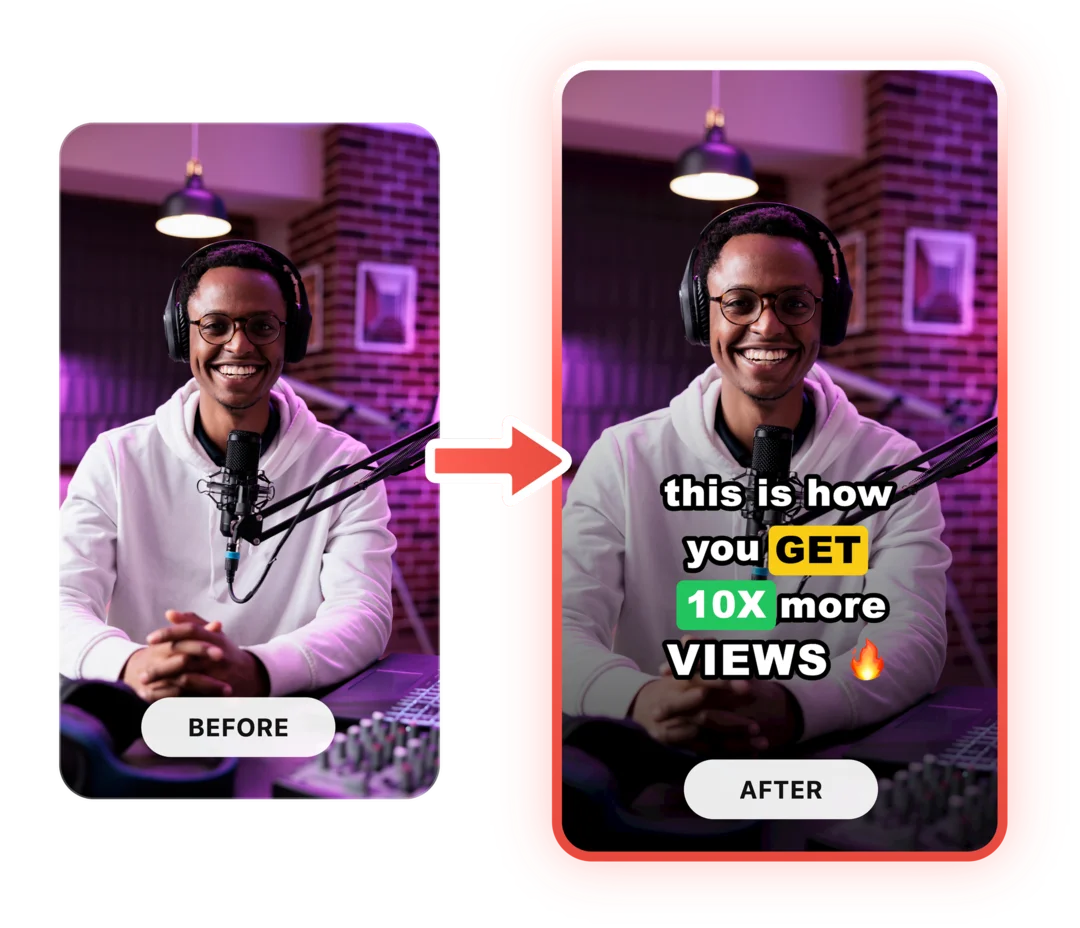
An SRT file only shows where the player supports it. StoryCut writes the subtitles into the video itself, in clean or animated styles, so they show on every platform.
How to make an SRT file from a video
Upload the video
Choose an MP4, MOV, WebM or audio file up to 10 minutes, or paste a TikTok link.
Generate the subtitles
Every word is transcribed with its timing and grouped into readable subtitle lines.
Pick the subtitle length
Two lines for YouTube, TV and course players, one line, or short phrases for vertical video.
Download .srt or .vtt
Create a free account to download the file, then upload it next to your video.
The same speech, three subtitle lengths
2 lines (YouTube, TV)
1 00:00:00,400 --> 00:00:04,100 If you only change one thing in your morning routine, make it this one.
1 line
1 00:00:00,400 --> 00:00:01,900 If you only change one thing 2 00:00:01,900 --> 00:00:03,000 in your morning routine, 3 00:00:03,000 --> 00:00:04,100 make it this one.
Short phrases (TikTok, Reels)
1 00:00:00,400 --> 00:00:01,400 If you only change 2 00:00:01,400 --> 00:00:02,300 one thing in your 3 00:00:02,300 --> 00:00:03,200 morning routine,

Subtitles that show everywhere, in your style
StoryCut burns the subtitles into your video in clean or animated word-by-word styles, so they show on TikTok, Reels and Shorts too, and you can still download the SRT from the editor.
AI Captions in 1 Click
50+ Transitions
Auto Zoom Effects
Clean Audio AI
Video & Subtitle Tools
What is an SRT file?
An SRT (SubRip) file is the most common subtitle format: a plain text file where each subtitle has a number, a start and an end time such as 00:00:01,000 --> 00:00:03,500, and one or two lines of text. YouTube, Facebook, LinkedIn, Vimeo, VLC and most editing apps accept it. WebVTT (.vtt) is the same idea for web players: it starts with a WEBVTT line and uses a dot before the milliseconds. This generator gives you both, built from the actual timing of every word, so each subtitle appears when it is spoken.
Rules of thumb for readable subtitles
- Keep each line under about 42 characters and each subtitle to 2 lines: that is what the 2-line setting does.
- For vertical video, short phrases of a few words are easier to read on a phone than full sentences.
- Read the file once before you publish and fix names and brand terms in any text editor.
- Subtitles out of sync after an edit? Shift or stretch the timing with the subtitle shifter instead of starting over.
- Upload the SRT as a separate track when viewers should be able to turn it off; burn the subtitles in when they must always show.
An SRT generator built on word-level timing
Timed to the Word
Every subtitle starts and ends with the words it contains, so nothing appears early or lingers after the speaker stops.
Readable Line Length
Lines are kept short and balanced, and a new subtitle starts at the end of a sentence or after a pause.
SRT, VTT or TXT
Download SubRip for most platforms, WebVTT for web players, or the plain transcript.
49 Languages
Subtitles in the language spoken in the video, detected automatically. Need another language? Translate the file afterwards.
FAQ
You Might Wanna Know...
You’ve Got the Subtitles.
Now Make the Video.
You just used a free tool to generate your subtitles. Now imagine dropping a raw video into StoryCut and getting it back fully edited — captions styled to your brand, zoom effects synced to every beat, transitions between scenes, audio cleaned up — all in under 2 minutes.
No timeline. No learning curve. No exporting headaches. Just upload, let the AI work, and post. That’s what 10,000+ creators do every day with StoryCut.
This tool gave you the words. StoryCut gives you the video.
Your Next Viral Video Starts Here
Join 10,000+ creators who save hours every week with AI-powered editing. Upload a video, get a scroll-stopper back.
No credit card required • Free plan, no time limit • Cancel anytime

AI video editor for creators who want viral content without the editing grind.
Features
All FeaturesAI CaptionsHormozi CaptionsMrBeast CaptionsAdd Subtitles to VideoSubtitle GeneratorAI Video EditorAI Clip GeneratorYouTube to ShortsEye Contact FixMagic ZoomTransitionsClean AudioAI MusicSound EffectsAI Auto EditRemove SilenceAI ThumbnailsBrand KitsCommunity StylesAI Video TranslatorFree Tools
Video Hook GeneratorTikTok CaptionsInstagram CaptionsYouTube TitlesTikTok HashtagsVideo Script GeneratorAI Video IdeasContent CalendarTikTok TranscriptVideo to TextFree SRT GeneratorSubtitle TranslatorFree TeleprompterWords to MinutesSRT to VTT ConverterTikTok Safe ZoneFree Sound EffectsAll 40 Tools →Use Cases
TikTok CreatorsYouTube ShortsInstagram ReelsPodcastersClippersAgencies & TeamsLinkedIn VideosTeleprompter Eye ContactPremiere Pro Eye ContactDaVinci Resolve Eye ContactFinal Cut Pro Eye ContactLoom Eye Contact