Add Animated Captions to Any Video
Upload a video and StoryCut adds animated, word-level captions automatically, with 99.5% accuracy across 50+ languages. Pick a style, fix any word, export. No editing skills needed.
- MP4, MOV or WebM
- Free plan: videos up to 4 min
- No credit card required
Adding captions with StoryCut: key facts
- Short answer
- Upload your video. Captions start automatically when the upload finishes, timed word by word. Pick a style, fix any word, then export the MP4 with the captions burned in or download an SRT file.
- Accuracy and languages
- 99.5% accuracy, 50+ languages. The AI detects the spoken language, or you pick it.
- Styles
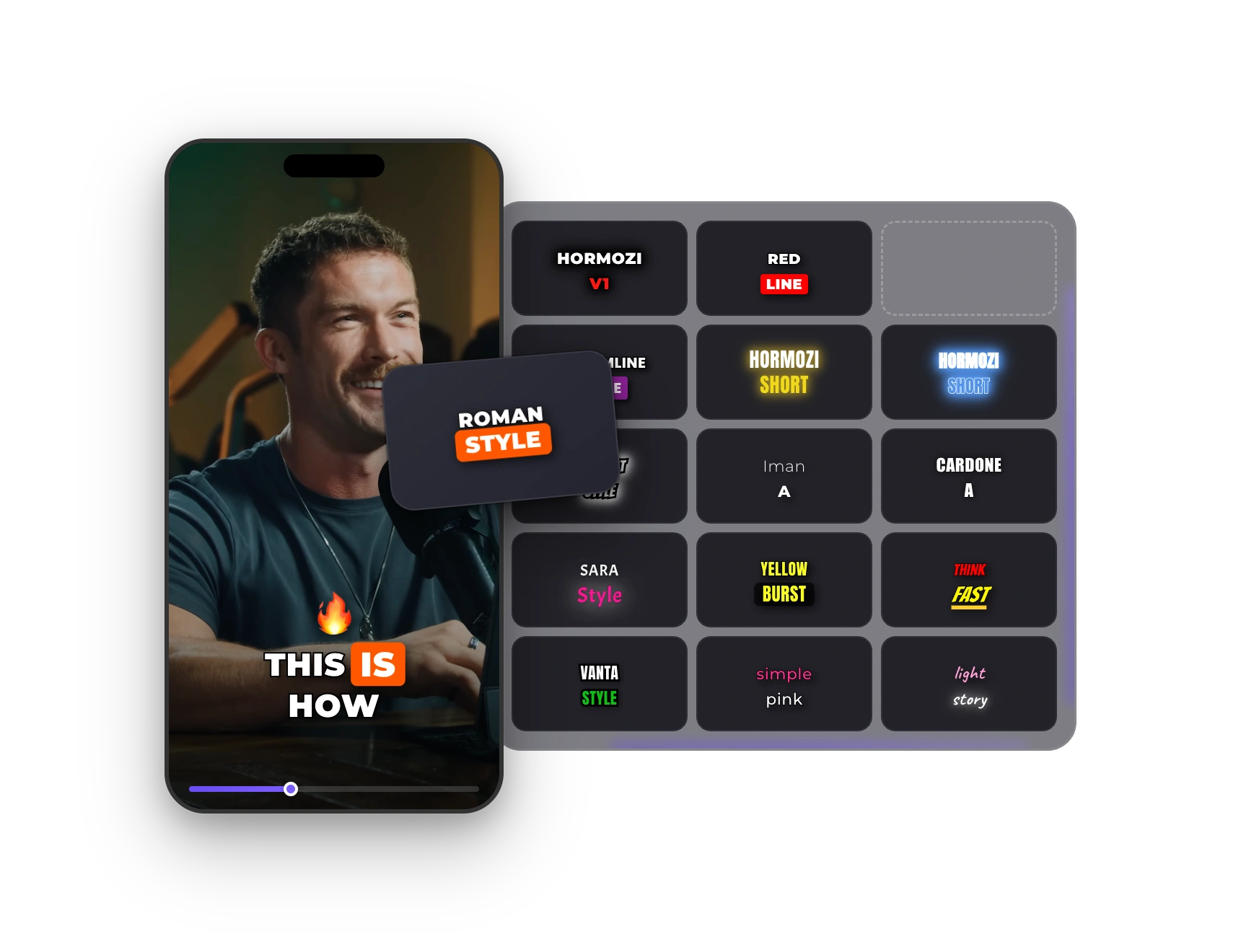
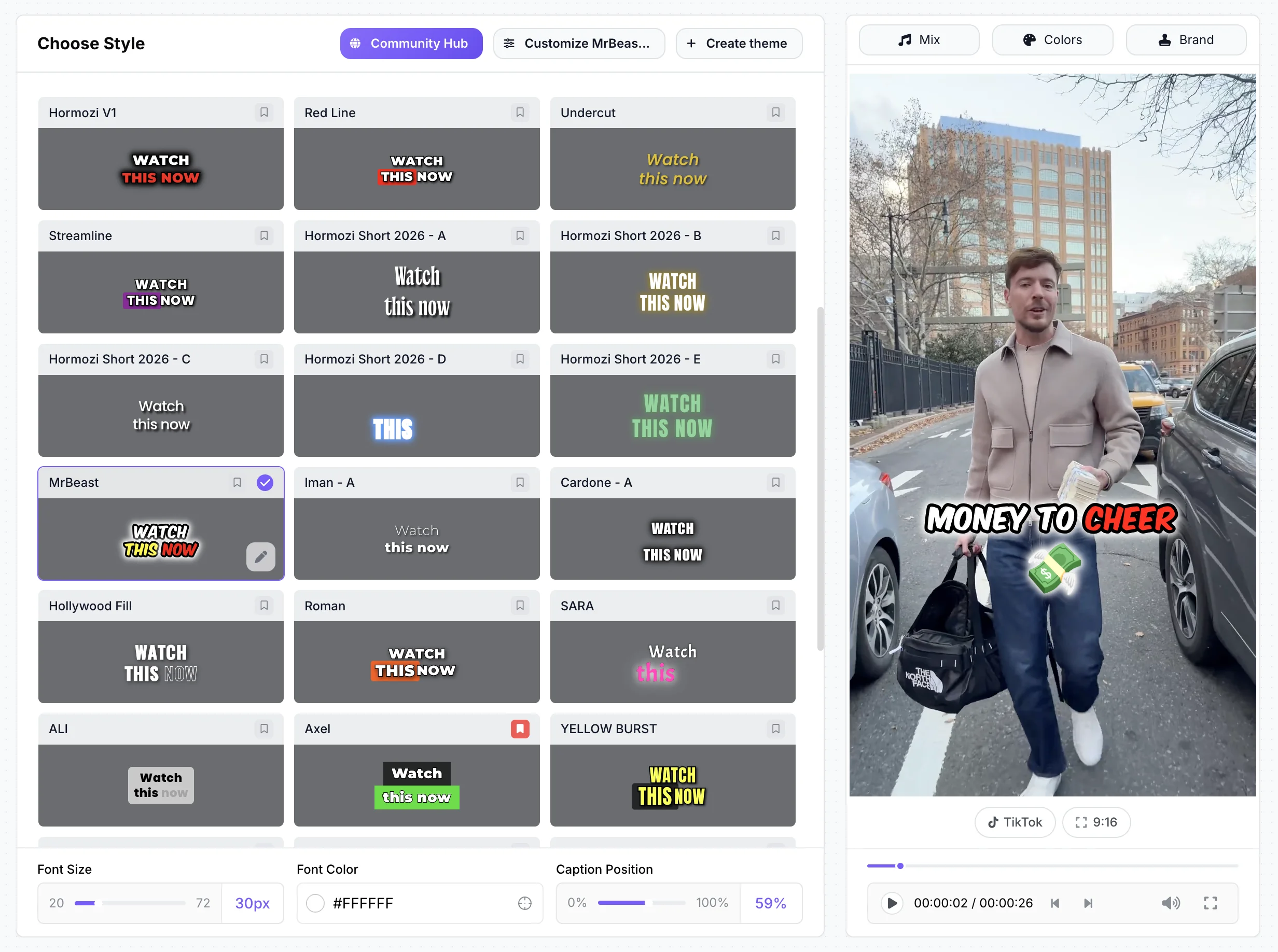
- 1,000+ animated styles, including 26 built-in ones such as 6 Hormozi-style presets and a MrBeast style. Change font, colors, size, position and animation, and save your own.
- Price
- Free plan: 3 videos at a time, up to 4 minutes each, 720p with a small watermark, no credit card. Starter ($7/mo billed yearly) removes the watermark and exports 1080p.
- Formats
- Upload MP4, MOV, WebM, AVI or MKV. Export an MP4 in 9:16, 4:5, 1:1 or 16:9, or download the captions as an SRT file.
Creator Styles
The Exact Styles Behind Viral Videos
Hormozi-style bold text, MrBeast pop-on energy, karaoke highlights, neon glow and more: 1,000+ styles, applied in one click. Then change the font, colors, size, position and animation to make it yours.
How It Works
How to Add Captions to Any Video
Three steps. Under a minute. No editing skills required.
- 01
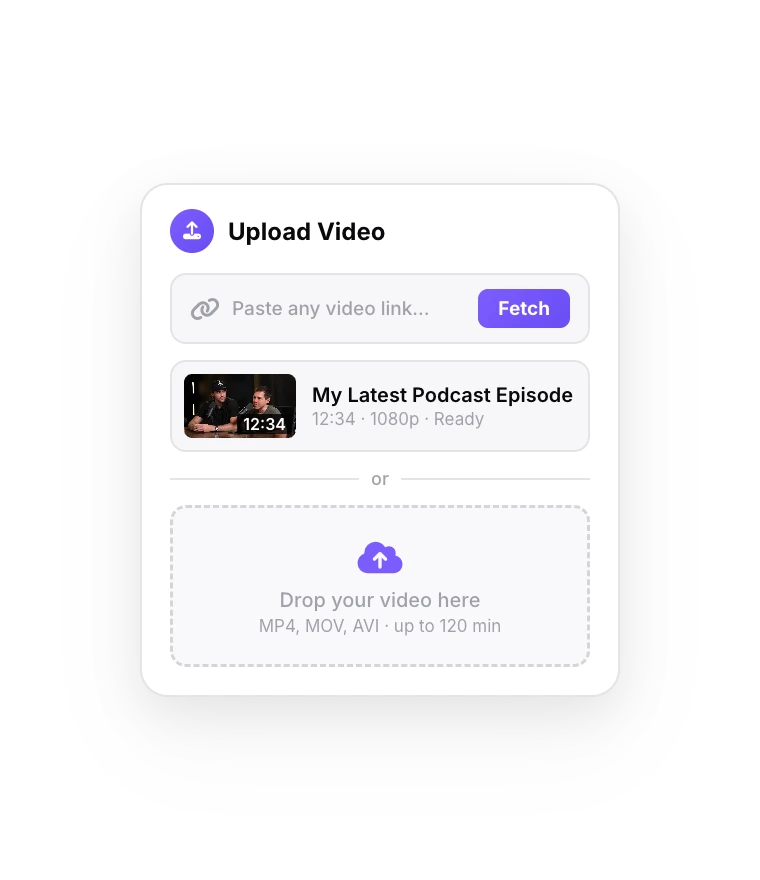
Upload Your Video
Drag and drop an MP4, MOV or WebM file (up to 4 min on Free, 30 min on Business).
- 02
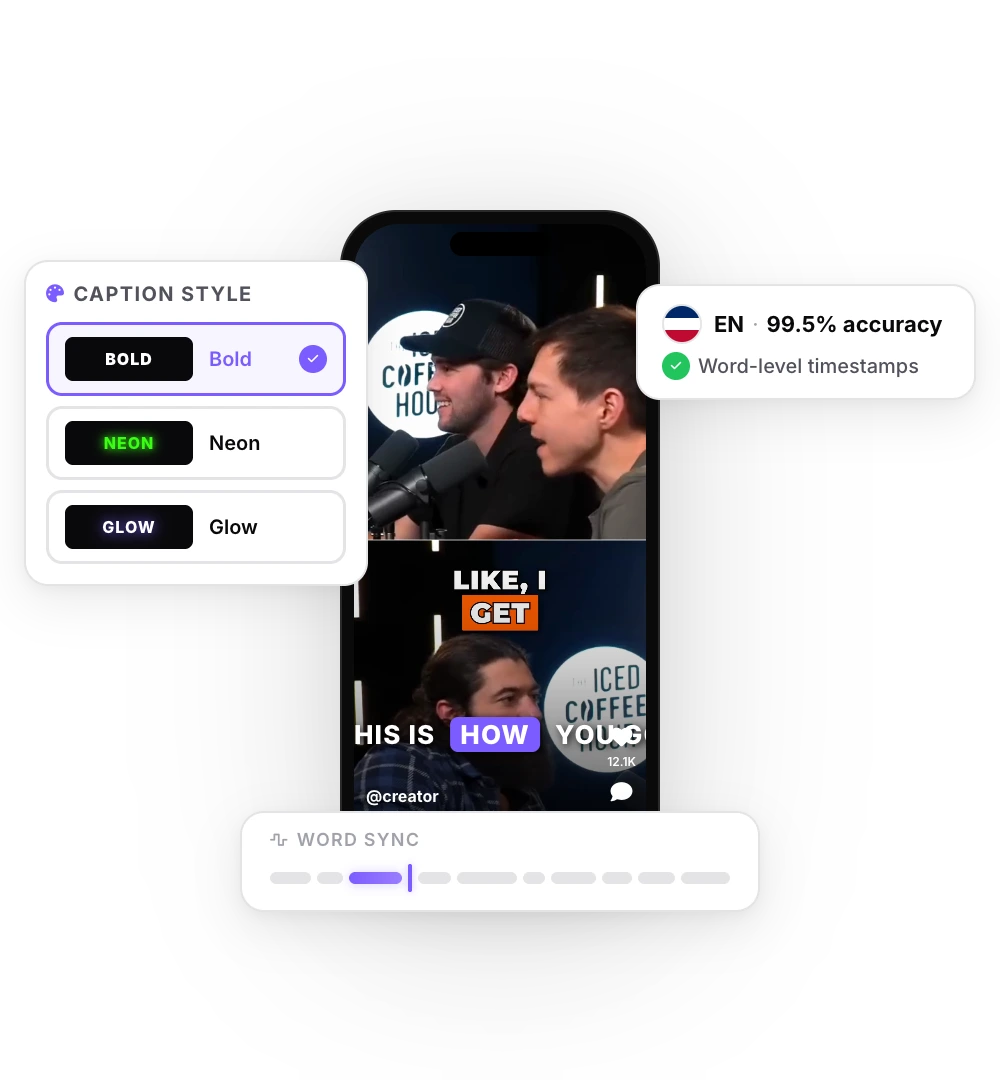
AI Generates Captions
Captions start as soon as the upload finishes, with word-level timing. Fix any word, pick a style, customize it.
- 03
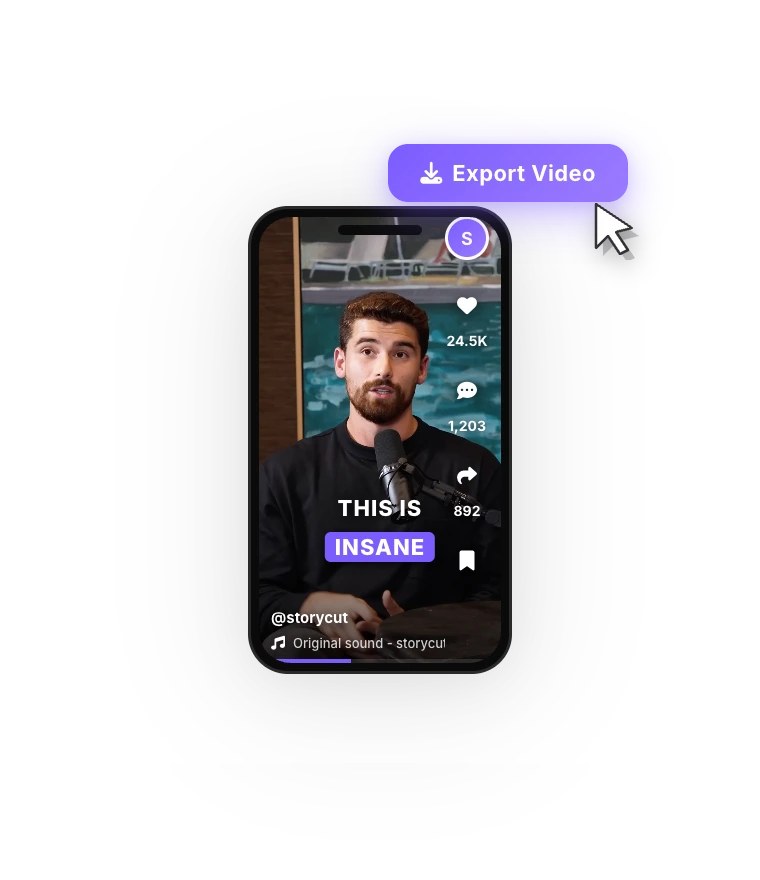
Export and Post
Download with the captions burned in, ready for TikTok, Reels or Shorts. 720p on Free, up to 4K 60fps on Business.
99.5% Accurate
99.5% Accuracy. In 50+ Languages.
State-of-the-art speech recognition that handles accents, fast speech, and background noise. On a 300-word video, that's ~1 error. Most competitors hit 95% — that's 15 errors. Auto-detect or manually select from 50+ languages.
Editor
Edit Captions Like Text
Fix a word, split or merge lines, adjust timing and swap styles right in the caption list. No timeline and no learning curve: the AI does the heavy lifting, you have the final say on every word.
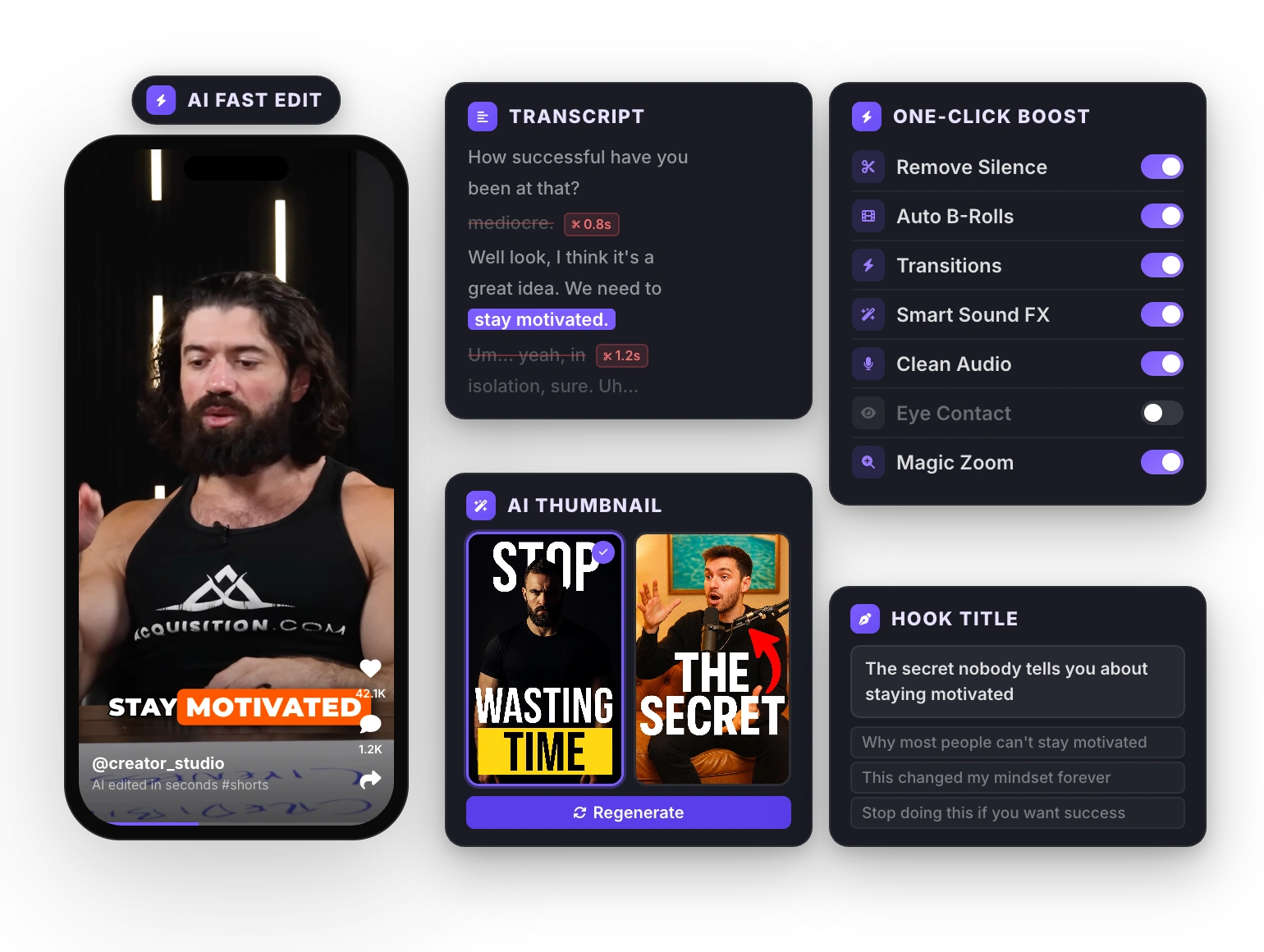
Upload a video. Your captions start right away.
FAQ
Frequently Asked Questions
Your First Captioned Video Is Free
Upload your video. Get back a scroll-stopper with viral captions, cinematic transitions, auto zoom, and clean audio. The same tools top creators use to explode views.
Upload a video, pick a style, export. 50+ languages, word-level sync, free plan with no credit card.
- Join 10,000+ creators
- No credit card required

You Might Also Like
Add Subtitles to Video Automatically
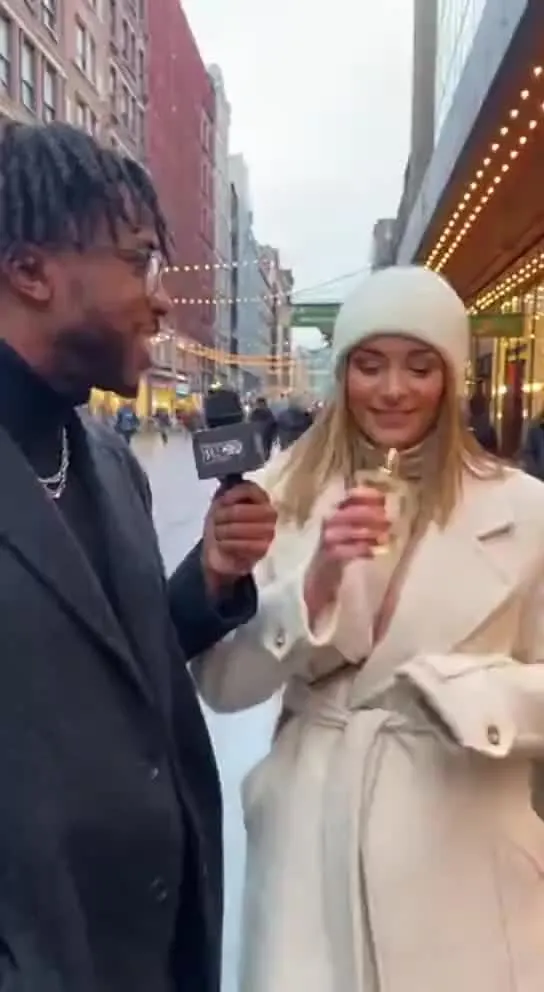
Upload an MP4, MOV or WebM and StoryCut transcribes the speech word by word, then lays out timed subtitles you can edit and style. Export the video with the subtitles burned in, or download them as an SRT file.

Hormozi Style Captions, Generated for You
Bold uppercase words, two or three at a time, the key word in color and a quick pop-in. Upload a video and StoryCut transcribes it and animates the captions in the Hormozi style.
MrBeast Style Captions, Generated for You
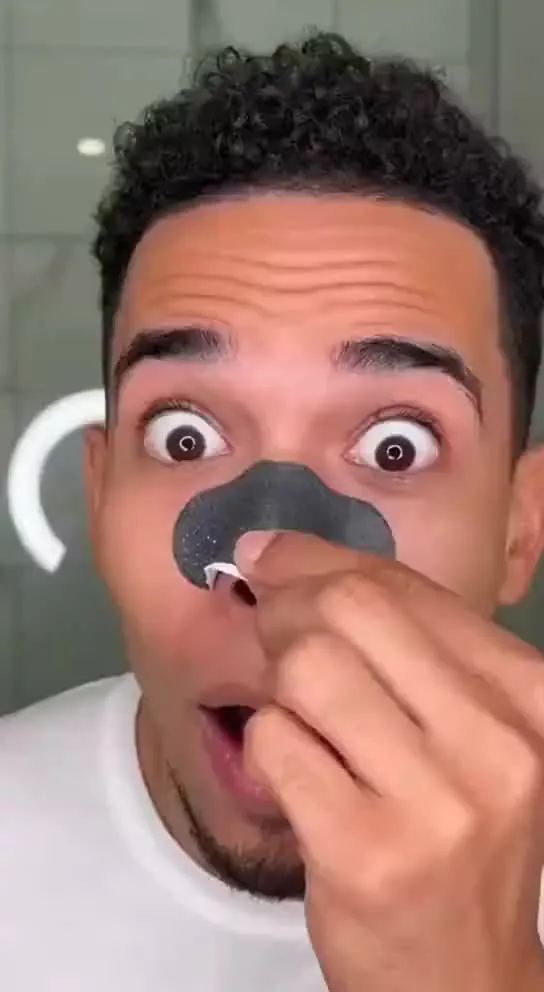
Big comic-style words, a thick black outline and keywords that pop in yellow and red. Upload a video and StoryCut transcribes it and animates the captions in the MrBeast style.

AI video editor for creators who want viral content without the editing grind.
Features
All FeaturesAI CaptionsHormozi CaptionsMrBeast CaptionsAdd Subtitles to VideoSubtitle GeneratorAI Video EditorAI Clip GeneratorYouTube to ShortsChatGPT & Claude ConnectorVideo Clipping APIEye Contact FixMagic ZoomTransitionsClean AudioAI MusicSound EffectsAI Auto EditRemove SilenceAI ThumbnailsBrand KitsCommunity StylesAI Video TranslatorFree Tools
Video Hook GeneratorTikTok CaptionsInstagram CaptionsYouTube TitlesTikTok HashtagsVideo Script GeneratorAI Video IdeasContent CalendarTikTok TranscriptVideo to TextFree SRT GeneratorSubtitle TranslatorFree TeleprompterWords to MinutesSRT to VTT ConverterTikTok Safe ZoneFree Sound EffectsAll 40 Tools →Use Cases
TikTok CreatorsYouTube ShortsInstagram ReelsPodcastersClippersAgencies & TeamsLinkedIn VideosTeleprompter Eye ContactPremiere Pro Eye ContactDaVinci Resolve Eye ContactFinal Cut Pro Eye ContactLoom Eye Contact