Captions for LinkedIn Videos That Play on Mute
LinkedIn can autoplay videos without sound in the feed. Burned-in captions carry your message anyway, in your brand’s fonts and colors. Here are LinkedIn’s video specs, how its own auto captions compare, and how to caption a talking-head video for LinkedIn with StoryCut.
- Free plan: videos up to 4 min, 720p with a watermark
- No credit card
LinkedIn video captions: key facts
- Short answer
- Upload your video to StoryCut, pick a caption style in your brand fonts and colors, and export an MP4 with the captions burned in. Then post it on LinkedIn as usual, with LinkedIn’s auto captions switched off so viewers don’t see two sets. StoryCut doesn’t post to LinkedIn for you.
- LinkedIn video specs
- MP4, MOV, AVI, WebM, MKV and other formats; 3 seconds (2 from the mobile app) to 15 minutes; 75 KB to 5 GB; aspect ratio from 1:2.4 to 2.4:1; 256×144 to 4096×2304; 10 to 60 fps. LinkedIn asks you to keep text and logos away from the edges.
- LinkedIn’s own captions
- LinkedIn can add auto captions to any member or Page video in 10 languages (English, Spanish, Portuguese, French, German, Italian, Indonesian, Turkish, Arabic and Dutch), and you can review and edit them. On desktop you can attach an SRT file instead. Viewers can hide both.
- Why burn them in
- Burned-in captions show for every viewer and on every device, in any language and in your own style, and they stay on the video when you post the same file to other platforms.
- StoryCut price
- Free plan: videos up to 4 minutes, 720p with a watermark. Starter ($7/mo billed yearly) exports 1080p without a watermark, up to 7 minutes. Brand kit, custom fonts, clean audio and 10 eye contact corrections a month are on Pro ($14/mo).
LinkedIn auto captions vs an SRT file vs burned-in captions
| LinkedIn auto captions | SRT file on LinkedIn | Burned in (StoryCut) | |
|---|---|---|---|
| Languages | 10 (others “may not always be available”) | Whatever your file contains | 49 languages transcribed, 33 for translation (Pro) |
| Where you add them | Desktop and mobile app, when posting | Desktop only, when posting | In StoryCut, before you upload |
| When they show | Some time after posting, or after your review | Once the video is processed | Right away: they are part of the picture |
| Can viewers hide them? | Yes | Yes | No |
| Look | Set by LinkedIn (no style options in its help pages) | Set by LinkedIn | Your font, colors, size, position and animation |
| On other platforms | NoLinkedIn only | Noupload the file again | Yesthe same MP4 works everywhere |
| Cost | Free | Free, if you have the file | Free with a watermark; Starter $7/mo billed yearly without |
Checked on October 9, 2026 from each product’s public pages. Sources: LinkedIn: auto captions for videos, LinkedIn: add closed captions (SRT), LinkedIn: share videos.
Do you need burned-in captions on LinkedIn?
Not always. If you speak one of the 10 languages LinkedIn auto-captions and plain captions are fine, LinkedIn’s free auto captions may be enough: switch on “Review captions before viewers can see them” and fix names and jargon before they go live. LinkedIn says some videos autoplay without sound in the feed, so captions of some kind are worth having on every talking video.
Burned-in captions are worth the extra step when you want them in your brand’s fonts and colors, when you post in a language LinkedIn doesn’t auto-caption, when you post the same video to Instagram, TikTok or YouTube too, or when you want keywords highlighted as you say them. They also appear the moment the post goes live, while LinkedIn’s captions can take a while to be generated.
If you burn captions in, switch LinkedIn’s “Add auto captions” toggle off when you post, so viewers don’t get your captions and LinkedIn’s on top of each other.
Caption styles that suit LinkedIn
Full lines, not one word at a time
Show more words at a time (it’s a setting in the caption style) so captions read like sentences. Fast one-word pop-ups suit TikTok more than a feed of professionals.
Your brand fonts and colors
On Pro, a brand kit keeps your colors, fonts (upload TTF or OTF) and logos ready in every project. 1 kit on Pro, unlimited on Business.
Calm animation, high contrast
Start from a simple built-in style, color only the words that matter, and save the look as your own style for every post.
Clear of LinkedIn’s buttons
LinkedIn asks you to keep the edges of the frame free of text and logos. Move the captions up from the bottom edge in the editor.
Which format to post on LinkedIn
LinkedIn accepts any aspect ratio from 1:2.4 (tall) to 2.4:1 (wide), so 9:16, 4:5, 1:1 and 16:9 all upload. On a phone, LinkedIn also has a full-screen vertical video player (not yet available to every member); its help center says videos with a larger aspect ratio may be cropped on the sides and at the top and bottom there, and wider ones may be fitted to the screen. You can’t post directly to that vertical feed: any video you post may appear in it based on relevance and performance.
A practical rule: if you filmed vertically on your phone, export 4:5 or 9:16. If you recorded a webinar, a Zoom call or a desk setup in 16:9, keep 16:9 or crop to 1:1. StoryCut exports all four formats, and changing the format crops the frame to fill it, so leave some room around your head and shoulders when you film.
For length, LinkedIn allows up to 15 minutes. StoryCut handles videos up to 4 minutes on Free, 7 on Starter, 10 on Pro and 30 on Business, so a 12-minute talk needs Business. A 1080p export, on Starter and up, fits well inside LinkedIn’s limits.
Tools for B2B talking-head videos
Eye contact when you read a script
NVIDIA Maxine redirects your gaze to the lens. 1 free video, then 5 for $9 one-time, 10 a month on Pro, unlimited on Business.
Clean audio for office recordings
ElevenLabs voice isolation removes air conditioning, chatter and room echo from your voice track (Pro).
Tighter pacing
Remove Silence or Auto Edit cuts the pauses between sentences (Pro), and works together with eye contact correction.
Clips from webinars and podcasts
AI clips turns a recording of 2 to 150 minutes, or a YouTube link, into 3 to 12 captioned 9:16 clips. On every plan.
Captions in other languages
Captions in 49 spoken languages, and translation into 33 on Pro, for teams that post to several markets.
Team and client brands
Business adds 5 team members and unlimited brand kits, for a marketing team or an agency posting for several executives.
How It Works
How to caption a LinkedIn video with StoryCut
- 01
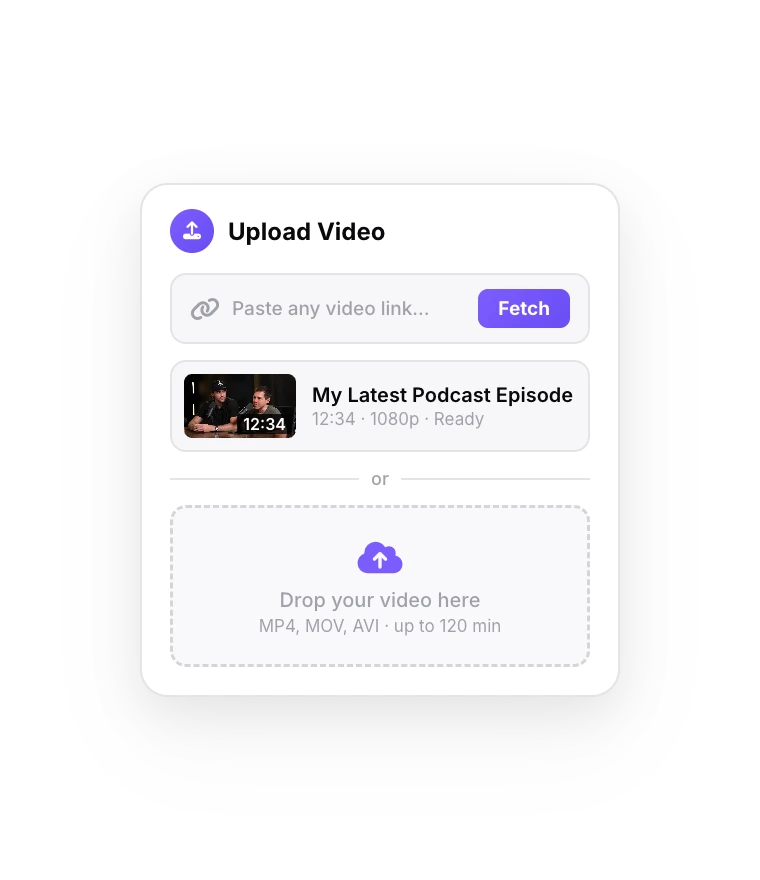
Upload your video
MP4, MOV, WebM, AVI or MKV. Captions start as soon as the upload finishes, timed word by word.
- 02
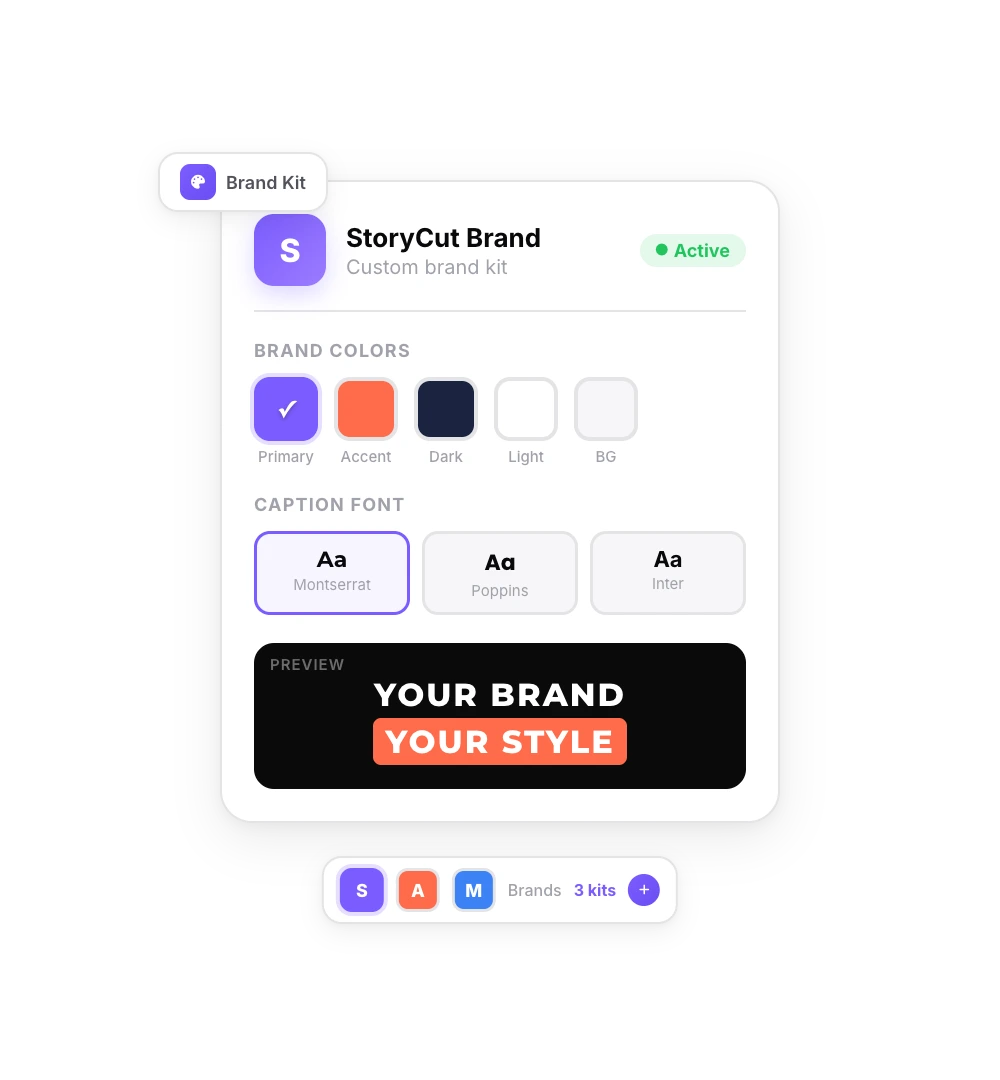
Fix and style the captions
Correct names, company names and jargon, choose how many words show at a time, and apply your brand fonts and colors.
- 03
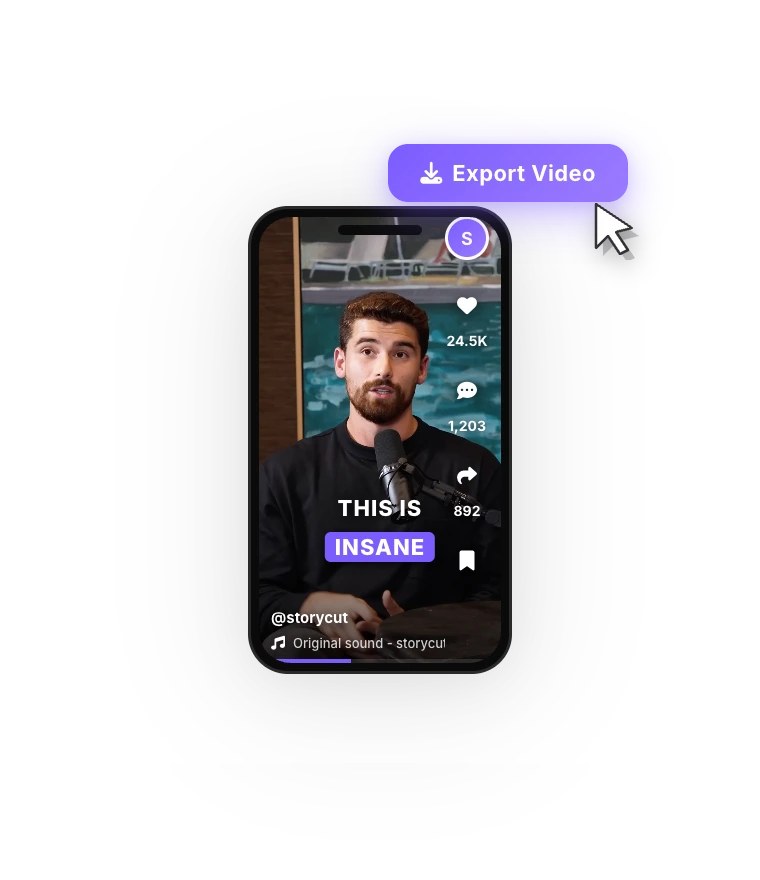
Pick the format and export
Choose 4:5, 1:1, 9:16 or 16:9 and export the MP4. Starter and up export 1080p without a watermark.
- 04
Post it on LinkedIn
Upload the MP4 in LinkedIn’s share box, switch off LinkedIn’s auto captions, add a thumbnail and your post text, and publish.
FAQ
Frequently Asked Questions
Caption Your Next LinkedIn Video
Upload your video. Get back a scroll-stopper with viral captions, cinematic transitions, auto zoom, and clean audio. The same tools top creators use to explode views.
Upload a talking video, style the captions in your brand, and export a file ready for LinkedIn. Free plan, no credit card.
- Join 10,000+ creators
- No credit card required

You Might Also Like
Keep Every Video On-Brand
Save your colors, fonts and logos once. They show up in the editor’s pickers on every project, so matching your brand takes a click instead of a search.
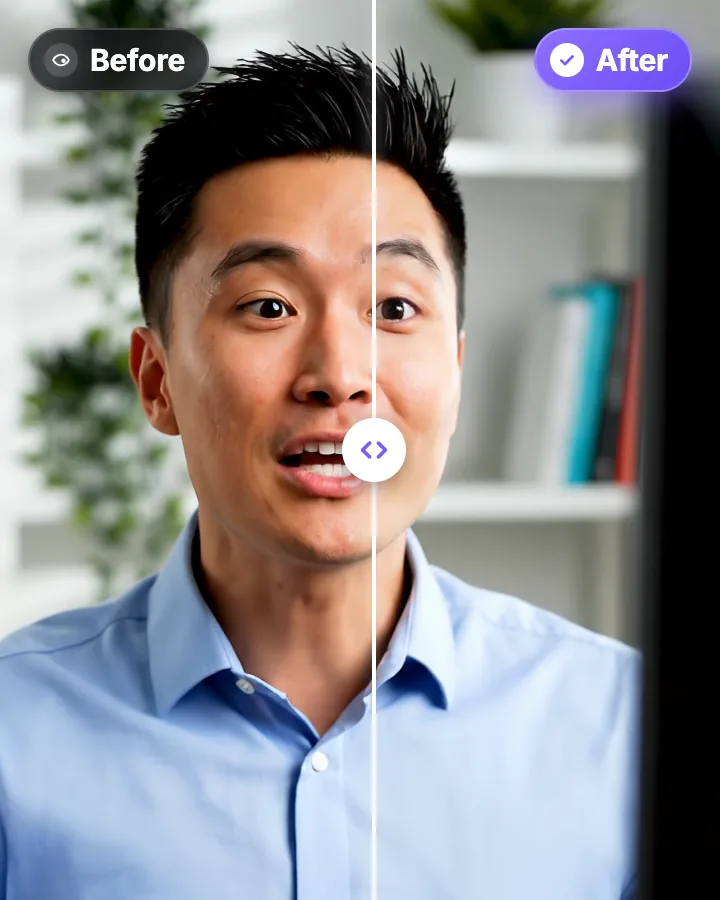
AI Eye Contact and Gaze Correction for Recorded Videos
Read a script, checked your notes or watched yourself on screen? Upload the video and the AI points your gaze back at the lens in every frame, keeping your resolution, frame rate and audio. Your first video is free.

Remove Background Noise from Video with AI
One click isolates your voice and removes background noise and room echo from your video’s audio. Record anywhere, sound clear. Powered by ElevenLabs.

AI video editor for creators who want viral content without the editing grind.
Features
All FeaturesAI CaptionsHormozi CaptionsMrBeast CaptionsAdd Subtitles to VideoSubtitle GeneratorAI Video EditorAI Clip GeneratorYouTube to ShortsEye Contact FixMagic ZoomTransitionsClean AudioAI MusicSound EffectsAI Auto EditRemove SilenceAI ThumbnailsBrand KitsCommunity StylesAI Video TranslatorFree Tools
Video Hook GeneratorTikTok CaptionsInstagram CaptionsYouTube TitlesTikTok HashtagsVideo Script GeneratorAI Video IdeasContent CalendarTikTok TranscriptVideo to TextFree SRT GeneratorSubtitle TranslatorFree TeleprompterWords to MinutesSRT to VTT ConverterTikTok Safe ZoneFree Sound EffectsAll 40 Tools →Use Cases
TikTok CreatorsYouTube ShortsInstagram ReelsPodcastersClippersAgencies & TeamsLinkedIn VideosTeleprompter Eye ContactPremiere Pro Eye ContactDaVinci Resolve Eye ContactFinal Cut Pro Eye ContactLoom Eye Contact