AI Video Editor for Short-Form Videos
Upload a talking video and the AI writes your captions as soon as the upload finishes. Auto Edit then cuts the silences and adds sound effects, zooms and music in one click, and clean audio, B-roll and eye contact are one click each. No timeline to learn.
- Free plan: AI captions, caption styles and transitions
- No credit card
StoryCut as an AI video editor: key facts
- What it is
- A browser-based editor for short talking videos (TikTok, Reels, Shorts) where AI does the repetitive parts of the edit.
- Automatic
- Captions. Transcription starts on its own when the upload finishes, with word-level timing in 49 languages.
- One click for the edit
- Auto Edit (Pro) cuts pauses over 0.5 s, places sound effects on 4 to 8 key words, adds zooms and composes music in one run. Free and Starter get 2 previews on videos up to 90 seconds.
- One click each
- Transitions (all plans). Magic zoom, sound effects, AI music, clean audio, silence removal, B-roll, AI cover, translation and dubbing (Pro). Eye contact correction (1 free try on every account, 10 videos a month on Pro, unlimited on Business).
- Also included
- AI clips: turn a long video or a YouTube link into 3 to 12 short clips, on every plan (1 long video a month on Free).
- Price
- Free plan with no credit card (720p with a watermark, videos up to 4 minutes). Starter $7/mo, Pro $14/mo, Business $39/mo, billed yearly.
- Not included
- No multi-track timeline, no cutting or arranging clips by hand, no native mobile or desktop app, no direct posting to social platforms.
What an AI video editor should do for you
Most of the time spent on a short-form edit isn’t creative. It’s typing captions and timing them to the words, finding a sound for the punchline, hunting for music, cleaning up a noisy recording. An AI video editor takes those jobs off your plate so you can post more often.
StoryCut is built around that idea. You don’t drag clips on a timeline. You upload a finished take, the captions appear on their own, and every other effect is a single button that the AI applies to your video. It reads your transcript to decide where to zoom and which words get a sound effect, writes a music prompt from what you say, and finds the scene changes for transitions. You review what it did, remove what you don’t like, and export.
What the AI does on every plan
Captions (automatic)
Word-by-word captions in 49 languages, in 26 built-in styles including Hormozi and MrBeast looks. Fix any word, or download an SRT file.
Transitions
51 overlay transitions placed where your scenes change. Swap, remove or change the opacity of any of them.
AI Viral Clips
Turn a long video or YouTube link into 3 to 12 captioned vertical clips, each with a virality score. 1 long video a month on Free.
Eye contact (1 free try)
NVIDIA Maxine redirects your gaze into the lens when you read a script, and keeps your resolution and audio. One free video per account, then 10 a month on Pro.
One click each on Pro
Magic zoom
The AI reads your transcript and zooms in on key lines. Change each zoom’s intensity (5–50%), length and style, or remove it.
Auto sound effects
The AI picks 4 to 8 key words and places a matching sound on each, timed to the word. Public-domain (CC0) sounds, free to use commercially.
AI music
An original track generated with Suno from your transcript or your own description, lowered under your voice. Or upload your own.
Clean audio
ElevenLabs voice isolation removes background noise. Toggle before and after.
How It Works
How to edit a video with AI in StoryCut
Upload, click, export.
- 01
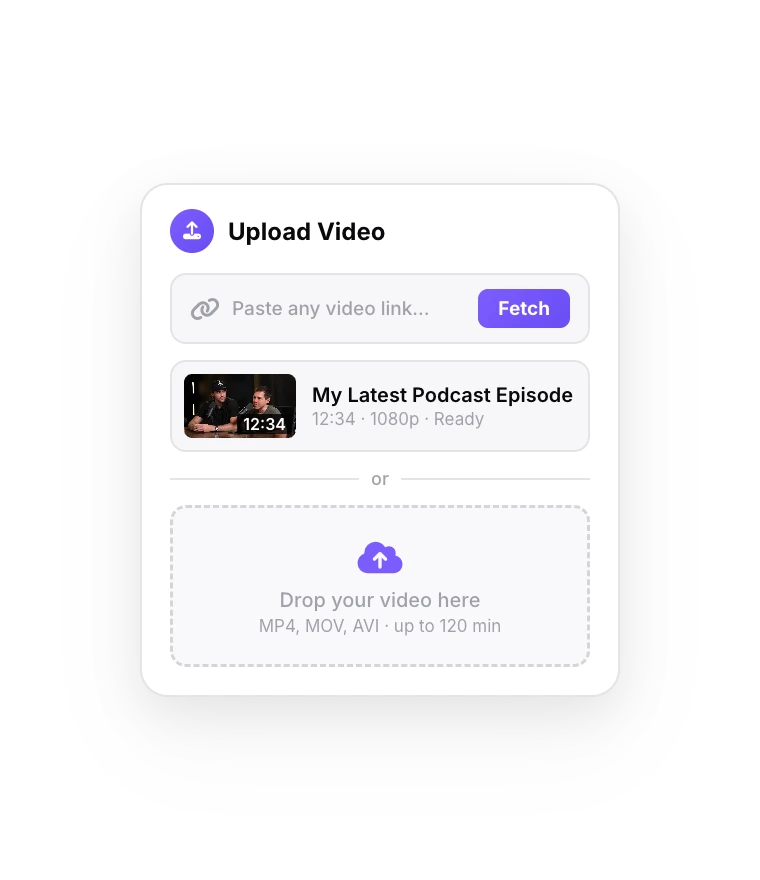
Upload your video
MP4, MOV or WebM, up to 4 minutes on Free and 30 minutes on Business. Captions start right away.
- 02
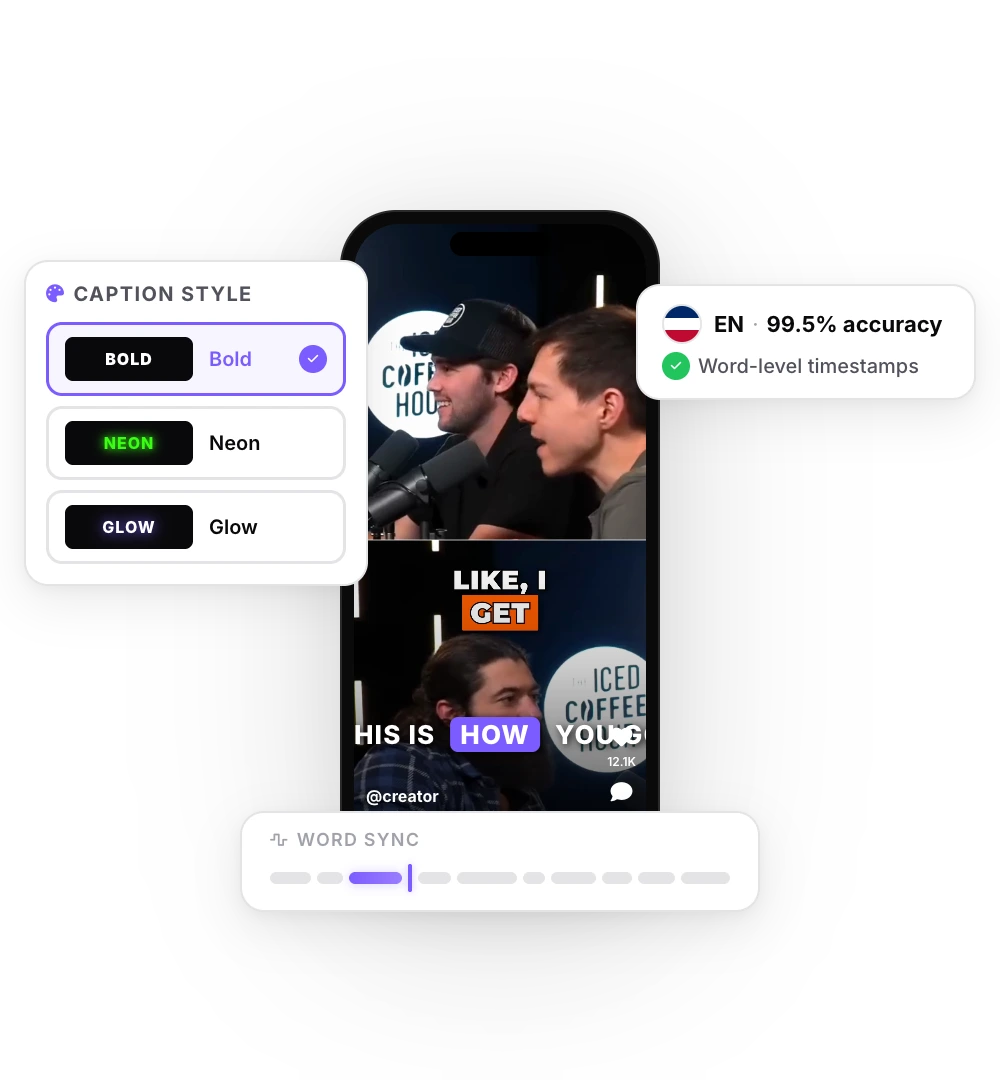
Pick a style and add effects
Choose a caption style, then click Auto Edit, or add Magic Zoom, Sound Effects, Music or Clean Audio one at a time (Pro). Review each one and remove what you don’t want.
- 03
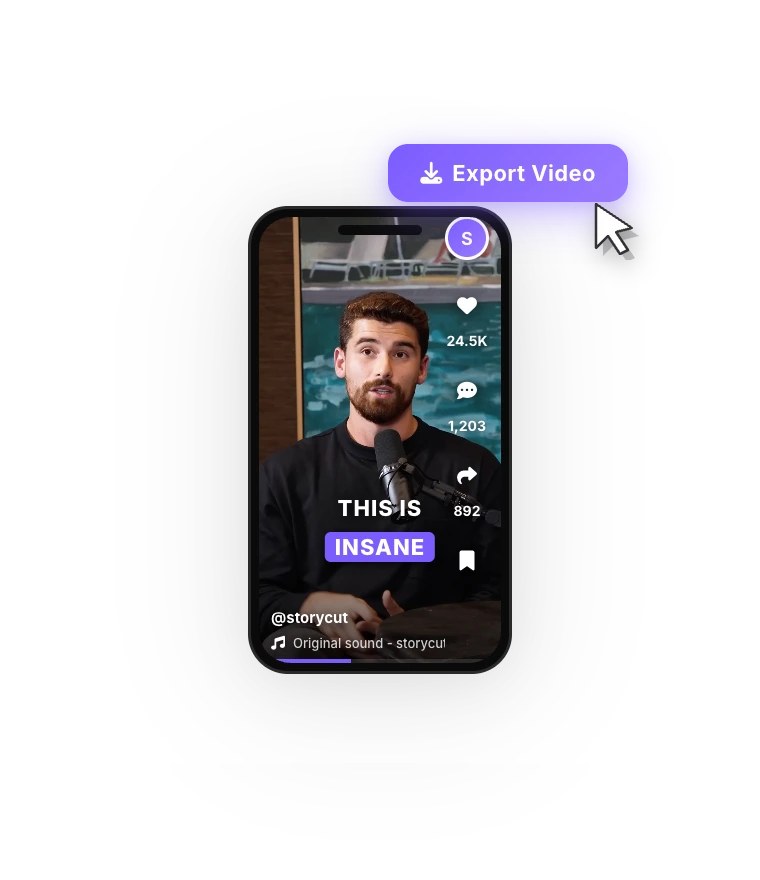
Export
Download an MP4 in 9:16, 4:5, 1:1 or 16:9, from 720p on Free up to 4K 60fps on Business.
More AI tools on Pro
Silence removal
Cuts the pauses between sentences for a tighter pace.
B-roll and AI cover
AI-generated B-roll images placed on your video, and a cover image made from your frames and title.
Translate and dub
Translate captions into 33 languages, or dub the voice in an ElevenLabs clone of your own.
Presets and brand kit
Save your caption style and effect settings as a preset, and keep your colors, fonts and logos in a brand kit (unlimited kits on Business).
StoryCut vs a timeline editor like CapCut or Premiere Pro
Timeline editors and AI editors solve different problems. CapCut gives you a full multi-track editor on phone, desktop and web, with a free plan and a huge template library. Adobe Premiere Pro is a professional desktop editor for any kind of project. In both, you control every cut, layer and keyframe, and you do that work yourself.
StoryCut skips the timeline. It doesn’t cut or arrange multiple clips; it takes one take and finishes it: captions, zoom, sound effects, music and audio cleanup. That makes it quicker for talking videos and far less flexible for anything else. You can also use both: cut the take in your usual editor, then finish it in StoryCut. If you edit montages, vlogs with many clips or anything that needs precise cuts, a timeline editor is the right tool.
Who StoryCut is for
Solo creators who post talking videos to TikTok, Reels and Shorts and want captions and effects without learning an editor. Coaches, consultants and founders who record to camera, often from a script, and want it to look polished; eye contact correction helps when you read. Podcasters and YouTubers who turn long videos into clips with AI Viral Clips, then finish each clip in the editor. Agencies on the Business plan, with 5 team members, unlimited brand kits, 4K 60fps exports and priority rendering.
It isn’t for you if you need a full timeline, a native phone app, scheduling to social platforms or an API: StoryCut has none of those.
Upload a video and see what the AI does with it.
Comparing AI video editors?





FAQ
Frequently Asked Questions
Let the AI Do the Busywork
Upload your video. Get back a scroll-stopper with viral captions, cinematic transitions, auto zoom, and clean audio. The same tools top creators use to explode views.
Captions on upload, effects in one click, export in minutes. Free plan, no credit card.
- Join 10,000+ creators
- No credit card required

You Might Also Like
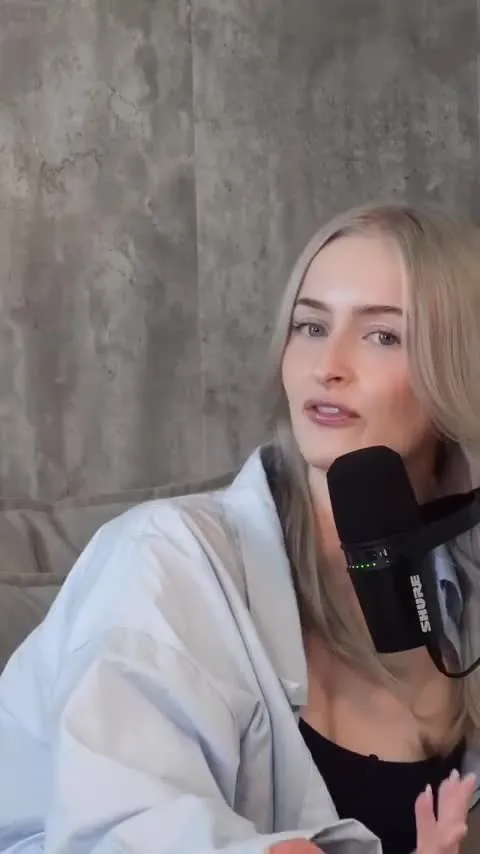
Auto-Edit Your Talking-Head Videos in One Click
For videos you filmed yourself. Once your captions are ready, Auto Edit cuts the silences, places sound effects on your key words, zooms in on the key moments and composes background music. Then you keep or remove each one.

Add Animated Captions to Any Video
Upload a video and StoryCut adds animated, word-level captions automatically, with 99.5% accuracy across 50+ languages. Pick a style, fix any word, export. No editing skills needed.
Auto SFX: Add Sound Effects to Your Video Automatically
StoryCut reads your transcript, picks the 4 to 8 words that deserve a sound and places a matching whoosh, pop or ding on each one, timed to the word. No library to dig through, no timeline to drag.

AI Clip Generator: Turn Long Videos Into Shorts
Paste a YouTube link or upload a video from 2 to 150 minutes. The AI reads the transcript, picks 3 to 12 moments, scores each one, reframes it to 9:16 around faces and the active speaker, and adds animated captions.

AI video editor for creators who want viral content without the editing grind.
Features
All FeaturesAI CaptionsHormozi CaptionsMrBeast CaptionsAdd Subtitles to VideoSubtitle GeneratorAI Video EditorAI Clip GeneratorYouTube to ShortsEye Contact FixMagic ZoomTransitionsClean AudioAI MusicSound EffectsAI Auto EditRemove SilenceAI ThumbnailsBrand KitsCommunity StylesAI Video TranslatorFree Tools
Video Hook GeneratorTikTok CaptionsInstagram CaptionsYouTube TitlesTikTok HashtagsVideo Script GeneratorAI Video IdeasContent CalendarTikTok TranscriptVideo to TextFree SRT GeneratorSubtitle TranslatorFree TeleprompterWords to MinutesSRT to VTT ConverterTikTok Safe ZoneFree Sound EffectsAll 40 Tools →Use Cases
TikTok CreatorsYouTube ShortsInstagram ReelsPodcastersClippersAgencies & TeamsLinkedIn VideosTeleprompter Eye ContactPremiere Pro Eye ContactDaVinci Resolve Eye ContactFinal Cut Pro Eye ContactLoom Eye Contact