Video Translator: Translate and Dub Your Videos with AI
Translate a video’s captions into 33 languages, English included, or dub the voice too, in a clone of your own voice or a stock male or female voice. Turn it on when you upload, and the translated video opens ready to edit.
- Included in Pro (from $14/mo)
StoryCut’s video translator: key facts
- Short answer
- Upload a video, turn on Translate, pick the target language and whether to dub the voice. StoryCut transcribes the speech, translates the captions with AI and, if you choose, replaces your voice with an AI dub in that language.
- Translate to English
- Yes. English is one of the 33 target languages, so a Spanish, Hindi or Japanese video can come out with English captions or an English voice dub.
- Languages
- Speech in 49 languages (or auto-detect) translated into 33 target languages, including English, Spanish, French, German, Portuguese, Japanese, Korean, Chinese, Hindi and Arabic.
- Voice
- Dubbing by ElevenLabs, in a clone of your own voice from the video or a stock male or female voice.
- Plan
- Pro ($14/mo billed yearly, $19/mo monthly) and Business. Videos up to 10 minutes on Pro, 30 minutes on Business.
- Good to know
- You turn on translation when you upload. Dubbing replaces the captions with translated ones. Word timing inside each line is estimated, except after voice-clone dubbing, where captions are re-timed to the new voice.
Why Use a Video Translator
A video in one language only reaches people who understand it. A video translator fixes that: translated captions let viewers read along in their own language, and a dub lets them simply listen. StoryCut does both from the same upload, so you can publish an English, Spanish or Hindi version of a video without hiring a translator or a voice actor.
Everything You Need to Publish in Another Language
33 target languages
Translate from any of the 49 caption languages into 33 languages, from Spanish, French and German to Japanese, Hindi, Arabic, Indonesian and Filipino.
Your voice, in another language
Voice cloning by ElevenLabs dubs the video in a clone of your own voice. Prefer a neutral voice? Pick a stock male or female voice.
Captions follow the language
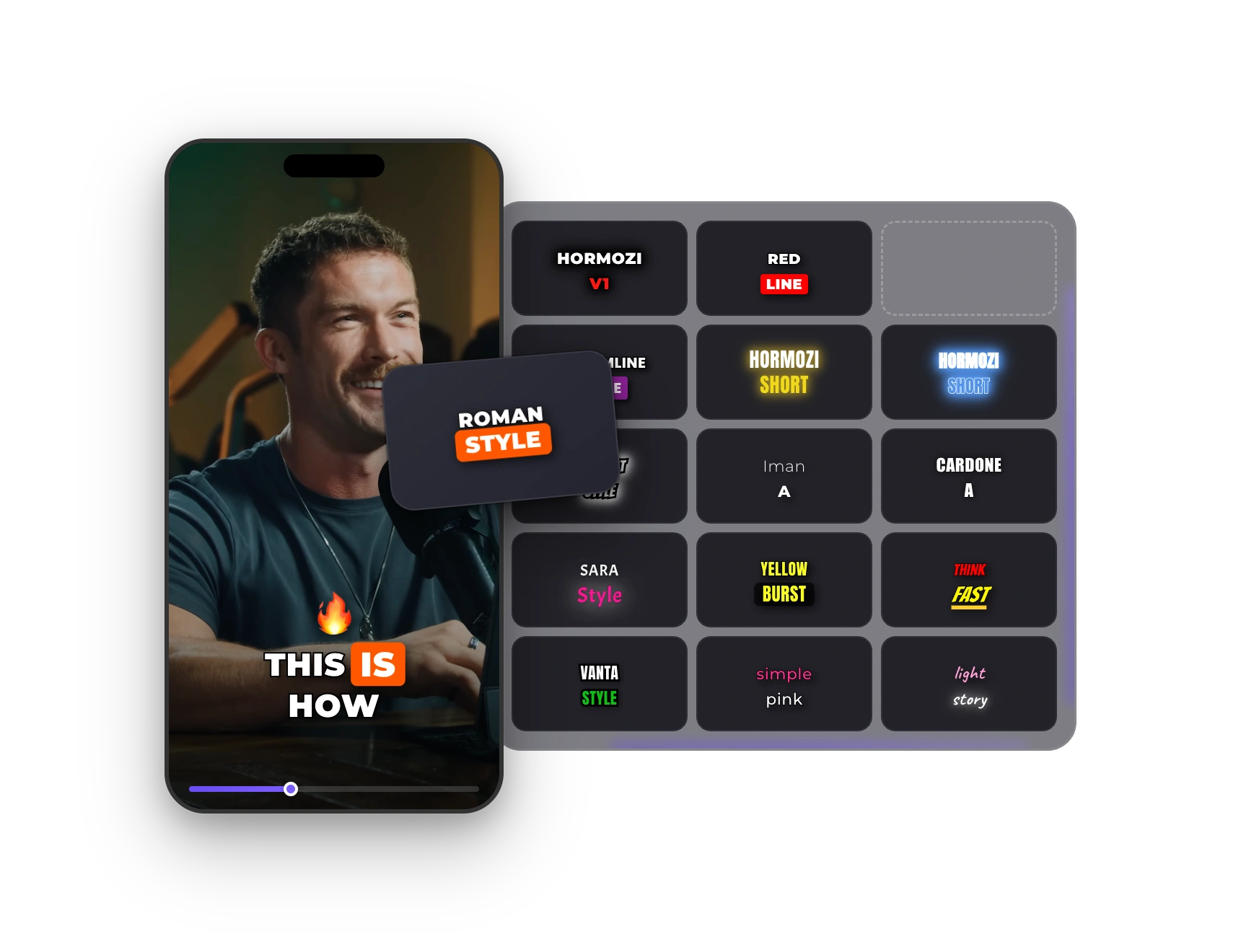
Translated captions keep your caption style. After voice-clone dubbing, captions are transcribed from the new audio, so the words on screen match the dub.
Edit before you export
Fix any translated word in the editor, then add zoom, music or sound effects as you would on any other video.
Translate
Set It Up in the Upload Window
Turn on Translate, choose captions, voice or both, then pick the target language and the voice: your clone, male or female. Captions start as soon as the upload finishes, already translated.
How It Works
How to translate your videos using StoryCut?
Translation is set when you upload, so the video opens already translated.
- 01
Upload Your Video
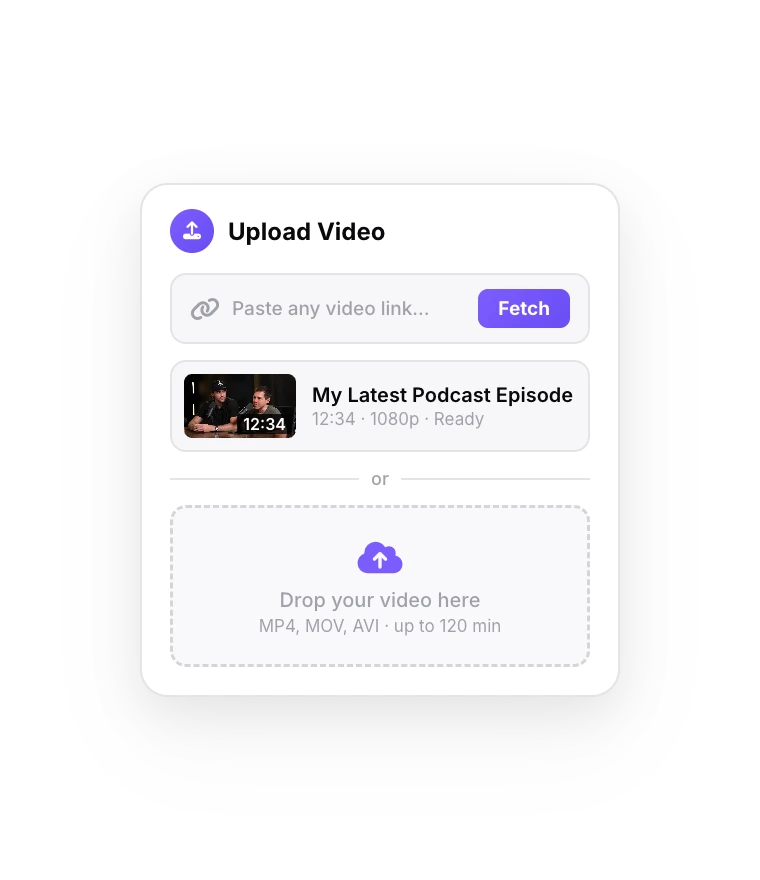
Upload a video up to 10 minutes on Pro or 30 minutes on Business, and turn on Translate in the upload window.
- 02
Choose Language and Voice
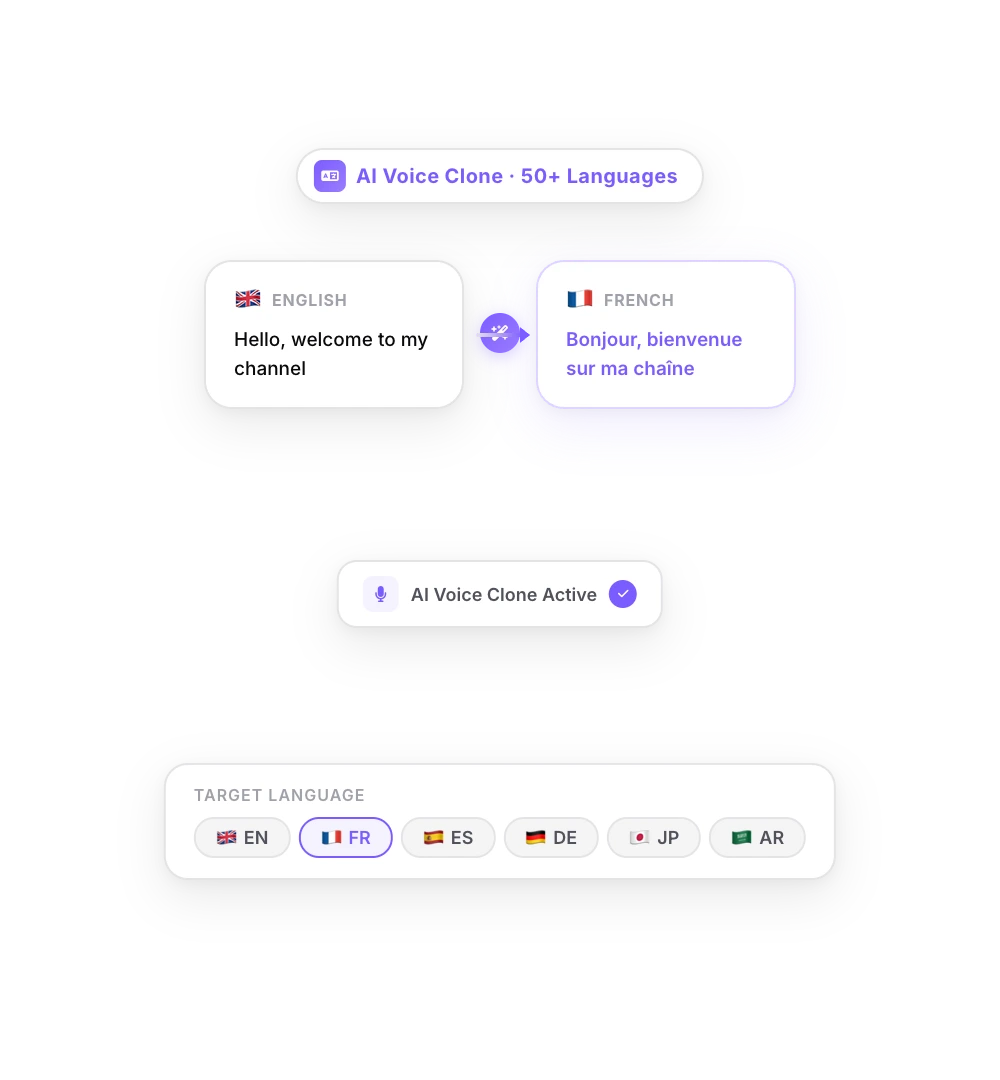
Pick one of 33 target languages, then captions only or a voice dub too, with your cloned voice or a stock voice.
- 03
Review and Export
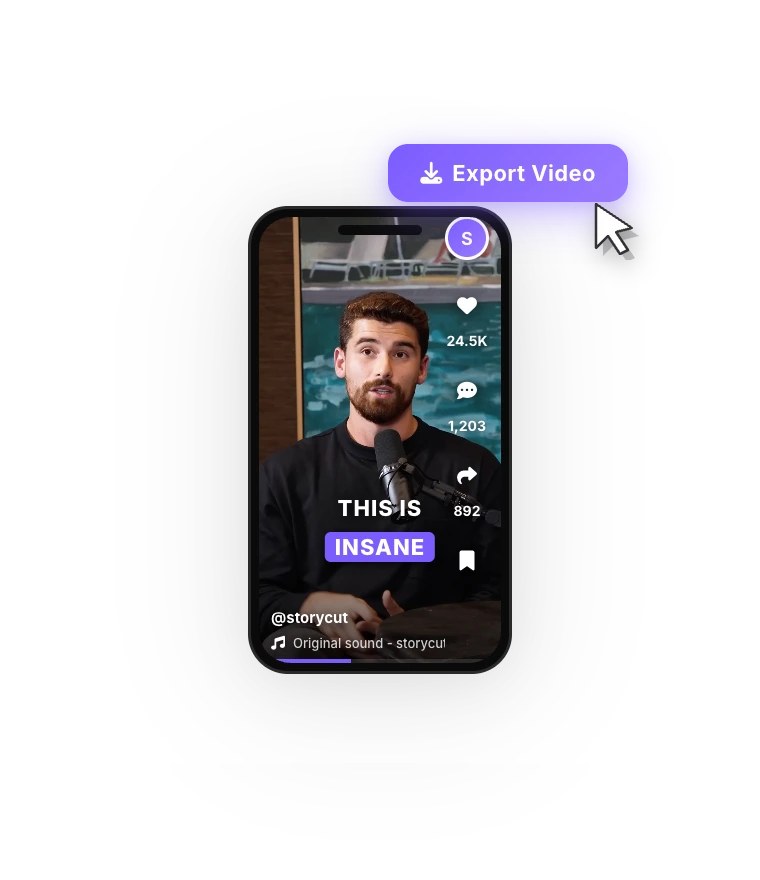
Check the translated captions, fix any word, and export the video with the dubbed audio and translated captions.
FAQ
Frequently Asked Questions
Publish Your Next Video in Another Language
Upload your video. Get back a scroll-stopper with viral captions, cinematic transitions, auto zoom, and clean audio. The same tools top creators use to explode views.
Translated captions and AI dubbing in 33 languages, on Pro and Business.
- Join 10,000+ creators
- No credit card required
You Might Also Like
Auto Subtitle Generator for Any Video
StoryCut’s AI listens to your video, writes down every word with its timing and turns it into subtitles you can edit. Burn them into the video in a clean or animated style, or download an SRT file.

Add Animated Captions to Any Video
Upload a video and StoryCut adds animated, word-level captions automatically, with 99.5% accuracy across 50+ languages. Pick a style, fix any word, export. No editing skills needed.
Remove Background Noise from Video with AI
One click isolates your voice and removes background noise and room echo from your video’s audio. Record anywhere, sound clear. Powered by ElevenLabs.

AI video editor for creators who want viral content without the editing grind.
Features
All FeaturesAI CaptionsHormozi CaptionsMrBeast CaptionsAdd Subtitles to VideoSubtitle GeneratorAI Video EditorAI Clip GeneratorYouTube to ShortsEye Contact FixMagic ZoomTransitionsClean AudioAI MusicSound EffectsAI Auto EditRemove SilenceAI ThumbnailsBrand KitsCommunity StylesAI Video TranslatorFree Tools
Video Hook GeneratorTikTok CaptionsInstagram CaptionsYouTube TitlesTikTok HashtagsVideo Script GeneratorAI Video IdeasContent CalendarTikTok TranscriptVideo to TextFree SRT GeneratorSubtitle TranslatorFree TeleprompterWords to MinutesSRT to VTT ConverterTikTok Safe ZoneFree Sound EffectsAll 40 Tools →Use Cases
TikTok CreatorsYouTube ShortsInstagram ReelsPodcastersClippersAgencies & TeamsLinkedIn VideosTeleprompter Eye ContactPremiere Pro Eye ContactDaVinci Resolve Eye ContactFinal Cut Pro Eye ContactLoom Eye Contact