Hormozi Style Captions, Generated for You
Bold uppercase words, two or three at a time, the key word in color and a quick pop-in. Upload a video and StoryCut transcribes it and animates the captions in the Hormozi style.
- Included in the free plan
- No credit card required
Hormozi captions in StoryCut: key facts
- What it is
- Animated word-by-word captions in the look made popular by Alex Hormozi’s short-form videos, applied automatically to your own video.
- Ready-made styles
- 6 Hormozi-style templates (Hormozi V1 and Hormozi Short 2026 A to E), next to MrBeast, Iman Gadzhi and Grant Cardone inspired styles. 26 built-in styles in total.
- Price
- Free plan: 720p export with a watermark, videos up to 4 minutes. Starter ($7/mo billed yearly) removes the watermark and exports in 1080p.
- Customizable
- Font, highlight color, words per line, position, outline, shadow, animation and emojis.
- Works with
- Any talking video in MP4, MOV or WebM, exported in 9:16 for TikTok, Reels and Shorts.
What are Hormozi captions?
Hormozi captions are the bold, fast caption style used in Alex Hormozi’s short videos: only a few words on screen at a time, set in a heavy uppercase sans-serif, white with a dark outline or shadow, with the most important word highlighted in a bright color and a quick scale-up as each word appears. Emojis sometimes pop in next to key words. The style works because it can be read on a phone with the sound off, keeps the viewer’s eyes on the center of the screen and makes the point of each sentence impossible to miss.
What font does Alex Hormozi use?
Alex Hormozi’s team hasn’t published it, so the answers online come from people matching the look, and three names come up: TheBoldFont, Anton and Montserrat Black. Submagic’s guide says Hormozi’s older videos used TheBoldFont and his newer ones use Anton, both in uppercase with a shadow. SendShort’s guide (updated January 2026) names Montserrat Black, the 900 weight, in all caps; Montserrat ExtraBold (800) gives a slightly lighter version of the same look.
All three are heavy sans-serifs set in capitals, which is what keeps the captions readable on a small screen. StoryCut’s Hormozi V1 style uses Montserrat, and Hormozi Short 2026 B, D and E use Anton. TheBoldFont isn’t in StoryCut’s font list, but on Pro you can upload it as a custom font.
| Source | Font it names | How the captions are set |
|---|---|---|
| Submagic guide (older Hormozi videos) | TheBoldFont | Uppercase, shadow, no outline |
| Submagic guide (newer Hormozi videos) | Anton | Uppercase, light shadow, yellow outline, pops in from the bottom |
| SendShort guide (updated January 2026) | Montserrat Black (900) | All caps, bright colors on key words, rotation and size changes |
| StoryCut Hormozi styles | Montserrat (V1), Anton (2026 B, D, E) | Uppercase, highlighted keyword, pop-in |
Checked on October 8, 2026 from each product’s public pages. Sources: Submagic: how to make Alex Hormozi captions, SendShort: Alex Hormozi captions.
The Hormozi look, ready to apply
Hormozi V1
Montserrat in uppercase, white text with a thick black outline, keywords in orange, pop-in animation and automatic emojis. The classic look.
Hormozi Short 2026 B, D and E
Condensed Anton in uppercase. D shows one word at a time for maximum punch; E adds a small tilt as words land.
Hormozi Short 2026 A and C
Rounder fonts with a soft drop-in and a glowing highlight in orange and yellow, for a slightly calmer read.
Make it yours
Change the highlight color, font, words per line, size and position, or switch to another style in one click. Your edits apply to every caption.
How It Works
How to add Hormozi captions to a video
No editing skills needed.
- 01
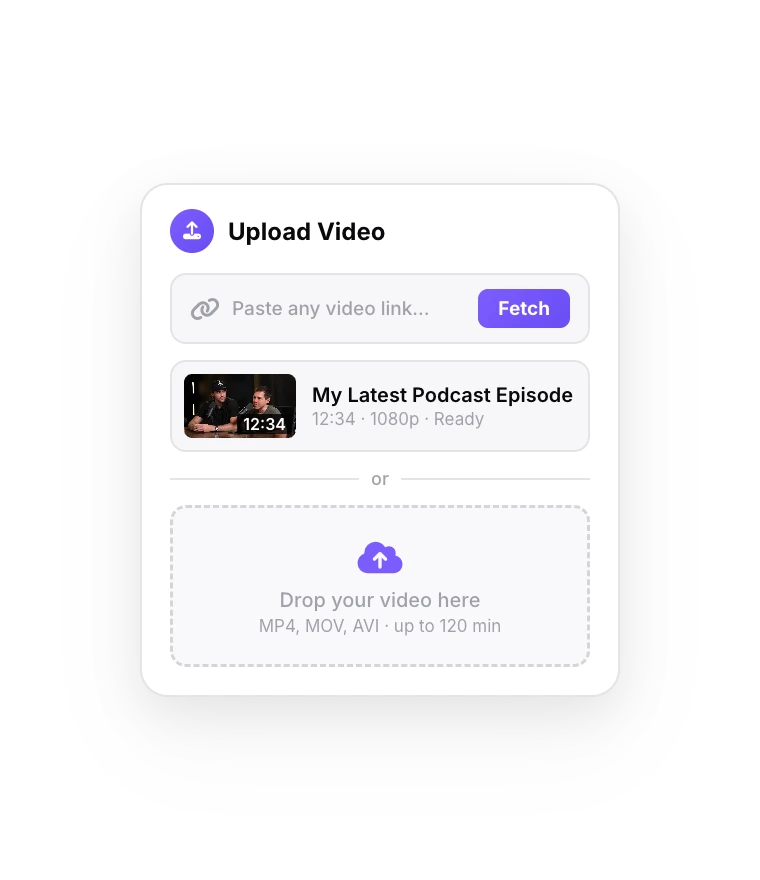
Upload your video
Drop in a talking video. Captions start generating as soon as the upload finishes.
- 02
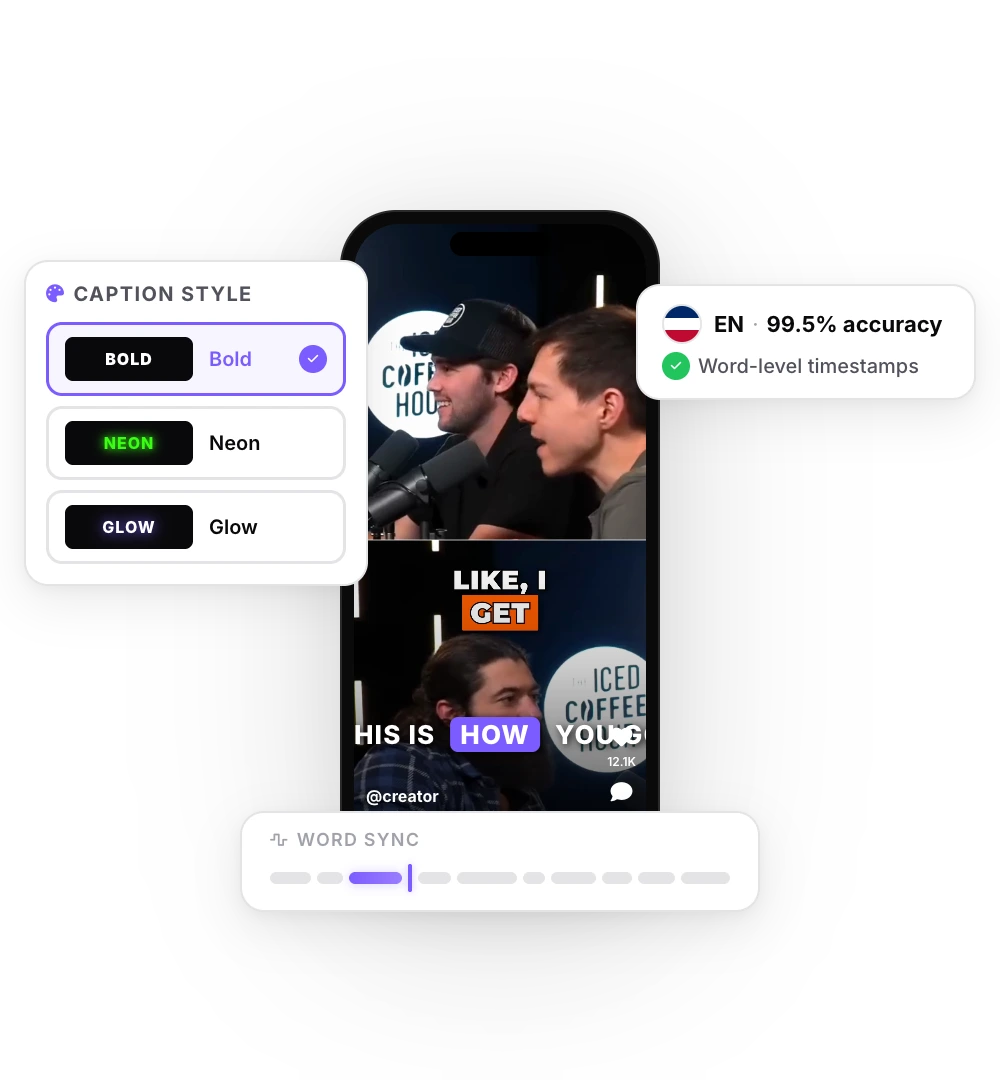
Pick a Hormozi style
Choose Hormozi V1 or one of the 2026 variants. Fix any word in the transcript and adjust the highlight color.
- 03
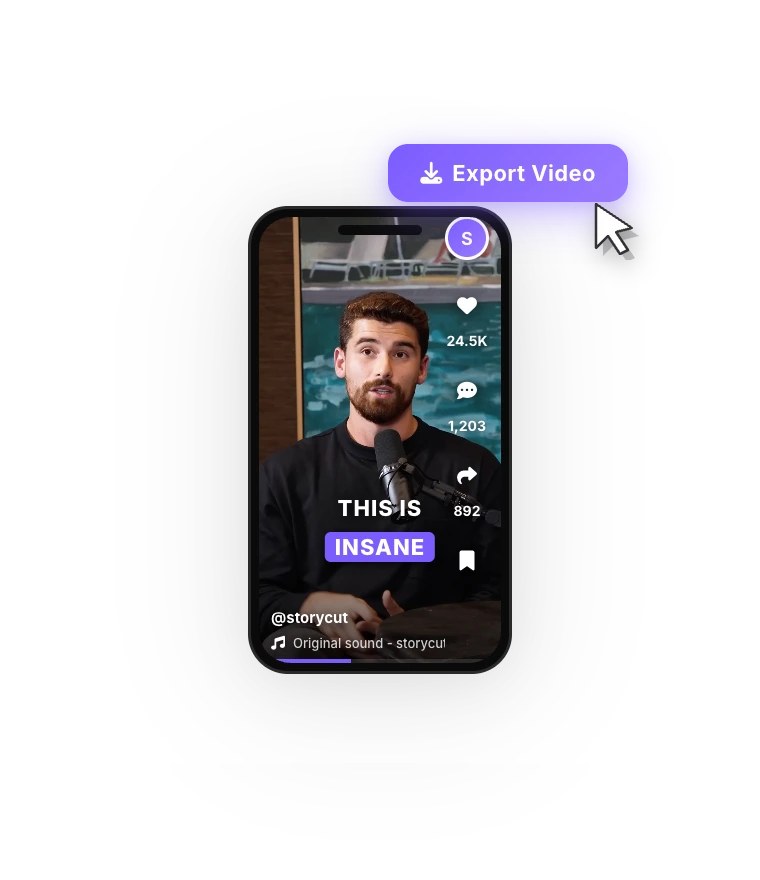
Export
Download the video with the captions burned in, ready for TikTok, Reels or Shorts.
FAQ
Frequently Asked Questions
Get the Hormozi Look on Your Next Video
Upload your video. Get back a scroll-stopper with viral captions, cinematic transitions, auto zoom, and clean audio. The same tools top creators use to explode views.
Upload a video, pick a Hormozi style, export. Free plan, no credit card.
- Join 10,000+ creators
- No credit card required

You Might Also Like

Add Animated Captions to Any Video
Upload a video and StoryCut adds animated, word-level captions automatically, with 99.5% accuracy across 50+ languages. Pick a style, fix any word, export. No editing skills needed.
Caption Styles for Every Kind of Video
Animated, dynamic captions in one click: 26 built-in styles including Hormozi and MrBeast looks, a community library that brings the total to 1,000+ styles, and your own saved styles. Apply any of them and customize everything.
Auto SFX: Add Sound Effects to Your Video Automatically
StoryCut reads your transcript, picks the 4 to 8 words that deserve a sound and places a matching whoosh, pop or ding on each one, timed to the word. No library to dig through, no timeline to drag.

AI video editor for creators who want viral content without the editing grind.
Features
All FeaturesAI CaptionsHormozi CaptionsMrBeast CaptionsAdd Subtitles to VideoSubtitle GeneratorAI Video EditorAI Clip GeneratorYouTube to ShortsEye Contact FixMagic ZoomTransitionsClean AudioAI MusicSound EffectsAI Auto EditRemove SilenceAI ThumbnailsBrand KitsCommunity StylesAI Video TranslatorFree Tools
Video Hook GeneratorTikTok CaptionsInstagram CaptionsYouTube TitlesTikTok HashtagsVideo Script GeneratorAI Video IdeasContent CalendarTikTok TranscriptVideo to TextFree SRT GeneratorSubtitle TranslatorFree TeleprompterWords to MinutesSRT to VTT ConverterTikTok Safe ZoneFree Sound EffectsAll 40 Tools →Use Cases
TikTok CreatorsYouTube ShortsInstagram ReelsPodcastersClippersAgencies & TeamsLinkedIn VideosTeleprompter Eye ContactPremiere Pro Eye ContactDaVinci Resolve Eye ContactFinal Cut Pro Eye ContactLoom Eye Contact