
Features
Tools
Pricing
Affiliate
| Length | Slow (130) | Average (150) | Fast (170) |
|---|---|---|---|
| 15 seconds | 33 | 38 | 43 |
| 30 seconds | 65 | 75 | 85 |
| 45 seconds | 98 | 113 | 128 |
| 1 minute | 130 | 150 | 170 |
| 90 seconds | 195 | 225 | 255 |
| 2 minutes | 260 | 300 | 340 |
| 3 minutes | 390 | 450 | 510 |
| 5 minutes | 650 | 750 | 850 |
How to time your script
Paste your script
Paste your text, or type a word count if you only know the number of words.
Read the speaking time
You get the time at a slow 130, an average 150 and a fast 170 words per minute. Move the slider to match your own pace.
Fit it to your video length
Type a duration in "How many words fit in" or use the table, then trim your script to that word count before you record.

Script ready? Turn the recording into a finished video
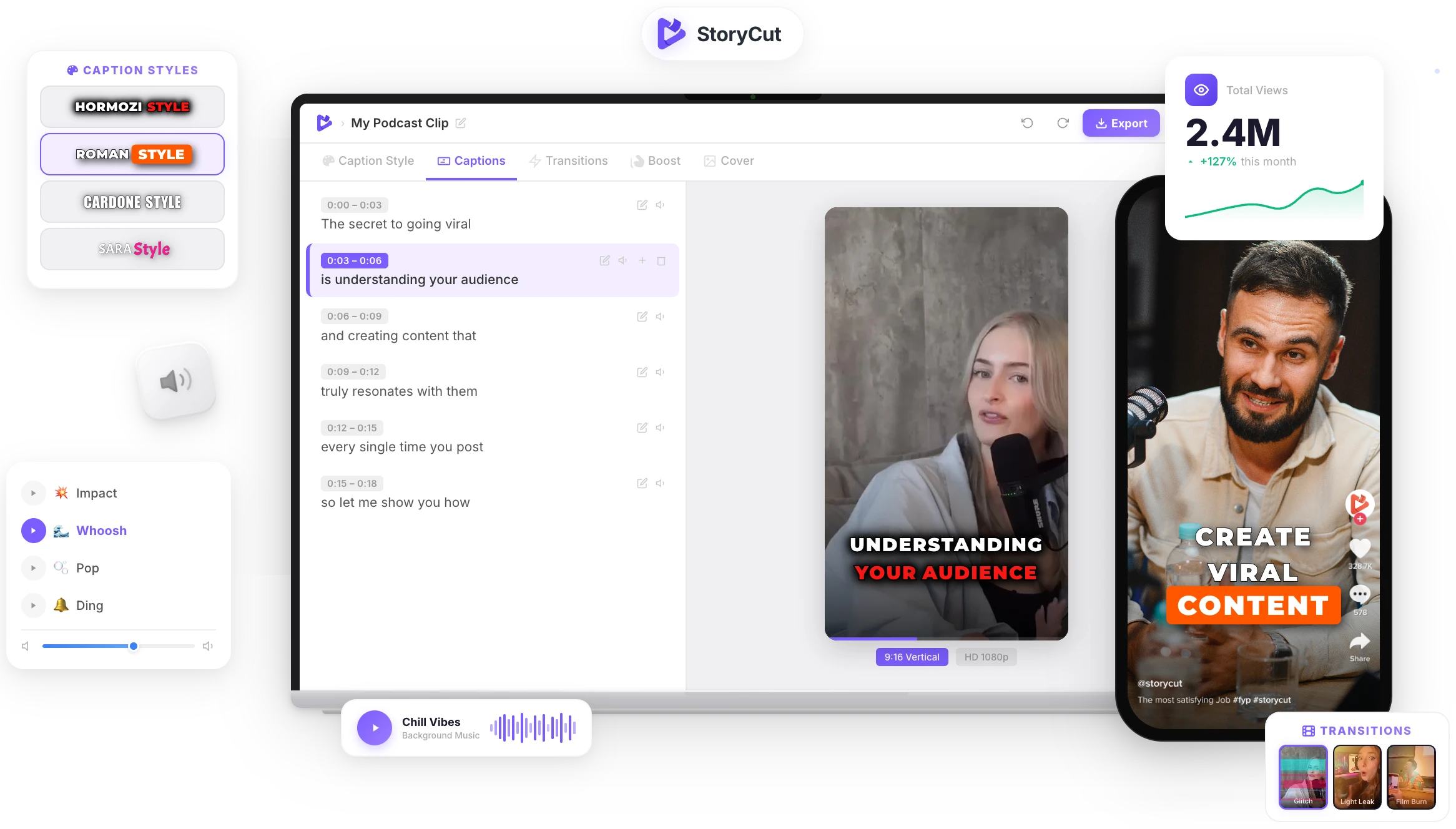
Upload your take and StoryCut auto-generates animated captions in 1,000+ styles, adds zoom effects that match your beats and drops in transitions. No timeline, no editing skills needed.
AI Captions in 1 Click
50+ Transitions
Auto Zoom Effects
Clean Audio AI
Video & Subtitle Tools
How is speaking time calculated?
Speaking time is the number of words divided by your speaking rate. At an average 150 words per minute, a 300-word script takes 2 minutes. The calculator shows three paces because people speak at different speeds: about 130 words per minute is a calm, deliberate delivery, 150 is a natural conversational pace and 170 is the energetic pace common in short-form video. Dashes, bullets and symbols on their own are not counted as words.
Tips for timing short-form video scripts
- Short-form videos are usually spoken faster than speeches: 150 to 170 words per minute is common on TikTok and Reels.
- Count 2 to 3 seconds for the hook and 2 to 3 seconds for the call to action.
- Pauses, demos and B-roll add time: keep 10 to 20% of headroom when the video must fit a hard limit.
- Read the script out loud once with a stopwatch, then set the slider to your real pace for the next scripts.
- Cut filler words ("so", "basically", "just") first: they add seconds without adding meaning.
More than a word counter
Three Speaking Paces
See the time at a slow 130, an average 150 and a fast 170 words per minute side by side, plus your own pace with the slider.
Words for Any Length
Type a duration and get the word count that fits, or use the table from 15 seconds to 5 minutes.
Characters Too
Character counts with and without spaces, handy for captions, titles and on-screen text limits.
Private and Instant
Everything is calculated in your browser as you type. Your script is never uploaded or saved.
FAQ
You Might Wanna Know...
You’ve Got the Timing.
Now Make the Video.
You just used a free tool to time your script. Now imagine dropping a raw video into StoryCut and getting it back fully edited — captions styled to your brand, zoom effects synced to every beat, transitions between scenes, audio cleaned up — all in under 2 minutes.
No timeline. No learning curve. No exporting headaches. Just upload, let the AI work, and post. That’s what 10,000+ creators do every day with StoryCut.
This tool gave you the words. StoryCut gives you the video.
Your Next Viral Video Starts Here
Join 10,000+ creators who save hours every week with AI-powered editing. Upload a video, get a scroll-stopper back.
No credit card required • Free plan, no time limit • Cancel anytime

AI video editor for creators who want viral content without the editing grind.
Features
All FeaturesAI CaptionsHormozi CaptionsMrBeast CaptionsAdd Subtitles to VideoSubtitle GeneratorAI Video EditorAI Clip GeneratorYouTube to ShortsEye Contact FixMagic ZoomTransitionsClean AudioAI MusicSound EffectsAI Auto EditRemove SilenceAI ThumbnailsBrand KitsCommunity StylesAI Video TranslatorFree Tools
Video Hook GeneratorTikTok CaptionsInstagram CaptionsYouTube TitlesTikTok HashtagsVideo Script GeneratorAI Video IdeasContent CalendarTikTok TranscriptVideo to TextFree SRT GeneratorSubtitle TranslatorFree TeleprompterWords to MinutesSRT to VTT ConverterTikTok Safe ZoneFree Sound EffectsAll 40 Tools →Use Cases
TikTok CreatorsYouTube ShortsInstagram ReelsPodcastersClippersAgencies & TeamsLinkedIn VideosTeleprompter Eye ContactPremiere Pro Eye ContactDaVinci Resolve Eye ContactFinal Cut Pro Eye ContactLoom Eye Contact