51 Transitions That Make Your Cuts Disappear
Overlay transitions that turn choppy cuts into smooth, polished edits. Film burns, glitches, light leaks and more, included in the free plan.
- Included in the free plan
- No credit card required
Better Cuts, Better Retention
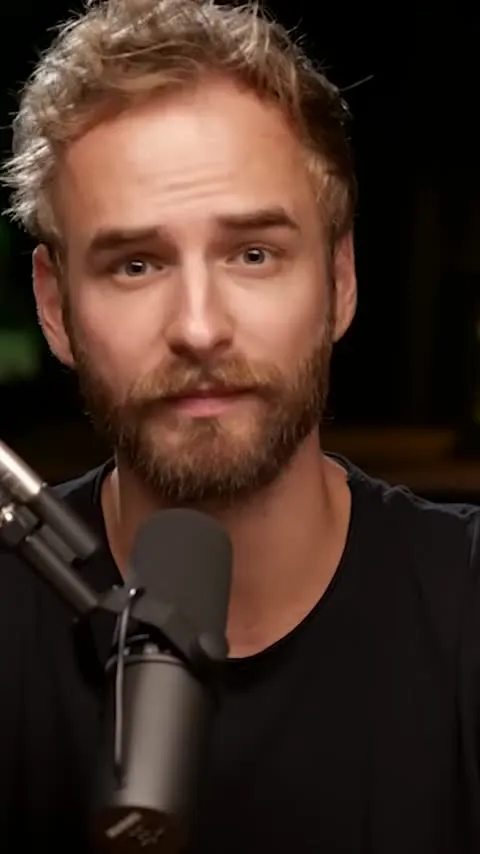
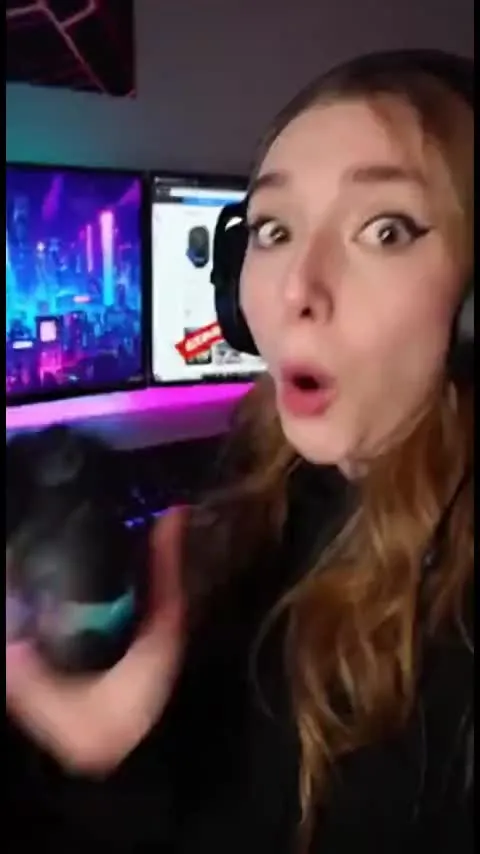
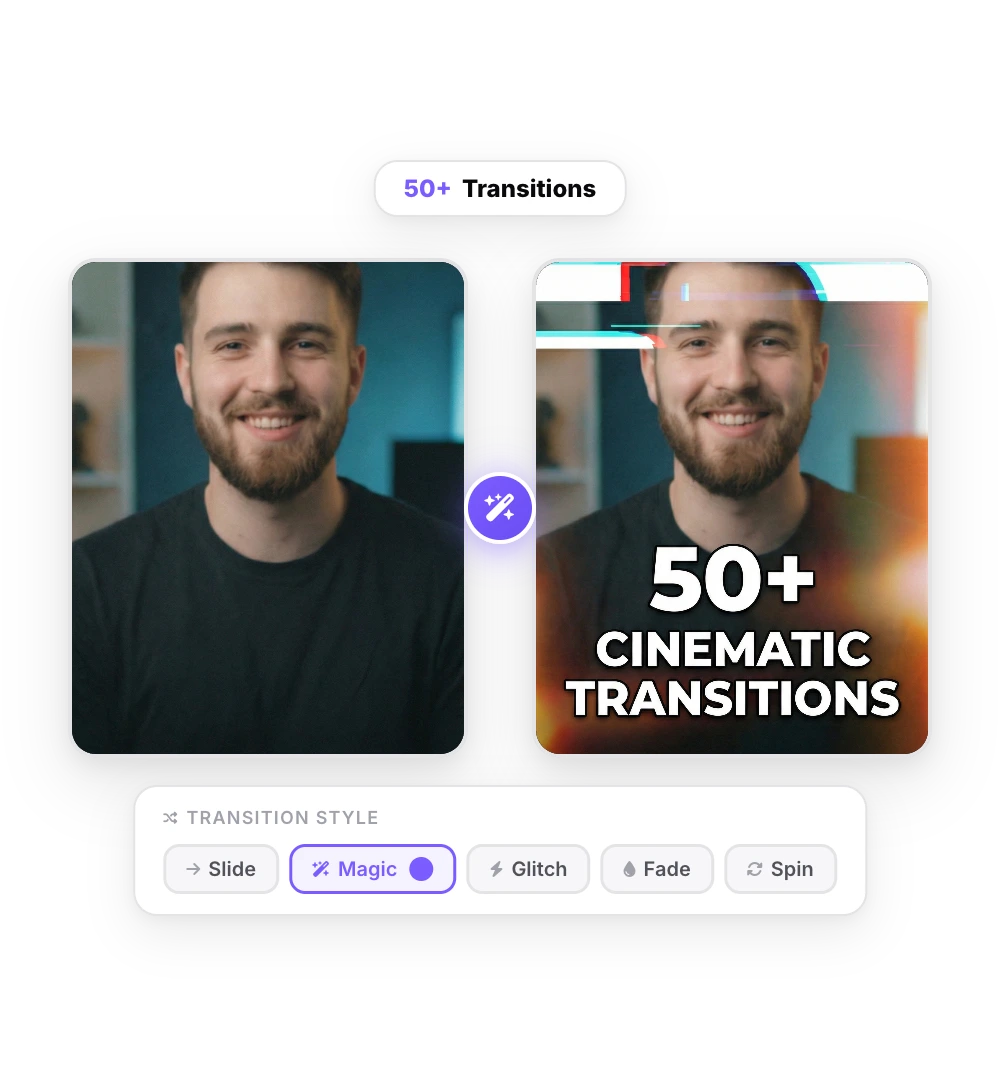
Every cut is a chance for viewers to leave. A transition hides the jump and keeps the rhythm going. StoryCut has 51 overlay effects designed for short-form video, in 7 styles.
Transition Categories
35mm Film (10)
Film burns, grain and frame flicker for a warm, analog feel.
Glitch (7) and Pixel (10)
Digital glitches and pixel wipes for tech, gaming and high-energy edits.
Light Leaks (6) and Glass (5)
Soft light leaks and glass refractions for lifestyle and aesthetic content.
Scribble (7) and Slides (6)
Hand-drawn scribbles and slide-ins for playful, punchy cuts.
Preview Transitions in the Editor
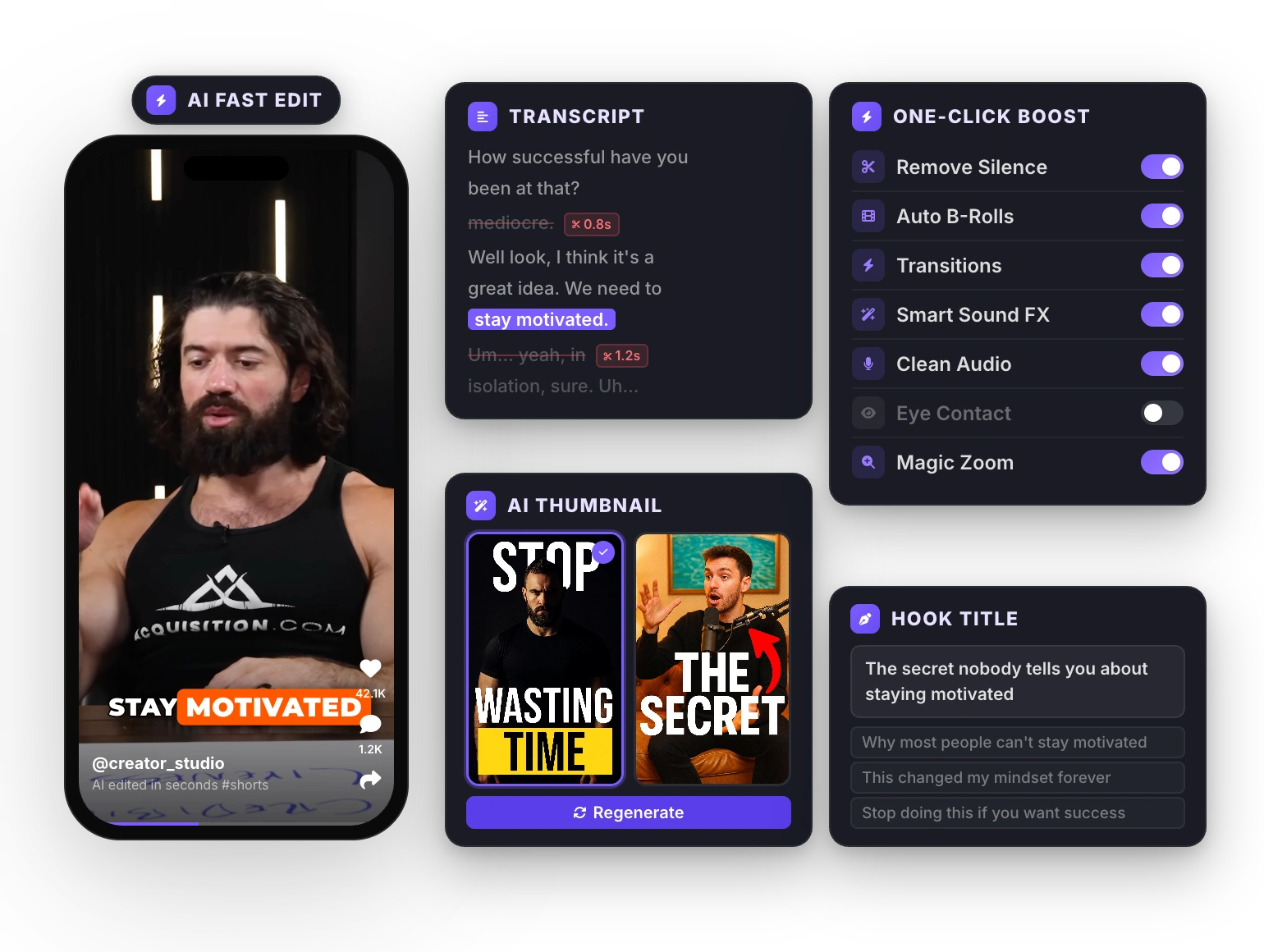
Browse the transitions panel and preview any effect before applying it. Swap, remove or change the opacity of a transition and see the result right away.
Smoother Cuts, Longer Views
Professional transitions keep viewers watching through every cut instead of bouncing.
How to add transitions to your videos using StoryCut?
StoryCut is the simplest and fastest way to add cinematic transitions.
- 1
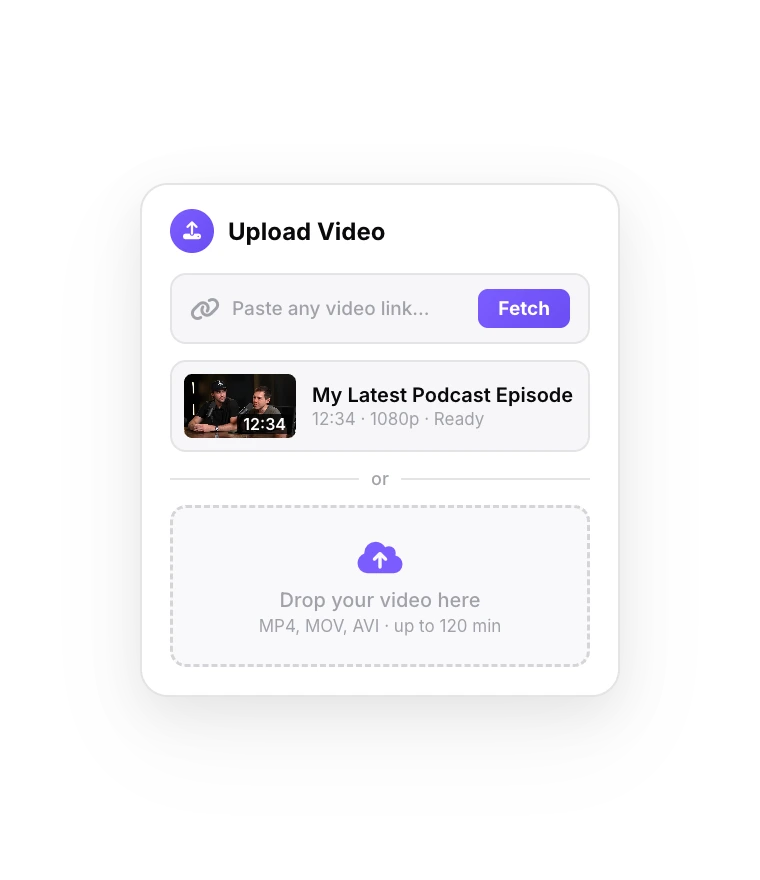
Upload Your Video
Import your video into the editor.
- 2
Add Transitions
Let the AI place transitions, then preview and swap any of the 51 effects.
- 3
Export Your Video
Download your finished video with all transitions baked in at full quality.
Frequently Asked Questions
How many transitions does StoryCut have?
51, in 7 styles: Slides (6), 35mm Film (10), Glitch (7), Scribble (7), Light Leaks (6), Glass (5) and Pixel (10).
Are transitions included in the free plan?
Yes. All 51 transitions are available on every plan, including Free.
Can I adjust a transition?
You can swap it for another effect, remove it or change its opacity.
Can I use different transitions in the same video?
Absolutely. Mix and match transitions between different cuts. Use a smooth fade for a calm moment and a glitch cut for an energetic one.
Every Cut Hits Different Now
Upload your video. Get back a scroll-stopper with viral captions, cinematic transitions, auto zoom, and clean audio. The same tools top creators use to explode views.
51 transitions that make every cut feel intentional. Glitch, light leak, film burn: your content looks like it had a dedicated editor.
- Join 10,000+ creators
- No credit card required
You Might Also Like
Magic Zoom: Auto-Focus on What Matters
The AI reads your transcript, finds the key moments and adds timed zoom-ins. Punchlines hit harder and reveals feel bigger.
Auto SFX: Add Sound Effects to Your Video Automatically
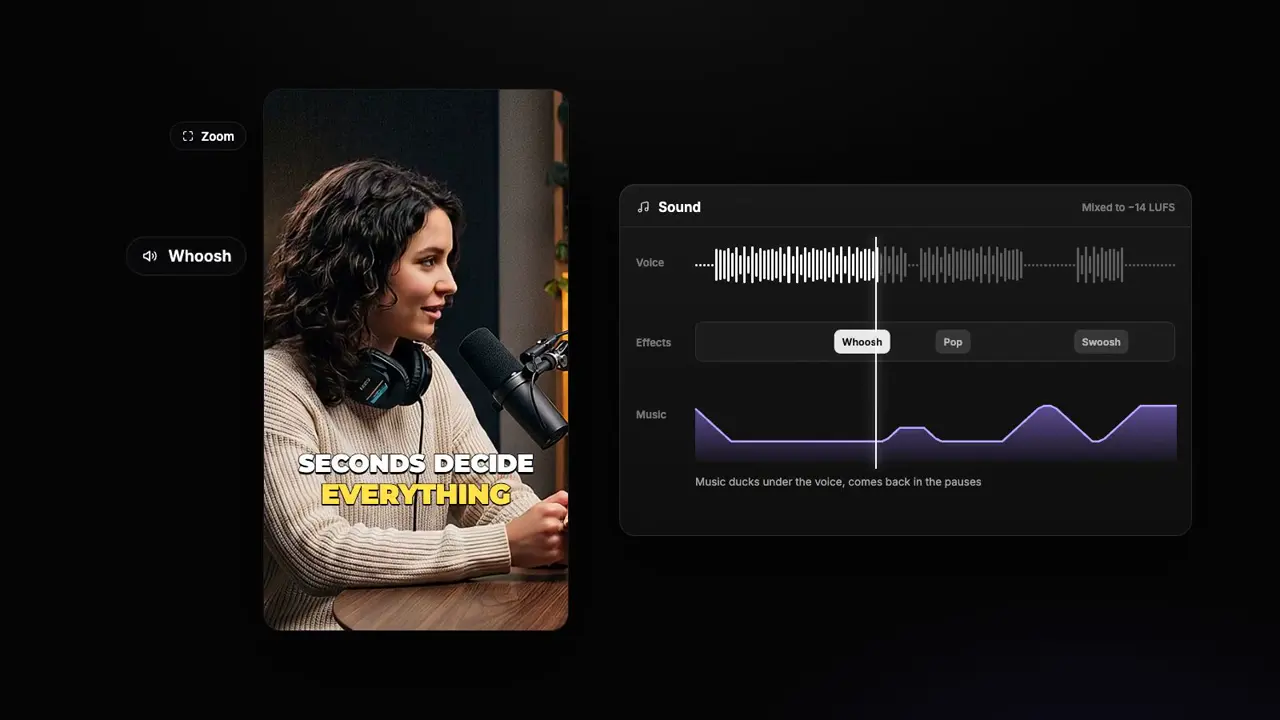
StoryCut reads your transcript, picks the words that deserve a sound (about 1 to 4 a minute, as your edit style sets) and places a matching whoosh, pop or ding on each one, timed to the word. No library to dig through, no timeline to drag.
Add Animated Captions to Any Video
Upload a video and StoryCut adds animated, word-level captions automatically, with 99.5% accuracy across 50+ languages. Pick a style, fix any word, export. No editing skills needed.

AI video editor for creators who want viral content without the editing grind.
Features
All FeaturesAI CaptionsHormozi CaptionsMrBeast CaptionsAdd Subtitles to VideoSubtitle GeneratorAI Video EditorAI Clip GeneratorYouTube to ShortsYouTube Auto ImportAI HeadlinesChatGPT & Claude ConnectorVideo Clipping APIEye Contact FixMagic ZoomTransitionsClean AudioAI MusicSound EffectsAI Auto EditEdit StylesAI B-RollGTA 6 Clip MakerTwitch & Kick Clip MakerTwitch Highlight FinderRemove SilenceRemove Filler WordsAI ThumbnailsBrand KitsCommunity StylesAI Video TranslatorFree Tools
Video Hook GeneratorTikTok CaptionsInstagram CaptionsYouTube TitlesTikTok HashtagsVideo Script GeneratorAI Video IdeasContent CalendarTikTok TranscriptVideo to TextFree SRT GeneratorSubtitle TranslatorFree TeleprompterWords to MinutesSRT to VTT ConverterTikTok Safe ZoneFree Sound EffectsAll 40 Tools →Use Cases
TikTok CreatorsYouTube ShortsInstagram ReelsPodcastersClippersGTA RP ClipsGTA 6 Shorts with AIClip GTA 6 with ClaudeAgencies & TeamsLinkedIn VideosTeleprompter Eye ContactPremiere Pro Eye ContactDaVinci Resolve Eye ContactFinal Cut Pro Eye ContactLoom Eye Contact