GTA 6 Clip Maker: Your Best Stream Moments, Ready to Post
Paste your stream’s link. StoryCut finds the reactions worth posting, puts your facecam on top of the game and captions every clip, so your best GTA 6 moments hit TikTok, Shorts and Reels while launch week is still hot.
- Free plan, no credit card
- Twitch, Kick or YouTube link
- Facecam layout on every plan
A YouTube, Twitch or Kick past broadcast, or upload the file. Each run takes 2 to 150 minutes of video. The facecam layout is on every plan, Free included.

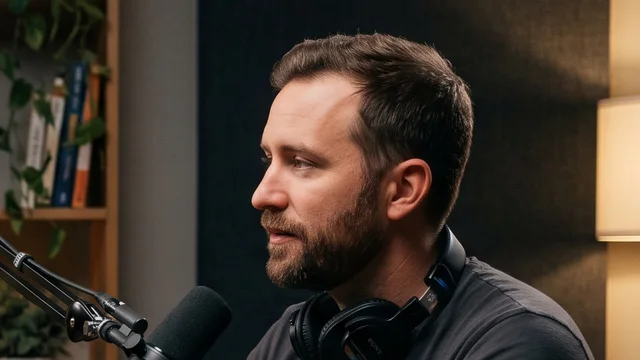
What StoryCut does with your GTA 6 stream
- Short answer
- Paste the Twitch, Kick or YouTube VOD of your GTA 6 stream, or upload the file, and get vertical clips ranked by score: your facecam on top of the game, captions just under it and a headline on the first seconds. StoryCut picks the moments from what you say and how you react, so it shines on reactions, commentary, story playthroughs and roleplay.
- Finds your facecam
- It looks for the webcam box on frames of your stream, not just a face, and shows it to you on a real frame while the clips are made. When it isn’t sure, it asks “Is this your facecam?” instead of guessing. Looks right, Adjust or No facecam: your answer frames every clip of the run.
- Facecam layout
- It finds your webcam on its own: your cam goes across the top (30 to 42% of the height, following your cam’s shape) and the game fills the rest. When your cam is off screen (a BRB screen, a menu), that part shows the whole game over a blurred copy instead. Adjust the box once and every clip follows.
- How it picks moments
- From what you say, plus the loudest reactions in the stream’s audio and every time someone says “clip that”. A clip that stops on a reaction is stretched to end about 3 seconds after it, so the payoff stays in.
- Links and length
- YouTube, Twitch and Kick past broadcasts, Google Drive and Dropbox links, or an upload in MP4, MOV, AVI, MKV or WebM up to 13 GB. One run takes 2 to 150 minutes of video; a longer VOD gives its first 150 minutes.
- Remembered per channel
- Tick “Remember it for this channel” and your next stream from the same Twitch, Kick or YouTube channel starts with your facecam already set, as long as the cam is still in the same place. “No facecam” is remembered too.
- Price
- Free: 1 long video a month (its first 30 minutes), 720p with a watermark. Paid plans count hours of video a month: Starter 3 hours (up to 10 videos), Pro 10 hours (up to 30 videos), Business 30 hours (up to 60 videos), 1080p and up without a watermark, from $7/mo billed yearly.
- GTA VI release
- November 19, 2026, on PlayStation 5 and Xbox Series X|S, single-player at launch, with no PC version announced. Pre-load opens November 10 on both consoles (up to 212 GB). StoryCut is not affiliated with or endorsed by Rockstar Games or Take-Two Interactive. Grand Theft Auto and GTA are their trademarks, named here only to say which game the clips come from.
How to clip GTA 6 streams in 4 steps
From a past broadcast to clips ready to post, in your browser. The first clips are usually ready in 10 to 15 minutes.
- 1
Paste the VOD link or upload it
A YouTube, Twitch or Kick past broadcast (not the live channel page), or the file. Pick a clip length: Auto (15 to 80 s), under 30 s, 30 to 59 s or 60 to 89 s.
- 2
Check your facecam
While the clips are made, a card shows the box it found on a real frame of your stream, with a 9:16 preview. Looks right, Adjust (drag the box and the gameplay column) or No facecam. Tick “Remember it for this channel” and your next stream starts with it.
- 3
Get scored clips
Up to 12 clips a run, best first: your cam on top, the game below, captions just under the line between them and a headline on the first seconds.
- 4
Make each clip yours, then post
Switch a clip to Cam + gameplay, Gameplay only, Full cam or its original framing, change the caption style or the headline, then export the MP4 for Shorts, TikTok or Reels.
Every clip comes out ready to post
Captions where gaming clips put them
Captions sit just under the line between your cam and the game, where top gaming clips put them, and the automatic headline goes across that line for its first seconds, never over your face.
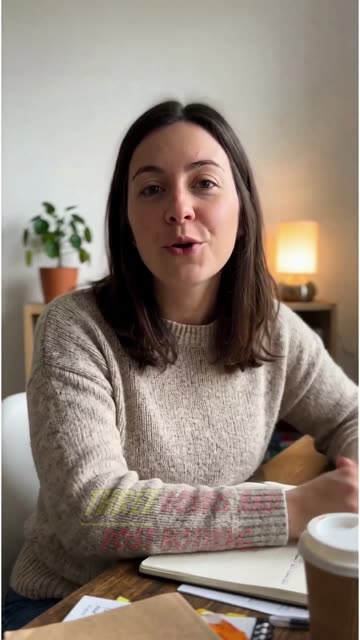
Your edit style on every clip (Pro and up)
The Reaction & Gaming style adds hard zooms on the game and playful sound effects to every clip, and leaves the game audio alone (no music). B-roll and eye contact stay off on gaming clips.
Ready while you rest
Close the tab after you paste the link: the first clips are usually ready in 10 to 15 minutes, and you get an email, plus a browser notification if you allow it.
Launch week moves fast: have tonight’s best moments clipped before your next stream
Best on streams where you talk
StoryCut picks moments from what is said, so it shines when someone talks over the game: first reactions to the story, friends narrating their chaos, roleplay scenes that pay off in a line of dialogue, GTA 6 news and review videos. Launch week is full of exactly that.
Gameplay nobody talks over has no words to read, so a video with almost no speech is refused instead of being clipped badly. Keep your mic on and every run has something to work with.
No stream? Clip your console recording
Record a session with your voice in it: up to 1 hour on a PS5 (turn on your microphone or voice chat in Settings > Captures and Broadcasts > Captures), up to 1 hour on an Xbox Series X|S with an external drive. Upload it and pick “Gaming, no facecam”: each clip shows the whole game over a blurred copy, captioned. A run needs at least 2 minutes of video.
The rules that keep your GTA clips up
| Rule | What it says | What to do |
|---|---|---|
| Rockstar’s video policy | Take-Two generally doesn’t object to fans using game footage for non-commercial videos that don’t spoil the plot. It bans pre-release leaked footage and removes isolated videos of the game’s cutscenes. | Never post leaks. Keep cutscenes inside your own playthrough and commentary. The policy doesn’t say monetized clips are fine. |
| YouTube monetization | Reused content from other creators needs significant original commentary, edits or educational value to earn money. | Add your reaction, a hook and a tight cut. A plain clip of someone else’s stream won’t earn. |
| YouTube ads and violence | Graphic game violence in the thumbnail or in the first seven seconds limits ads. | Open on your face or the setup, not on the gunfight. |
| TikTok For You feed | Unoriginal clips, including clips that show someone else’s watermark or logo, aren’t recommended. | Export without another tool’s watermark and add your own edit. |
| Instagram recommendations | Accounts that repost others’ content are taken out of recommendations; adding a border, a watermark or subtitles alone doesn’t make it original. | Captions help people watch, but the clip needs your own edit or commentary too. |
Checked on November 4, 2026 from each product’s public pages.Sources5
- Rockstar: policy on posting copyrighted materialsupport.rockstargames.com
- YouTube channel monetization policiessupport.google.com
- YouTube advertiser-friendly guidelinessupport.google.com
- TikTok Community Guidelinestiktok.com
- Instagram: rewarding original creatorscreators.instagram.com
What each plan gives you for stream clips
| What you get | Free | Starter | Pro | Business |
|---|---|---|---|---|
| Price | $0, no credit card | $9/mo, or $7/mo billed yearly | $19/mo, or $14/mo billed yearly | $49/mo, or $39/mo billed yearly |
| Video a month | 1 long video | 3 hours (up to 10 videos) | 10 hours (up to 30 videos) | 30 hours (up to 60 videos) |
| Part of each video used | First 30 min | The whole video | The whole video | The whole video |
| Export | 720p, watermark | 1080p, no watermark | 2K, no watermark | 4K 60fps, no watermark |
| Score, captions, speaker framing, headline | Yes | Yes | Yes | Yes |
| Auto import from YouTube channels | No | 1 channel | 3 channels | 10 channels |
| Edit style on every clip: zooms, sound effects, music | No | No | Yes | Yes |
| B-roll on the best clips | No | No | Yes | Yes |
| Eye contact correction | One free 20 s preview | One free 20 s preview | 10 videos a month | Unlimited |
| API and webhooks | No | Yes | Yes | Yes |
How far a plan goes on a launch stream
A run takes up to 150 minutes, so a 6-hour stream is 3 runs (2.5 h + 2.5 h + 1 h): the link gives the first 2.5 hours, the rest goes in as uploaded parts. That stream uses 6 of Pro’s 10 hours a month; Business’s 30 hours cover 5 streams like it. Each run gives up to 12 clips.
Frequently Asked Questions
Is there a free GTA 6 clip maker?
Yes. StoryCut’s free plan clips 1 long video a month (its first 30 minutes), facecam layout and Twitch or Kick links included, 720p with a watermark. Paid plans remove the watermark and count hours of video a month: Starter 3 hours (up to 10 videos), Pro 10 hours (up to 30 videos), Business 30 hours (up to 60 videos), from $7/mo billed yearly.
How long does it take to clip a stream?
Usually 10 to 15 minutes a video, sometimes up to half an hour for a long one. You get an email, and a browser notification if you allow it, when the clips are ready, so you can close the tab.
What quality are the clips?
Vertical 9:16 MP4s, 720p on Free (with a watermark), 1080p on Starter, 2K on Pro and 4K 60fps on Business, without a watermark on every paid plan.
Can I use the clips for a clipping campaign?
Yes, from a paid plan: exports have no watermark, and TikTok keeps clips that show another tool’s watermark out of the For You feed. On the free plan you can remove the watermark from one clip for $1.99. Clip only streams the campaign or the streamer lets you clip.
Can I clip someone else’s GTA 6 stream?
Only with permission. Streamers who want clips run clipping programs and campaigns that say whose streams you can clip and how to post them. Clipping a stream without permission can get your clips taken down for copyright.
Should I clip leaked GTA 6 footage?
No. Rockstar’s policy bans pre-release leaked footage of any kind, and Take-Two has gone after leaks in court. Clip streams of the released game, from November 19.
When does GTA 6 come out, and on what?
Thursday, November 19, 2026, on PlayStation 5 and Xbox Series X|S, according to Rockstar. No PC version has been announced, and the game is single-player at launch. Pre-load opens on November 10 on both consoles and needs up to 212 GB.
How big will GTA 6 streams be?
Big, and long. Reaction streams of the game’s Extended Look peaked at 3.97 million viewers at once across 9,038 channels, according to Streams Charts, and Rockstar’s Rob Nelson told the New York Times one of his playthroughs ran around 80 hours. The best moments of a launch stream are buried in hours of VOD: that’s the part StoryCut finds for you.
Does it work on gameplay without commentary?
No. StoryCut picks moments from what is said, and a video with almost no speech is refused instead of being clipped badly. It works on reactions, commentary, roleplay and story streams, so stream or record with your mic on.
What if my stream has no facecam?
Then each clip shows the whole game over a blurred copy of itself, so the frame stays full without black bars. You can also pick “Gaming, no facecam” in the AI Clips window before the run.
Does StoryCut remember my facecam?
Yes, per channel. Tick “Remember it for this channel” when you check the box, and the next stream from that Twitch, Kick or YouTube channel starts with it, as long as the cam is still in the same place. You can still adjust it on any run.
Can I clip GTA 6 from my PS5 or Xbox?
Yes. Record a session with your voice in it (up to 1 hour on a PS5, and on an Xbox Series X|S up to 1 hour on an external drive), copy it to your phone or computer and upload it. Set the video type to “Gaming, no facecam” so each clip shows the whole game over a blurred copy. A run needs at least 2 minutes of video.
Can I paste a Twitch or Kick link?
Yes, a past broadcast (VOD): twitch.tv/videos/… or kick.com/<channel>/videos/…. A channel page is the live stream and can’t be imported. Subscriber-only VODs can’t be read: download those and upload the file. Twitch deletes past broadcasts after a while, so clip them soon after the stream.
My stream is 8 hours long. What happens?
A run takes up to 150 minutes. A longer link gives its first 150 minutes; for the rest, download the VOD, cut it into parts of up to 2.5 hours and upload each one. Every run counts its minutes toward your plan’s hours.
How many clips will one stream give me?
Each run gives 3 to 12 clips, about one per two minutes of video, so a 2.5-hour part gives up to 12, ranked by score.
Will GTA 6 clips get demonetised on YouTube?
They can. YouTube pays for clips with real commentary or edits, not plain reposts, and limits ads when graphic game violence is in the first seven seconds or the thumbnail. Rockstar’s own policy is written for non-commercial fan videos. Add your reaction and a hook, and open on the setup instead of the shooting.
Is StoryCut made by or connected to Rockstar Games?
No. StoryCut is not affiliated with or endorsed by Rockstar Games or Take-Two Interactive. Grand Theft Auto and GTA are their trademarks, named here only to say which game the clips come from.
More for GTA 6 clippers
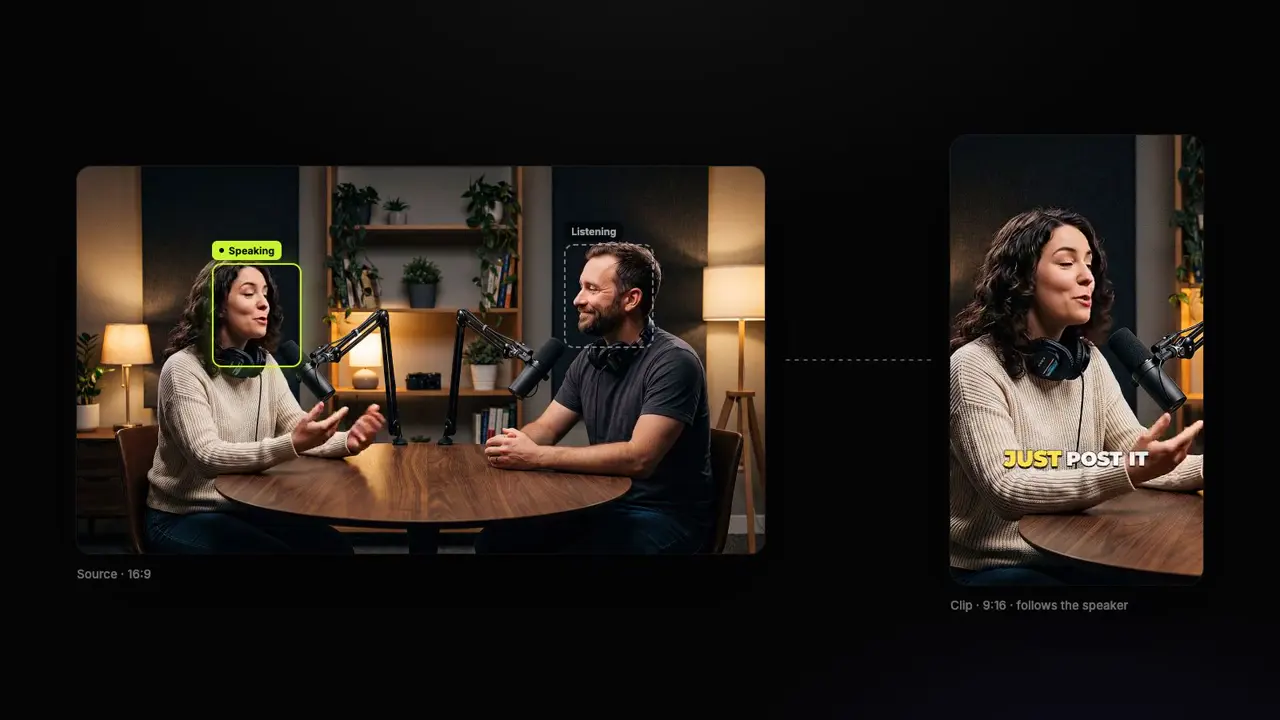
Clip Your GTA 6 Stream
Paste the past broadcast and get scored vertical clips with your facecam on top of the game, captioned and ready for Shorts, TikTok and Reels.
1 long video a month free (its first 30 minutes), no credit card. The facecam layout is on every plan.
- Join 10,000+ creators
- No credit card required
You Might Also Like
GTA RP Clips from Your Stream, Picked by What Was Said
Roleplay pays off in lines of dialogue: a deal gone wrong, a cop who won’t let it go, a joke nobody saw coming. StoryCut reads what is said, keeps each scene’s setup and payoff, puts your facecam on top of the game and captions every clip for TikTok, Shorts and Reels.
Twitch and Kick Clip Maker for Gaming Streams
Paste a past broadcast from Twitch or Kick. StoryCut finds the moments in what you say and how you react, puts your facecam on top of the game and hands you captioned, scored clips for TikTok, Shorts and Reels.
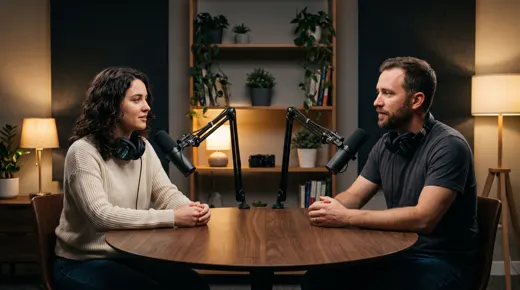
The AI Clipping Tool for Clippers
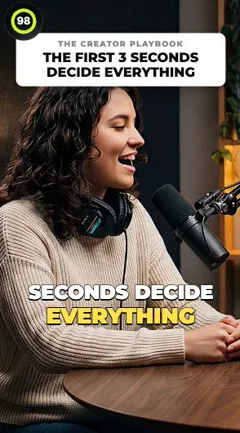
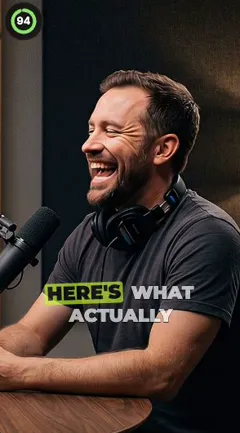
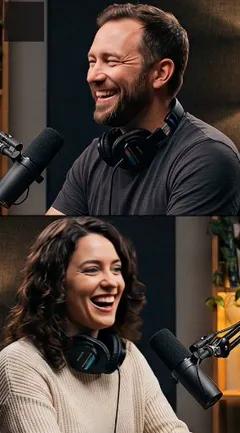
Paste a YouTube link or upload a stream VOD or podcast. StoryCut finds the moments worth posting, cuts them to 9:16 around whoever is speaking and adds captions, so you spend your time posting clips instead of scrubbing footage.

AI video editor for creators who want viral content without the editing grind.
Features
All FeaturesAI CaptionsHormozi CaptionsMrBeast CaptionsAdd Subtitles to VideoSubtitle GeneratorAI Video EditorAI Clip GeneratorYouTube to ShortsYouTube Auto ImportAI HeadlinesChatGPT & Claude ConnectorVideo Clipping APIEye Contact FixMagic ZoomTransitionsClean AudioAI MusicSound EffectsAI Auto EditEdit StylesAI B-RollGTA 6 Clip MakerTwitch & Kick Clip MakerRemove SilenceRemove Filler WordsAI ThumbnailsBrand KitsCommunity StylesAI Video TranslatorFree Tools
Video Hook GeneratorTikTok CaptionsInstagram CaptionsYouTube TitlesTikTok HashtagsVideo Script GeneratorAI Video IdeasContent CalendarTikTok TranscriptVideo to TextFree SRT GeneratorSubtitle TranslatorFree TeleprompterWords to MinutesSRT to VTT ConverterTikTok Safe ZoneFree Sound EffectsAll 40 Tools →Use Cases
TikTok CreatorsYouTube ShortsInstagram ReelsPodcastersClippersGTA RP ClipsGTA 6 Shorts with AIAgencies & TeamsLinkedIn VideosTeleprompter Eye ContactPremiere Pro Eye ContactDaVinci Resolve Eye ContactFinal Cut Pro Eye ContactLoom Eye Contact