AI Headlines: A Hook Title on Every Clip
StoryCut writes a short headline for each AI clip from what is said in it, picks its key words and puts it on the clip’s first seconds: below TikTok, Reels and Shorts’ own buttons, never over the speaker’s eyes, on screen just long enough to read.
- On every plan, Free included
- 11 looks
- Edit it in the Hook Title panel (Pro)
AI headlines in StoryCut: key facts
- Short answer
- Every clip of an AI Clips run gets a headline: a small first line of 2 to 4 words and a main line of 3 to 7, written in the clip’s language from what is said in it. It shows on the clip’s first seconds in the look you chose once in your edit style (Highlight by default), and you can turn it off there.
- The looks
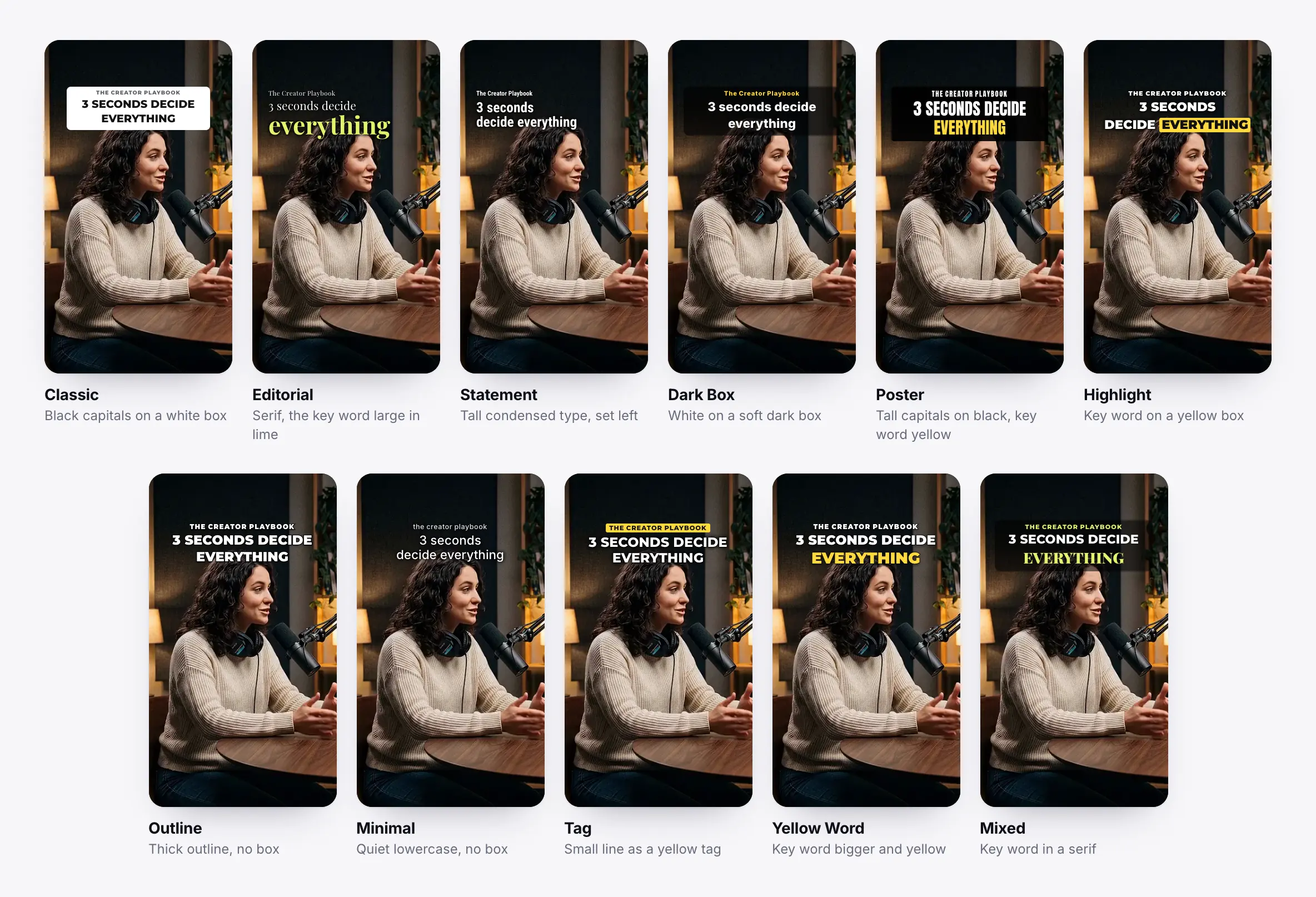
- 11 looks: Classic (black capitals on a white box), Editorial (serif, the key word large in lime), Statement (tall condensed type, set left), Dark Box (white on a soft dark box), Poster (tall capitals on black, key word yellow), Highlight (key word on a yellow box), Outline (thick outline, no box), Minimal (quiet lowercase, no box), Tag (small line as a yellow tag), Yellow Word (key word bigger and yellow), Mixed (key word in a serif).
- Key words
- The AI picks 1 to 3 key words in the main line. Editorial, Poster, Highlight, Yellow Word and Mixed set them apart (in colour, on a box, bigger or in a serif); the other looks keep every word the same.
- Where it sits
- Its top edge is 14% down the frame, below the buttons TikTok, Reels and Shorts lay over the top of a video. StoryCut finds the speaker’s face in the clip’s first seconds: when the headline would reach the eyes it is made smaller, down to 60%, or moved under the chin. Long headlines grow down, never off the frame.
- How long
- Its reading time: 1.5 seconds plus 0.2 seconds a word, between 3 and 4 seconds. A usual headline (a small first line and a main line, 6 to 8 words) stays 3 seconds.
- Editing it
- In the editor’s Hook Title panel (Pro and Business): change the text, switch looks, pick the key words or let the AI pick them, turn the small first line on or off, and move or restyle it. The panel can write a new headline for any video, too.
- Plan
- Automatic headlines on AI clips: every plan, Free included. Editing them in the Hook Title panel: Pro ($14/mo billed yearly, $19/mo monthly) and Business. Clips made with API credits have no headline.
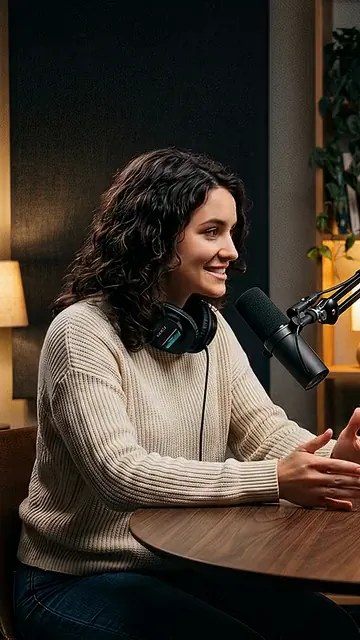
Made to be read, not to cover the shot
Written from the clip
The headline comes from what is said in that clip, in its language: a short first line to set the scene and a main line that makes people stay.
11 looks
Clean ones like Classic, Dark Box and Minimal, and bolder ones like Poster, Highlight and Yellow Word. Pick one for every clip in your edit style.
Key words picked by AI
1 to 3 words that carry the hook, set apart by the looks made for it. Tap a word in the editor to choose your own.
Below the app buttons
Its top edge sits 14% down the frame, under what TikTok, Reels and Shorts lay over the top of a video.
Never over the eyes
StoryCut finds the speaker’s face in the first seconds and makes the headline smaller or moves it under the chin when it would cover the eyes.
Its reading time
3 to 4 seconds, by the number of words: long enough to read once, gone before it gets in the way.
The 11 headline looks
Drawn by StoryCut’s own renderer, the one the editor and the export use, on the same frame with the same headline. Editorial, Poster, Highlight, Yellow Word and Mixed set the key word apart.
How AI clips get their headline
Nothing to do unless you want to change it.
- 1
Start an AI Clips run
Paste a YouTube link or upload a long video. The AI writes each clip’s headline while it picks the moments.
- 2
It is placed for you
StoryCut looks for the speaker’s face in each clip’s first seconds and places the headline below the app buttons, clear of the eyes.
- 3
Change it if you like
Choose the look for every clip in Settings → Edit style (Headline on AI clips), or edit one clip’s text, look and key words in the Hook Title panel.
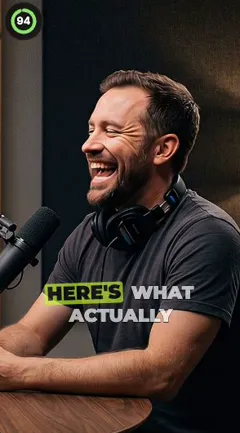
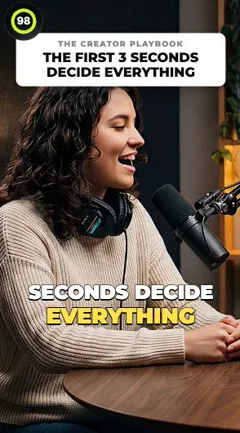
Auto headlines in StoryCut, OpusClip, Submagic and Vizard
| What it does | StoryCut | OpusClip | Submagic | Vizard |
|---|---|---|---|---|
| Added to clips for you | Yes, every clip of a run | Yes, the top 10 clips (off by default for auto-imported videos) | No, you click Generate Hook Title on each clip | Yes, on by default |
| Looks | 11, chosen once in your edit style | Styles set in the Brand Kit | 13 hook title templates | Set by the template |
| On screen | 3 to 4 s, its reading time | The start of the clip (length not stated) | The first seconds, adjustable | The first 3 seconds |
| Placement | 14% down, below the app buttons, clear of the eyes | Automatic, tries to avoid faces; can’t be moved | A position you set | Set by the template |
| Plan | Every plan; editing on Pro | All plans | Pro and up, 2 credits | Not stated |




Checked on November 4, 2026 from each product’s public pages.Sources6
- OpusClip: Auto headlinehelp.opus.pro
- OpusClip changelog: new headline stylesopusclip.canny.io
- OpusClip: Brand Kithelp.opus.pro
- Submagic: hook title templatesdocs.submagic.co
- Submagic pricingsubmagic.co
- Vizard API: advanced optionsdocs.vizard.ai
Frequently Asked Questions
What is an AI headline on a clip?
A short title on the first seconds of a clip that tells viewers why to keep watching. StoryCut writes one for every AI clip from what is said in it, with a small first line and a main line, and places it at the top of the frame.
How long does the headline stay on screen?
For its reading time: 1.5 seconds plus 0.2 seconds a word, between 3 and 4 seconds. A usual headline (6 to 8 words) stays 3 seconds.
Will the headline cover the speaker’s face?
No. StoryCut finds the speaker’s face in the clip’s first seconds. If the headline would reach the eyes, it is made smaller (down to 60%) or moved under the chin. On a two-person split it sits on the line between the two people.
Is it hidden by TikTok, Reels or Shorts buttons?
It starts 14% down the frame, below the area those apps cover at the top of a video, and grows downwards when it is long.
Can I change the headline’s text or look?
Yes. In the Hook Title panel (Pro): edit the text, switch between the 11 looks, choose the key words or let the AI pick them, and move or restyle it. To change the look of every future clip, use Settings → Edit style → Headline on AI clips.
Can I turn headlines off?
Yes. In Settings → Edit style, set Headline on AI clips to Off. Clips made after that have no headline.
Which languages does it work in?
The headline is written in the language of the clip’s transcript, in any of the languages AI Clips supports. Letter spacing is skipped on scripts where it would break the text, such as Arabic, Hindi or Chinese.
Is it free?
Yes. Every AI clip gets its headline on every plan, Free included. Editing it in the Hook Title panel is part of Pro ($14/mo billed yearly, $19/mo monthly) and Business.
Give Every Clip a Reason to Stay
Paste a long video and get captioned clips that open with a headline written from what is said, placed where nothing hides it.
- On every plan, Free included
- No credit card required
You Might Also Like
AI Clip Generator: Turn Long Videos Into Shorts
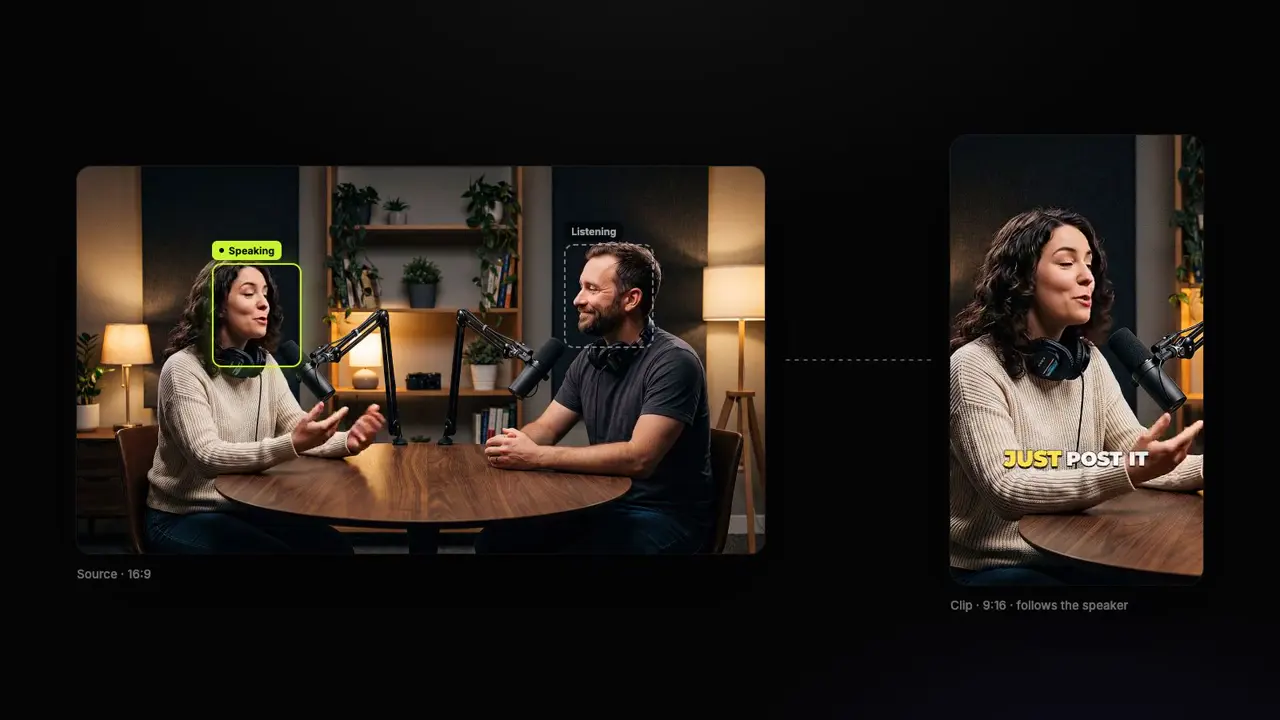
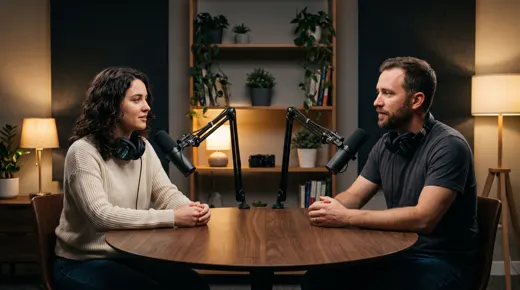
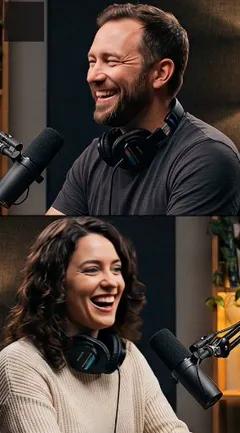
Upload a podcast, webinar or interview, or paste a YouTube link. The AI reads the whole transcript, picks the 3 to 12 moments that stand on their own, scores each from 0 to 100, frames the person speaking and adds captions and a headline. Tell it what to look for, or let it choose.
Turn YouTube Videos Into Shorts with AI
Paste a YouTube link and get 3 to 12 vertical Shorts back, cut from the video’s strongest moments, framed on the person speaking, with captions and a headline on each. On paid plans, connect your channel and every new upload becomes Shorts by itself.
18 Edit Styles for Auto-Edited Videos
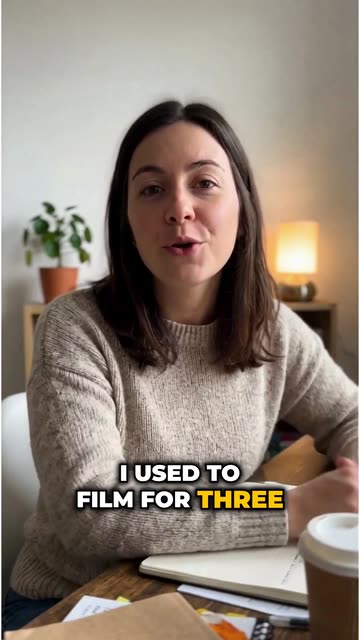
Pick one of 18 ready-made styles, from Calm to Energetic, or set your own amounts. Every video you auto-edit and every AI clip then gets the same zooms, sound effects, B-roll, music and pace, so your channel looks like one editor made it.

AI video editor for creators who want viral content without the editing grind.
Features
All FeaturesAI CaptionsHormozi CaptionsMrBeast CaptionsAdd Subtitles to VideoSubtitle GeneratorAI Video EditorAI Clip GeneratorYouTube to ShortsYouTube Auto ImportAI HeadlinesChatGPT & Claude ConnectorVideo Clipping APIEye Contact FixMagic ZoomTransitionsClean AudioAI MusicSound EffectsAI Auto EditEdit StylesAI B-RollGTA 6 Clip MakerTwitch & Kick Clip MakerRemove SilenceRemove Filler WordsAI ThumbnailsBrand KitsCommunity StylesAI Video TranslatorFree Tools
Video Hook GeneratorTikTok CaptionsInstagram CaptionsYouTube TitlesTikTok HashtagsVideo Script GeneratorAI Video IdeasContent CalendarTikTok TranscriptVideo to TextFree SRT GeneratorSubtitle TranslatorFree TeleprompterWords to MinutesSRT to VTT ConverterTikTok Safe ZoneFree Sound EffectsAll 40 Tools →Use Cases
TikTok CreatorsYouTube ShortsInstagram ReelsPodcastersClippersGTA RP ClipsGTA 6 Shorts with AIAgencies & TeamsLinkedIn VideosTeleprompter Eye ContactPremiere Pro Eye ContactDaVinci Resolve Eye ContactFinal Cut Pro Eye ContactLoom Eye Contact