Twitch and Kick Clip Maker for Gaming Streams
Paste a past broadcast from Twitch or Kick. StoryCut finds the moments in what you say and how you react, puts your facecam on top of the game and hands you captioned, scored clips for TikTok, Shorts and Reels.
- Free plan, no credit card
- Twitch, Kick or YouTube link
- Facecam layout on every plan
A Twitch or Kick VOD (or a YouTube video), or upload the file. Each run takes 2 to 150 minutes of video. Twitch and Kick links work on every plan, Free included.

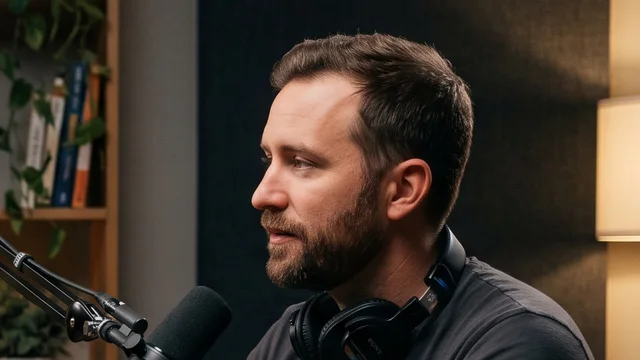
What StoryCut does with a Twitch or Kick VOD
- Short answer
- Paste the link of a Twitch or Kick past broadcast and get vertical clips, best first, with your facecam on top of the game and captions under it. StoryCut picks the moments from what you say, your loudest reactions and every “clip that”, so it fits streams where you talk: gameplay with commentary, reactions, roleplay and Just Chatting.
- Which links work
- Twitch past broadcasts (twitch.tv/videos/…) and Kick past broadcasts (kick.com/<channel>/videos/…), plus YouTube videos, Google Drive and Dropbox links. A channel page is the live stream and can’t be imported; subscriber-only VODs can’t be read, so download those and upload the file.
- Facecam on top of the game
- StoryCut finds your webcam box on frames of the stream and puts it across the top (30 to 42% of the height), with the game below. When it isn’t sure, it asks; a box you fix frames every clip.
- Moments from your reactions
- It reads what you say, listens for the loudest reactions and catches every “clip that” you say, then ends each clip about 3 seconds after the reaction so the payoff stays in.
- Just Chatting and IRL
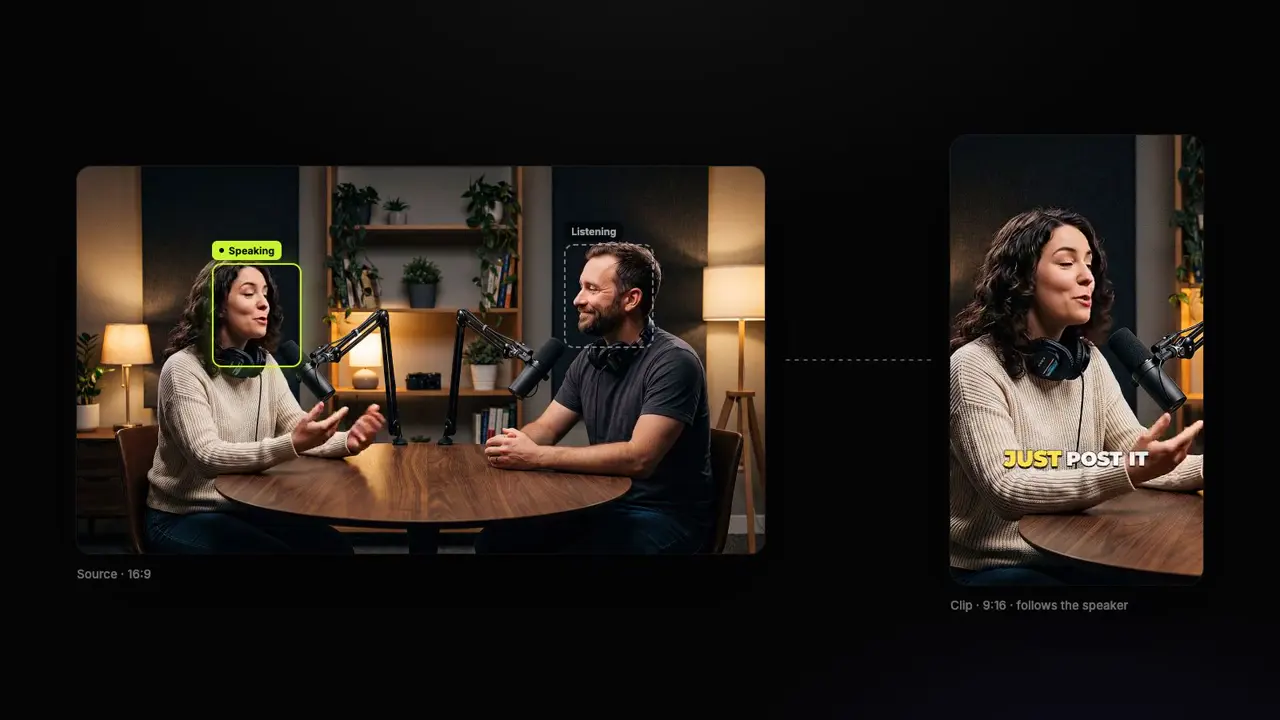
- No game on screen? Then it isn’t a gaming clip: the vertical crop follows whoever is talking, and two people far apart get a split screen, like any podcast clip.
- Clip it before it’s gone
- Twitch keeps past broadcasts 7 days, 14 for Affiliates and 60 for Partners, Prime and Turbo users. Start the run while the VOD is still up.
- Price
- Free: 1 long video a month (its first 30 minutes), 720p with a watermark. Paid plans count hours of video a month: Starter 3 hours (up to 10 videos), Pro 10 hours (up to 30 videos), Business 30 hours (up to 60 videos), 1080p and up without a watermark, from $7/mo billed yearly.
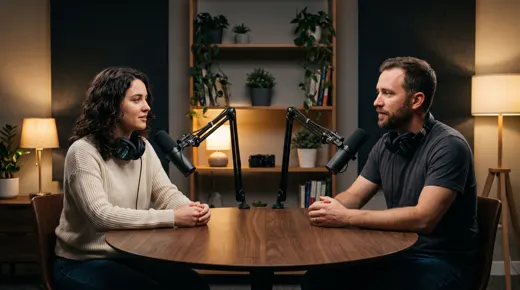
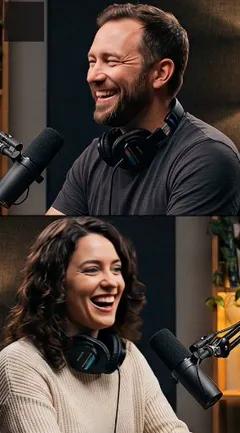
How to clip a Twitch or Kick VOD
From last night’s stream to clips ready to post. The first clips are usually ready in 10 to 15 minutes.
- 1
Copy the past broadcast’s link
The VOD, not the channel page: twitch.tv/videos/… or kick.com/<channel>/videos/…. Paste it into AI Clips and pick a clip length.
- 2
Confirm your facecam
While the clips are made, a card shows the box StoryCut found on a real frame. Looks right, Adjust or No facecam, and tick “Remember it for this channel”.
- 3
Watch the best clips first
Up to 12 clips a run, ranked by score, each captioned under your cam with a headline on its first seconds.
- 4
Switch a layout, then export
Cam + gameplay, Gameplay only, Full cam or the original framing, per clip. Then export the MP4 for TikTok, Shorts or Reels.
Your last stream already has your next ten clips in it
What happens with a 6-hour stream
A run takes up to 150 minutes, so a 6-hour stream is 3 runs (2.5 h + 2.5 h + 1 h): the link gives the first 2.5 hours, the rest goes in as uploaded parts. That stream uses 6 of Pro’s 10 hours a month. Each run gives up to 12 clips.
Frequently Asked Questions
Is there a free Twitch clip maker?
Yes. StoryCut’s free plan clips 1 long video a month (its first 30 minutes), Twitch and Kick links and the facecam layout included, 720p with a watermark.
Can I paste a Twitch clip link?
A Twitch clip is 60 seconds at most, and AI Clips needs at least 2 minutes of video to find moments in. Paste the past broadcast the clip came from instead.
Do subscriber-only VODs work?
No, StoryCut can’t read them. Download the VOD and upload the file instead.
Can StoryCut clip my Twitch channel automatically?
Not yet: auto import watches YouTube channels only. For Twitch and Kick, paste each past broadcast; it takes a few seconds.
Does it work for Kick?
Yes, Kick past broadcasts work like Twitch ones: kick.com/<channel>/videos/…, on every plan. It matters for GTA streamers: Kick carried more GTA V viewing than Twitch in July 2026 (82.5 million hours against 49.5 million, according to Streams Charts).
Does it work on gameplay without commentary?
No. StoryCut picks moments from what is said, so a stream with almost no speech is refused instead of being clipped badly. Talk while you play and every run has something to work with.
What quality are the clips?
Vertical 9:16 MP4s, 720p on Free (with a watermark), 1080p on Starter, 2K on Pro and 4K 60fps on Business.
Can I use the clips for a clipping campaign?
Yes, from a paid plan: exports have no watermark, and TikTok keeps clips that show another tool’s watermark out of the For You feed. Clip only streams the campaign or the streamer lets you clip.
More for streamers and clippers
Clip Last Night’s Stream
Paste the past broadcast and get scored vertical clips with your facecam on top of the game, captioned and ready to post.
1 long video a month free (its first 30 minutes), no credit card.
- Join 10,000+ creators
- No credit card required
You Might Also Like
GTA 6 Clip Maker: Your Best Stream Moments, Ready to Post
Paste your stream’s link. StoryCut finds the reactions worth posting, puts your facecam on top of the game and captions every clip, so your best GTA 6 moments hit TikTok, Shorts and Reels while launch week is still hot.
GTA RP Clips from Your Stream, Picked by What Was Said
Roleplay pays off in lines of dialogue: a deal gone wrong, a cop who won’t let it go, a joke nobody saw coming. StoryCut reads what is said, keeps each scene’s setup and payoff, puts your facecam on top of the game and captions every clip for TikTok, Shorts and Reels.
The AI Clipping Tool for Clippers
Paste a YouTube link or upload a stream VOD or podcast. StoryCut finds the moments worth posting, cuts them to 9:16 around whoever is speaking and adds captions, so you spend your time posting clips instead of scrubbing footage.

AI video editor for creators who want viral content without the editing grind.
Features
All FeaturesAI CaptionsHormozi CaptionsMrBeast CaptionsAdd Subtitles to VideoSubtitle GeneratorAI Video EditorAI Clip GeneratorYouTube to ShortsYouTube Auto ImportAI HeadlinesChatGPT & Claude ConnectorVideo Clipping APIEye Contact FixMagic ZoomTransitionsClean AudioAI MusicSound EffectsAI Auto EditEdit StylesAI B-RollGTA 6 Clip MakerTwitch & Kick Clip MakerRemove SilenceRemove Filler WordsAI ThumbnailsBrand KitsCommunity StylesAI Video TranslatorFree Tools
Video Hook GeneratorTikTok CaptionsInstagram CaptionsYouTube TitlesTikTok HashtagsVideo Script GeneratorAI Video IdeasContent CalendarTikTok TranscriptVideo to TextFree SRT GeneratorSubtitle TranslatorFree TeleprompterWords to MinutesSRT to VTT ConverterTikTok Safe ZoneFree Sound EffectsAll 40 Tools →Use Cases
TikTok CreatorsYouTube ShortsInstagram ReelsPodcastersClippersGTA RP ClipsGTA 6 Shorts with AIAgencies & TeamsLinkedIn VideosTeleprompter Eye ContactPremiere Pro Eye ContactDaVinci Resolve Eye ContactFinal Cut Pro Eye ContactLoom Eye Contact