MrBeast Style Captions, Generated for You
Big comic-style words, a thick black outline and keywords that pop in yellow and red. Upload a video and StoryCut transcribes it and animates the captions in the MrBeast style.
- Included in the free plan
- No credit card required
MrBeast captions in StoryCut: key facts
- What it is
- Animated captions in the loud, comic-book look of MrBeast’s videos, applied automatically to your own video.
- The font
- StoryCut’s MrBeast style uses Komika Axis, the comic-style font commonly used to recreate the MrBeast caption look. 166 fonts are available if you want to swap it.
- Ready-made styles
- A built-in MrBeast style, plus Beast-style variations in the community library such as Beast Pop, Challenge Mode and Mega Prize. 26 built-in styles in total, including 6 Hormozi-style ones.
- Price
- Free plan: 720p export with a watermark, videos up to 4 minutes. Starter ($7/mo billed yearly) removes the watermark and exports in 1080p.
- Works with
- Any talking video in MP4, MOV or WebM, exported in 9:16 for Shorts, TikTok and Reels, or 16:9 for YouTube.
What font does MrBeast use?
MrBeast’s team hasn’t published the fonts it uses. The caption look is commonly matched to Komika Axis, a heavy comic-book display font, and it’s the font that font sites and caption tools usually point to when people search for the “MrBeast font”. StoryCut’s built-in MrBeast style uses Komika Axis too.
The font is only half of the look. What makes captions read as “MrBeast style” is how they are set: big words, a very thick black outline so they stay readable on any background, white text with the key words in bright yellow or red, a few words at a time near the center of the frame, and a punchy entrance as each line lands. If you want the same feel with a different font, chunky display fonts such as Bangers, Bowlby One or Passion One work well, and all three are in StoryCut’s font list.
What are MrBeast captions?
MrBeast captions are the bold, playful captions seen in MrBeast’s videos and on the many entertainment channels that borrow the look. Compared with Hormozi captions, which go for clean, business-like punch (an uppercase sans-serif with one highlighted word), the MrBeast look is louder and more cartoonish: comic lettering, fatter outlines, more color, more bounce. It suits high-energy content such as challenges, countdowns, reveals, reactions and stories with a big payoff.
The MrBeast look, ready to apply
MrBeast (built-in)
Komika Axis, white text with a thick black outline, key words colored yellow and red automatically, and a punchy pop as each line appears.
Beast Pop and Beast Pop Green
Community variations on Komika Axis: yellow and red keywords, or green keywords with a punch-in entrance.
Challenge Mode, Mega Prize, Hype Countdown
Uppercase Bangers or chunky Bowlby One for challenges, countdowns and big reveals. Hype Countdown shows one huge word at a time.
Make it yours
Change the colors, outline, font, words per line, size and position, add emojis, or switch to another style in one click. Your edits apply to every caption.
How It Works
How to add MrBeast captions to a video
No editing skills needed.
- 01
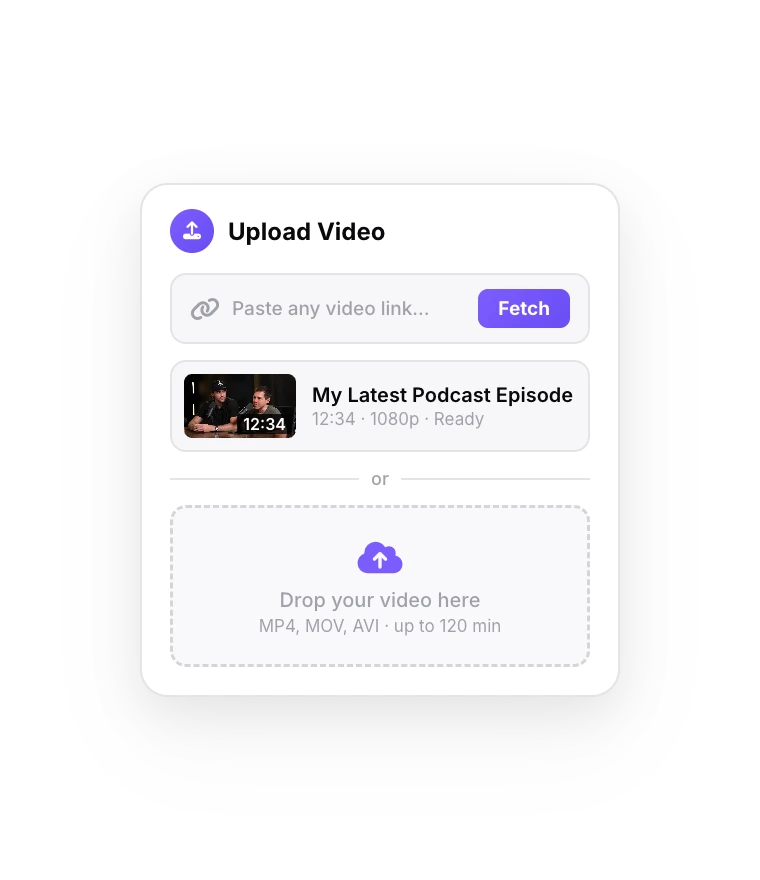
Upload your video
Drop in a talking, challenge or reaction video. Captions start generating as soon as the upload finishes.
- 02
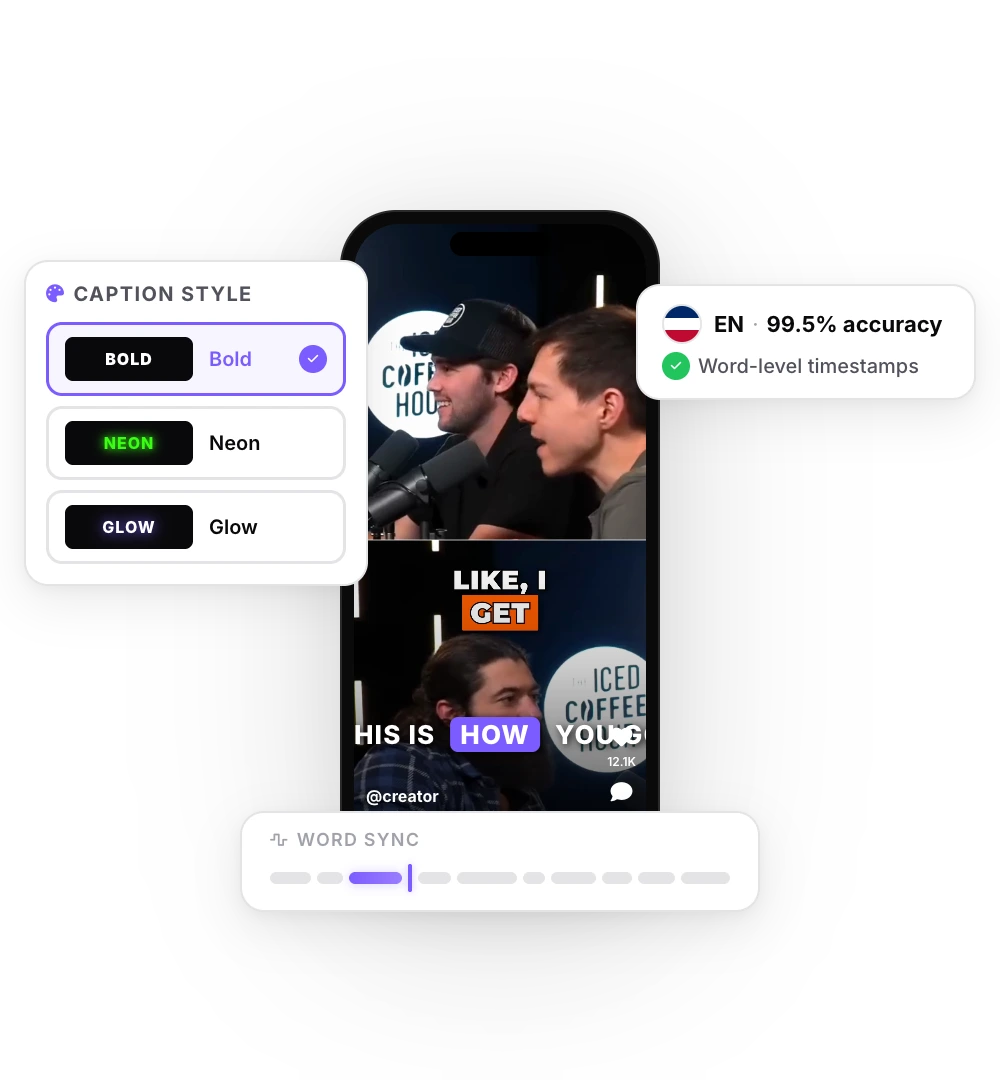
Pick the MrBeast style
Choose MrBeast in the styles, or a Beast-style community style. Fix any word and adjust the colors.
- 03
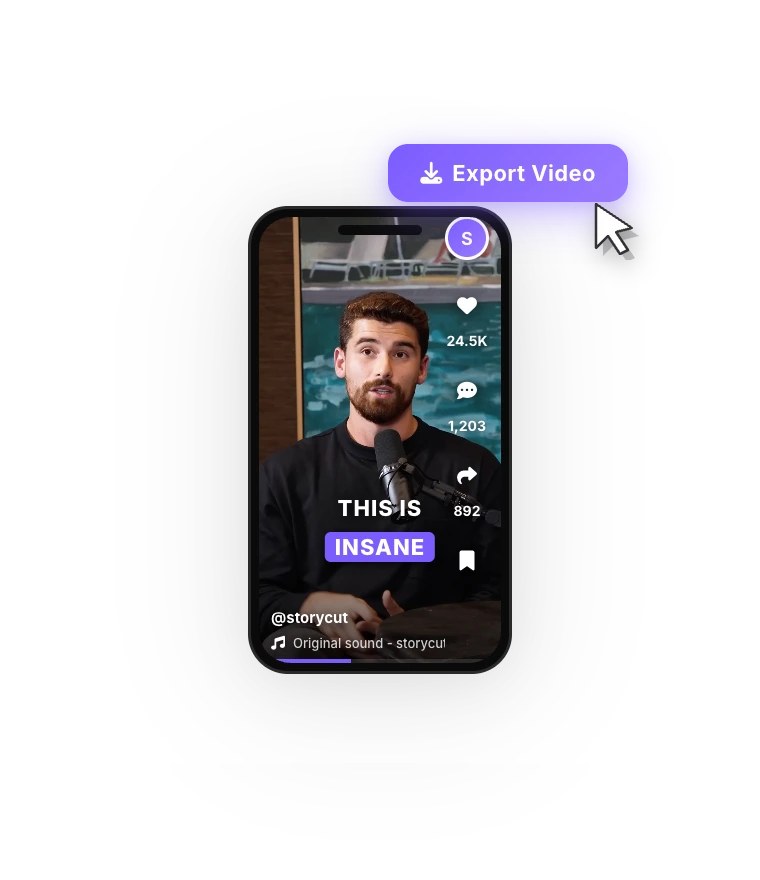
Export
Download the video with the captions burned in, in 9:16 for Shorts, TikTok and Reels or 16:9 for YouTube.
Tips for the MrBeast caption look
Keep lines short: one to three words on screen hit harder than a full sentence. Color the words that carry the story (numbers, prizes, names, “last”, “first”) rather than filler words. On vertical video, place the captions a little below the center so faces stay visible and the platform’s buttons don’t cover them. For the full high-energy edit, pair the captions with sound effects on the key words and quick zoom-ins on the big lines; in StoryCut both are one click each on Pro.
FAQ
Frequently Asked Questions
Get the MrBeast Look on Your Next Video
Upload your video. Get back a scroll-stopper with viral captions, cinematic transitions, auto zoom, and clean audio. The same tools top creators use to explode views.
Upload a video, pick the MrBeast style, export. Free plan, no credit card.
- Join 10,000+ creators
- No credit card required

You Might Also Like

Hormozi Style Captions, Generated for You
Bold uppercase words, two or three at a time, the key word in color and a quick pop-in. Upload a video and StoryCut transcribes it and animates the captions in the Hormozi style.
Caption Styles for Every Kind of Video
Animated, dynamic captions in one click: 26 built-in styles including Hormozi and MrBeast looks, a community library that brings the total to 1,000+ styles, and your own saved styles. Apply any of them and customize everything.
Auto SFX: Add Sound Effects to Your Video Automatically
StoryCut reads your transcript, picks the 4 to 8 words that deserve a sound and places a matching whoosh, pop or ding on each one, timed to the word. No library to dig through, no timeline to drag.

AI video editor for creators who want viral content without the editing grind.
Features
All FeaturesAI CaptionsHormozi CaptionsMrBeast CaptionsAdd Subtitles to VideoSubtitle GeneratorAI Video EditorAI Clip GeneratorYouTube to ShortsEye Contact FixMagic ZoomTransitionsClean AudioAI MusicSound EffectsAI Auto EditRemove SilenceAI ThumbnailsBrand KitsCommunity StylesAI Video TranslatorFree Tools
Video Hook GeneratorTikTok CaptionsInstagram CaptionsYouTube TitlesTikTok HashtagsVideo Script GeneratorAI Video IdeasContent CalendarTikTok TranscriptVideo to TextFree SRT GeneratorSubtitle TranslatorFree TeleprompterWords to MinutesSRT to VTT ConverterTikTok Safe ZoneFree Sound EffectsAll 40 Tools →Use Cases
TikTok CreatorsYouTube ShortsInstagram ReelsPodcastersClippersAgencies & TeamsLinkedIn VideosTeleprompter Eye ContactPremiere Pro Eye ContactDaVinci Resolve Eye ContactFinal Cut Pro Eye ContactLoom Eye Contact