Find Your Twitch Highlights Where Chat Went Wild
Paste a Twitch past broadcast. StoryCut reads the clips your viewers made and the minutes where chat lit up, next to everything you said, and hands you captioned vertical clips of the moments your audience reacted to.
- Free plan, no credit card
- Twitch past broadcasts
- On by default, on every plan
The link of the VOD (twitch.tv/videos/…). Each run takes 2 to 150 minutes of video, from any part of the stream. Viewer reactions is on by default, on every plan, Free included.

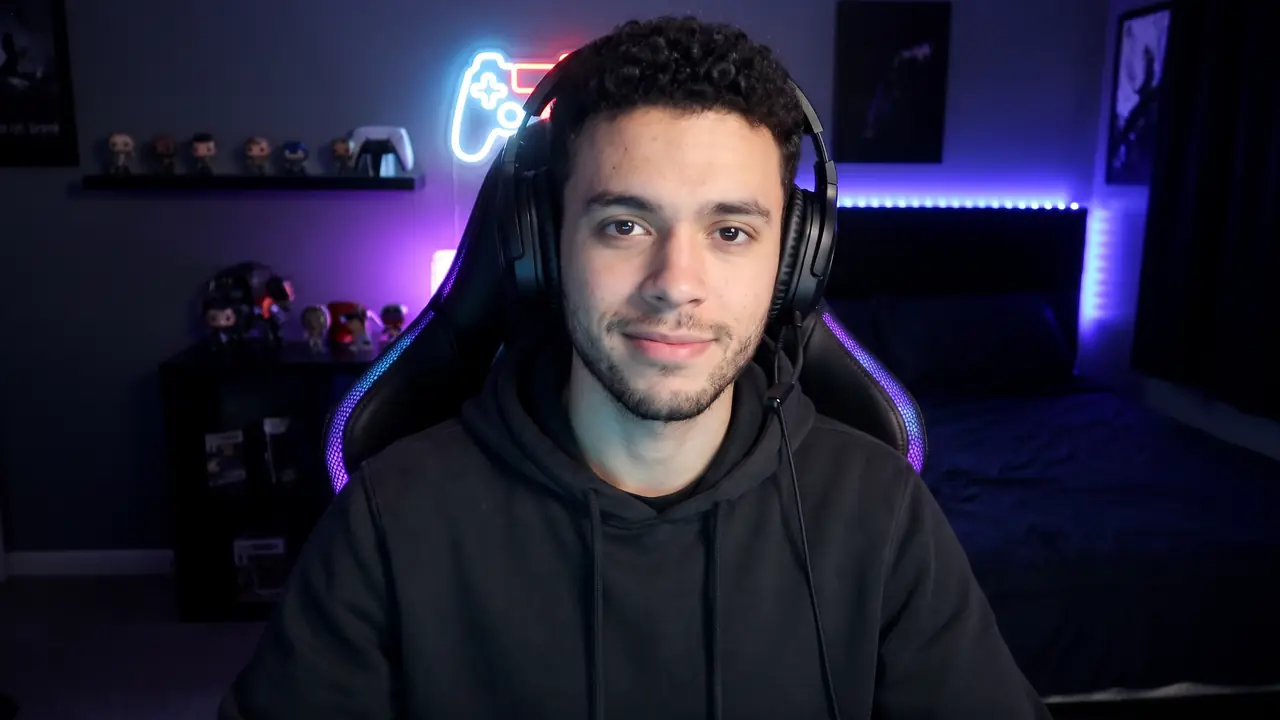
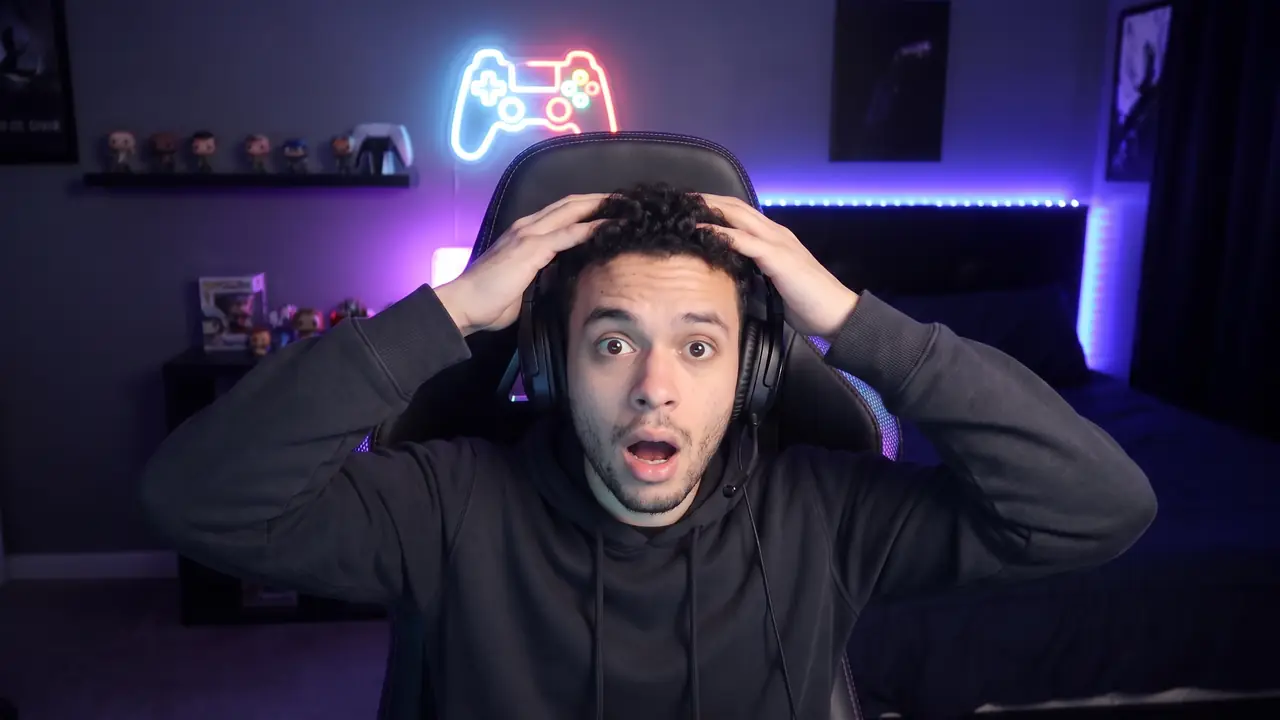

GTA 6 images: Rockstar Games. StoryCut is not affiliated with or endorsed by Rockstar Games or Take‑Two Interactive.
How StoryCut finds the highlights of a Twitch stream
- Short answer
Paste the link of a Twitch past broadcast.
StoryCut reads three things: what you said, the clips your viewers made of that stream, and the minutes where chat suddenly got much busier than usual.
The AI that picks your clips gets the two viewer signals as hints next to the transcript, then hands you vertical clips, best first, each captioned. On a gaming stream, your facecam sits on top of the game.
- Chat spikes
StoryCut measures how fast chat moves across the part you clip. A spike is a 10-second stretch at least 1.5 times busier than the ten minutes around it, so it is judged against your own chat’s usual pace, never a fixed number of messages.
Bot commands, poll votes, sub and gift notices and pasted spam aren’t counted.
- Viewer clips
- The clips viewers made of that broadcast with Twitch’s Clip button, each with its view count. The same moment clipped several times counts once, with the views added up, and the most viewed moments go to the picker.
- Hints, never a filter
- The AI still chooses from everything you said and, on a gaming stream, your loudest reactions and every “clip that”. Viewer signals point at moments worth a look and never remove one, so a great moment chat slept through can still be picked.
- On the clip’s card
- A clip picked on such a moment says so: “Viewers clipped this · 581K views” or, from twice the usual pace, “Chat was 4× busier here”. You see why a clip is there before you open it.
- What is kept
- Counts and times only: how fast chat moved, when it spiked, how many views a viewer clip had. StoryCut never keeps a chat message, a username or a clip’s title.
- Price
- Free: 1 long video a month (any 30 minutes of it), 720p with a watermark. Paid plans count hours of video a month: Starter 3 hours (up to 10 videos), Pro 10 hours (up to 30 videos), Business 30 hours (up to 60 videos), 1080p and up without a watermark, from $7/mo billed yearly.
How to find the highlights of a Twitch stream
From last night’s past broadcast to clips ready to post. An hour of stream takes about 10 to 15 minutes.
- 1
Paste the past broadcast’s link
The VOD, not the channel page: twitch.tv/videos/…. In the AI Clips window, Viewer reactions is already on. Pick a part if the stream is longer than one run.
- 2
StoryCut reads the stream
While the video is transcribed, it reads the clips your viewers made and goes through the chat replay to find its spikes. Nothing to set up, no chat file to export.
- 3
Open the clips your audience reacted to
Up to 12 clips a run, best first. The ones picked on a viewer moment say so on their card. Edit any of them, then export for TikTok, Shorts or Reels.


Chat reacts late, so the clip starts earlier
People watch first, then type. In our test, the strongest chat spike came about 19 seconds after the moment viewers had clipped began (the middle value; half fell between 9 and 30 seconds).
So StoryCut doesn’t cut on the spike itself. It looks 10 to 30 seconds before it for where the moment starts, so the clip opens on the setup and not on chat’s reaction to it.
What we measured before shipping it
We ran the picker with and without viewer signals on parts of real Twitch streams whose viewers had already made clips, then counted how many of those viewer-clipped moments its picks landed on. In our test on five streams with a normal-size chat, the picks caught 28% of the moments viewers had clipped, against 17% without the chat: a small test, and we keep measuring.
The same test showed why volume alone isn’t enough. On the biggest channels chat runs at full speed whatever happens, and on small ones a few messages can look like a spike. So StoryCut measures a spike against the chat’s own pace, and reads viewer clips as a second signal.
What StoryCut uses, by how busy your chat is
| Your stream | Chat spikes | Viewer clips | What you get |
|---|---|---|---|
| A normal-size chat, from about 1 message every 3 seconds up to 6 a second | Yes, read and given to the picker | Yes, with their views | Clips picked from what you said, with the moments your audience reacted to marked on their cards |
| A very quiet chat | No1 | Yes, when viewers made any | Clips picked from what you said, plus any viewer clips |
| A very busy chat, over about 6 messages a second | No2 | Yes, with their views3 | Clips picked from what you said, plus the viewer clips |
| A highlight, an upload, a Kick or YouTube video | No | No | Clips picked from what you said and, on a gaming stream, your loudest reactions and every “clip that” |
Notes
- 1
A very quiet chat · Chat spikes Under about 1 message every 3 seconds, a few messages would look like a spike.
- 2
A very busy chat, over about 6 messages a second · Chat spikes Chat runs at full speed whatever happens, so a spike can’t be told apart.
- 3
A very busy chat, over about 6 messages a second · Viewer clips StoryCut reads the channel’s 50 most viewed clips of the period. On the very biggest channels, a clip of this stream with few views can be missed.
Your viewers already marked your best moments
Which tools read Twitch chat to find highlights?
| StoryCut | Twitch Auto Clips | Eklipse | Opus Clip | |
|---|---|---|---|---|
| Reads chat activity | Yes, on Twitch past broadcasts | Yes1 | Unclear2 | No, not in the app3 |
| Reads the clips viewers made | Yes, with their views | Not found | Not found | Not found |
| Where it works | Any public Twitch past broadcast, from its link, on every plan | Your own channel4 | Your connected channel | Twitch links on its Pro plan |




Notes
- 1
Reads chat activity · Twitch Auto Clips Twitch says Auto Clips works by “taking into account chat activity, vocal inflection, and on-screen events”.
- 2
Reads chat activity · Eklipse Eklipse’s help center says “Eklipse AI does not analyze chat reactions to create highlights”, while its AI highlights page lists “chat spikes” for Just Chatting and IRL streams since a July 2026 update.
- 3
Reads chat activity · Opus Clip Opus Clip’s MCP recipe for this asks you to bring your own chat export, for example from TwitchDownloader.
- 4
Where it works · Twitch Auto Clips First announced in October 2025. In May 2026 Twitch said a beta would come “in the coming months”.
Checked on November 21, 2026 from each product’s public pages.Sources7
- Twitch Blog: everything announced at TwitchCon Rotterdam 2026blog.twitch.tv
- Twitch Blog: what we announced at TwitchCon San Diego (October 2025)blog.twitch.tv
- Eklipse Help: does the AI consider my chat’s reactions?eklipse.gg
- Eklipse: AI highlightseklipse.gg
- Opus Clip: clip the moments your live chat exploded (MCP recipe)opus.pro
- Opus Clip pricingopus.pro
- Eklipse: is Eklipse free or paid?eklipse.gg
Frequently Asked Questions
How do I find the best moments in a Twitch VOD?
Paste the past broadcast’s link into StoryCut. It transcribes the stream, reads the clips your viewers made and the spikes in your chat, and gives you up to 12 vertical clips a run, best first. Clips picked on a moment viewers reacted to say so on their card.
What is a chat spike?
A short stretch where chat moves much faster than around it. StoryCut counts messages in 10-second steps and calls it a spike at 1.5 times the pace of the ten minutes around it or more, so a spike on a small channel and one on a big channel are judged the same way.
What does “Viewers clipped this” mean?
A viewer used Twitch’s Clip button on that moment of your stream, and the clip StoryCut picked sits on it. The number is the views those viewer clips have on Twitch, added up when several viewers clipped the same moment.
Does a busy chat mean a clip will go viral?
No. A chat spike or a viewer clip says your audience reacted there, and that is a good place to look. It doesn’t promise views on TikTok, Shorts or Reels, and StoryCut doesn’t claim to predict them.
My chat is small. Does it still work?
Your clips are picked the usual way, from what you say and, on a gaming stream, your loudest reactions and every “clip that”. A very quiet chat is left out because a few messages would look like a spike; any clips your viewers made are still used. The page of your clips tells you what was read.
Do I need to download my chat or connect my Twitch account?
No. Paste the past broadcast’s link: StoryCut reads the chat replay and the viewer clips of a public past broadcast itself. There is nothing to export, install or connect.
Does it work on Kick or YouTube streams?
Kick and YouTube streams are clipped from what is said, your reactions and the facecam layout, like before. Viewer reactions reads Twitch past broadcasts only.
Does it work on a live stream?
No, on the past broadcast once the stream has ended. Twitch keeps past broadcasts 7 days, 14 for Affiliates and 60 for Partners, Prime and Turbo users, so start the run while the VOD is still up.
Does StoryCut keep my viewers’ messages?
No. Messages are only counted while the stream is read. What StoryCut keeps with the run is counts and times: how fast chat moved, when it spiked, how many views a viewer clip had. No chat message, username or clip title is stored.
Can I turn it off?
Yes. It is one switch in the AI Clips window, Viewer reactions, on by default. Off, your clips are picked from the transcript and your reactions only.
Is it free?
Yes, it is part of AI Clips on every plan. The free plan clips 1 long video a month (any 30 minutes of it), 720p with a watermark.
More for streamers and clippers
Find Last Night’s Highlights
Paste the past broadcast and get the moments your chat and viewers reacted to as scored vertical clips, captioned and ready to post.
1 long video a month free (any 30 minutes of it), no credit card.
- Join 10,000+ creators
- No credit card required
You Might Also Like

Twitch and Kick Clip Maker for Gaming Streams
Paste a past broadcast from Twitch or Kick. StoryCut finds the moments in what you say and how you react, puts your facecam on top of the game and hands you captioned, scored clips for TikTok, Shorts and Reels.
GTA 6 Clip Maker: Your Best Moments, Ready to Post
Paste your GTA 6 stream or video link. StoryCut finds the reactions worth posting in hours of footage, puts your facecam on top of the game and captions every clip, ready for TikTok, Shorts and Reels while the game is everywhere.
The AI Clipping Tool for Clippers
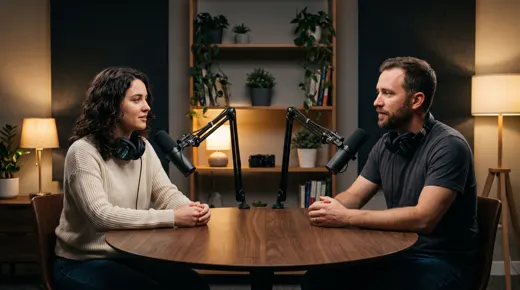
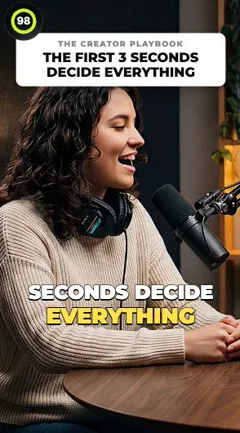
Paste a YouTube link or upload a stream VOD or podcast. StoryCut finds the moments worth posting, cuts them to 9:16 around whoever is speaking and adds captions, so you spend your time posting clips instead of scrubbing footage.

AI video editor for creators who want viral content without the editing grind.
Features
All FeaturesAI CaptionsHormozi CaptionsMrBeast CaptionsAdd Subtitles to VideoSubtitle GeneratorAI Video EditorAI Clip GeneratorYouTube to ShortsYouTube Auto ImportAI HeadlinesChatGPT & Claude ConnectorVideo Clipping APIEye Contact FixMagic ZoomTransitionsClean AudioAI MusicSound EffectsAI Auto EditEdit StylesAI B-RollGTA 6 Clip MakerTwitch & Kick Clip MakerTwitch Highlight FinderRemove SilenceRemove Filler WordsAI ThumbnailsBrand KitsCommunity StylesAI Video TranslatorFree Tools
Video Hook GeneratorTikTok CaptionsInstagram CaptionsYouTube TitlesTikTok HashtagsVideo Script GeneratorAI Video IdeasContent CalendarTikTok TranscriptVideo to TextFree SRT GeneratorSubtitle TranslatorFree TeleprompterWords to MinutesSRT to VTT ConverterTikTok Safe ZoneFree Sound EffectsAll 40 Tools →Use Cases
TikTok CreatorsYouTube ShortsInstagram ReelsPodcastersClippersGTA RP ClipsGTA 6 Shorts with AIClip GTA 6 with ClaudeAgencies & TeamsLinkedIn VideosTeleprompter Eye ContactPremiere Pro Eye ContactDaVinci Resolve Eye ContactFinal Cut Pro Eye ContactLoom Eye Contact