YouTube Shorts Title Generator: How to Write Title...
Guides
8 min read
YouTube Shorts Title Generator: How to Write Titles That Get Views
50+ proven title formulas, the psychology behind click-worthy titles, and a free AI tool to generate them instantly.
StoryCut Team
April 2, 2026
Why Your YouTube Shorts Title Matters More Than You Think
YouTube Shorts titles directly impact whether your video gets recommended by the algorithm. While Shorts autoplay in the feed, the title appears when users pause, share, or see your video in search results and subscriptions. A strong title increases your click-through rate (CTR), which is one of YouTube's top ranking signals. Creators who optimize their Shorts titles see 2-3x more impressions on average compared to those who leave titles generic or empty. The title also determines which search queries your Short appears for — making it your primary SEO lever for discoverability beyond the Shorts feed.
Optimized Titles Drive Real Results
Creators who follow these title formulas and use our AI title generator consistently see measurable improvements across all key metrics.
+147%
More Impressions
+38%
Higher CTR
2.1x
More Views
What Makes a YouTube Shorts Title Go Viral?
The best-performing YouTube Shorts titles share three characteristics: curiosity, specificity, and emotional trigger. Curiosity titles create an information gap — "I Tried the Viral TikTok Hack and This Happened" makes viewers need to know the outcome. Specificity adds credibility — "How I Got 10K Followers in 30 Days" outperforms "How to Get Followers" because the numbers feel real and achievable. Emotional triggers like surprise, fear of missing out, or relatability hook the viewer's attention before they can scroll past. The formula is simple: combine two of these three elements in under 70 characters and your title will outperform 90% of Shorts on the platform.
6 Proven YouTube Shorts Title Formulas
The Question Hook
"Did You Know [Surprising Fact]?" — Questions create curiosity gaps that viewers feel compelled to close by watching. Works best for educational and fact-based content.
The Number Formula
"5 Things Nobody Tells You About [Topic]" — Numbers set clear expectations and feel scannable. Odd numbers (3, 5, 7) consistently outperform even numbers in CTR tests.
The Challenge Title
"I Tried [Thing] for 30 Days — Here's What Happened" — Challenge titles combine curiosity with a promise of real results. The time constraint adds urgency.
The Shock Opener
"This [Common Thing] Is Actually [Unexpected]" — Subverting expectations stops the scroll. The contrast between the ordinary and unexpected creates instant engagement.
The How-To
"How to [Achieve Result] in [Timeframe]" — The most searched format on YouTube. Adding a timeframe makes it feel actionable and achievable right now.
The Social Proof Title
"Why 1M+ Creators Use [This Method]" — Leveraging large numbers or authority figures builds instant credibility and triggers fear of missing out.
How Long Should a YouTube Shorts Title Be?
Keep YouTube Shorts titles under 70 characters. YouTube truncates titles at around 70 characters on mobile, and since 75% of Shorts are consumed on phones, anything longer gets cut off mid-sentence. The sweet spot is 40-60 characters — long enough to include your keyword and hook, short enough to display fully. Front-load the most important words because the first 3-5 words determine whether someone reads the rest. Avoid filler words like "amazing," "incredible," or "you won't believe" — they waste valuable character space and feel clickbaity. Every word should earn its place in your title.
50+ YouTube Shorts Title Ideas You Can Use Right Now
Curiosity Titles: • "Nobody Talks About This [Topic] Secret" • "I Was Today Years Old When I Learned This" • "The [Topic] Trick That Changed Everything" • "What Happens When You [Do This] for 7 Days" • "This Is Why Your [Content Type] Isn't Getting Views" • "The #1 Mistake [Niche] Creators Make" • "I Found the Easiest Way to [Achieve Result]" • "Stop Doing [Common Practice] — Do This Instead"
How-To Titles: • "How to [Result] in Under 60 Seconds" • "The Fastest Way to [Achieve Goal] in 2026" • "How I [Achievement] Without [Expected Requirement]" • "3 Steps to [Desirable Outcome]" • "How to Go Viral on [Platform] (Real Strategy)" • "The Simple Trick to [Result] That Actually Works"
List Titles: • "5 [Topic] Hacks You Need to Know" • "3 Tools Every [Niche] Creator Needs" • "7 Signs You're [Relatable Situation]" • "10 [Topic] Ideas When You're Out of Content" • "5 Free Apps That Replace Expensive [Category]"
Trending & Reaction Titles: • "POV: You Finally [Relatable Achievement]" • "Rating [Popular Things] From Worst to Best" • "Replying to @[username] — [Topic]" • "Things That Just Make Sense in [Year]" • "Tell Me You're a [Type] Without Telling Me"
AI Tool
Generate Titles Instantly with AI
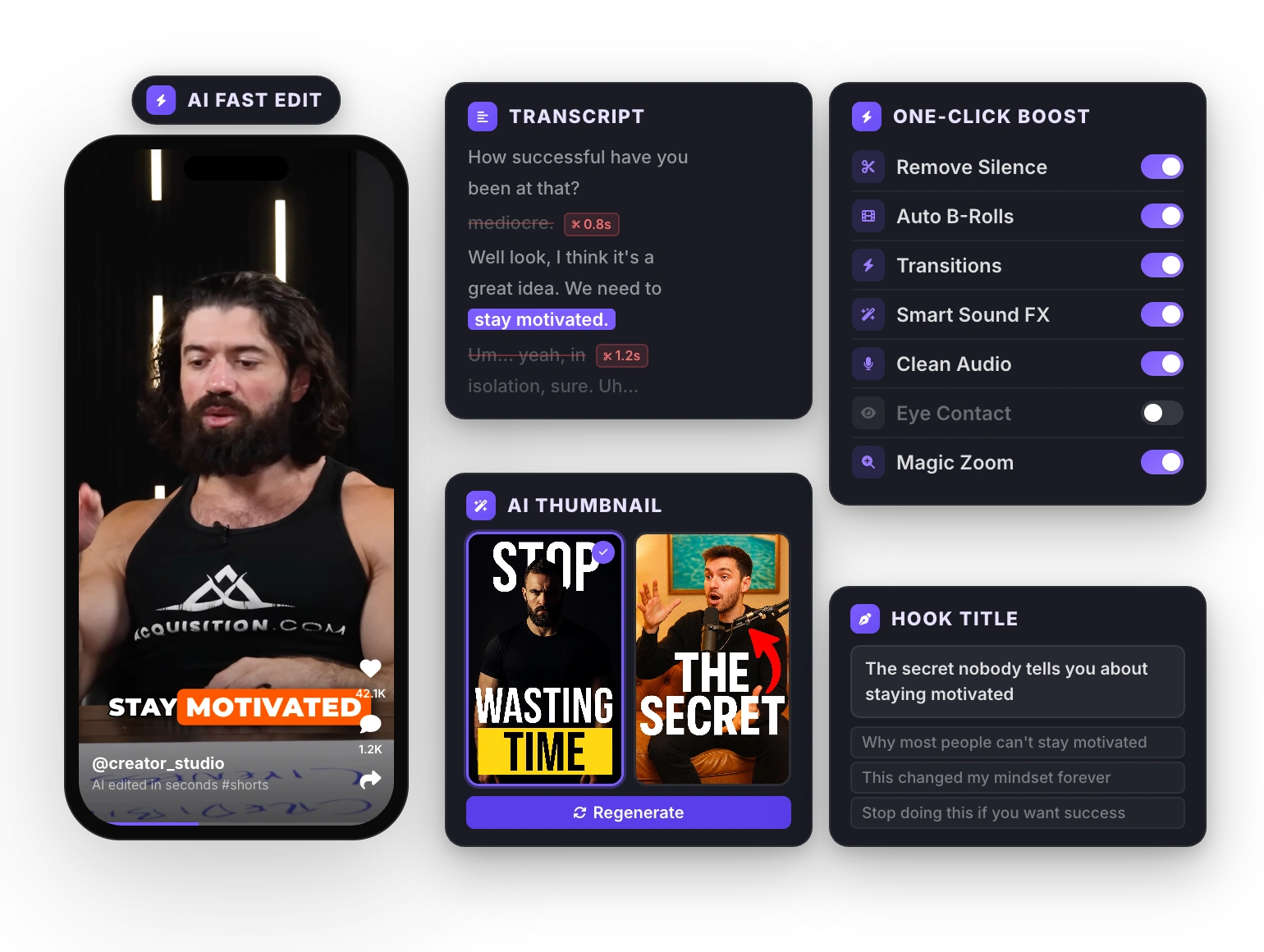
Don't stare at a blank title field. StoryCut's free YouTube Shorts Title Generator creates click-worthy titles based on your video topic. Enter your subject, pick a style, and get 10 optimized titles in seconds. Each title follows the formulas that top creators use — curiosity hooks, numbers, emotional triggers — so you can focus on making content, not writing headlines.
Do Hashtags in YouTube Shorts Titles Work?
Yes, but use them strategically. YouTube allows up to 3 hashtags in your Shorts title or description, and they appear as clickable links above your title. The best practice is to put 1-2 hashtags in the description (not the title) and save your title characters for the actual hook. The one exception: if your hashtag IS the hook — like "#shorts" or a trending challenge hashtag — it belongs in the title. Avoid stuffing hashtags into titles as it makes them look spammy and wastes the 70-character limit you need for your actual message. Use our free YouTube Hashtag Generator to find the best tags for your content.
How to A/B Test YouTube Shorts Titles
YouTube doesn't offer native A/B testing for Shorts, but you can test titles effectively with this approach: publish your Short, wait 48 hours to see initial performance, then change the title and monitor for another 48 hours. Compare impressions, CTR, and average view duration between the two periods. The title that delivers higher CTR wins. You can also test across similar content — publish two Shorts on the same topic with different title styles and compare which format performs better. Over time, you'll build a library of title formulas that work specifically for your audience and niche.
How to Write a Perfect YouTube Shorts Title in 4 Steps
1
Identify Your Hook
What is the single most interesting, surprising, or useful thing in your video? Lead with that. Don't bury it.
2
Pick a Formula
Use one of the 6 proven formulas above: question, number, challenge, shock, how-to, or social proof.
3
Add a Keyword
Include the main search term your audience would type. "YouTube Shorts tips" or "cooking hacks" — whatever matches your content.
4
Keep It Under 60 Characters
Trim filler words, cut adjectives, and front-load the hook. Every character counts on mobile.
Frequently Asked Questions
Yes. You can edit your Shorts title anytime from YouTube Studio. Changes take effect immediately and can boost performance if the original title wasn't performing well.
Absolutely. Shorts titles are indexed by both YouTube search and Google. An optimized title with relevant keywords helps your Short appear in search results, suggested videos, and Google's video carousel.
Not exactly. YouTube titles are SEO-focused (keywords matter), while TikTok captions are engagement-focused (hooks and hashtags). Adapt the format for each platform while keeping the core message.
StoryCut offers a free AI-powered YouTube Shorts Title Generator that creates click-optimized titles based on your topic. It uses proven formulas from viral creators and lets you generate 10+ titles instantly.
Emojis can increase CTR by 2-5% when used sparingly (1-2 per title). They add visual contrast in feeds. But avoid overusing them — too many emojis look spammy and can hurt credibility.
Turn Your Next Video Into a Scroll-Stopper
Upload your video. Get back viral captions, cinematic transitions, auto zoom, clean audio, and AI effects — all in one editor. Join 10,000+ creators. Your first video is free.