The Best Loudness for TikTok, Reels and Shorts (and Why Your Video Sounds Quiet)
Your clip is quieter than the one before it in the feed, and pushing the volume slider made it crackle. The number to aim for, what LUFS means, and how to get there cleanly.
Exports at -14 LUFS released November 2, 2026
On this page
The Short Answer
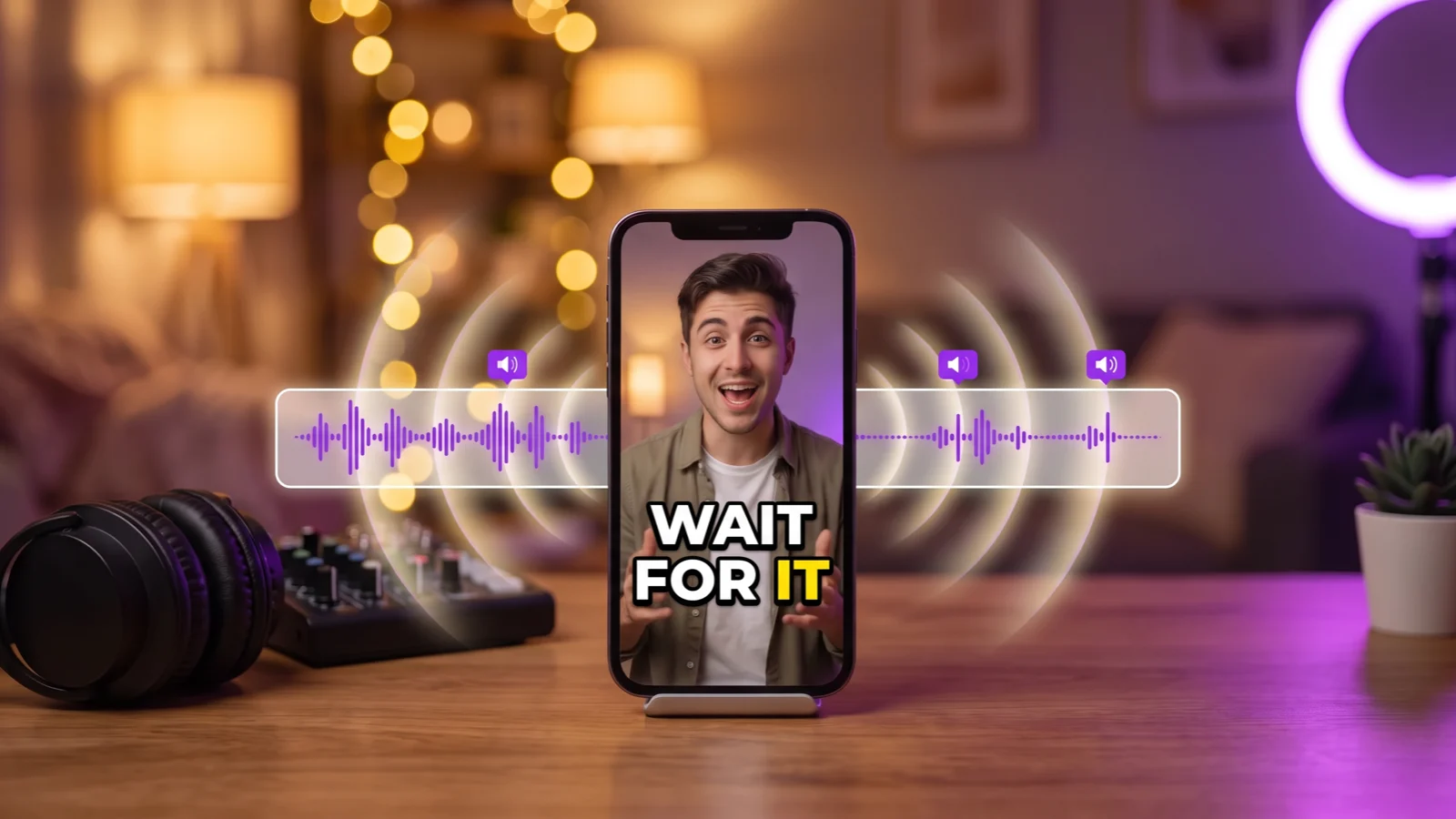
Aim for -14 LUFS integrated loudness with true peaks under -1 dBTP. YouTube turns down videos that are louder than about -14 LUFS and leaves quieter ones as they are, so a quiet upload stays quiet next to everything else in the feed. TikTok and Instagram don’t publish a target; -14 LUFS is the level audio guides recommend for them too, so one master works everywhere.
To get there, raise the whole soundtrack with one gain and catch the peaks with a limiter, instead of pushing the volume until it distorts. Every StoryCut export has ended at -14 LUFS since November 2, 2026, on every plan, with the balance between your voice, music and sound effects left as you set it.
Disclosure: StoryCut publishes this guide and makes the tool it describes.
Why Does My TikTok Sound Quiet?
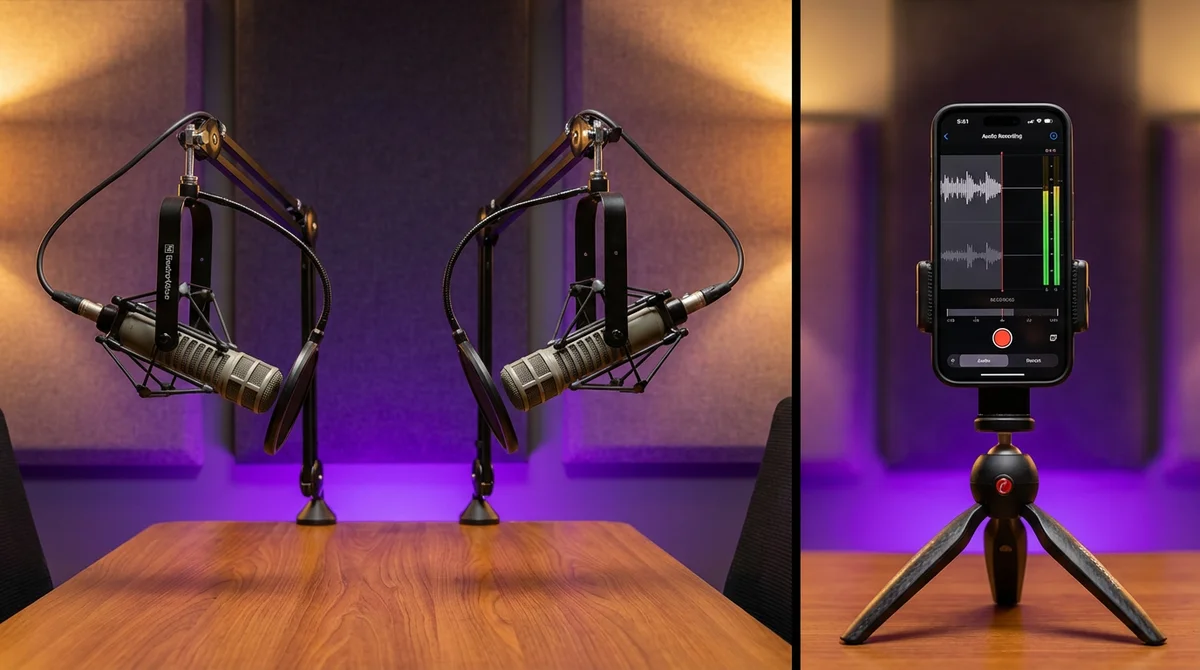
Usually because it was recorded quietly and nothing brought it up. A phone or a laptop mic a metre away records a voice far lower than a voice-over mic, and editors keep the level you recorded. How far apart can recordings be? In 24 uploads we measured in October 2026, voices went from -34 to -7 LUFS: 27 dB apart, which is the difference between a whisper and a raised voice.
The usual fixes go wrong in three ways:
- Pushing the volume slider raises the peaks too. A laugh, a clap or a knock on the desk hits the top first and crackles, while the speech is still quiet.
- Normalizing to 0 dB peak only makes the loudest single moment hit the top. If that moment is a clap, the voice barely moves.
- Hoping the app fixes it. YouTube turns loud videos down but doesn’t turn quiet ones up, and TikTok and Instagram don’t say what they do.
What Is LUFS, in Plain Words?
LUFS (Loudness Units relative to Full Scale) measures how loud a recording sounds to people, averaged over the whole video, with the frequencies weighted the way ears hear them. It is the EBU R128 / ITU-R BS.1770 measure that streaming services and broadcasters use. -14 LUFS is louder than -24 LUFS; 1 LU is 1 dB.
It is a different number from a peak meter. Peaks (dBFS) tell you how close the loudest instant comes to the top before it distorts; true peak (dBTP) also counts the overshoot between samples that appears once the sound is compressed to AAC. A video can peak at -1 dB and still sound quiet if those peaks are rare claps, and two videos at the same LUFS sound equally loud whatever their peaks.
So you need both: the integrated loudness at about -14 LUFS, and the true peak under -1 dBTP so the encoding doesn’t clip.
What Loudness Each Platform Plays At
| Platform | Target | What it does to your video |
|---|---|---|
| YouTube | About -14 LUFS | Turns louder videos down to it; doesn’t turn quieter ones up. "Stats for nerds" shows the change as content loudness. |
| TikTok | Not published | No official number; -14 LUFS with peaks under -1 dBTP is the usual recommendation. |
| Instagram Reels | Not published | No official number; the same -14 LUFS recommendation. |
| StoryCut exports | -14 LUFS, true peak under -1 dBTP | Every export’s whole soundtrack is measured and brought there with one gain and a limiter. |
Sources: Production Advice: YouTube loudness normalization · Frame.io Workflow Guide: loudness for YouTube
A Quiet Voice, Before and After
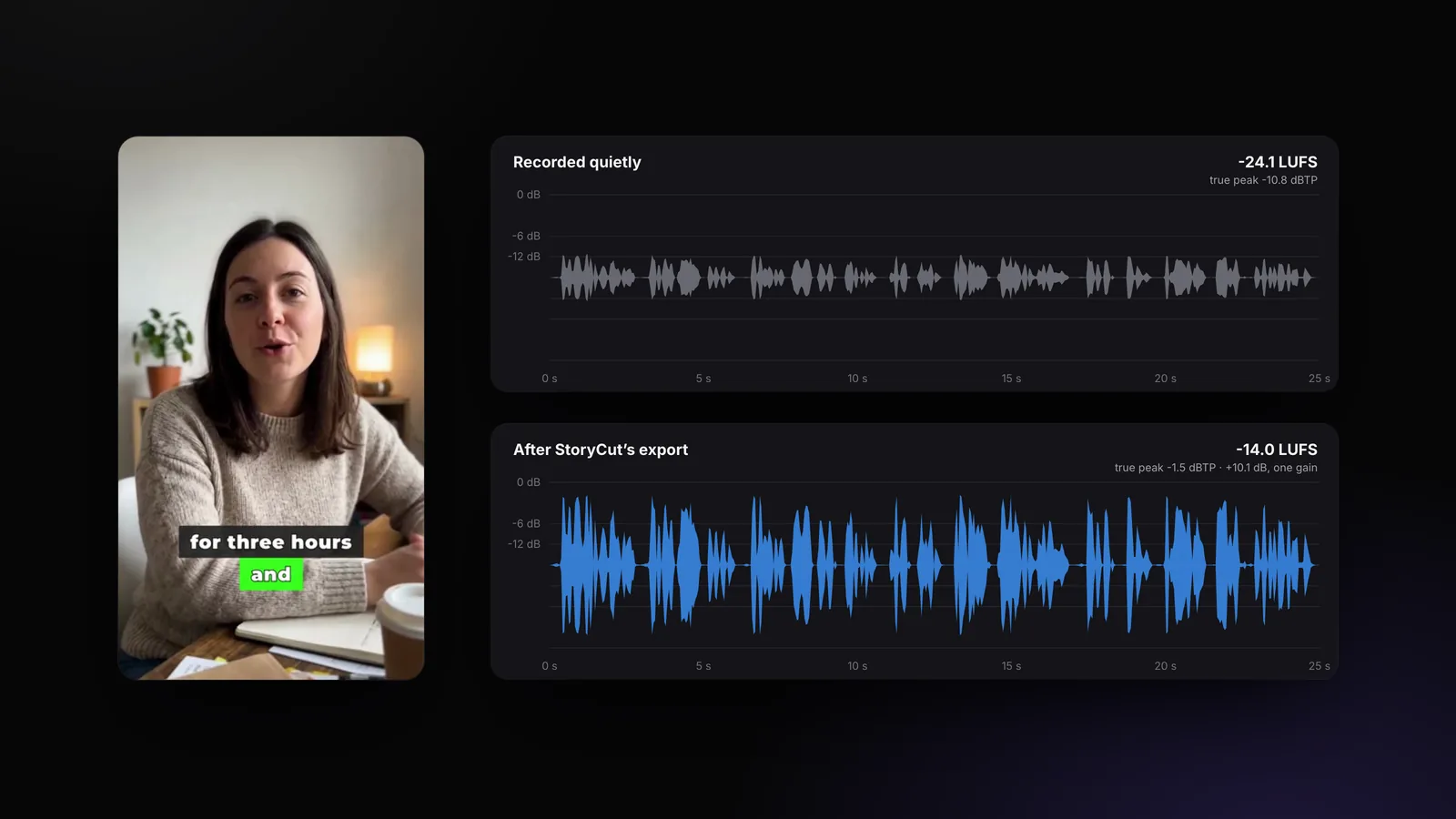
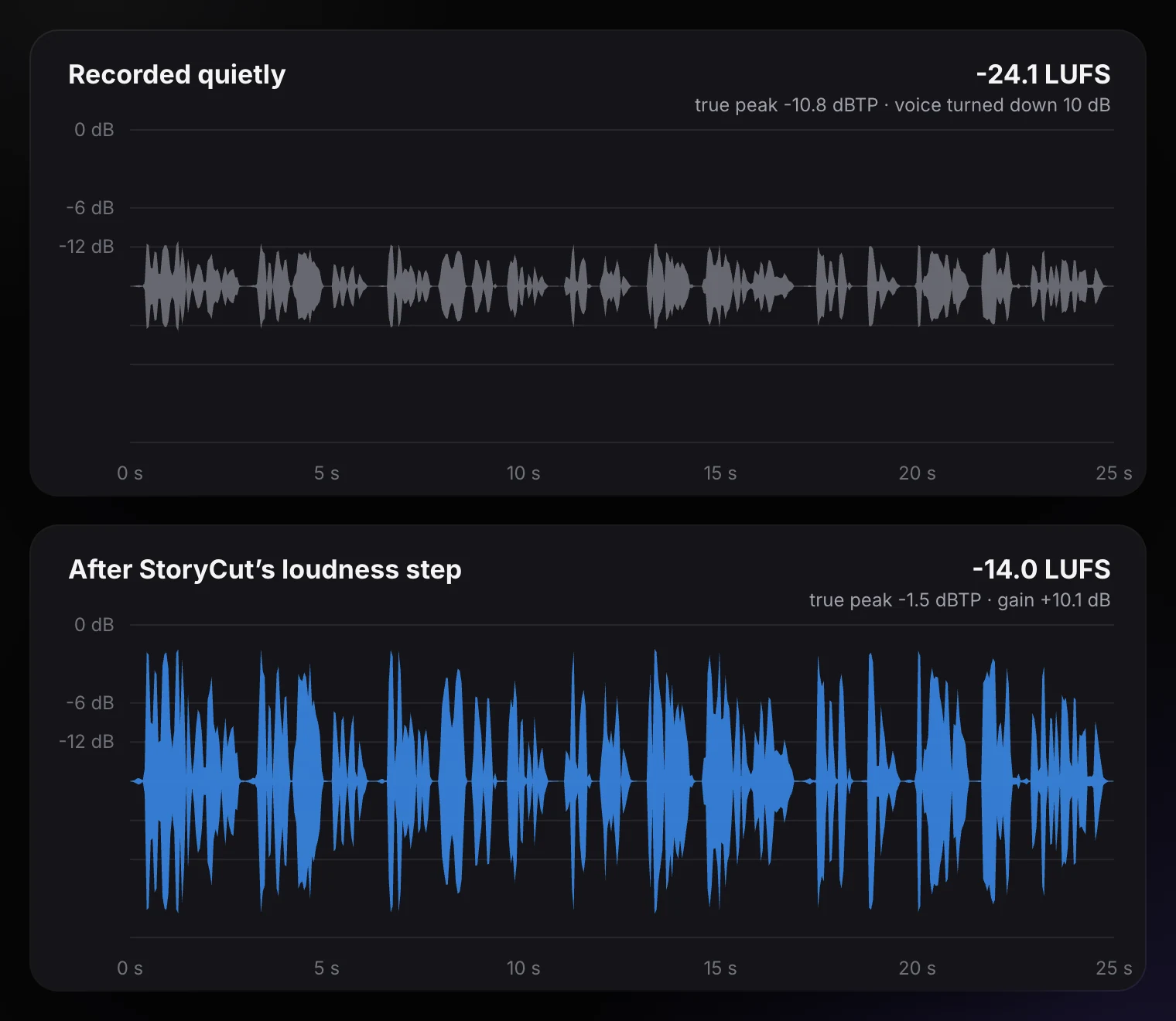
One of StoryCut’s example videos, its voice turned down 10 dB to sound like a quiet laptop recording (-24.1 LUFS), then through the export’s loudness step. One gain of +10.1 dB brings it to -14.0 LUFS; the limiter holds the true peak at -1.5 dB before the AAC encode. The shape of the speech doesn’t change: every word moves up together.
How to Fix a Quiet Video by Hand
Measure it
Put a loudness meter on the final mix (many editors have one; FFmpeg’s free ebur128 filter does it too) and read the integrated LUFS of the whole video, not a moment of it.
Mix first, then master
Set the balance first: music well under the voice, sound effects as accents. Loudness comes last, on the whole mix, so the balance stays. How loud the music should be
Catch the peaks
Put a limiter on the master with its ceiling at about -1.5 dB, so claps and knocks can’t clip once you raise the level.
Raise the whole mix
Add gain before the limiter until the meter reads about -14 LUFS. If the limiter is taking more than about 6 dB off the loud moments, stop a little lower: squashed speech sounds worse than slightly quiet speech.
Export once and check
Encode the sound once, at a high AAC bitrate, and listen on a phone speaker next to another video in the feed.
How StoryCut Sets the Loudness of Every Export
Since November 2, 2026, the last step of every export does what the steps above describe, on its own:
- The whole soundtrack (your voice, a dub or the clean voice, the sound effects and the music) is mixed in one pass and measured with EBU R128.
- It gets one gain, so the balance between voice, music and effects stays exactly as you set it, then a lookahead limiter at -1.5 dB that keeps the true peak under -1 dBTP after the AAC encode.
- The gain never makes the limiter take more than 6 dB off the usual loud moments. It reads the level loud moments usually reach (99% of 100 ms slices), not the single highest one, so one clap doesn’t hold the whole video down. It never adds more than 20 dB and leaves silence alone.
- The result is measured again and corrected once: knocks and claps count in the loudness, and a quiet voice with two mic knocks came out 4 dB under the target before this check.
- No dynamic normalization: it rides the level up and down with the speech, which pumps. The sound is encoded once, at 320 kbps.
The music and sound effects are already set against your voice’s own measured loudness before that step (how the music level works), so a quiet webcam voice doesn’t end up buried under a loud track.
Loudness Mistakes to Avoid
Louder than -14
Going to -8 LUFS doesn’t win anything on YouTube: it is turned down, and the squashing stays.
Clipped peaks
Raising the level without a limiter turns every laugh into crackle. Limit first, then raise.
Music as loud as the voice
The mix measures loud, but the words get lost. Keep music well under speech.
Pumping normalization
Tools that ride the level up and down make the background breathe between words.
Checking on headphones only
Most people hear your video on a phone speaker. Check there too.
Re-encoding again and again
Every AAC encode adds noise. Mix, set the loudness and encode once.
Frequently Asked Questions
What LUFS should a TikTok be?
What is the best loudness for YouTube Shorts?
Why is my video loud in my editor but quiet on YouTube?
Will -14 LUFS make my video distort?
Does StoryCut change my music and sound effect levels?
Which plan includes it?
Related Tools & Features