What Changed?
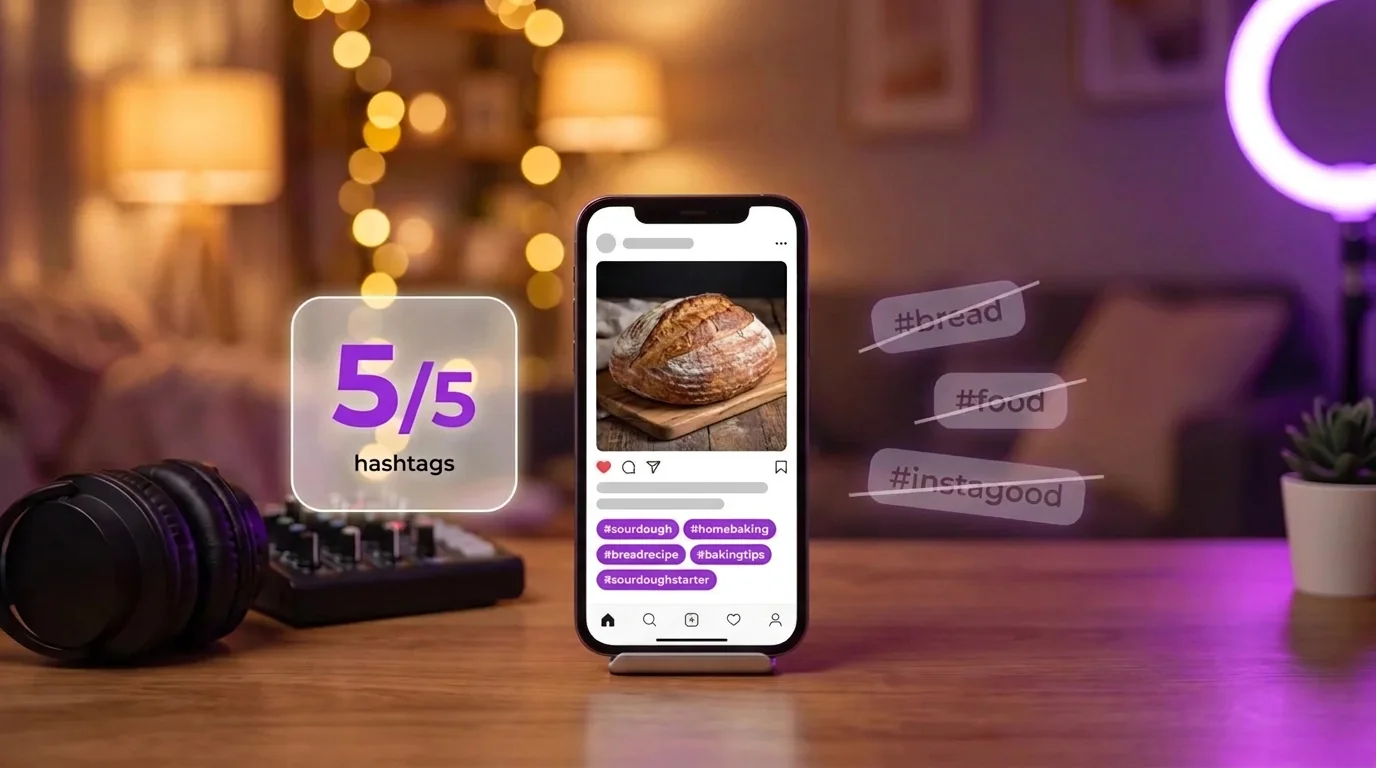
On December 18, 2025, Instagram’s @creators account announced: “Starting today, Instagram will allow up to 5 hashtags in a reel or post.” Until then the limit was 30, and plenty of accounts filled all 30 out of habit.
The change rolled out gradually and followed a year of tests: in November 2025 some users were already seeing “You can only add 3 hashtags to your caption.” Instagram’s Help Center now says “You can use up to 5 tags on a post.”
The reason Instagram gave fits in one sentence: “We find that using fewer (up to 5) more targeted hashtags, rather than many generic ones, can improve both your content’s performance and people’s experience on Instagram.”
What Happens If You Add More Than 5?
The Help Center has one line on it: “If you include more than 5 tags on a single photo/video, your comment won’t post.” That is the old 30-tag sentence with the number changed, and it leaves three questions open:
• Do hashtags in the comments count toward the 5? Instagram hasn’t said. Articles that say the caption and comments share the 5 slots don’t cite Instagram.
• What error do you see? Instagram hasn’t documented it. The only published message comes from the 3-hashtag test.
• Does it apply to Stories? The announcement only mentions posts and Reels.
One habit covers every case: put at most 5 hashtags in the caption and none in the comments. If you publish through a scheduling tool, open the live post once to check that all five made it, because Meta’s developer documentation for publishing still lists 30 hashtags.
Do Hashtags Still Help on Instagram?
They help people find posts by topic. They are not a reach lever, and Instagram has said so for years:
• In 2022, Adam Mosseri, the head of Instagram, said: “I wouldn’t try to think of hashtags as a way to get more distribution.”
• In May 2024: “While hashtags can help people interested in specific topics find your content, they won’t necessarily increase your content’s visibility.”
• In April 2025: “Hashtags are no longer a primary way to increase your reach on Instagram.”
The app changed in the same direction. Since March 2024, tapping a hashtag opens search results for it, and since December 2024 you can no longer follow a hashtag. A hashtag now works like a search keyword attached to your post, which is why five precise ones are enough.
Which Hashtags Should You Drop First?
• Generic tags such as #instagood, #love or #photooftheday. They say nothing about the post, and they are exactly the “many generic ones” Instagram’s announcement mentions.
• Tags about your account instead of the post, like #fitness on a recipe because your account is about health. Each hashtag should describe this post.
• Variants of one word: #workout, #workouts and #workoutoftheday use three slots for one idea.
• Trending tags your post isn’t part of. They put you in front of people looking for something else.
Your Caption Matters More Than Your Hashtags
Instagram search reads more than hashtags. In its explanation of how search works, Instagram says: “We try to match what you type with relevant usernames, bios, captions, hashtags and places.” Two of its tips follow from that: “Make sure your bio includes keywords about who you are and what your profile is about,” and “For a post to be found in Search, put keywords and hashtags in the caption, not the comments.”
So write the words people search into the caption itself. Compare:
• “Day 3 🔥 who’s with me?” gives search nothing to match.
• “Day 3 of my 20-minute home workout for beginners: no equipment, just a mat.” contains “home workout”, “beginners” and “no equipment”, the phrases people actually type.
The second caption does the job the extra 25 hashtags used to be added for. Our free AI caption generator writes captions like it for Instagram, TikTok, YouTube, LinkedIn and Facebook.