
Features
Tools
Pricing
Affiliate
Looking for captions on the video itself?
This tool writes the text you post under your video. To add animated, word-by-word subtitles to the video, upload it to StoryCut: the AI transcribes it and styles the captions for you.
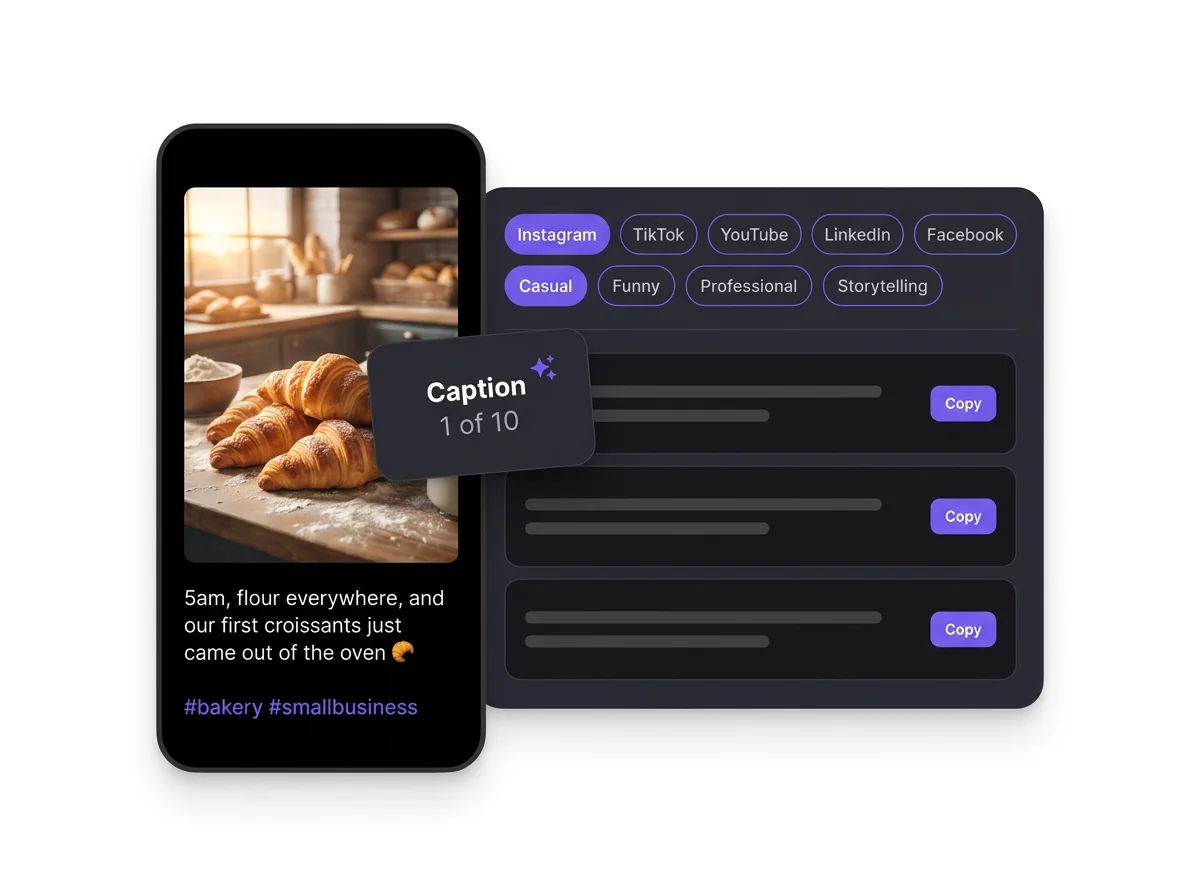
One post, five platforms
Ten captions, written for the platform you post on
The same photo needs a different caption on Instagram, TikTok and LinkedIn. Pick the platform and the generator changes the hook, the length, the emojis and the hashtags to match how people write there, then gives you ten angles to choose from.
A first line that works before the “more” cut-off
Hashtags only where the platform uses them, never a wall of tags
Ten different angles per run: story, question, tip, behind the scenes, call to action
How to write captions with AI
Describe your post
Say what the photo or video shows and what you want people to take away. Specific details (a place, a number, a result) give better captions.
Pick platform, tone and length
Each platform gets its own style: a strong first line for Instagram, a native voice for TikTok, keywords for YouTube, a professional hook for LinkedIn.
Copy, tweak and post
Copy the caption you like, add a personal detail in your own words, and post. Click Redo for 10 new options.
AI caption examples
Captions written for the same post, "the first morning at our new bakery, opening at 5am", in different styles.
Instagram · Casual · Medium
5am, flour everywhere, and the first croissants just came out of the oven 🥐 Day one of our little bakery is officially happening. Come say hi this weekend? #bakery #smallbusiness #croissant #morningroutine
TikTok · Funny · Short
POV: you opened a bakery and now 5am is your personality 😭🥐 #bakerytok #smallbusiness #5am
LinkedIn · Professional · Long
Two years of planning came down to one 5am alarm. This morning we opened our first bakery, and the lesson so far is simple: the work nobody sees is what makes opening day possible. What did your first day in business teach you? #smallbusiness #entrepreneurship #bakery
YouTube · Educational · Medium
What really happens before a bakery opens at 5am: the dough schedule, the first bake and the mistakes we made on day one. Watch the full morning routine. #bakery #behindthescenes
Facebook · Storytelling · Medium
We’ve dreamed about this morning for years. At 5am the lights went on, the ovens warmed up and our very first loaves came out golden. Thank you to everyone who cheered us on, the coffee is on us this Saturday!
Instagram · Inspirational · Short
Every big dream starts with an early alarm ✨ Day one, done. #smallbusiness #bakerylife
Caption length and hashtag limits by platform
How much you can write on each platform, how much people see before they tap “more”, and how many hashtags you can add.
| Platform | Caption limit | Shown before “more” | Hashtags |
|---|---|---|---|
| Instagram (posts and Reels) | 2,200 characters | About 125 characters (1–2 lines) | Up to 5 per post since December 2025 |
| TikTok | 4,000 characters in the app | About 100–150 characters | The app warns above 5 |
| YouTube | Description 5,000 characters, title 100 | The first few lines of the description | Up to 3 shown by the title; over 60, all are ignored |
| 3,000 characters | About 140 (mobile) to 210 (desktop) characters | No official limit | |
| 63,206 characters | About 125 characters on mobile | No official limit |
The “more” cut-offs are approximate and change with the device and app version. Checked October 3, 2026. Sources: Instagram Help, Instagram @creators, MediaPost (TikTok), YouTube Help (limits), YouTube Help (hashtags), LinkedIn Help

Turn Your Words Into Viral Videos
You’ve got the hooks, captions, and ideas. Now bring them to life. StoryCut auto-generates captions with 1,000+ styles, adds zoom effects that match your beats, and drops in transitions—all from a single upload. No editing skills needed.
AI Captions in 1 Click
50+ Transitions
Auto Zoom Effects
Clean Audio AI
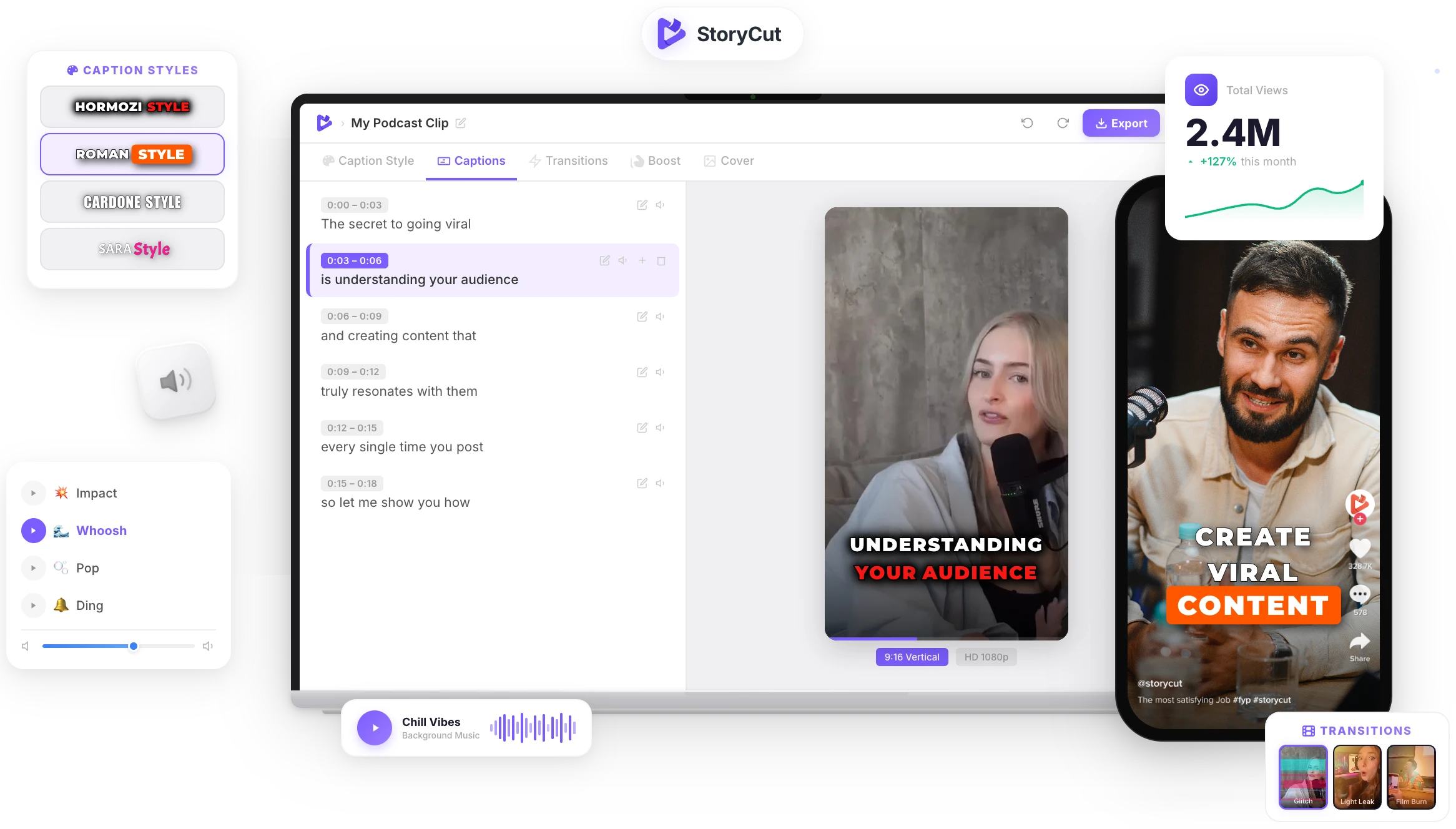
Captions & Titles
Why does the caption matter?
The visual stops the scroll, the caption decides what happens next. A good caption adds context the image or video can’t show, gives people a reason to comment, save or share, and tells each platform’s search what your post is about. Writing one for every post and every platform takes time, which is where an AI caption generator helps: you get several angles in seconds and keep the one that sounds like you.
Tips for captions that get engagement
- Put the hook in the first line: most platforms cut the caption after a line or two.
- End with one clear action: a question to answer, a post to save or a friend to tag.
- Match the platform: playful on TikTok, polished on Instagram, insight-first on LinkedIn.
- Use a few specific hashtags rather than many generic ones.
- Add one detail only you know (a number, a name, a moment) so the caption sounds like you, not like a template.
What makes a great caption?
Five Platforms, One Tool
Instagram, TikTok, YouTube, LinkedIn and Facebook each get captions written in their own style, from TikTok slang to LinkedIn hooks.
Tone and Length Control
Choose casual, funny, inspirational, professional, storytelling, educational or bold, and a short, medium or long caption.
Hashtags That Fit
Relevant hashtags are added where the platform uses them, and left out where they would look out of place.
Ready to Post
Ten options per run with emojis where they fit, so you can copy the best one and post it right away, or click Redo for more.
FAQ
You Might Wanna Know...
You’ve Got the Captions.
Now Make the Video.
You just used a free tool to write your post captions. Now imagine dropping a raw video into StoryCut and getting it back fully edited — captions styled to your brand, zoom effects synced to every beat, transitions between scenes, audio cleaned up — all in under 2 minutes.
No timeline. No learning curve. No exporting headaches. Just upload, let the AI work, and post. That’s what 10,000+ creators do every day with StoryCut.
This tool gave you the words. StoryCut gives you the video.
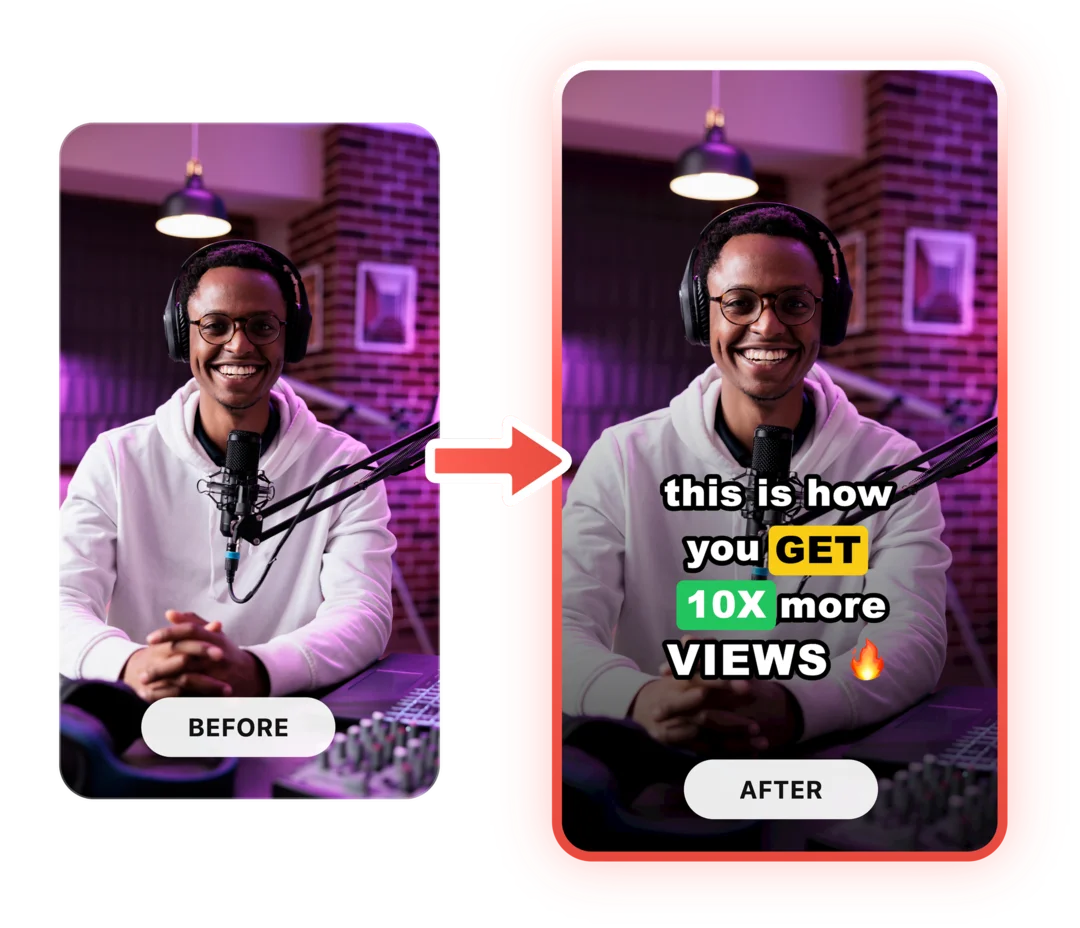
Your Next Viral Video Starts Here
Join 10,000+ creators who save hours every week with AI-powered editing. Upload a video, get a scroll-stopper back.
No credit card required • Free plan, no time limit • Cancel anytime

AI video editor for creators who want viral content without the editing grind.
Features
All FeaturesAI CaptionsHormozi CaptionsMrBeast CaptionsAdd Subtitles to VideoSubtitle GeneratorAI Video EditorAI Clip GeneratorYouTube to ShortsEye Contact FixMagic ZoomTransitionsClean AudioAI MusicSound EffectsAI Auto EditRemove SilenceAI ThumbnailsBrand KitsCommunity StylesAI Video TranslatorFree Tools
Video Hook GeneratorTikTok CaptionsInstagram CaptionsYouTube TitlesTikTok HashtagsVideo Script GeneratorAI Video IdeasContent CalendarTikTok TranscriptVideo to TextFree SRT GeneratorSubtitle TranslatorFree TeleprompterWords to MinutesSRT to VTT ConverterTikTok Safe ZoneFree Sound EffectsAll 40 Tools →Use Cases
TikTok CreatorsYouTube ShortsInstagram ReelsPodcastersClippersAgencies & TeamsLinkedIn VideosTeleprompter Eye ContactPremiere Pro Eye ContactDaVinci Resolve Eye ContactFinal Cut Pro Eye ContactLoom Eye Contact