How to Clip GTA 6 on PS5 and Xbox Series X|S
Save the moment on your console, get the file to your phone or computer, and turn it into vertical clips people watch. Every button and limit below comes from PlayStation’s and Xbox’s own help pages.
Gaming mode for AI Clips released November 4, 2026
On this page
The Short Answer
PS5: press the Create button, then save recent gameplay (anywhere from the last 15 seconds to the last hour) or start a new recording (up to 1 hour). Turn on your microphone or voice chat in the capture settings first if you want your voice in it.
Xbox Series X|S: press the Xbox button, then X to save the last 30 seconds, or View to pick up to the last 2 minutes. Start recording runs up to 10 minutes on the console’s storage, or 1 hour on an external drive.
Then move the file to your phone or computer, crop it to 9:16 and add captions. If it’s a long session with your voice in it, StoryCut’s GTA 6 clip maker finds the best moments and does the cropping and captions for you.
GTA VI comes out on November 19, 2026, on PlayStation 5 and Xbox Series X|S, with no PC version announced. StoryCut is not affiliated with or endorsed by Rockstar Games, Take-Two Interactive, Sony or Microsoft.
PS5 and Xbox Series X|S: Capture at a Glance
| PS5 | Xbox Series X|S | |
|---|---|---|
| Save what just happened | The last 15 seconds up to the last hour | The last 30 seconds (X), or up to the last 2 minutes (View) |
| Record from now on | Up to 1 hour | Up to 10 minutes on the console’s storage, 1 hour on an external drive |
| Your voice in the clip | Captures settings: include your microphone or voice chat audio | Not described on Xbox’s capture help page |
| Quality | 1080p or 4K, WebM or MP4 | Up to 4K HDR when the TV output is 4K |
| Trim on the console | Yes, in Media Gallery (Edit) | Yes, captures can be edited |
| To your phone | PlayStation App: clips under 3 minutes, not 4K, up to 1080p, kept 14 days | Xbox app; captures on the Xbox network are deleted after 90 days |
| To a USB drive | Media Gallery > … More > Copy to USB Drive | Move captures to external storage or OneDrive |
From PlayStation’s and Xbox’s help pages, read on November 5, 2026.
Sources: PlayStation: capture PS5 gameplay · PlayStation: view captures in Media Gallery · PlayStation: edit and share captures · PlayStation: PS5 captures in the PS App · PlayStation Blog: Create button formats (2020) · Xbox: capture game clips and screenshots · Xbox Wire: captures, OneDrive and the 90-day rule
How to Clip GTA 6 on a PS5
Set it up once before November 19, then one button saves the moment.
Put your voice in your clips
Settings > Captures and Broadcasts > Captures > Video Clip format: choose to include your microphone or voice chat audio. Your reaction is what makes a GTA clip worth watching.
Pick MP4
In the same settings, choose MP4 (PlayStation calls it the most compatible; WebM is the most efficient) and 1080p or 4K. MP4 opens on every phone and editor.
Press Create when it happens
Save recent gameplay keeps anywhere from the last 15 seconds to the last hour. For a whole session, start a new recording before you play: it runs up to 1 hour.
Trim it
Open it in Media Gallery, select Edit and trim the start and the end. Share Factory Studio, on the PlayStation Store, goes further.
Get it off the console
Turn on Auto-Upload (Settings > Captures and Broadcasts > Captures) and open the PlayStation App: clips under 3 minutes and not 4K wait there for 14 days, and Download saves one to your phone. Longer or 4K: Media Gallery > … More > Copy to USB Drive.
How to Clip GTA 6 on an Xbox Series X|S
The guide button does it all; a drive gives you longer recordings.
Set the clip quality
Press the Xbox button, then Profile & system > Settings > Preferences > Capture & share: pick the clip resolution (4K needs your TV output at 4K) and where captures are saved.
Save what just happened
Press the Xbox button, then X for the last 30 seconds, or View to choose up to the last 2 minutes. On the newer controller, press and hold the Share button to record a clip.
Record a whole session
Guide > Capture & share > Start recording, and X in the guide to stop. It runs up to 10 minutes on the console’s storage, or 1 hour on an external drive.
Get it to your phone or computer
Uploaded captures show up in the Xbox app on your phone. They’re deleted from the Xbox network after 90 days, so back them up to OneDrive or an external drive.
Will GTA 6 Let You Capture Every Scene?
Not necessarily. PlayStation’s help says it plainly: “Some content can’t be captured. Some scenes are blocked and won’t be included in your video clips.” Each game can block scenes, and neither Rockstar, PlayStation nor Xbox had said which GTA VI scenes are, as of November 5, 2026. Check your first clip on November 19 before you plan a series around it.
Rockstar’s own rules matter more than the button. Its policy on posting its material removes videos that show the ending or string the story’s cutscenes together, and pre-release leaks of any kind. Keep cutscenes inside your own playthrough, with your commentary on top.
Turn a Console Recording Into Vertical Clips
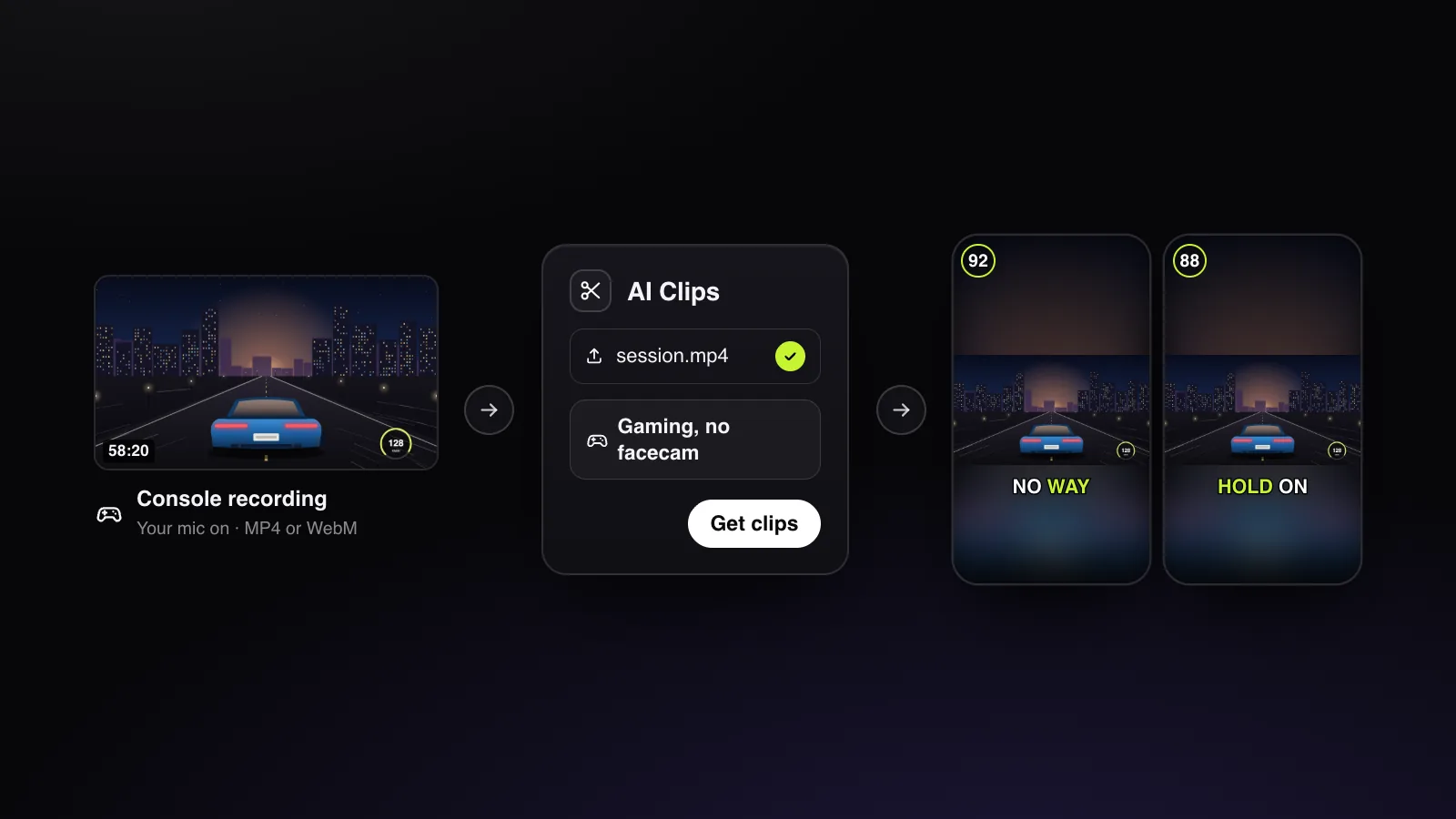
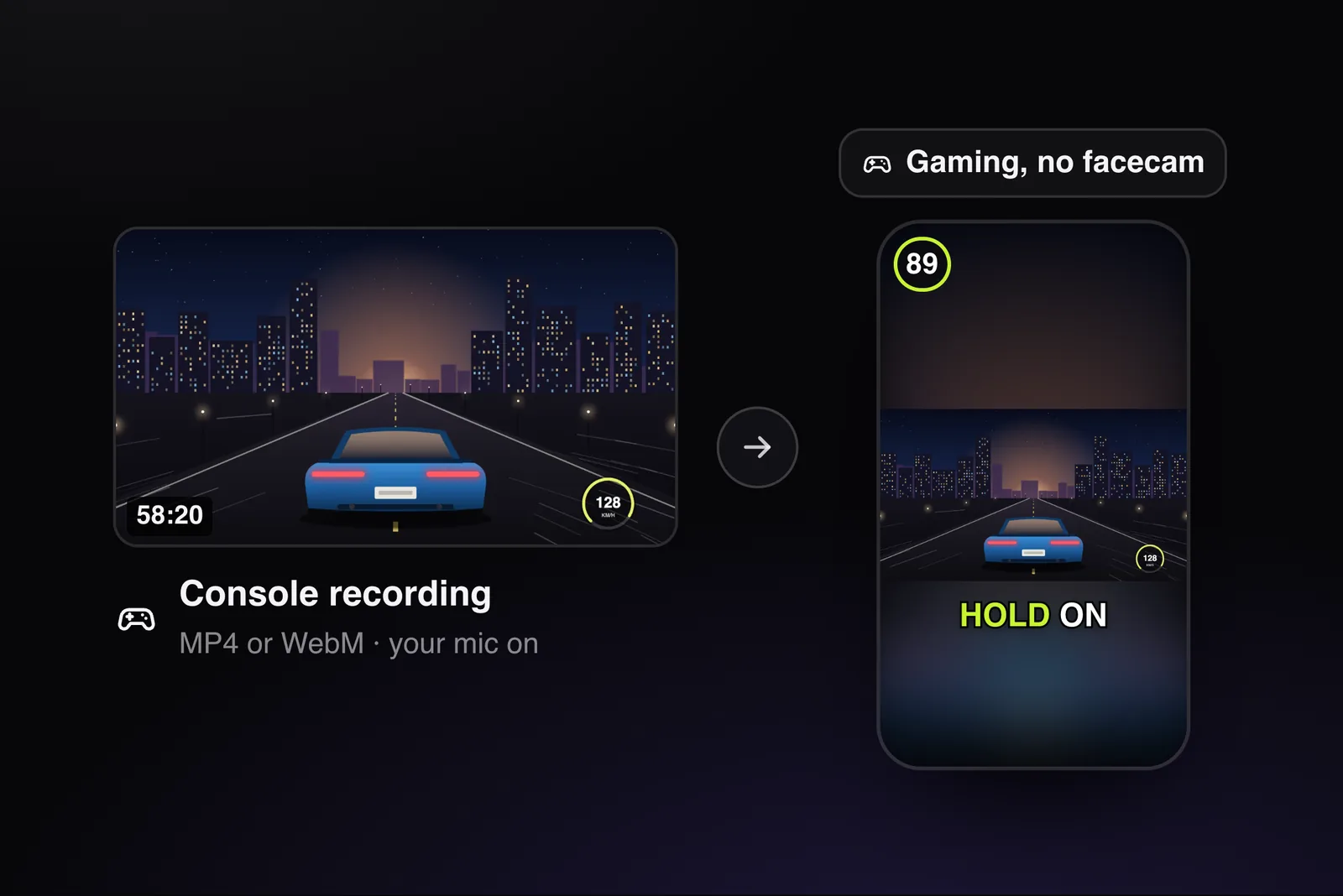
A clip of a few seconds: crop it to 9:16 and caption it in any editor (StoryCut’s editor centres the crop and writes the captions). A session of 2 minutes or more with your voice in it: upload it to StoryCut’s AI Clips and pick “Gaming, no facecam” under More options. You get scored clips of the whole game over a blurred copy, captioned, with a headline on the first seconds. The first ones are usually ready in 10 to 15 minutes.
Streaming It Instead?
A PS5 streams straight to Twitch and YouTube from its Create button; Kick isn’t one of its built-in services, so a Kick stream needs a capture card and a PC (PlayStation’s broadcast help).
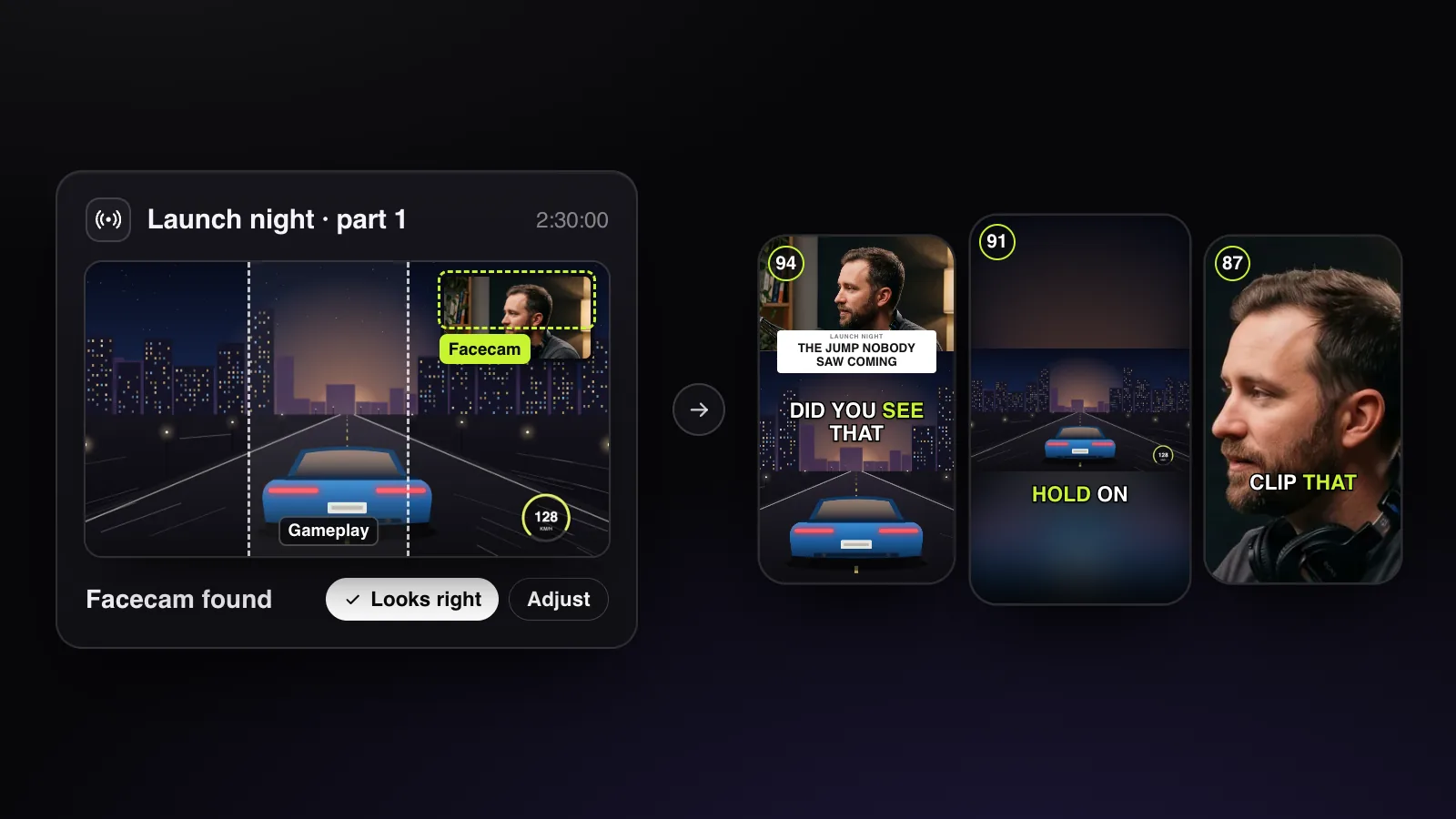
If you stream your GTA 6 sessions to Twitch, Kick or YouTube, skip the file: paste the past broadcast’s link into StoryCut. It finds your facecam and puts it on top of the game, picks the moments from what you say, your loudest reactions and every “clip that”, and captions each clip. A run takes up to 150 minutes of video; longer streams go in as parts. Clipping a roleplay server? See GTA RP clips. Clipping for campaigns? Read the GTA 6 clipping guide first.