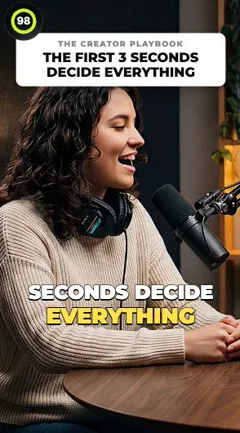
 0:13
Partner media kit
Everything you need to promote StoryCut
Demo videos, product pictures, logos, talking points and the right page to link, for AI Clips, gaming and GTA 6, Twitch, eye contact and editing. Use them in your videos, posts and descriptions.
30videos
19pictures
6logo files
10lines to copy
10pages to link
01
About StoryCut
StoryCut is an AI clip maker: paste a long video, get vertical clips with captions, a hook title and a score on each, ready to edit and post.
In one line
StoryCut is an AI clip maker: paste a long video, get vertical clips with captions, a hook title and a score on each, ready to edit and post.
In a paragraph
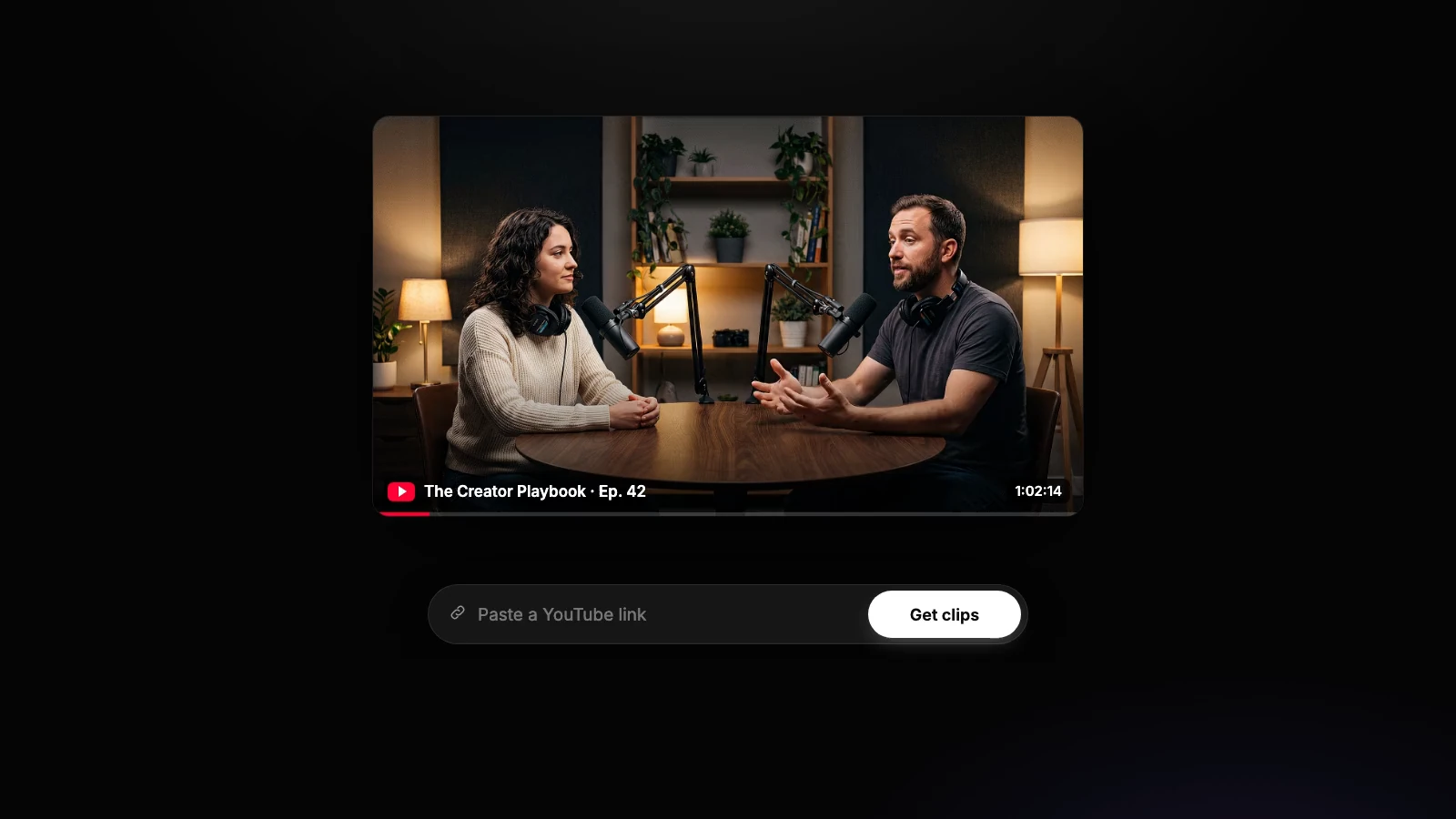
StoryCut turns long videos into short vertical clips. Paste a YouTube link, a Twitch or Kick past broadcast, a Google Drive or Dropbox link, or upload a file: the AI reads the whole video, picks the moments that stand on their own, frames whoever is talking (or the facecam above the game on a stream) and adds captions and a hook title to every clip, each with a score. Then finish any clip in the built-in editor: 1,000+ caption styles, 18 edit styles with zooms, sound effects and music, B-roll and AI eye contact correction.
Facts you can quote Numbers from the product itself
- What it takes
- A YouTube link, a Twitch or Kick past broadcast, a Google Drive or Dropbox share link, or an upload (MP4, MOV, AVI, MKV or WebM).
- Video length
- 2 minutes or more. A run takes up to 150 minutes of a video; from a longer one, its first 150 minutes or any part you pick.
- What comes back
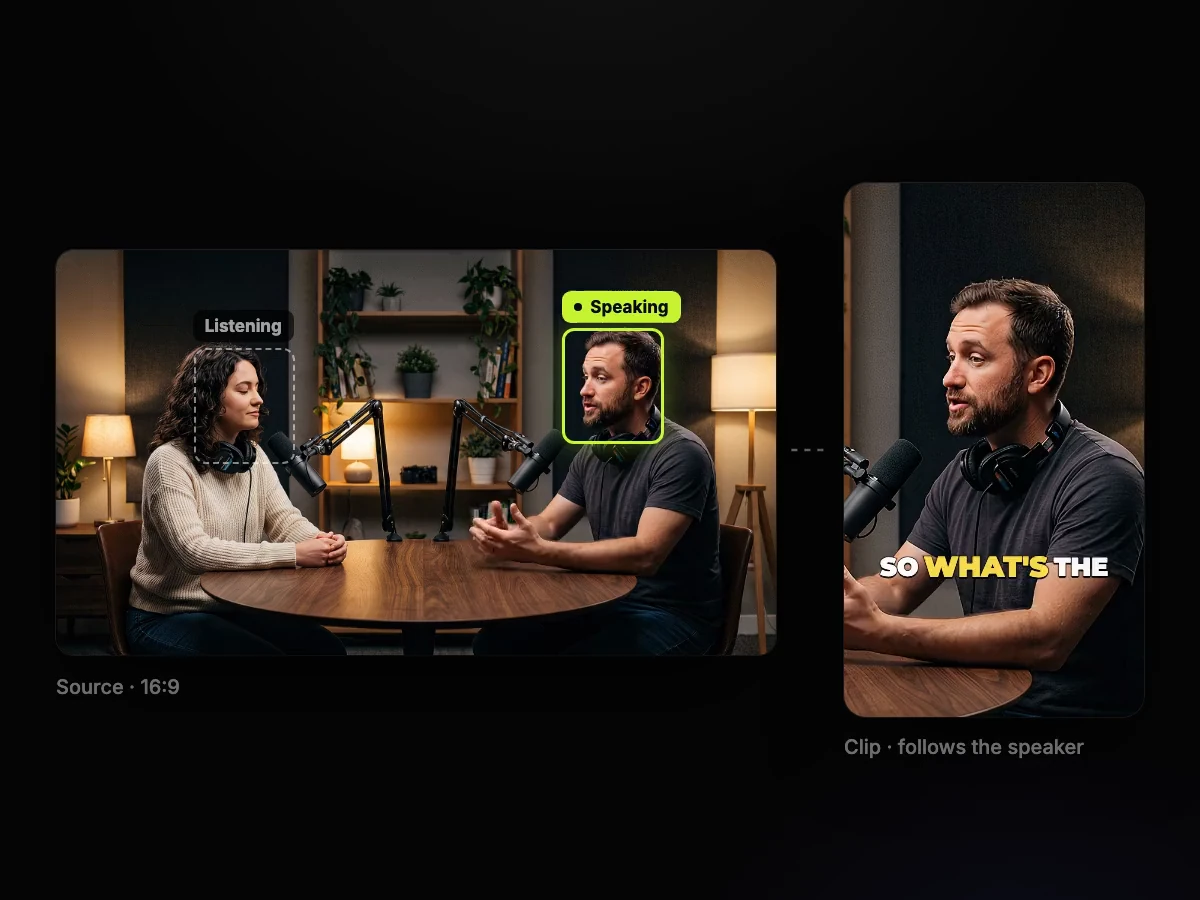
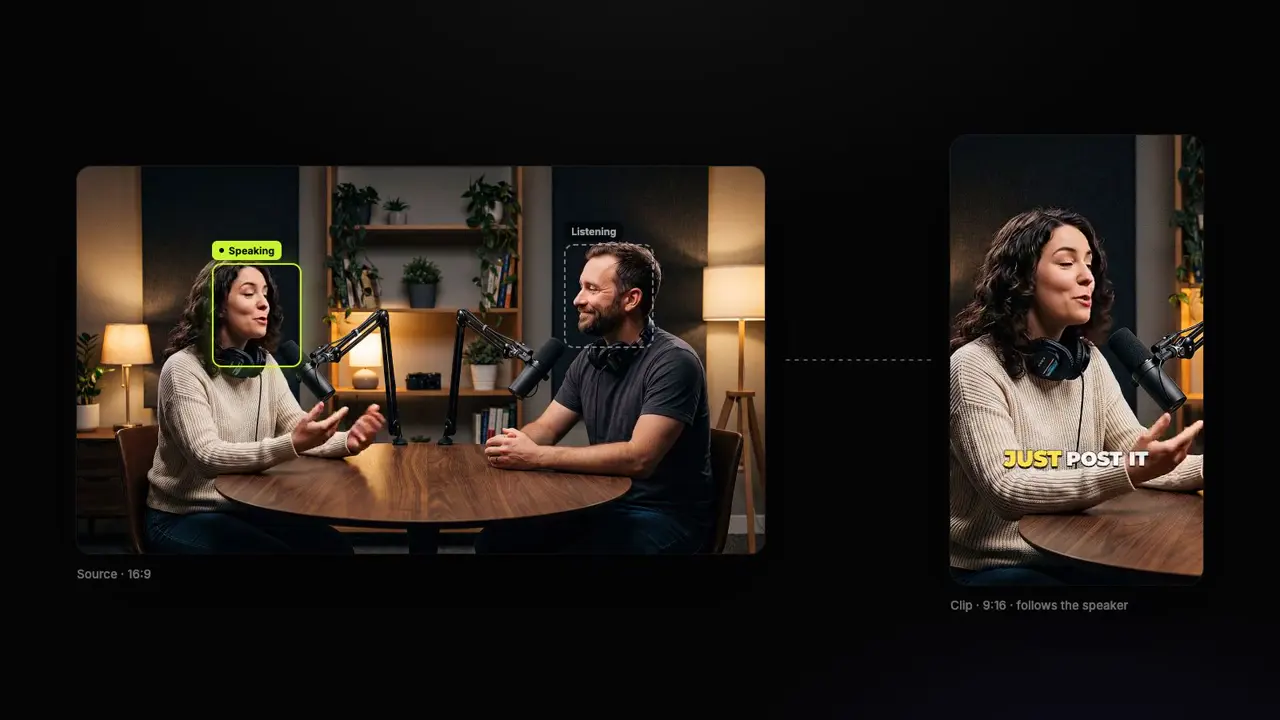
- Vertical clips framed on whoever is talking, with captions, a hook title and a score on each.
- How long it takes
- Usually 10 to 15 minutes a video, sometimes up to half an hour. You get an email, and a browser notification if you allow it, when the clips are ready.
- Captions
- 1,000+ caption styles, counting the Community library. Transcripts and captions in 49 languages. The AI detects the spoken language, or you pick it.
- Hook titles
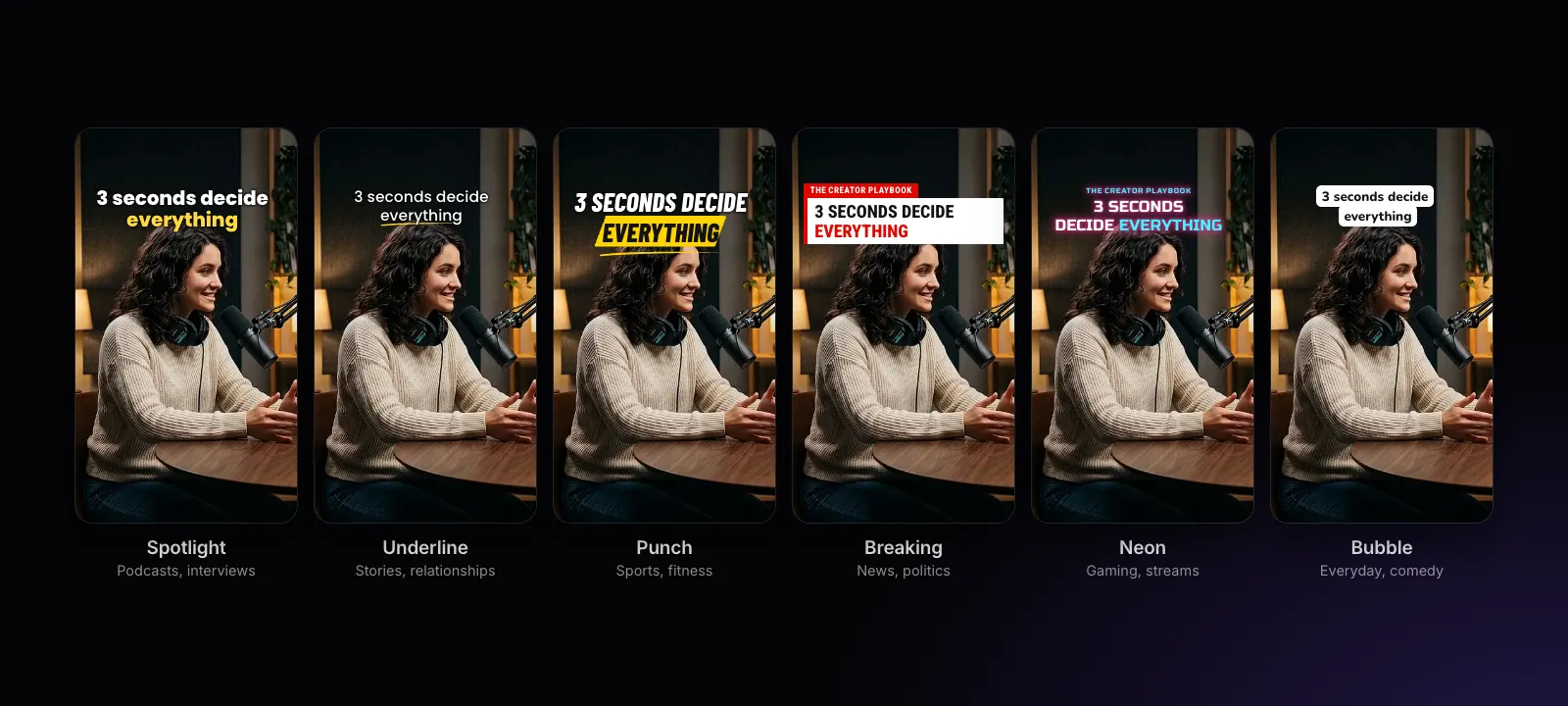
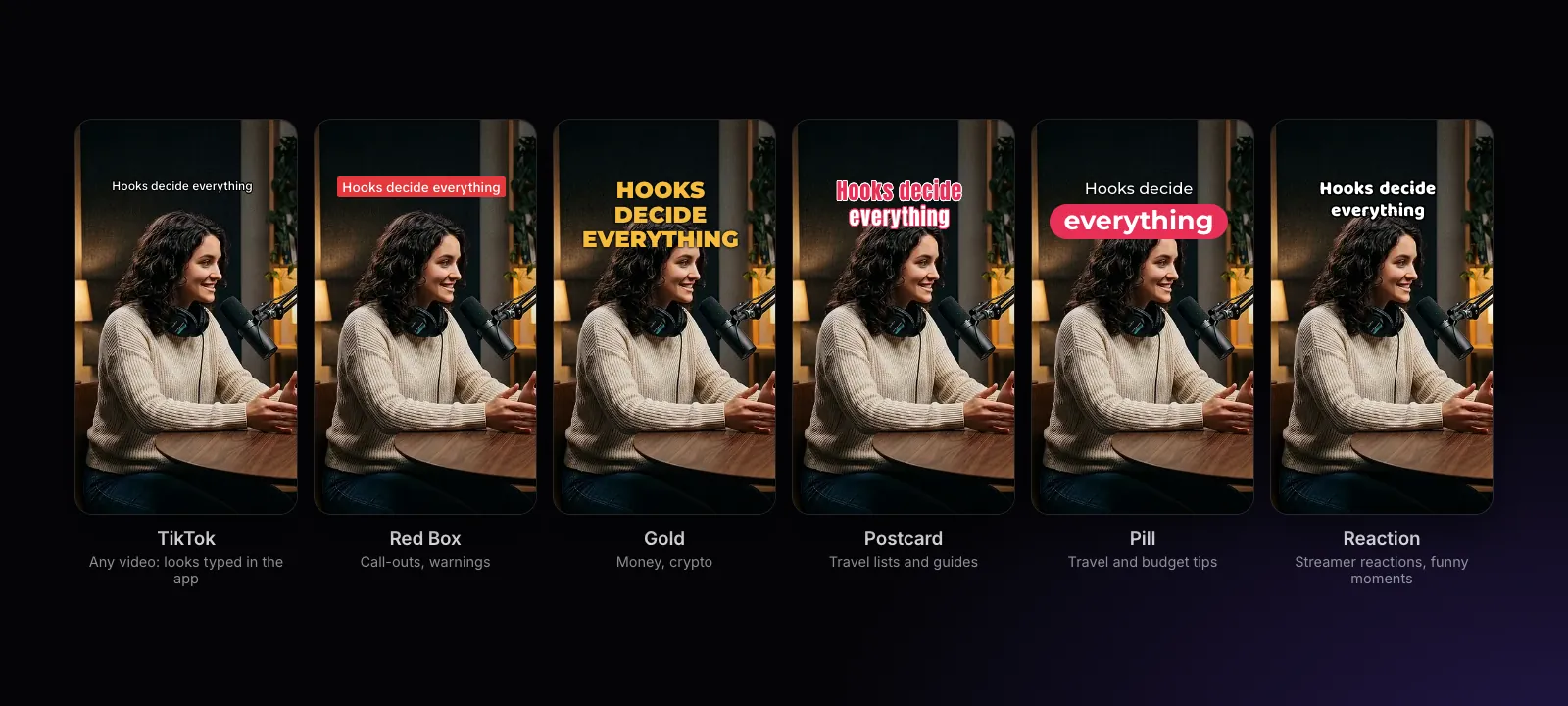
- 31 hook title looks, or Auto: StoryCut picks the look that fits the video.
- Edit styles
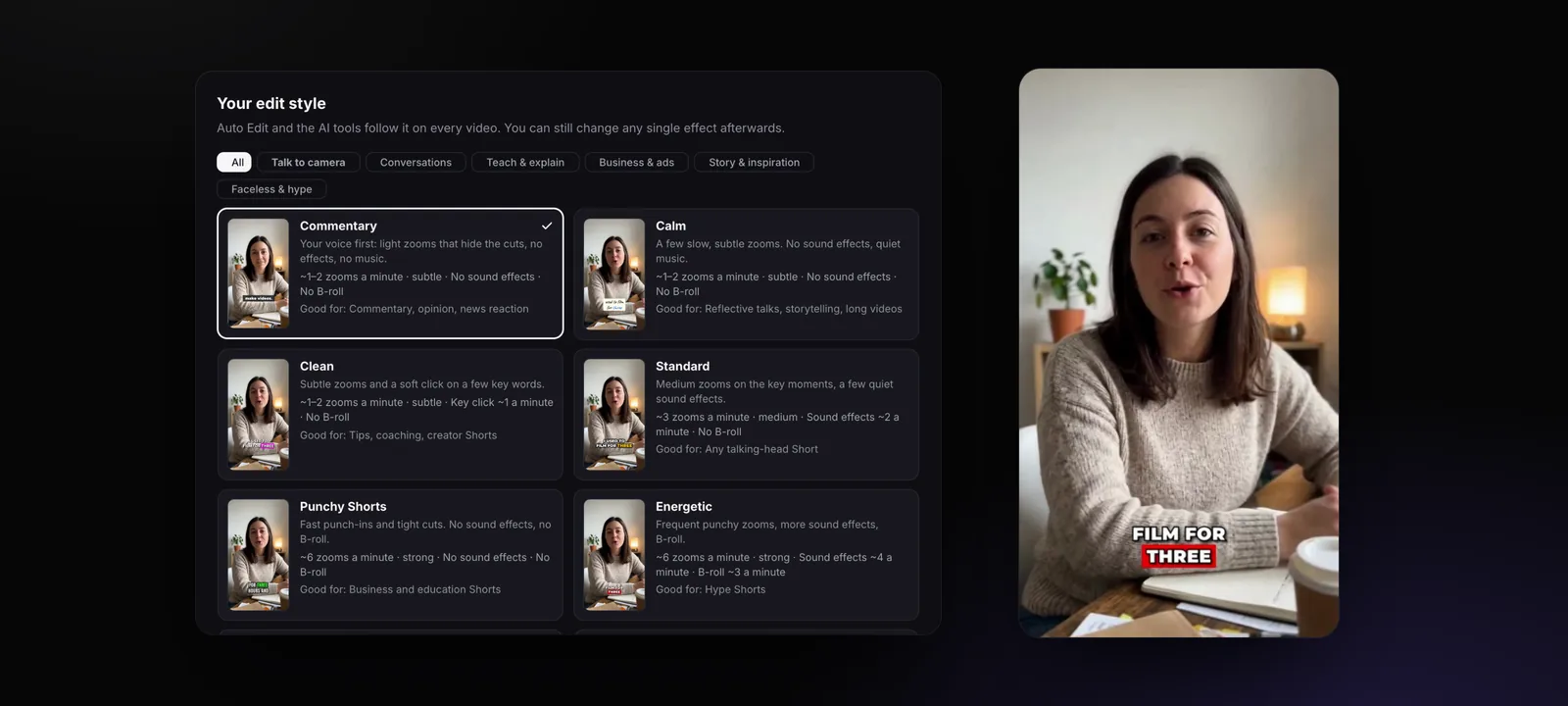
- 18 ready-made edit styles in 6 groups set the zooms, sound effects, music, B-roll and pauses once for every video.
- AI Clips on paid plans
- Hours of video a month: Starter 3 hours, Pro 10 hours, Business 30 hours.
- Eye contact
- 10 eye contact videos a month on Pro, unlimited on Business, or one video at a time without a plan.
- Price
- A free plan, and paid plans from $7/mo billed yearly.
Need something custom? Hit us up at contact@storycut.com
Pages to link Add ?ref=YOURCODE
02
AI Clips: long videos into Shorts
Paste a long video, get vertical clips with captions, a hook title and a score on each.
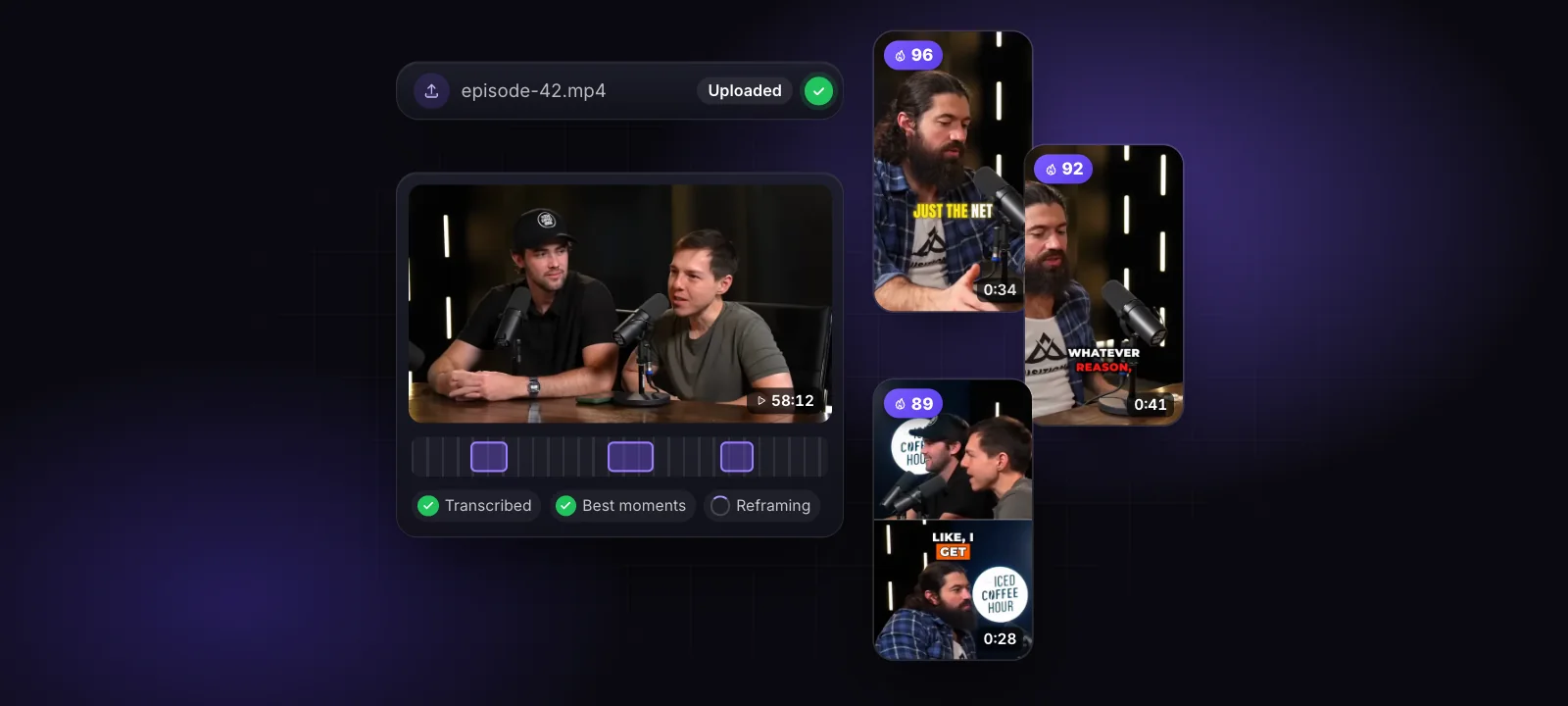
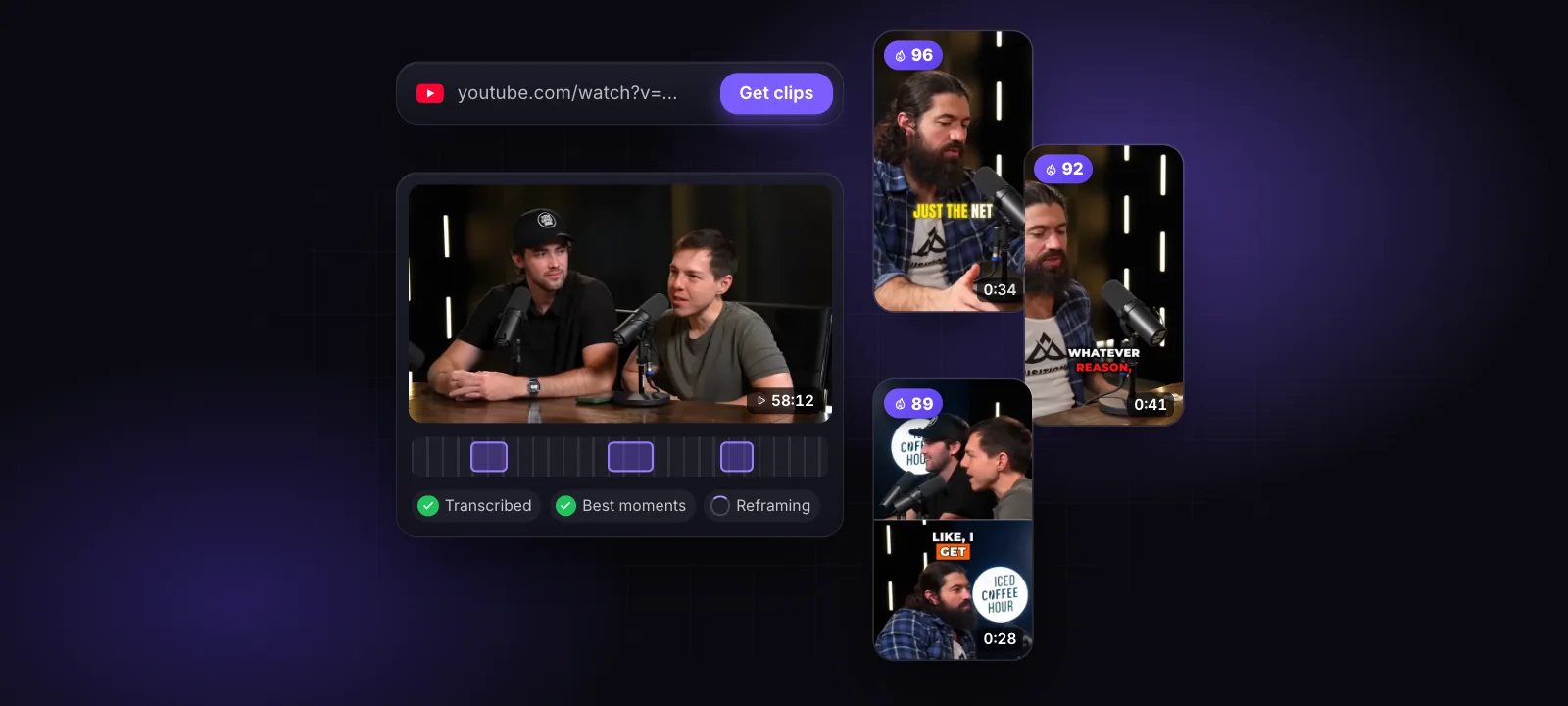
- Takes a YouTube link, a Twitch or Kick past broadcast, a Google Drive or Dropbox link, or an upload, 2 minutes long or more.
- Reads up to 150 minutes of a video per run; from a longer one, any part you pick.
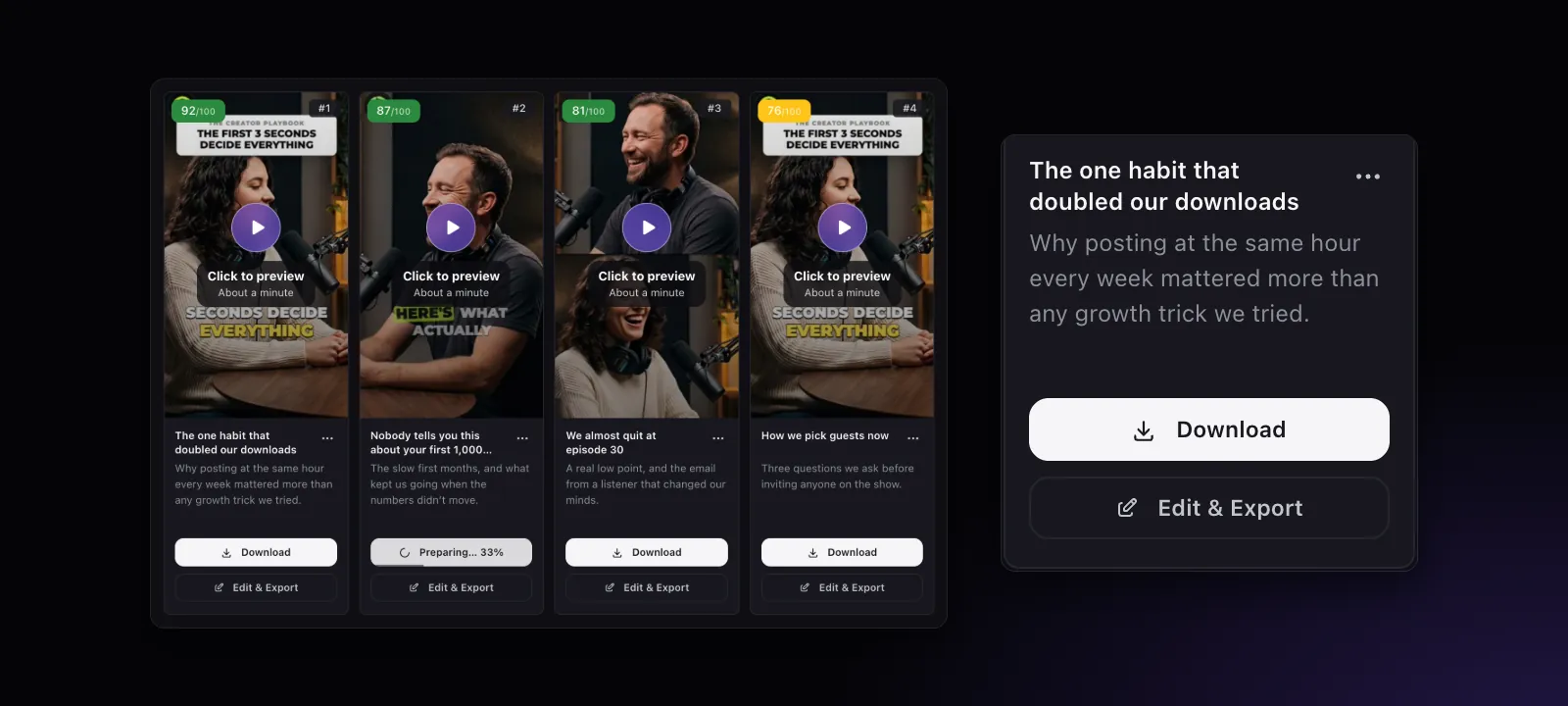
- Frames whoever is talking, writes the captions and a hook title, and scores every clip so the best ones come first.
- Clips are usually ready in 10 to 15 minutes, with an email when they are.
- Download any clip from its card in one tap, or open it in the editor to change the style.
Videos 4 loops, MP4
0:13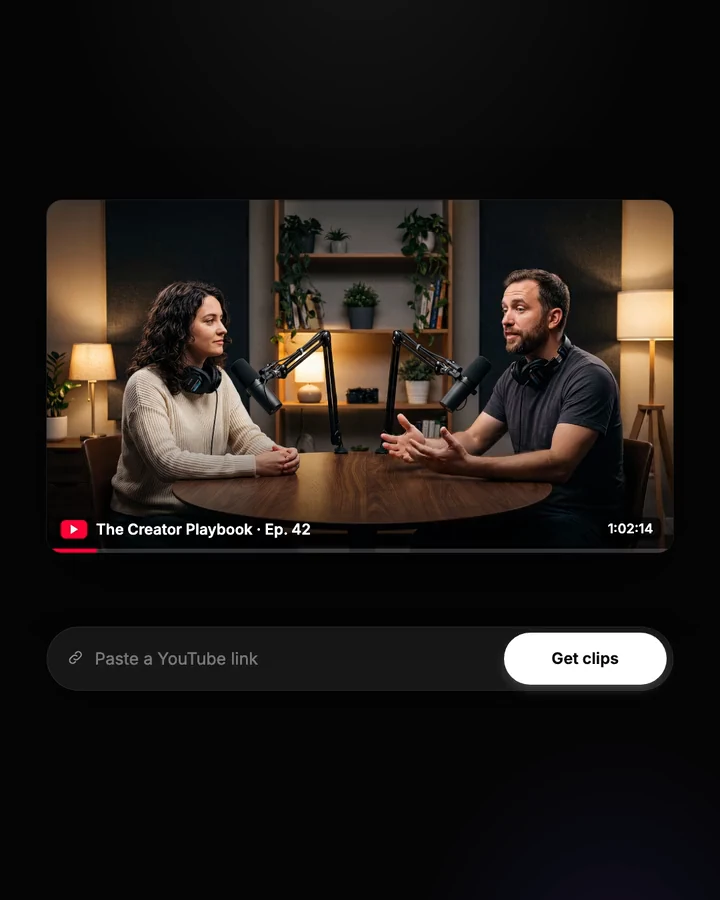 0:13
 0:08
 0:08
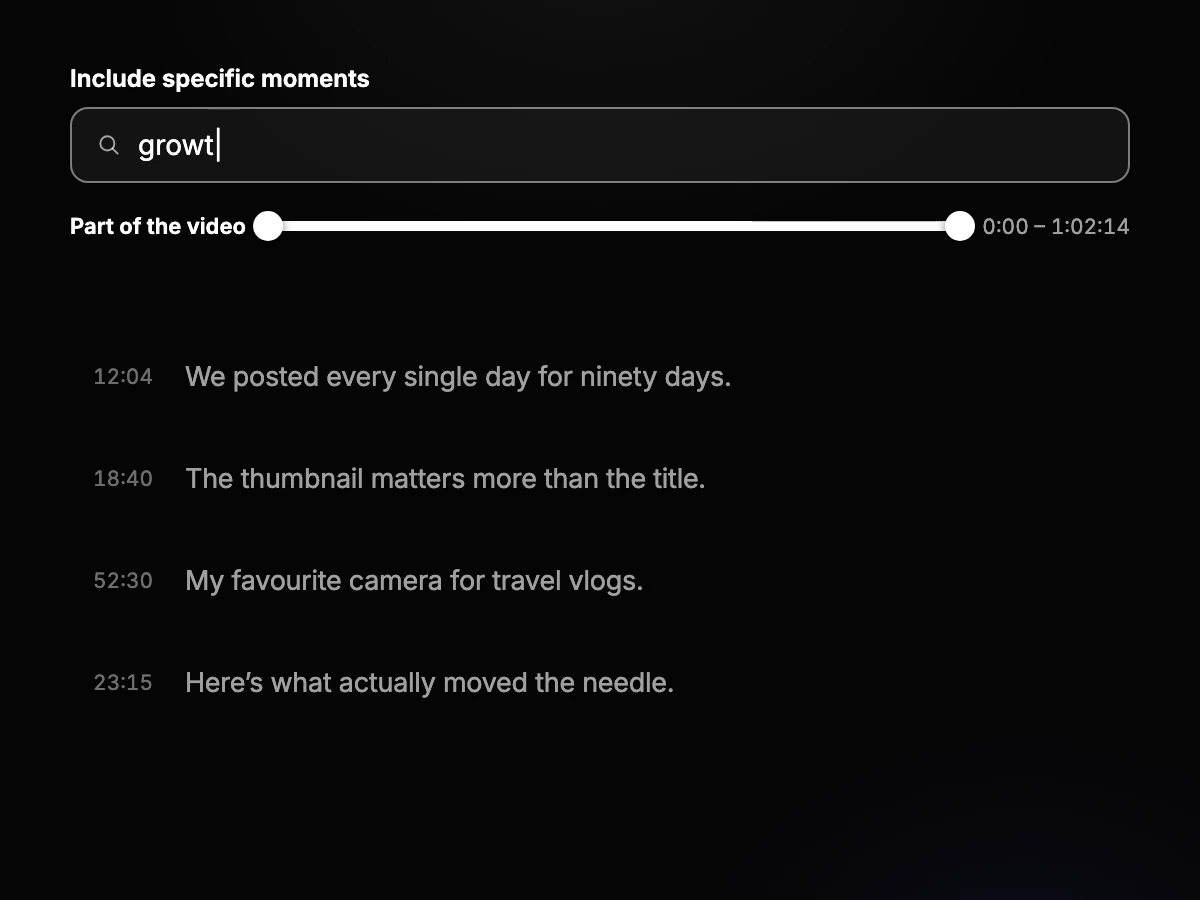
Pictures 5 product pictures
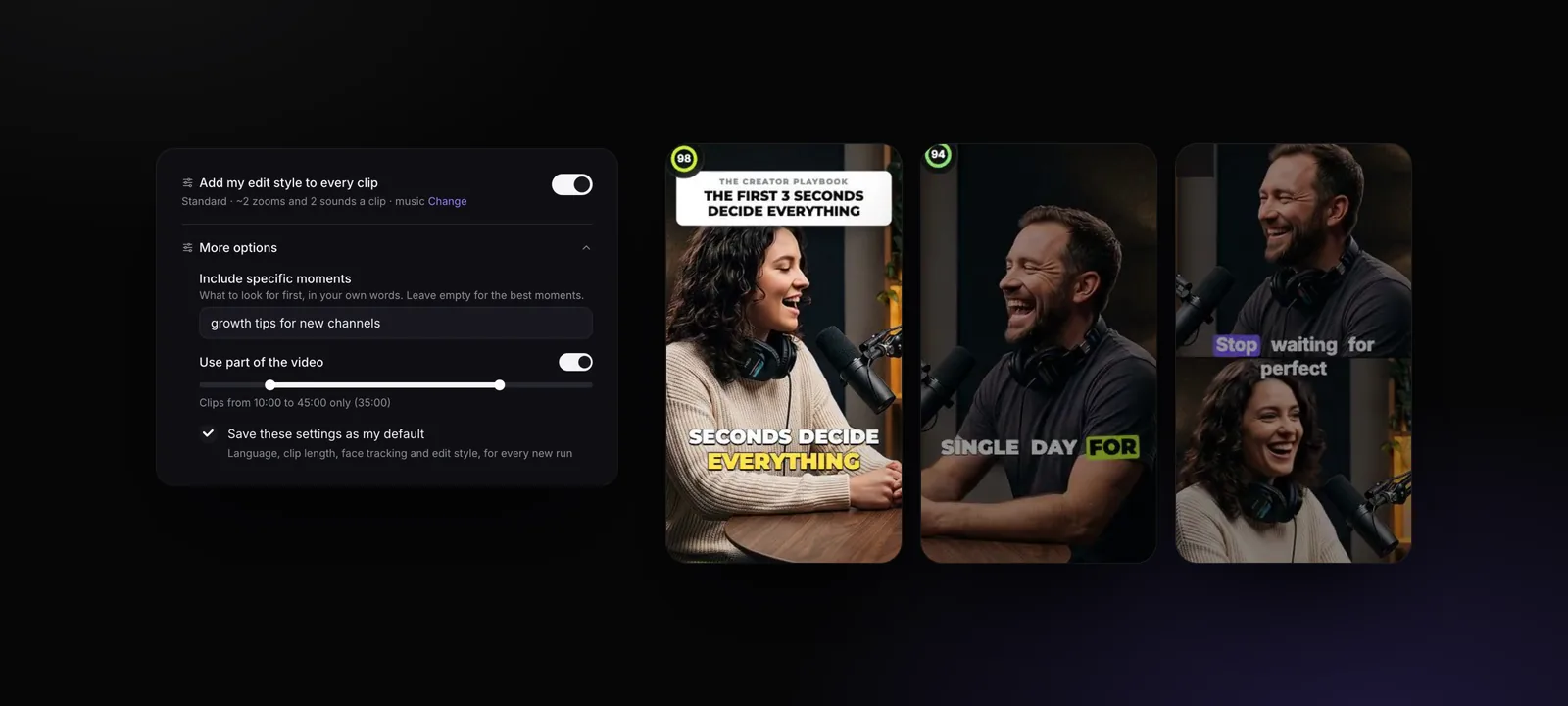
One style on every clip
Change the hook title look and the edit style on all the clips of a run.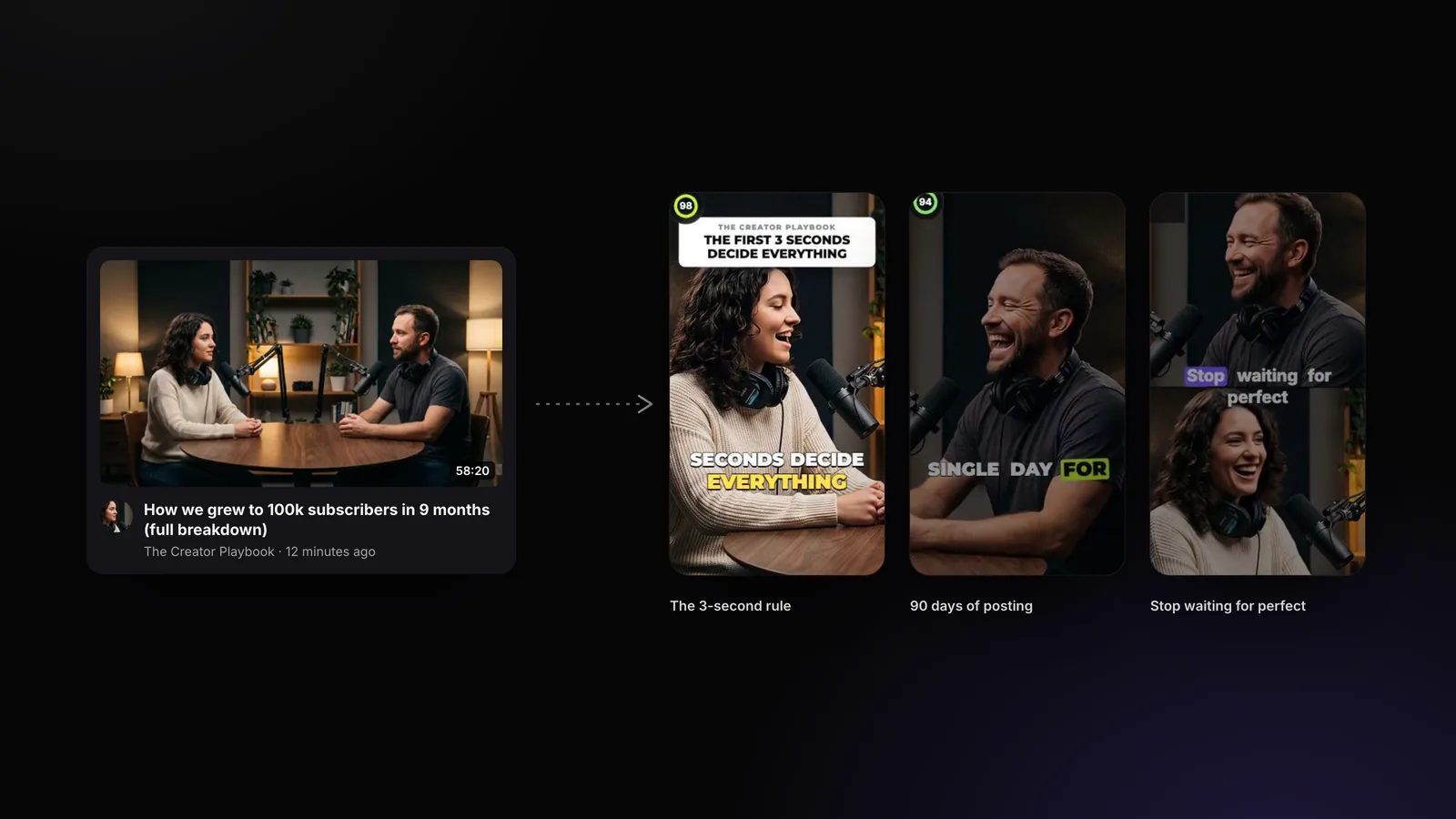
Pages to link Add ?ref=YOURCODE
Earlier visuals (6)
03
Gaming and GTA 6
Streams and gameplay into clips with the facecam on top and the game below.
- Finds the facecam by itself and lays each clip out as Cam + gameplay, Gameplay only or Full cam, on every plan.
- Takes Twitch and Kick past broadcasts, YouTube streams and console recordings; pick any part of a long stream, up to 150 minutes a run.
- Listens for the streamer’s reactions (shouts, laughter) and for “clip that” to find the moments.
- AI Clips picks moments from what is said: it is made for streams and videos with commentary.
- GTA 6 pages, guides and StoryCut’s own GTA 6 videos are ready to link.
StoryCut’s videos on YouTube Link them, or share them
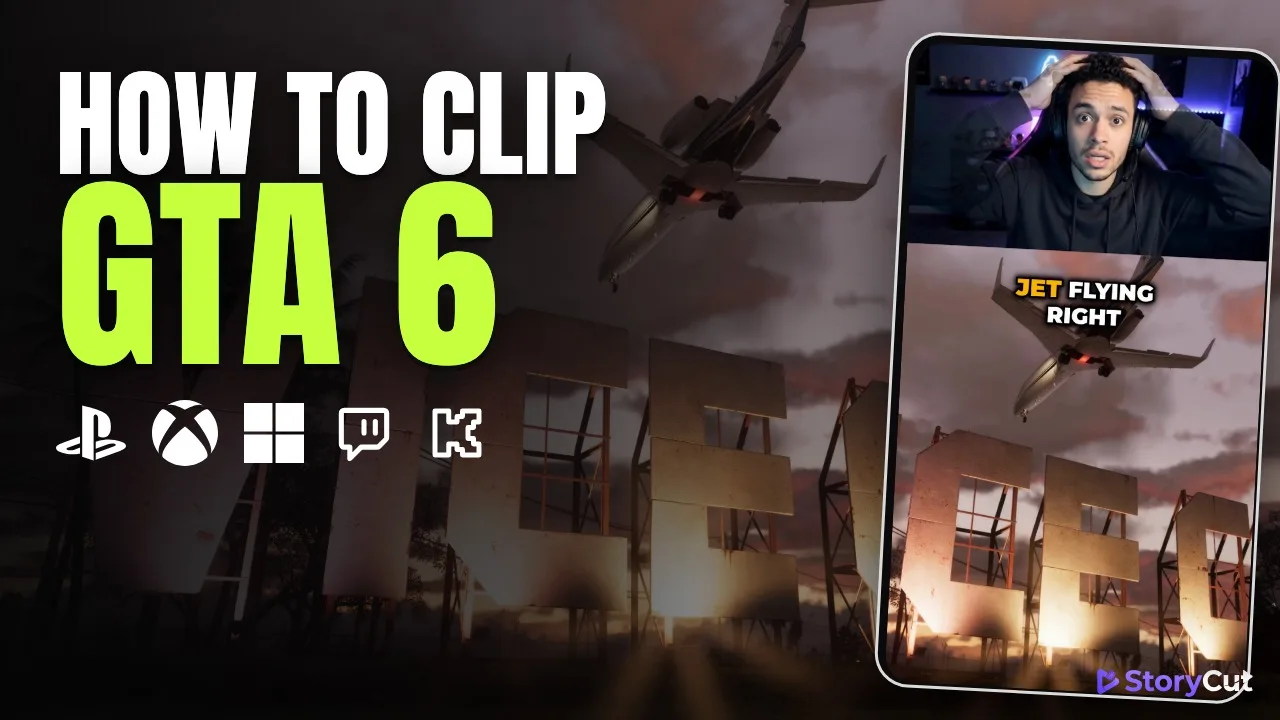 Image: Rockstar Games5:04
How to Clip GTA 6: PS5, Xbox, PC and Streams (Step by Step)
Step by step on PS5, Xbox, PC and from streams. Link it from your own video or post.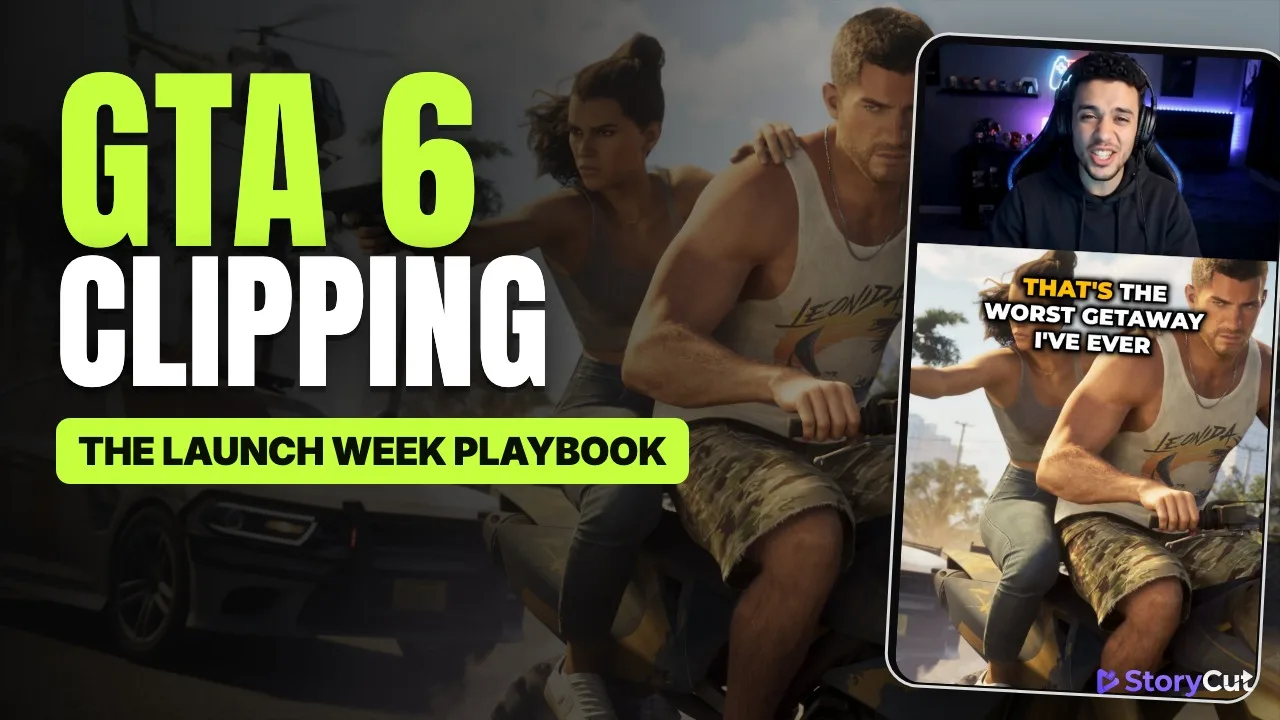 Image: Rockstar Games6:10
GTA 6 Clipping: The Launch-Week Playbook (Campaigns, Rules, Workflow)
How clipping campaigns work, the rules and a workflow from stream to posted clip.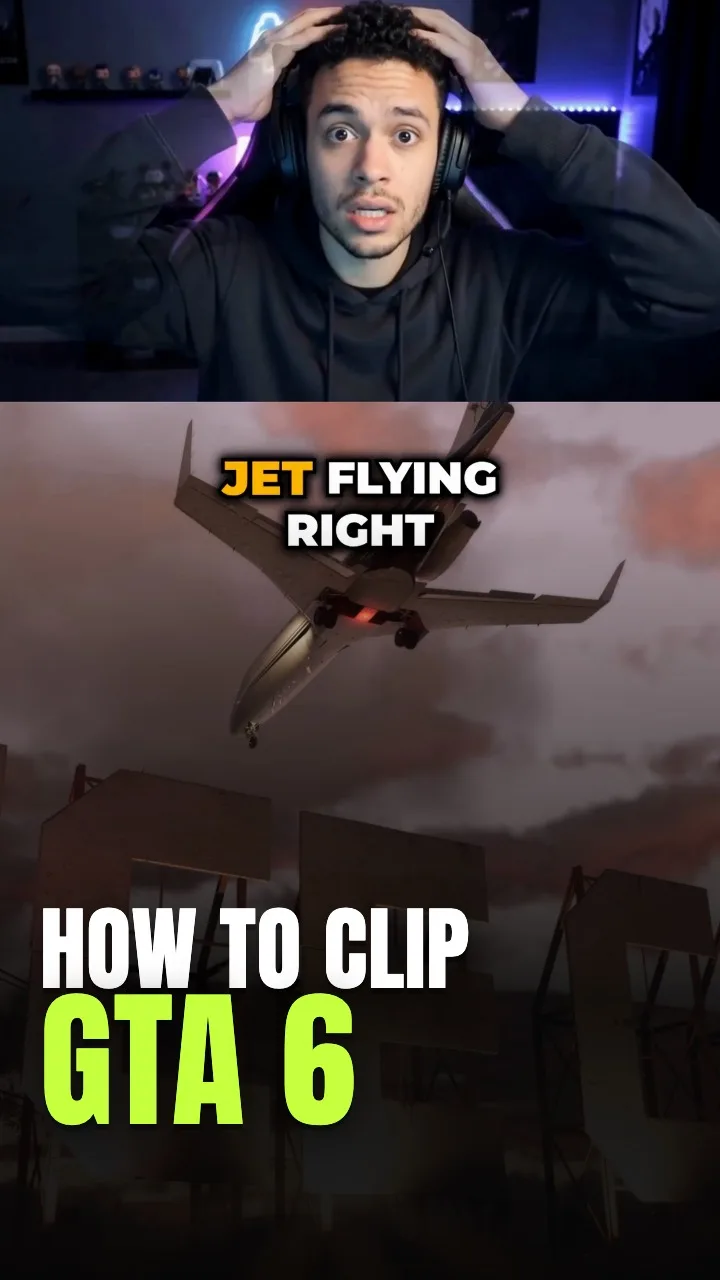 Image: Rockstar Games0:34
StoryCut screens To look at
These StoryCut screens show Rockstar Games’ GTA 6 images: they are here so you can see the feature, not to download. Share the page’s link instead: its preview card shows them.
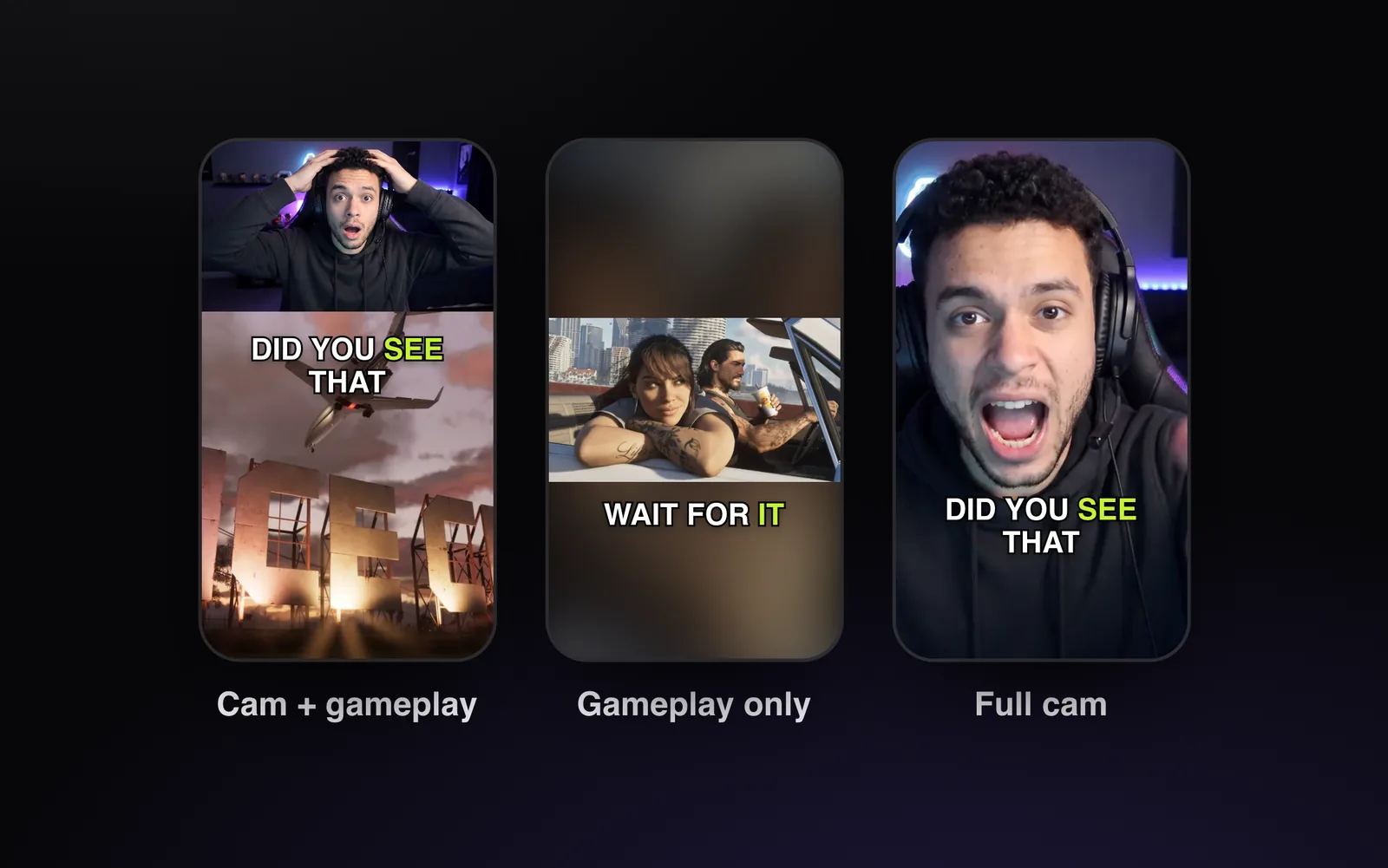 Image: Rockstar Games
The gaming layouts
Cam + gameplay, Gameplay only, Full cam: chosen per clip.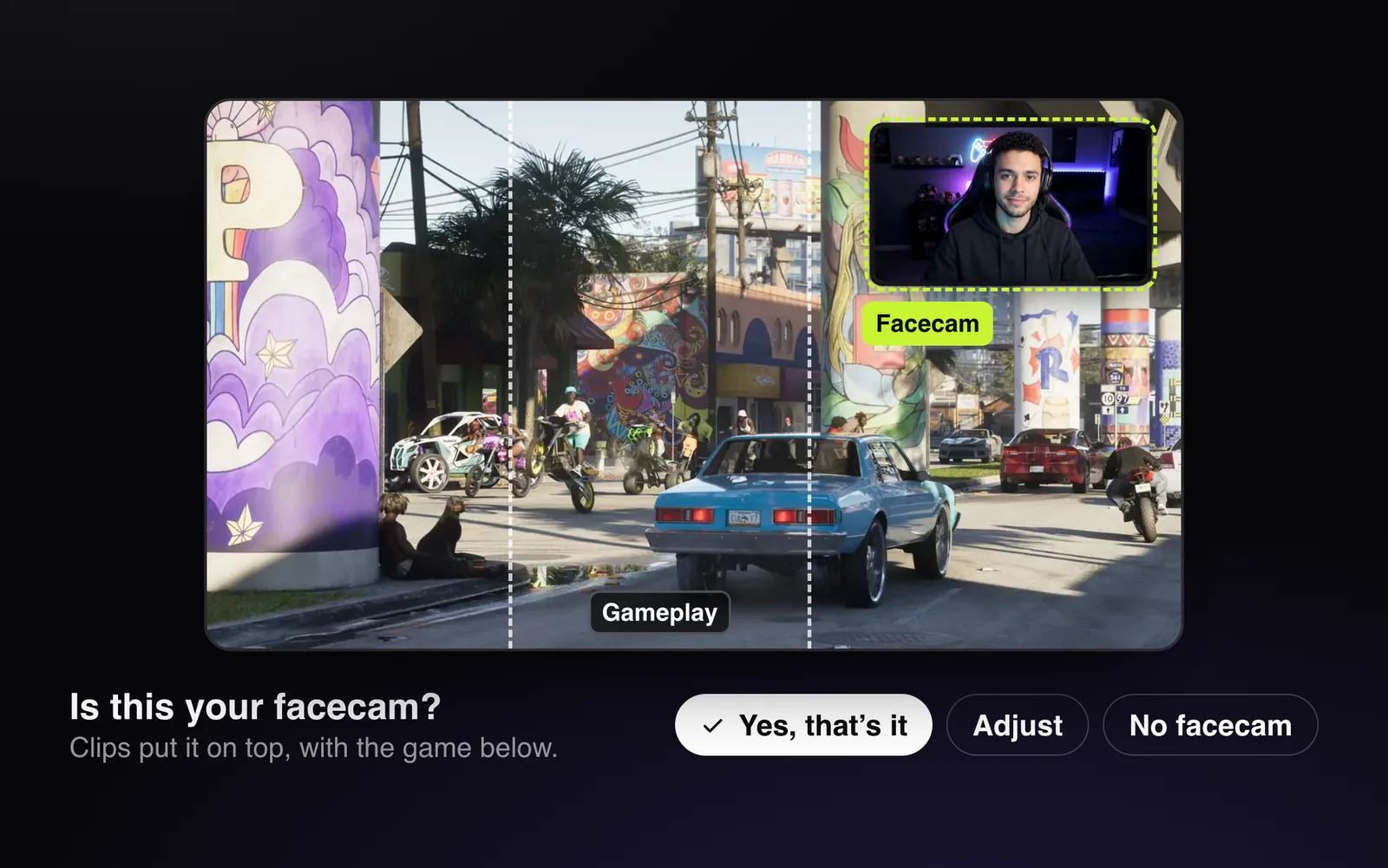 Image: Rockstar Games
Facecam found
StoryCut shows the box it found; adjust it once if needed.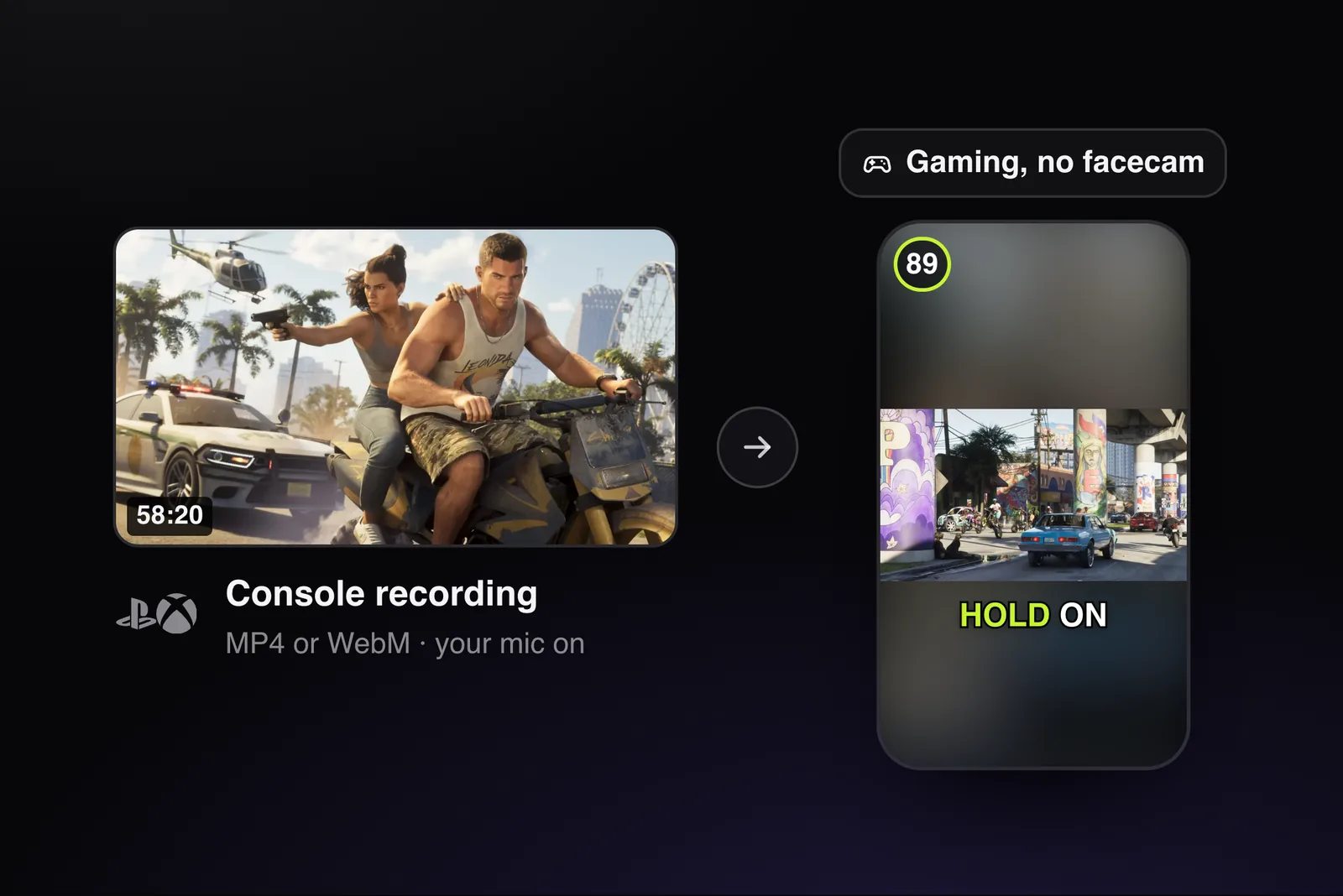 Image: Rockstar Games
Console recordings
A PS5 or Xbox recording with your mic works too.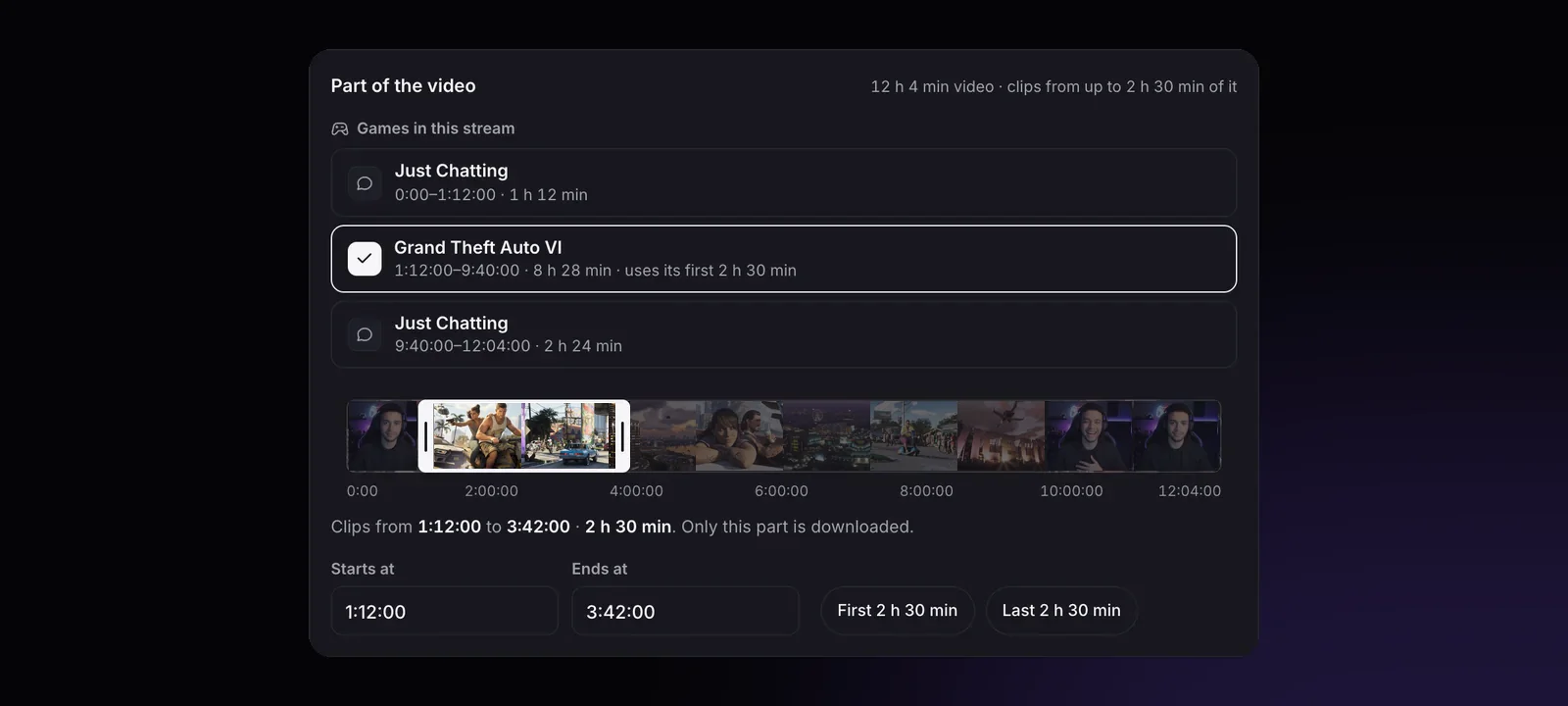 Image: Rockstar Games
Any part of a long stream
Pick the hour you want from a stream of many hours.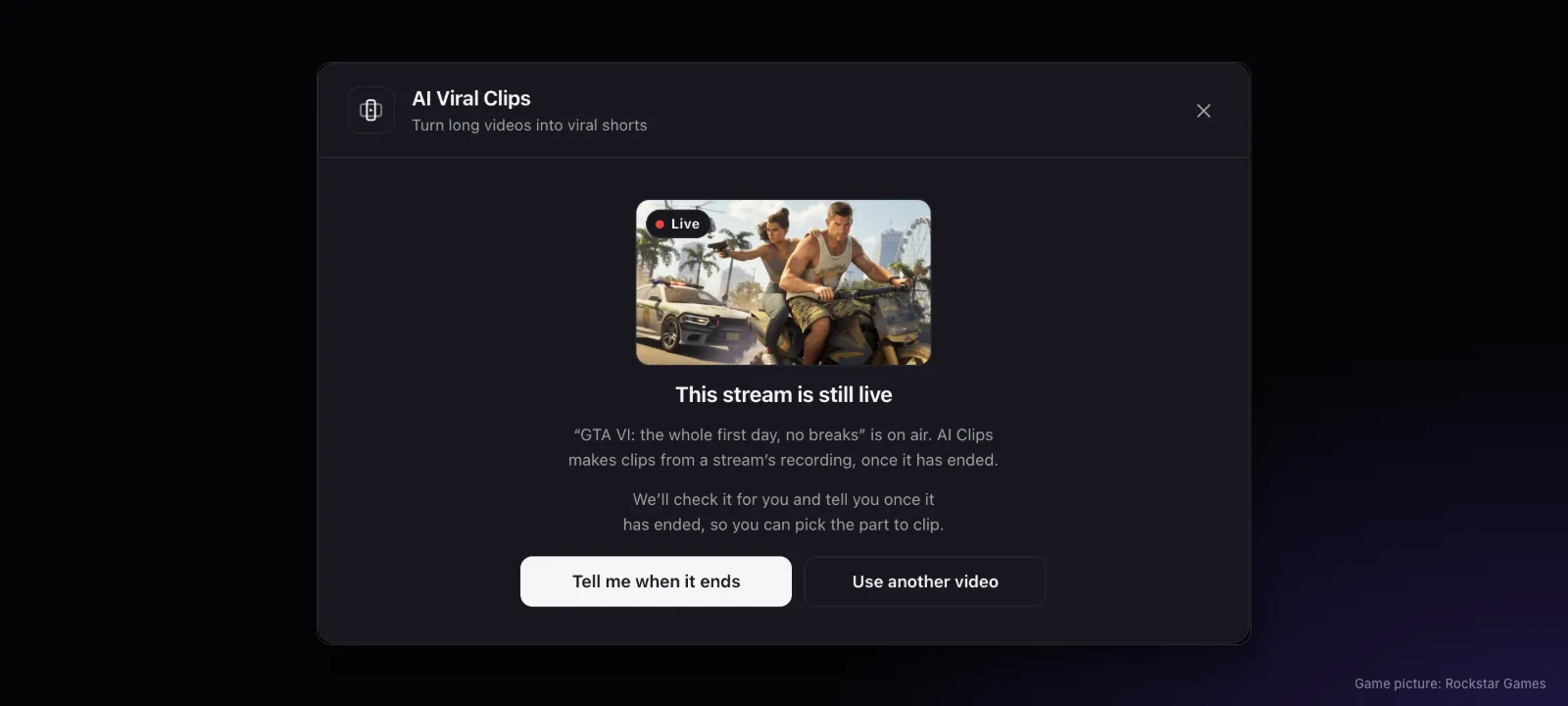 Image: Rockstar Games
Tell me when this stream ends
A YouTube stream still live: StoryCut tells you when its recording is ready to clip.Pages to link Add ?ref=YOURCODE
GTA 6 clip makerMake GTA 6 ShortsGTA RP clipsClip GTA 6 with Claude or ChatGPTBest GTA 6 clipping toolsGuide: GTA 6 clippingGuide: clip GTA 6 on PS5 and XboxGuide: GTA 6 Shorts that don’t get removed
GTA 6 images: Rockstar Games. StoryCut is not affiliated with or endorsed by Rockstar Games or Take‑Two Interactive.
04
Twitch clips and Viewer reactions
Twitch past broadcasts into vertical clips, with what viewers clipped and where chat lit up as hints.
- Paste a Twitch past broadcast or clip (Kick works too); pick any part of a long stream.
- The facecam goes on top and the game below, found by itself.
- Viewer reactions: on a Twitch past broadcast, the clips your viewers made and the moments chat lit up are given to the AI as hints. It still chooses from what is said.
- In our test on five streams with a normal-size chat, the picks caught 28% of the moments viewers had clipped, against 17% without the chat: a small test, and we keep measuring.
- A clip that lands on a viewer clip or a big chat spike says so on its card.
StoryCut screens To look at
These StoryCut screens show Rockstar Games’ GTA 6 images: they are here so you can see the feature, not to download. Share the page’s link instead: its preview card shows them.
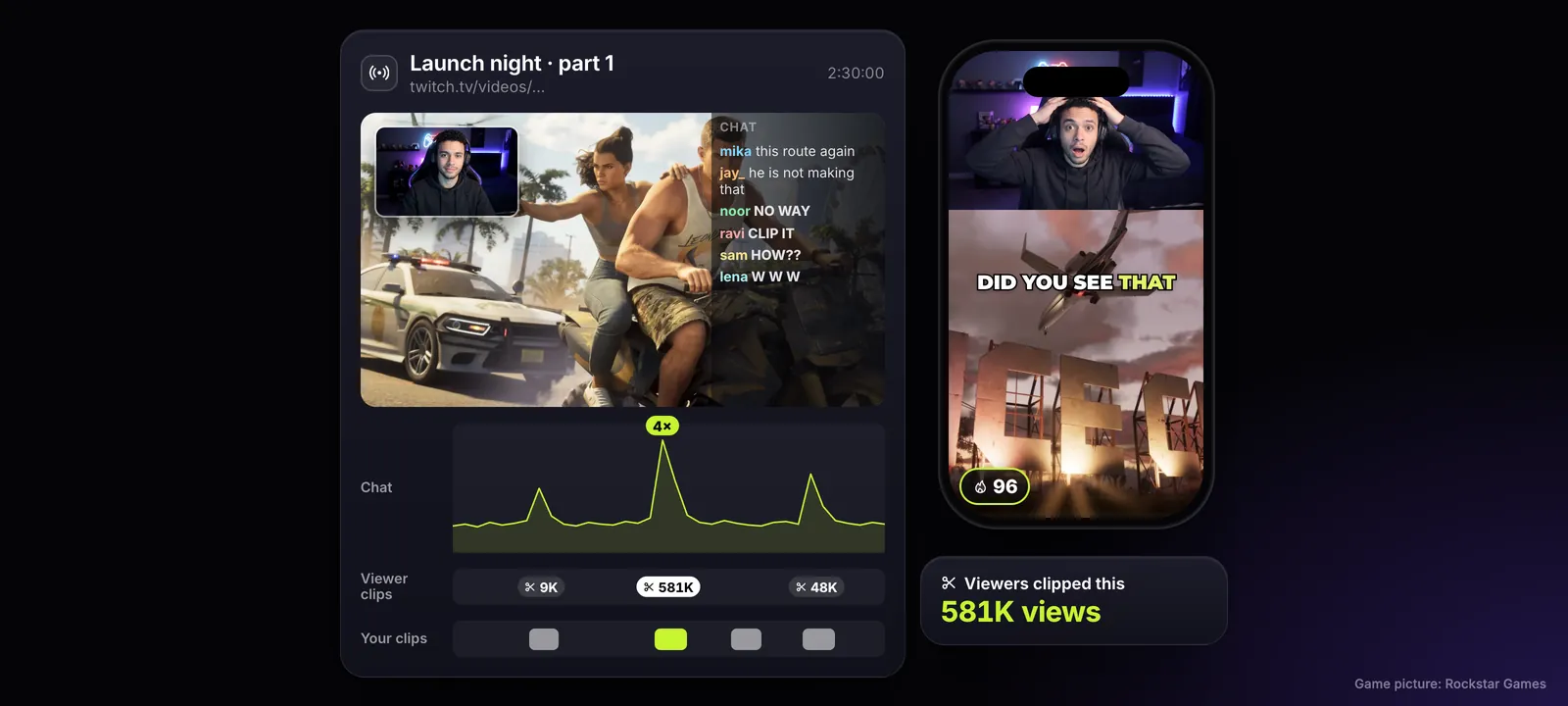 Image: Rockstar Games
Viewer reactions
Chat’s pace, the viewer clips and the clips picked, on one timeline.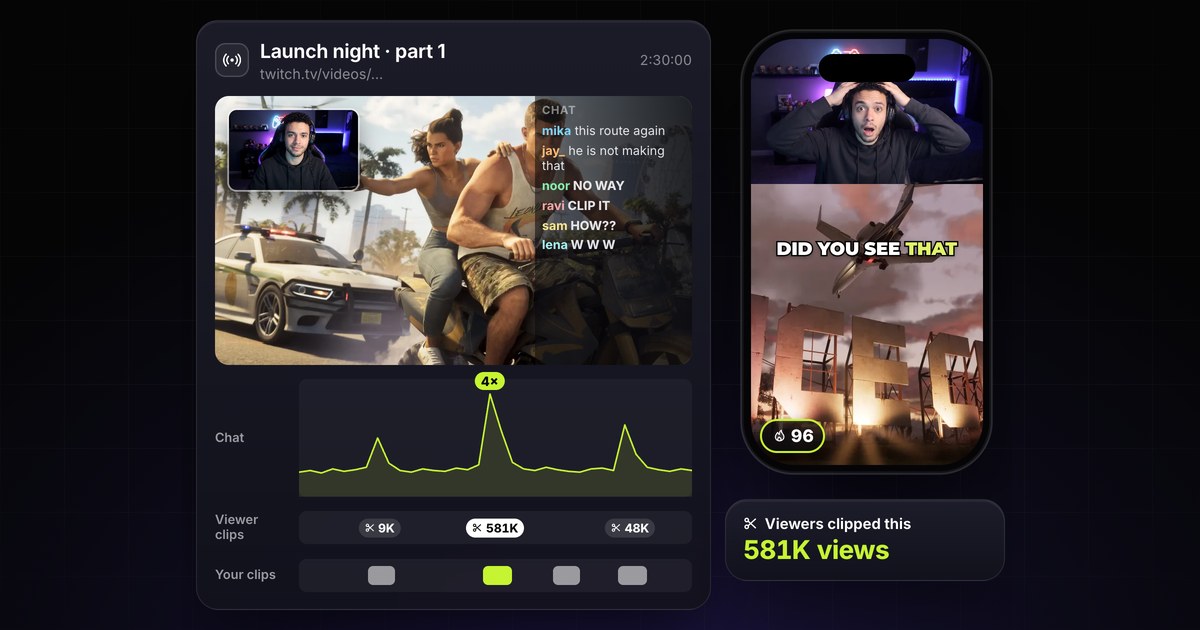 Image: Rockstar Games
Chat spikes and viewer clips
The social card of the Twitch highlight finder page.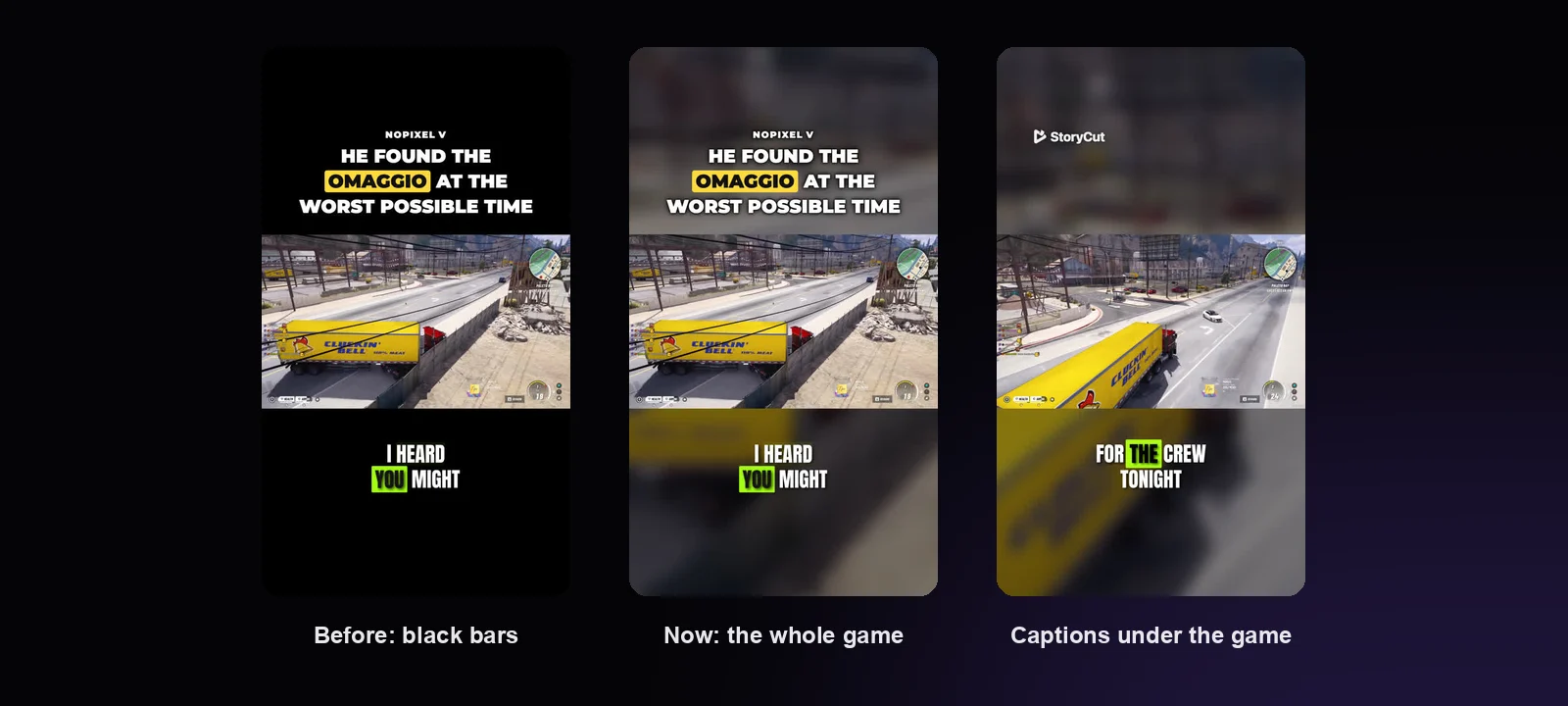 Image: Rockstar Games
Gaming layouts
What the facecam layout does to a stream.Pages to link Add ?ref=YOURCODE
GTA 6 images: Rockstar Games. StoryCut is not affiliated with or endorsed by Rockstar Games or Take‑Two Interactive.
05
AI eye contact correction
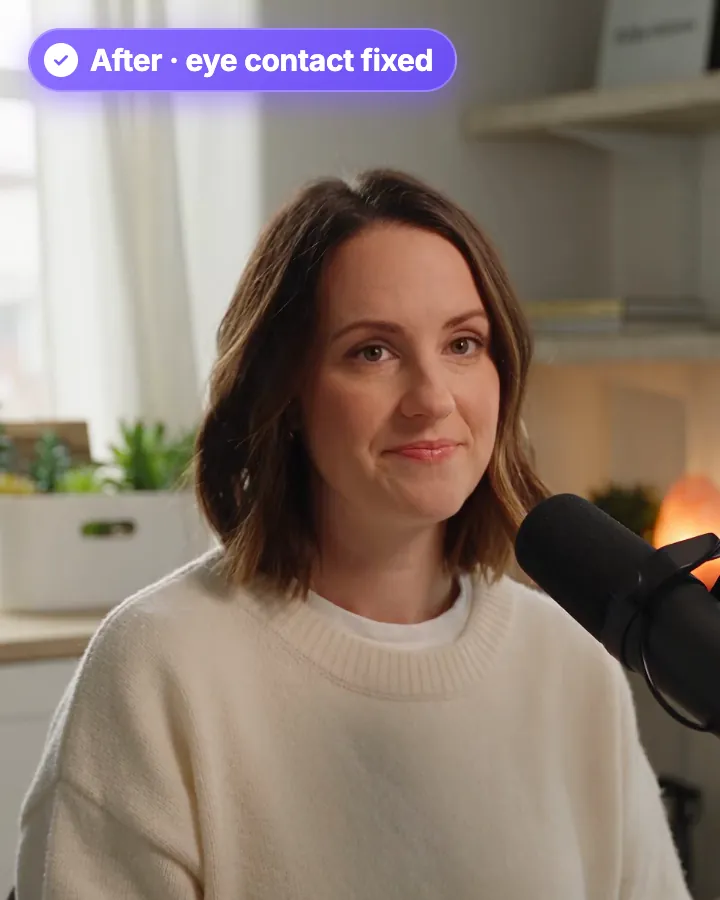
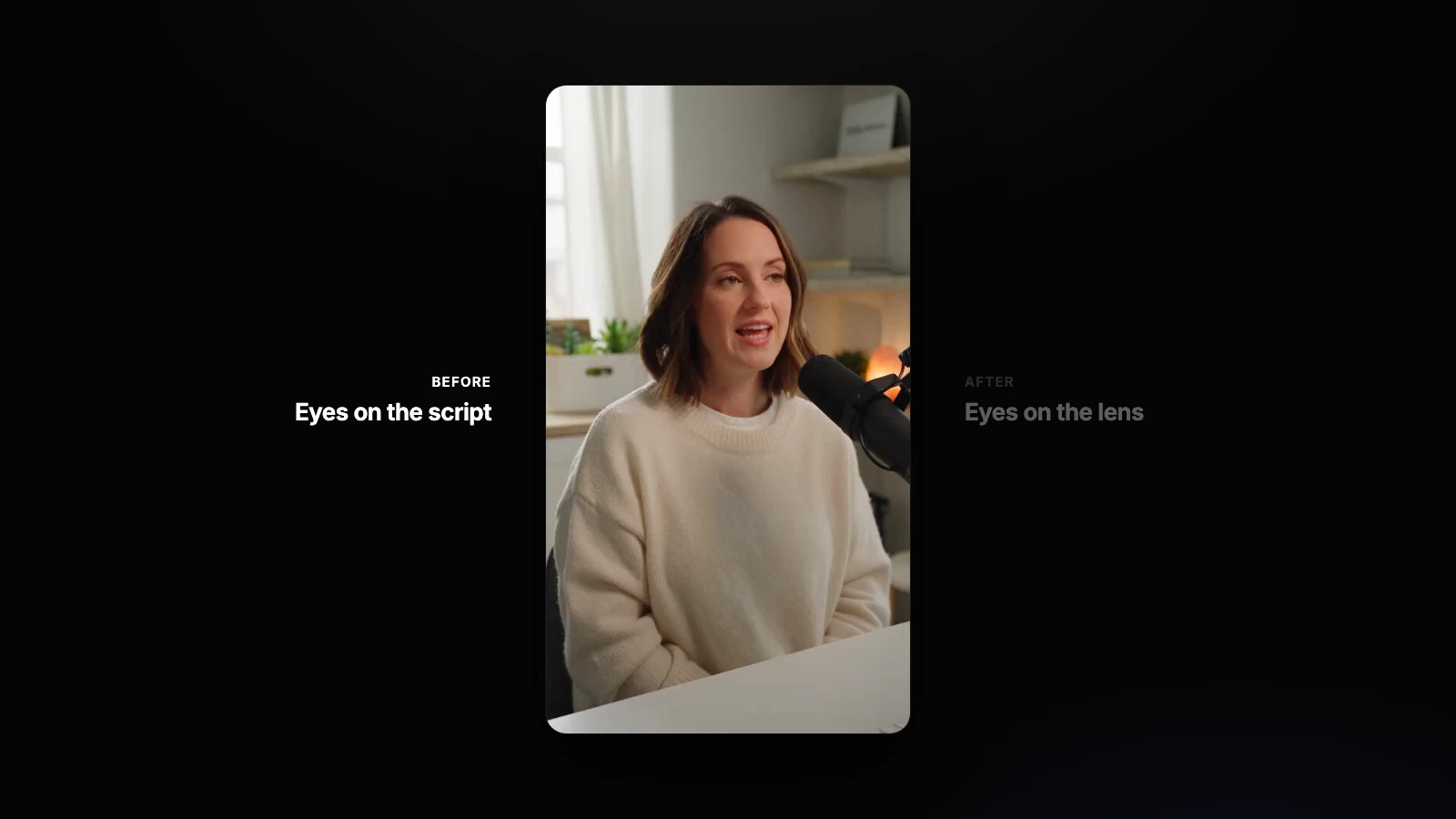
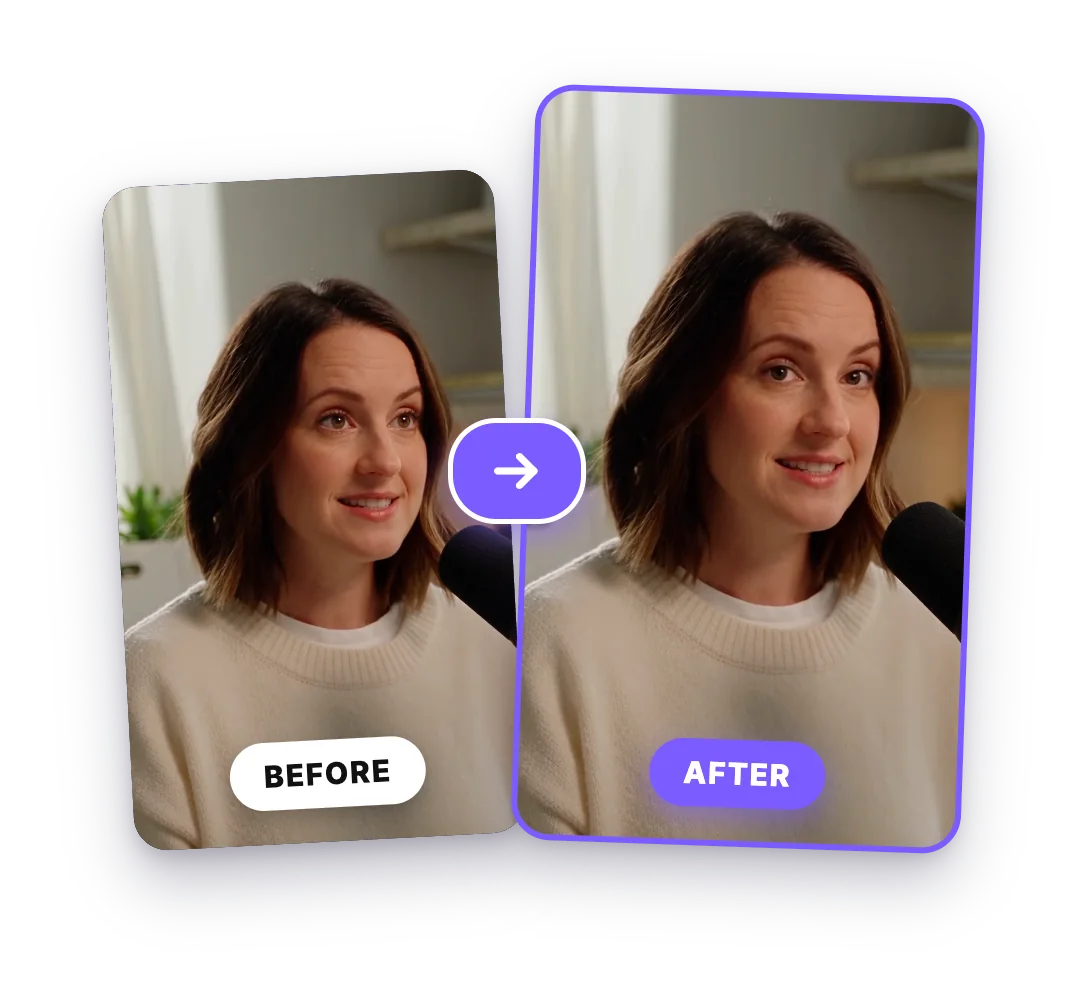
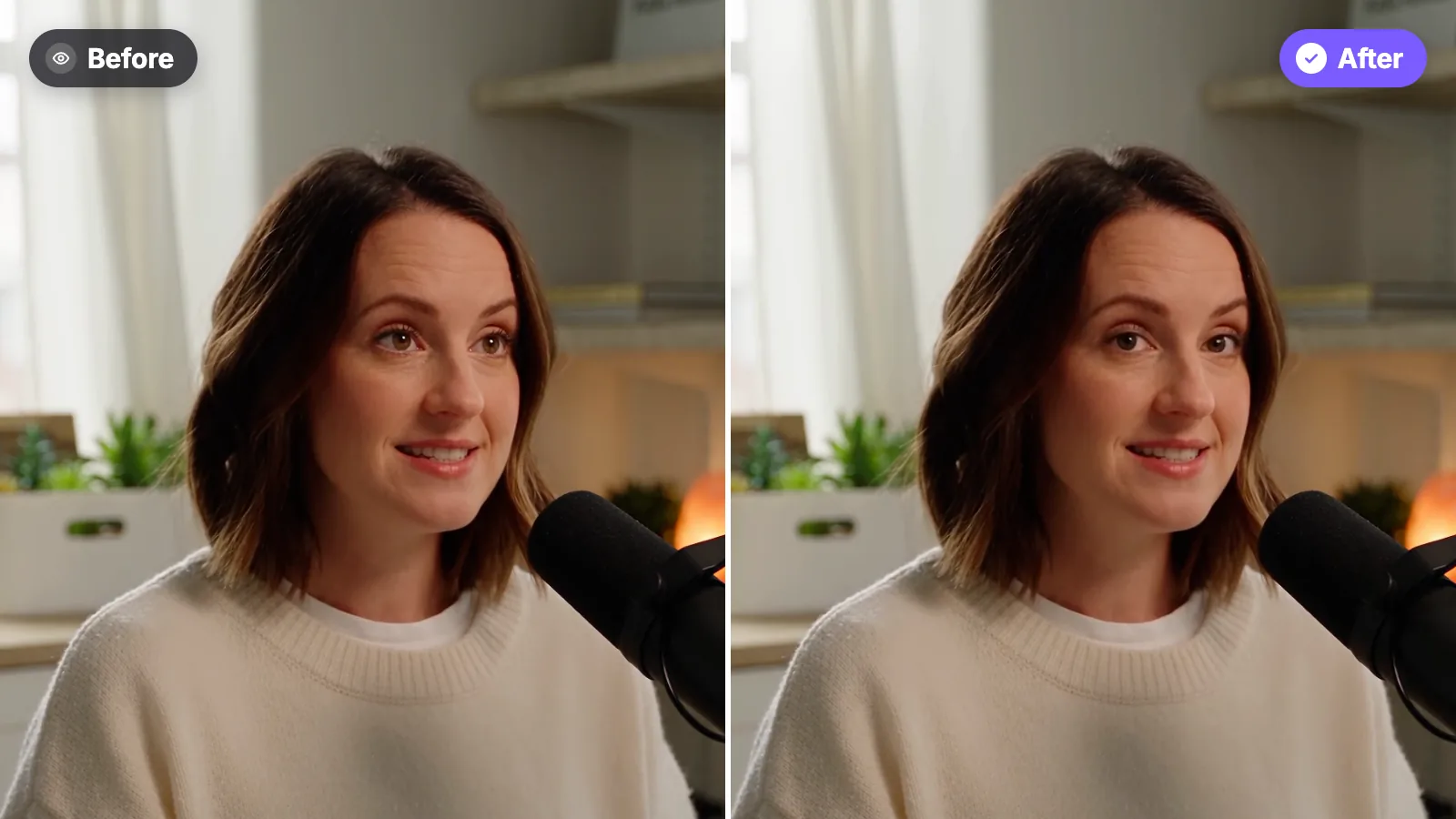
Read a script or your notes, and look at the lens in the video anyway.
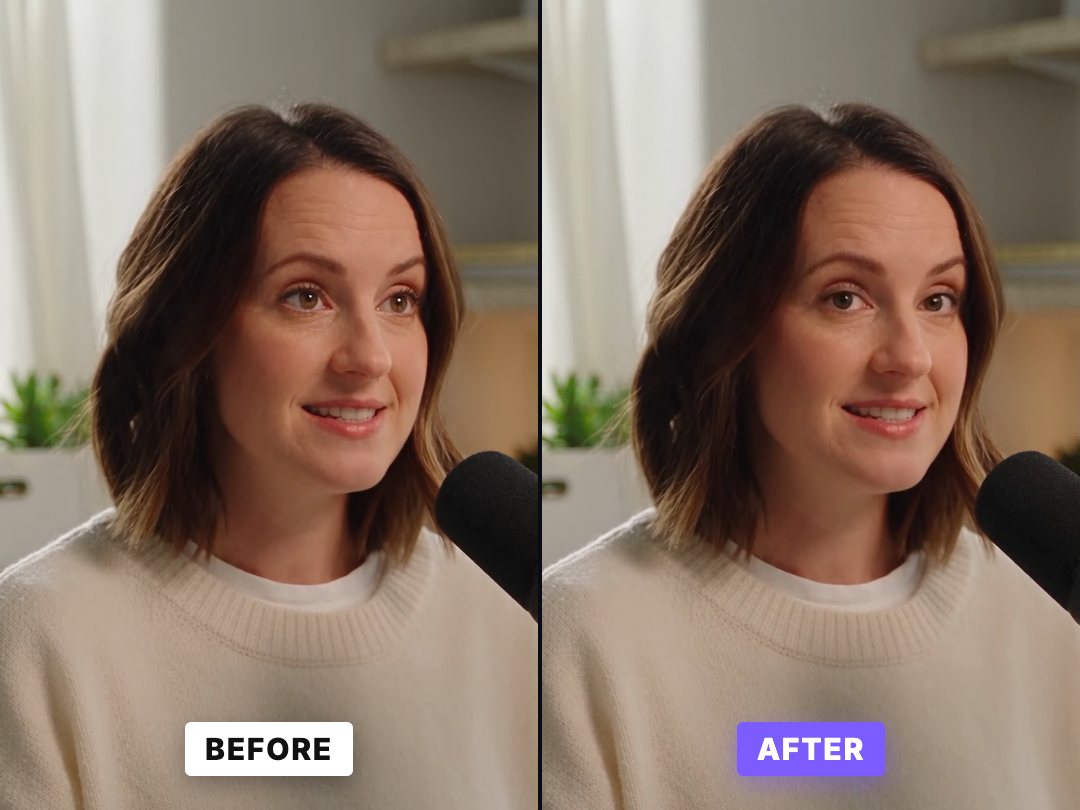
- Points the gaze back at the lens in every frame of a recorded video, keeping the resolution, frame rate and sound.
- Watch the first 20 seconds of your own video fixed free, then $3.99 to keep the whole video.
- Or 5 videos for $9, up to 10 minutes each, paid once.
- Pro includes 10 eye contact videos a month; Business, unlimited.
- Built on NVIDIA Maxine Eye Contact. No app to install.
Videos 3 loops, MP4
 0:08
 0:08
 0:08
Pictures 3 product pictures
Pages to link Add ?ref=YOURCODE
06
Captions and editing
Captions, hook titles and a full edit, in the same place as the clips.
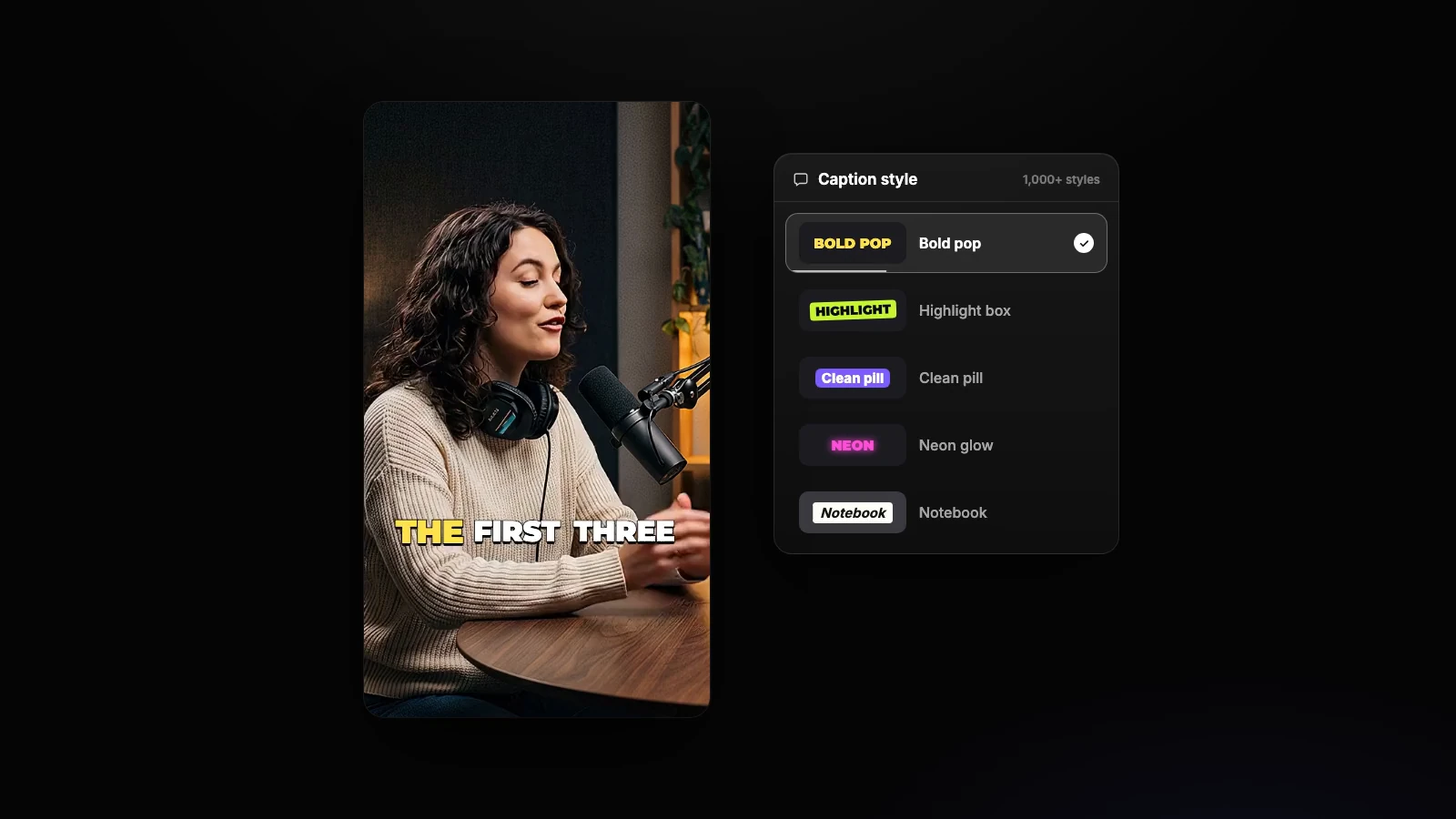
- 1,000+ caption styles, counting the Community library; word-by-word captions in 49 languages.
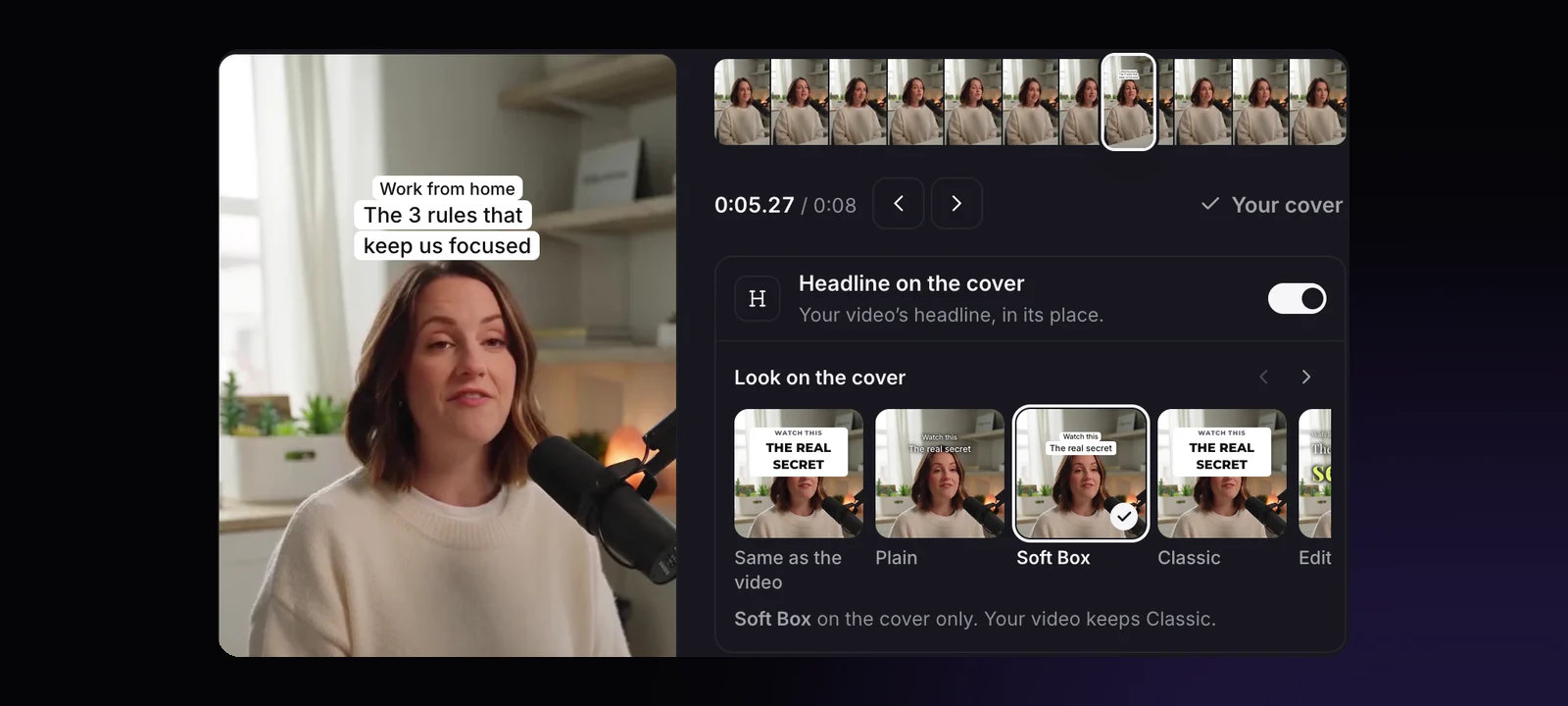
- 31 hook title looks, or Auto: StoryCut picks the look that fits what the video is about.
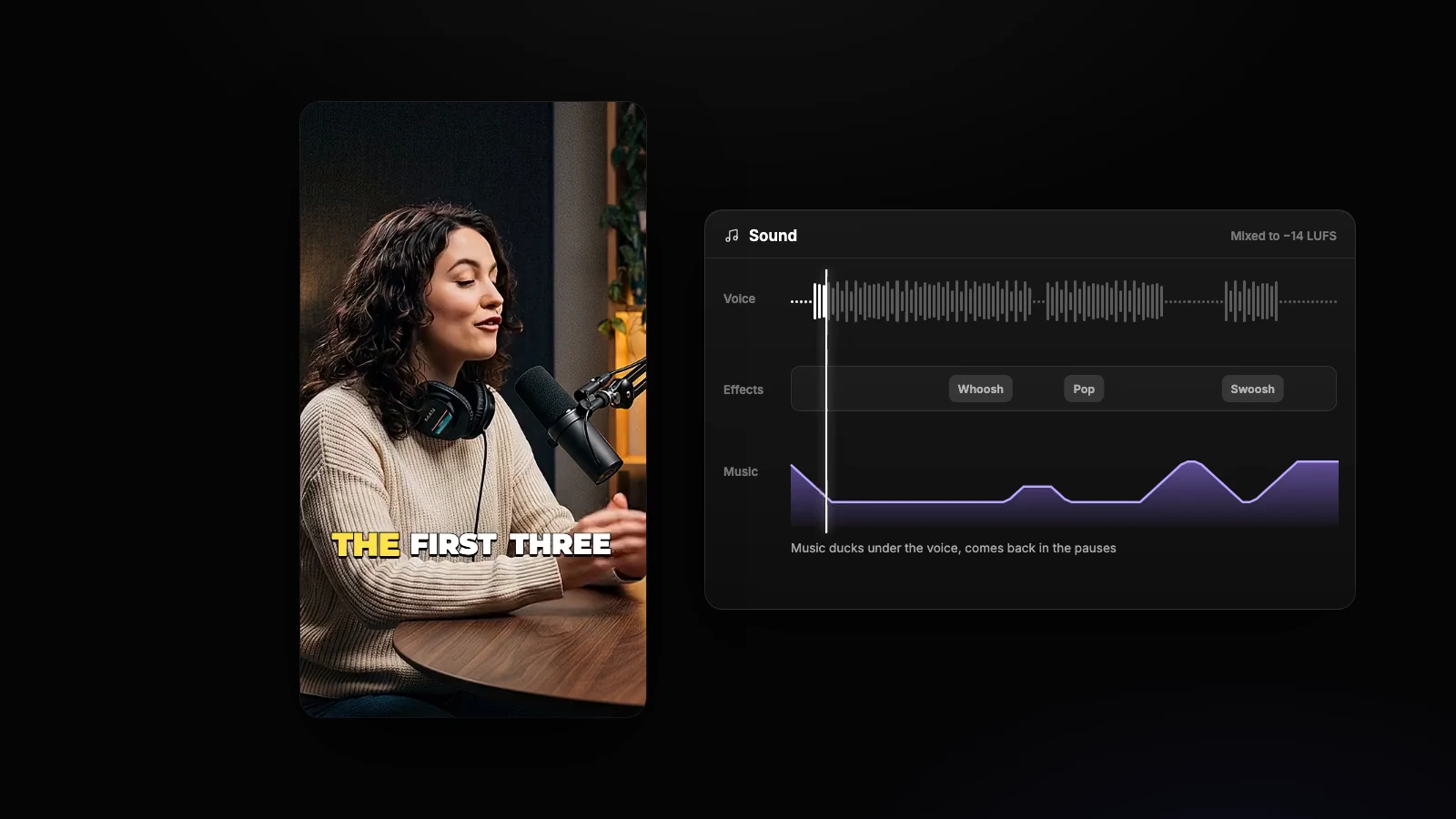
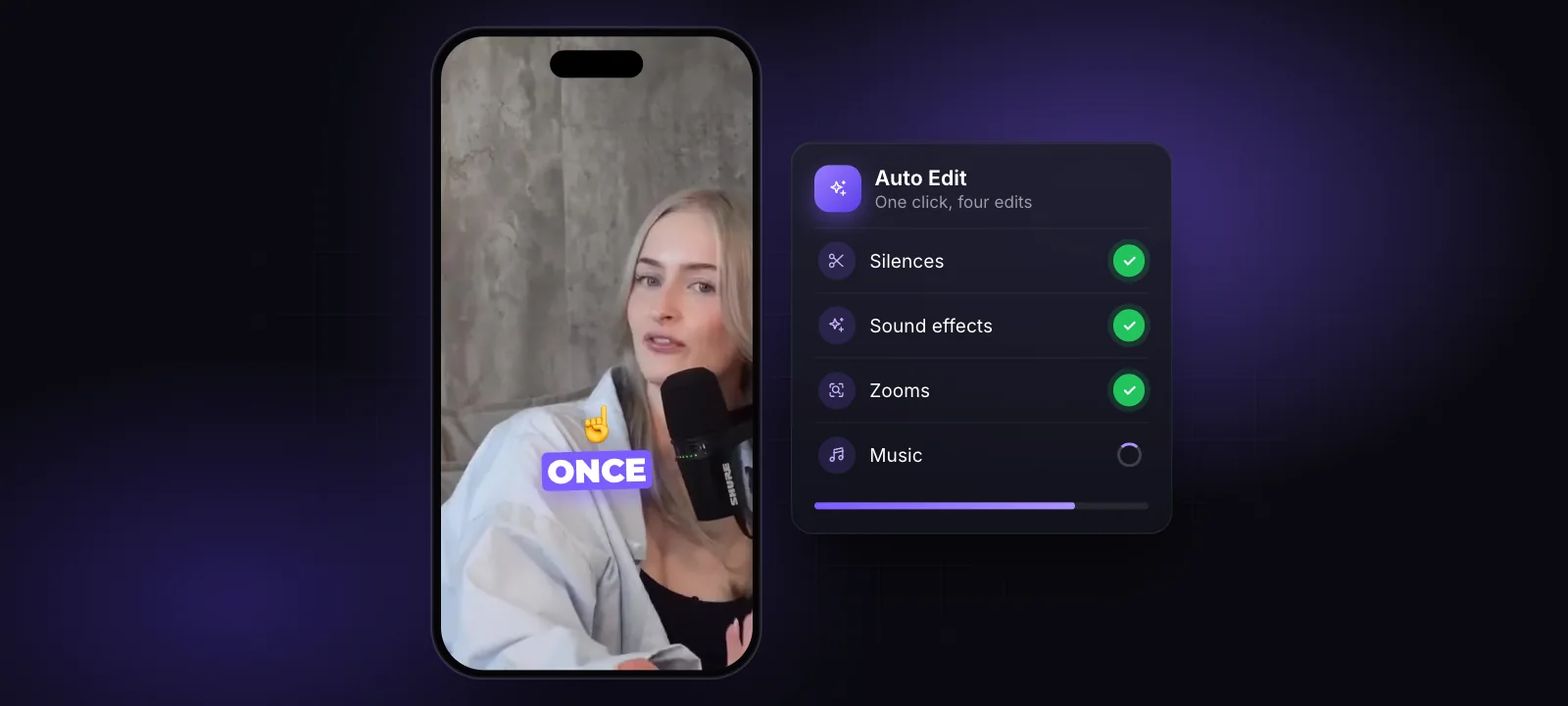
- 18 edit styles set the zooms, sound effects, music, B-roll and pauses once, for every video.
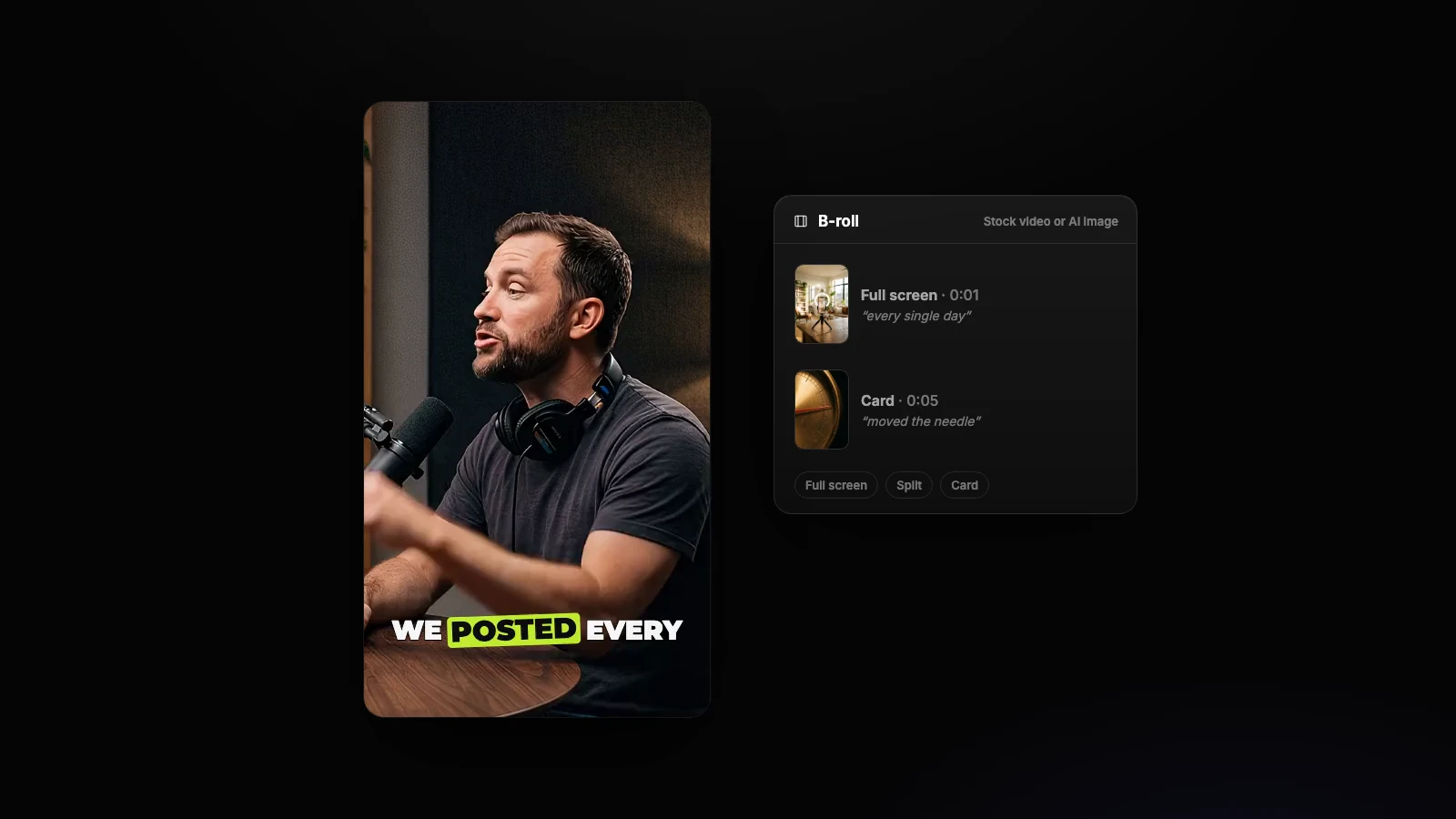
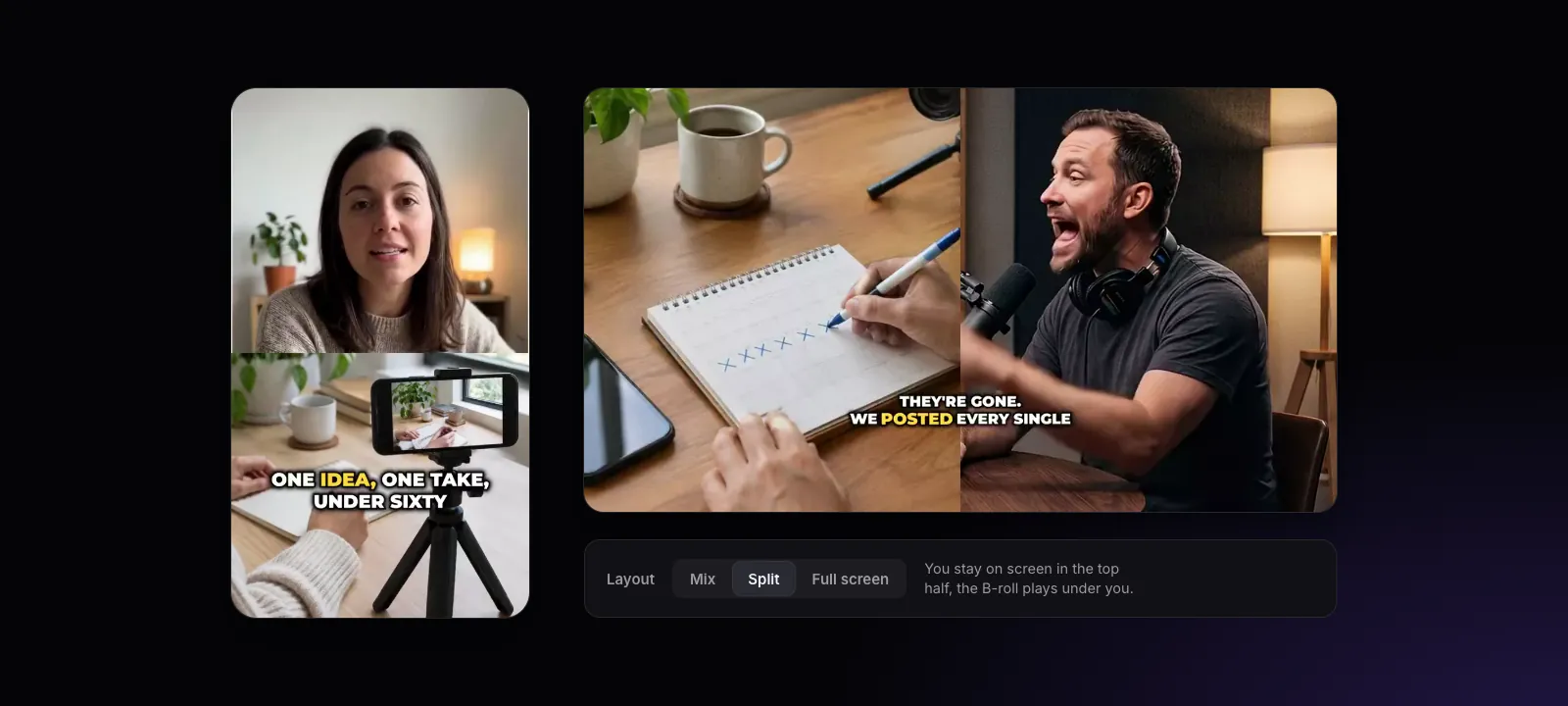
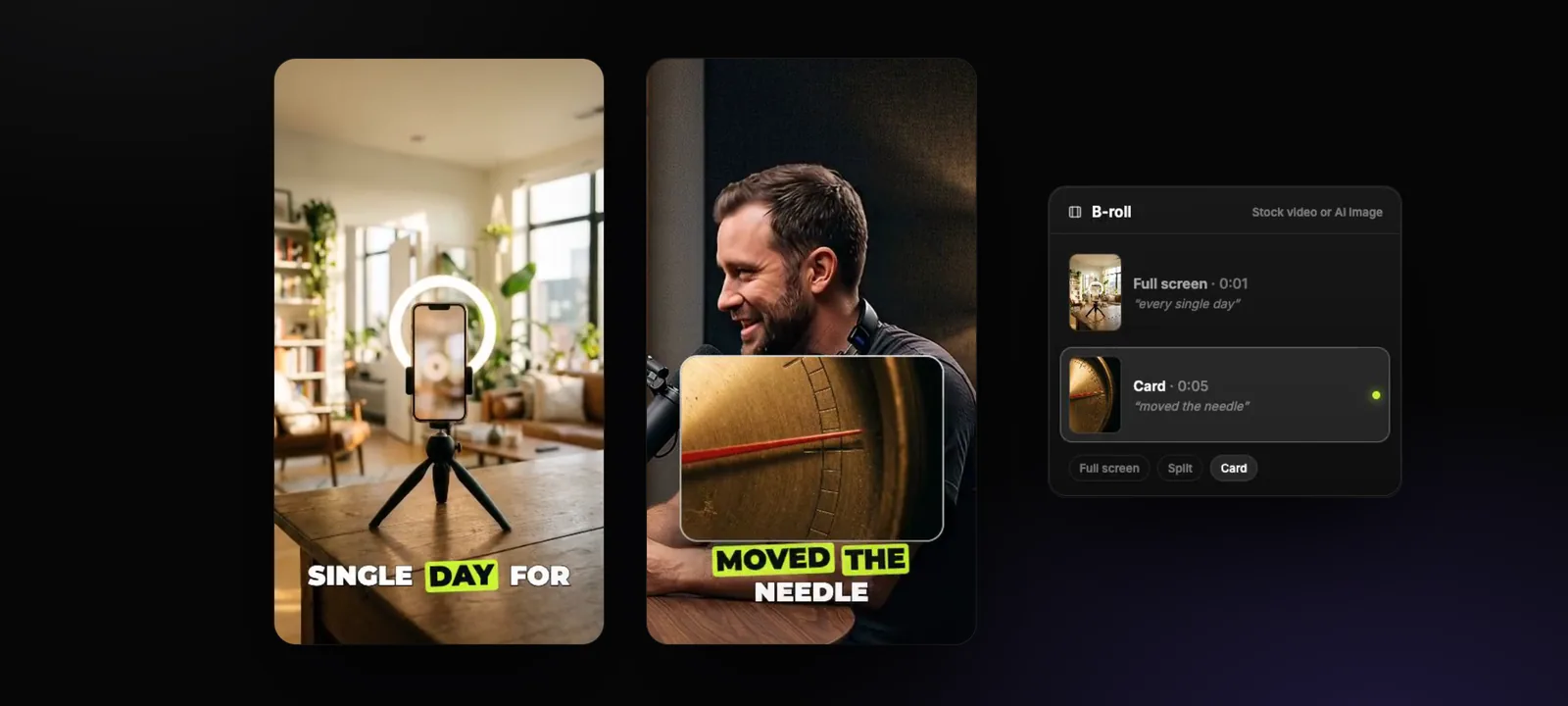
- B-roll as full-screen cutaways, split screens or cards, from stock video or AI images (Pro).
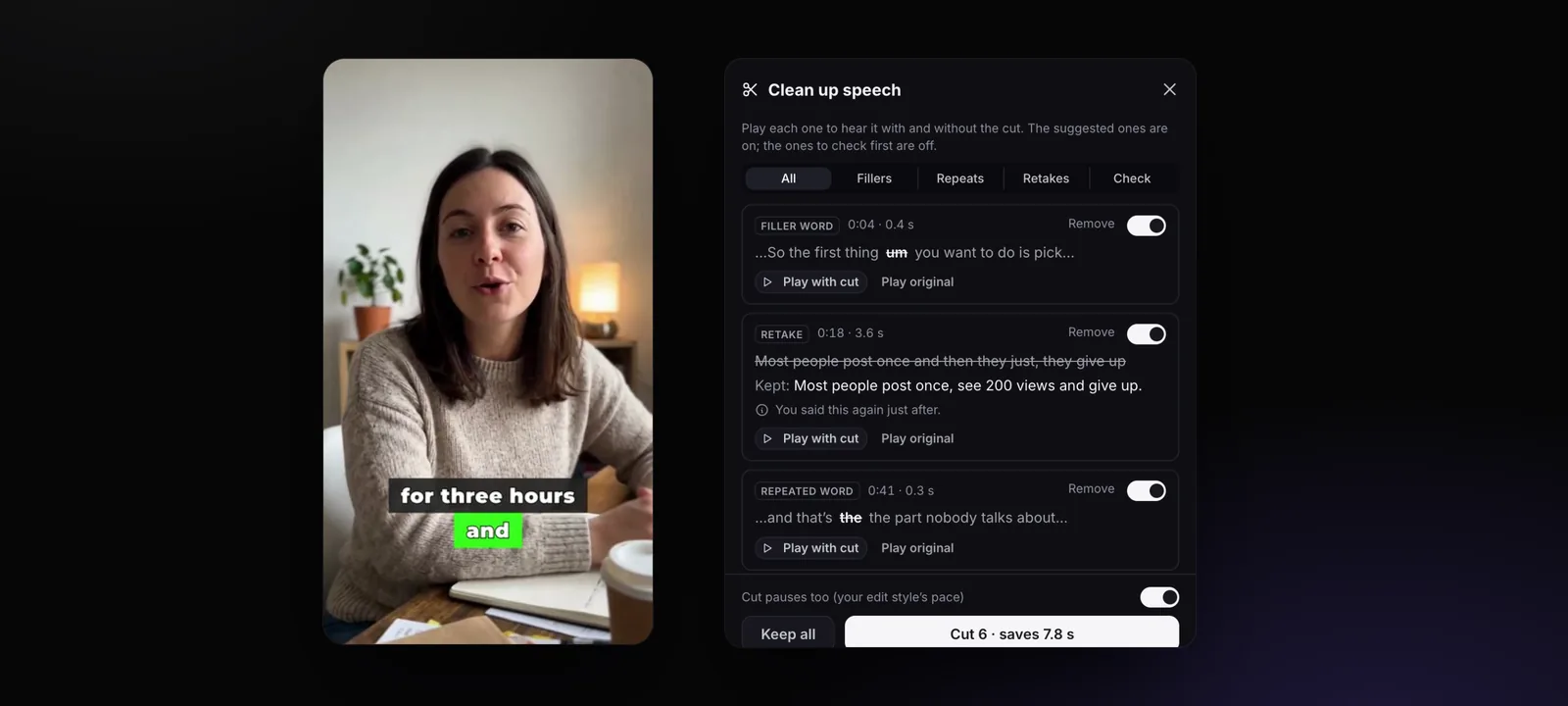
- Clean up speech finds filler words, repeats and retakes, and nothing is cut before you review it (Pro).
Videos 5 loops, MP4
 0:08
 0:08
 0:08
 0:05
 0:04
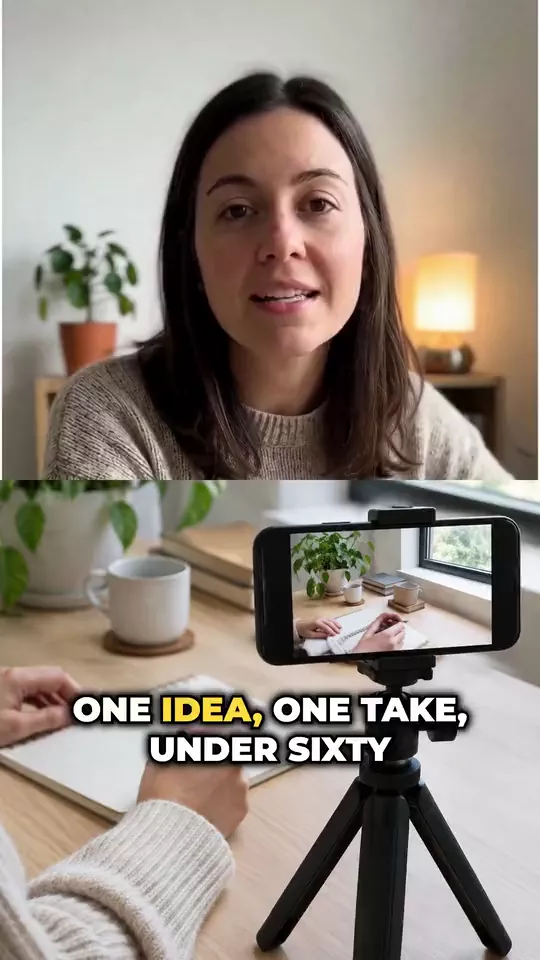
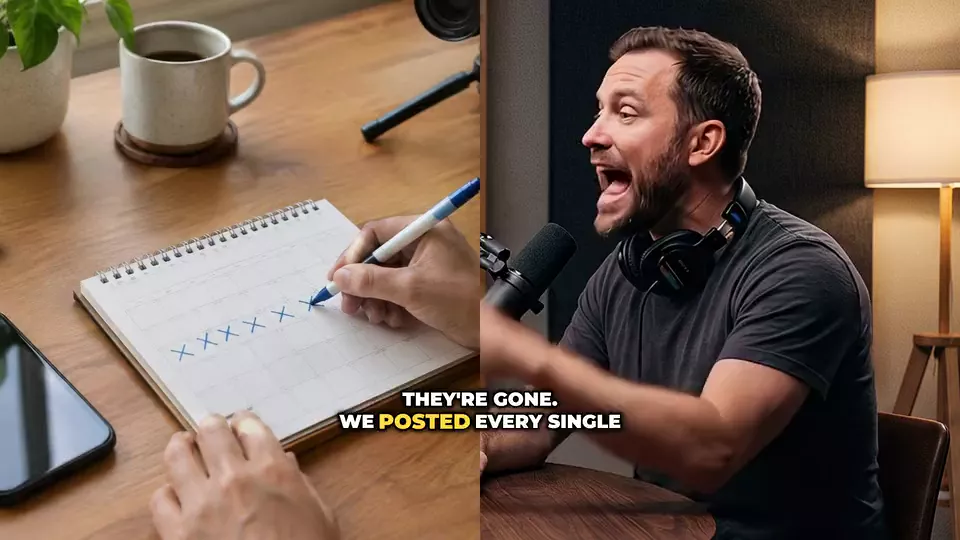
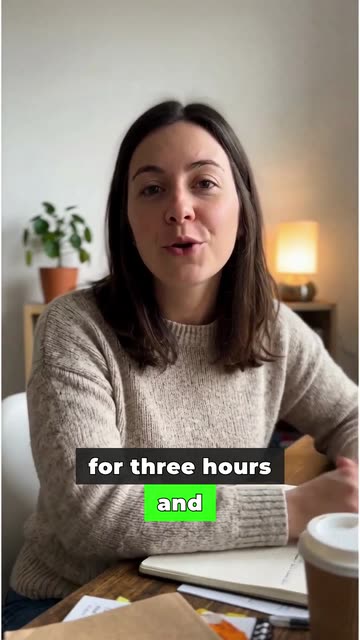
The 18 edit styles A real export of each, 9:16
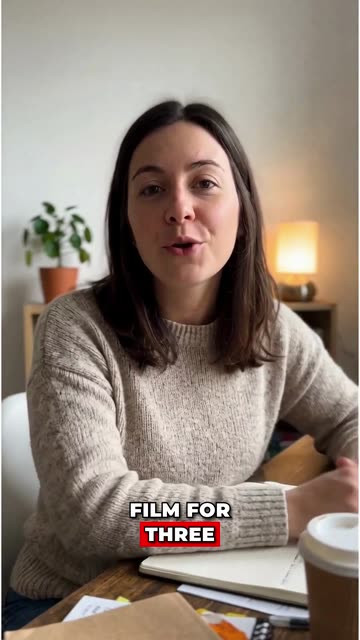
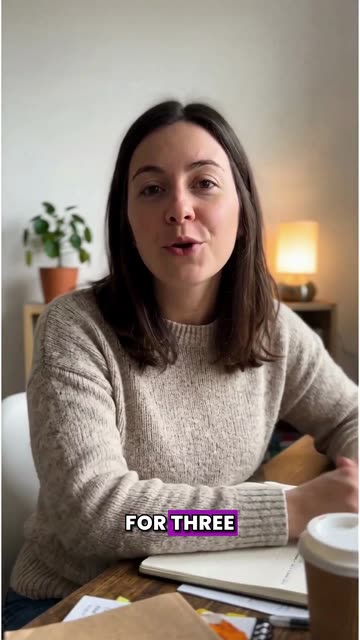
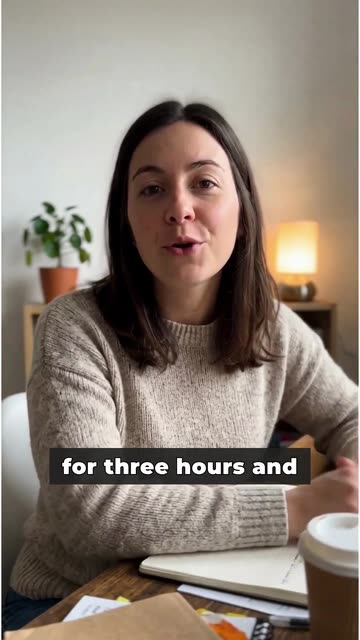
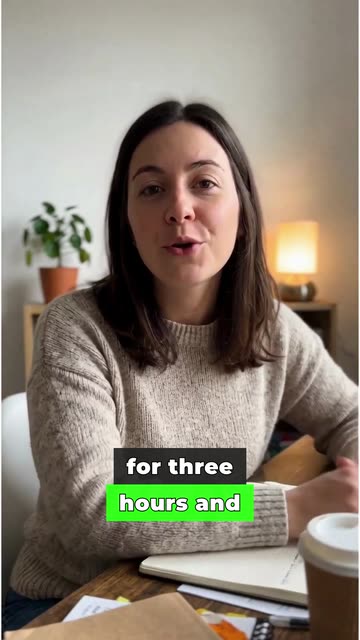
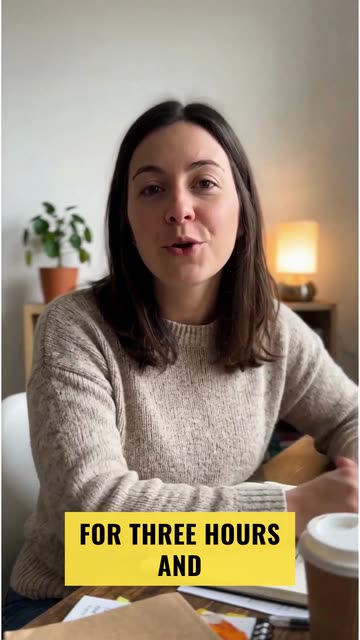
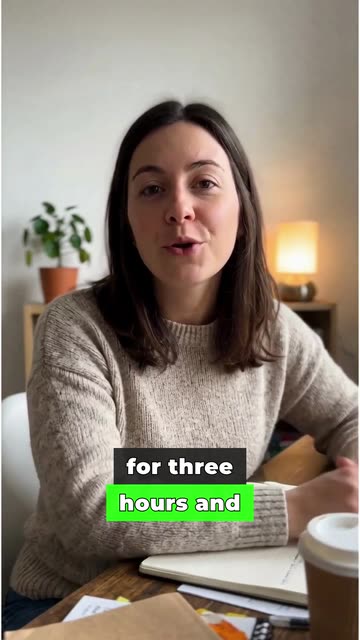
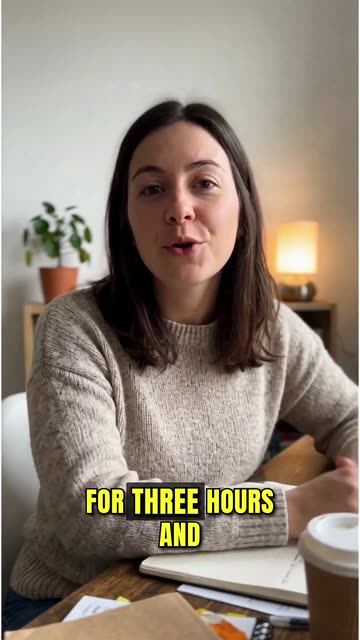
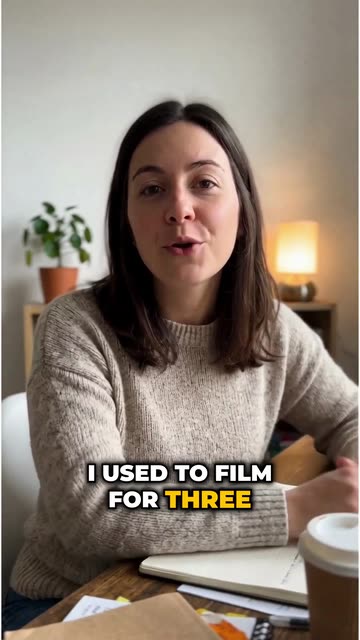
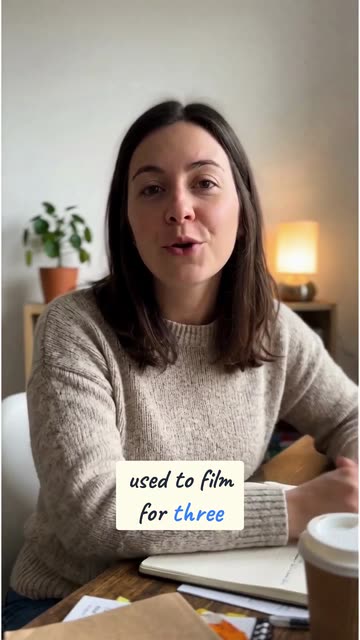
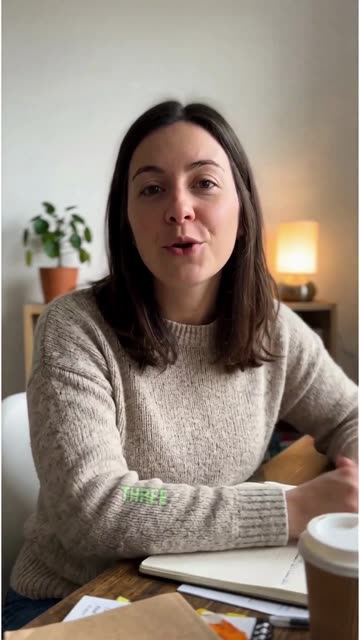
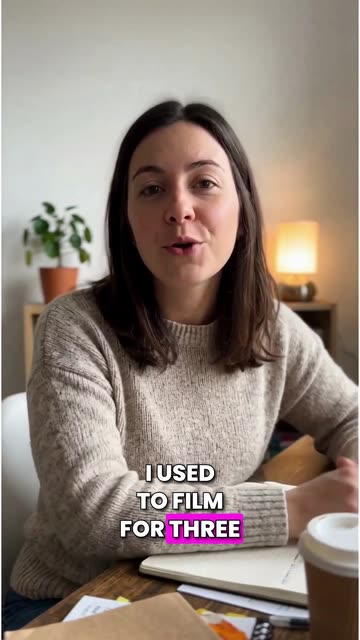
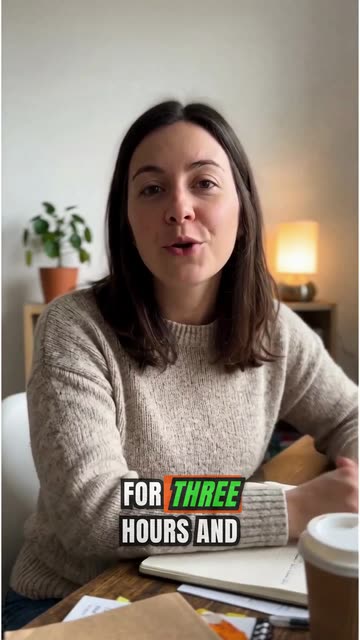

Pictures 10 product pictures
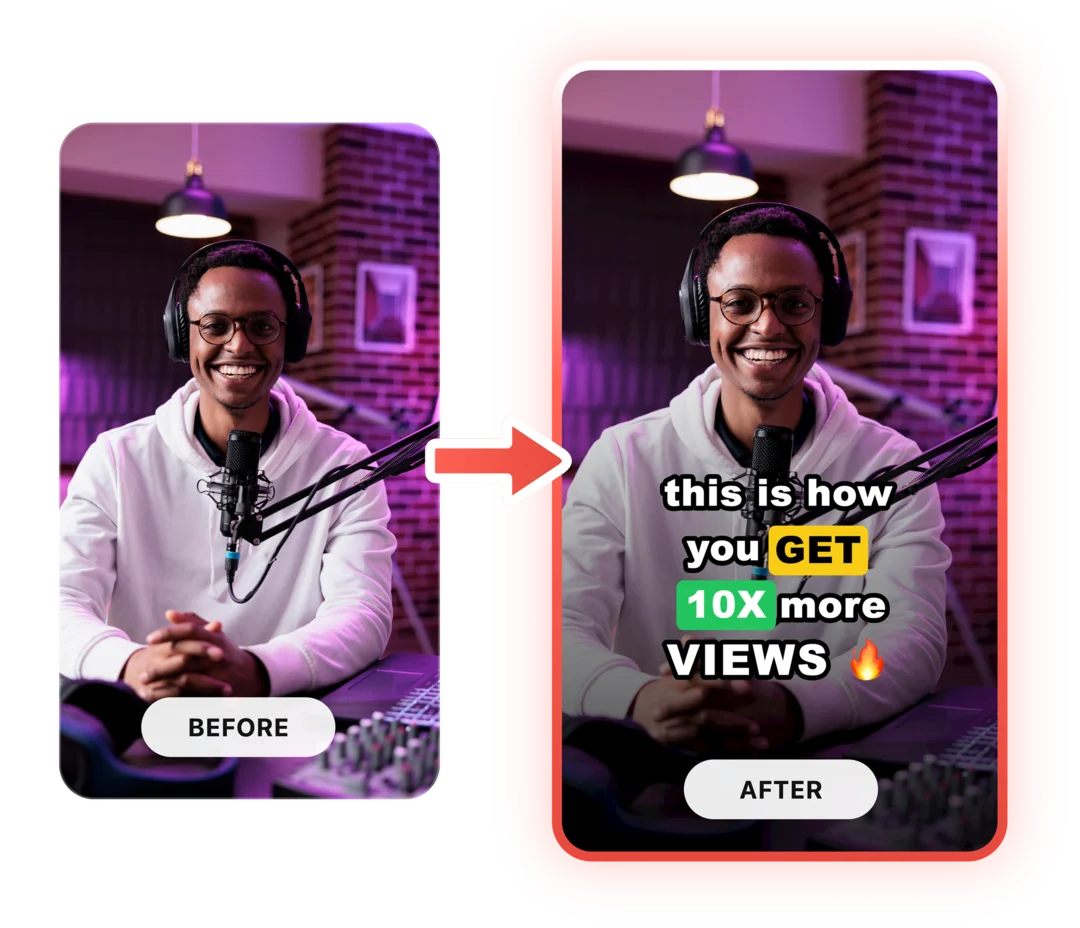
Before and after captions
The same take, plain and with captions: “this is how you get 10X more views”.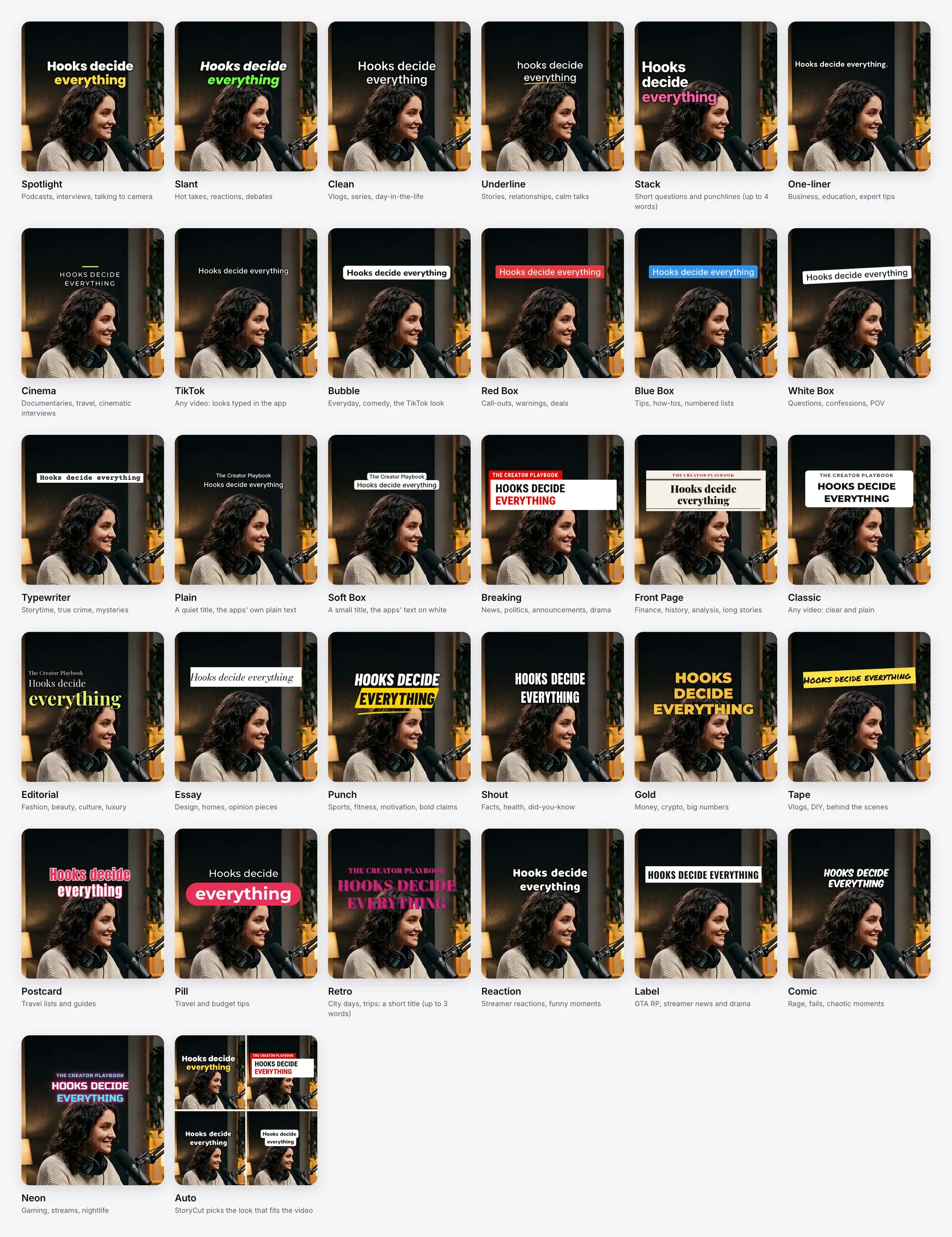
Pages to link Add ?ref=YOURCODE
Earlier visuals (12)
07
Automation: auto import, the API, AI assistants
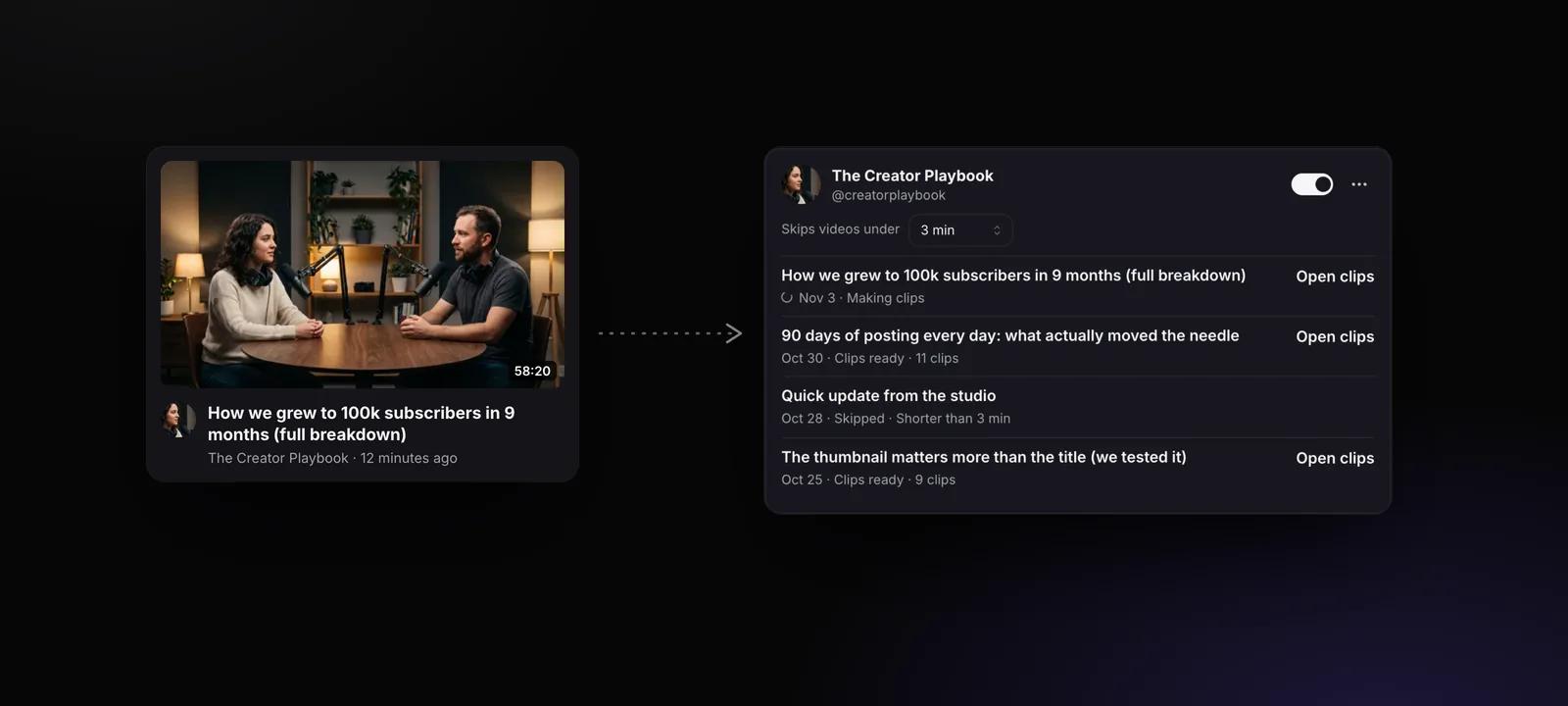
Clips that start by themselves, from a channel, an app or a chat.
- Auto import: connect a YouTube channel and each new video becomes clips with your saved settings (Starter 1, Pro 3, Business 10 channels).
- The StoryCut API and webhooks, from Starter: start runs from a link or an upload, read the clips, export them, get told when they are ready.
- The MCP connector: make and edit clips by chatting in Claude, ChatGPT or Cursor, on every plan (each app decides who can add a connector).
- AI Clips also takes Google Drive and Dropbox share links: no download, no re-upload.
Pictures 1 product picture
Pages to link Add ?ref=YOURCODE
08
Logos, colours and the name
The logo and the icon as files, the colours, and how to write StoryCut.
Logos SVG and PNG, transparent






Colours Copy a hex code
StoryCut purple
#7C5CFF · RGB 124, 92, 255The brand colour: the mark, buttons, accents.Light purple
#9B7CFF · RGB 155, 124, 255The light end of the mark’s gradient.Deep purple
#6A4DF4 · RGB 106, 77, 244The deep end of the gradient, hover states.Night
#050506 · RGB 5, 5, 6The site’s dark background.White
#FFFFFF · RGB 255, 255, 255Text and the wordmark on dark.The name and the logo
- StoryCutOne word, a capital S and a capital C.
- Not: Story Cut, Storycut, STORYCUTNever split, lower-cased or set in capitals.
- AI Clips, Auto Edit, Magic ZoomFeature names as the app writes them.
- Use the files as they are: no new colours, no stretching, no effects.
- Leave space around the logo, at least the height of the mark.
- Pick the version for your background: the dark wordmark on light, the white one on dark.
- Speak as yourself: never present your content, account or offer as StoryCut’s own.
The full rules for partners: partner guidelines.
09
What to say
Talking points for each audience, lines you can copy, and ideas for your content.
Talking points by audience 5 audiences
Podcasters
An episode a week, and no time to cut it into clips.
- Paste the episode’s YouTube link or upload it; every clip is framed on whoever is talking.
- Captions and a hook title on every clip, and a score so the best ones come first.
- Auto import makes the clips of each new episode on your YouTube channel by itself.
Streamers and GTA 6 clippers
Hours of stream, a few moments worth posting.
- Facecam on top, game below, found by itself, from Twitch, Kick and YouTube streams.
- Any part of a long stream, up to 150 minutes a run.
- On Twitch, what viewers clipped and where chat lit up help pick the moments.
Coaches and course creators
Lessons read from a script, eyes off the lens.
- Eye contact correction points the gaze back at the lens in a recorded video.
- Captions, clean-up of filler words and an edit style set once for every lesson.
- Clips from each lesson for Shorts, Reels and TikTok.
Agencies
Many clients, the same edit every time.
- Edit styles and brand kits keep each look the same from video to video.
- Business adds 5 team members, exports up to 4K 60fps and unlimited eye contact.
- The API and webhooks for volume, from Starter.
Faceless channels
A voiceover and pictures, edited fast.
- The Faceless / Voiceover edit style, made for narration over images.
- B-roll as full-screen cutaways, from stock video or AI images.
- AI Clips works on narration too: the moments come from what is said.
Lines to copy For a post, a caption or a description
I turn my long videos into Shorts with StoryCut: paste a link, get vertical clips with captions and a hook title.
Want 10X more views from the videos you already made? Post 10 times more: StoryCut turns one long video into up to 12 Shorts, each with captions and a hook title.
Stop cutting Shorts by hand. Paste a link: StoryCut finds the best moments, frames whoever is talking, writes the captions and scores every clip.
One podcast episode in, a stack of vertical clips out, each framed on whoever is talking. Made with StoryCut.
Clipping a stream? StoryCut puts the facecam on top and the game below, from a Twitch or Kick past broadcast.
Reading a script? StoryCut fixes eye contact in the recording so you look at the lens.
My edit style is saved once in StoryCut: zooms, sound effects and music go on every video the same way.
Try StoryCut on your own video: https://www.storycut.com?ref=YOURCODE
Replace YOURCODE with your own code. Speak as yourself, about what you use it for.
Ideas for your content
01“This is how you get 10X more views”
Open on the before-and-after picture with that caption, then show how: one long video in, up to 12 Shorts out, a week of posts from one recording.
02One long video, a stack of clips
Screen-record a run from the link to the finished clips, then post the best clip and how you made it.
03Before and after eye contact
The same take, with and without the correction, side by side.
04From a long stream to clips
Pick the part of the stream, show the facecam layout, post the clip.
05Three looks, one clip
Put three caption styles or hook title looks on the same clip and ask which one wins.
06My weekly workflow
How a podcast or channel goes from a long video to a week of Shorts.
07Side by side with your old tool
Run the same video through StoryCut and the tool you used before, and show what each gives.
10
Pages to link
Your code works on every page of the site: add ?ref=YOURCODE to any address.
Anyone
https://www.storycut.com?ref=YOURCODEYouTubers with long videos
https://www.storycut.com/features/youtube-to-shorts?ref=YOURCODEPodcasters
https://www.storycut.com/use-cases/podcasters?ref=YOURCODEGTA 6 clippers
https://www.storycut.com/use-cases/make-gta-6-shorts?ref=YOURCODEStreamers
https://www.storycut.com/features/twitch-clip-maker?ref=YOURCODETwitch streamers with an active chat
https://www.storycut.com/features/twitch-chat-highlights?ref=YOURCODECoaches, teachers, anyone reading a script
https://www.storycut.com/features/eye-contact-fix?ref=YOURCODEAgencies
https://www.storycut.com/use-cases/agencies?ref=YOURCODEDevelopers and AI assistant users
https://www.storycut.com/features/mcp-connector?ref=YOURCODEReady to buy
https://www.storycut.com/pricing?ref=YOURCODEYour code, ready in every link. The dashboard’s Links & Codes page has your links one tap away, and makes custom links with a sub-id for each place you post.
Open Links & CodesBlack Friday Offer (until December 1)HomepagePricing PageSign Up PageGTA 6 Shorts PageGTA 6 Clip Maker
Any page of www.storycut.com works: add ?ref= and your code at the end of its address.
11
Plans and prices
StoryCut offers 4 plans to fit every creator's needs. You earn commission on every paid plan.
Free$0No credit card
- 3 videos at a time
- 720p export with a watermark
- Captions and caption styles
Starter$9/mo$7/mo billed yearly
- AI Clips: 3 hours of video a month (up to 10 videos)
- 1080p, no watermark
- Auto import from 1 channel, the API
Most PopularPro$19/mo$14/mo billed yearly
- AI Clips: 10 hours of video a month (up to 30 videos)
- 2K, 10 eye contact videos a month
- Auto Edit, B-roll, hook titles, Clean up speech
Business$49/mo$39/mo billed yearly
- AI Clips: 30 hours of video a month (up to 60 videos)
- 4K 60fps, unlimited eye contact
- 5 team members, priority rendering
Save up to 26% with yearly billing. Prices in US dollars, before tax; the checkout can show a local price in some countries. See full pricing details
How to promote StoryCut, what to avoid and how payouts work: the partner guidelines.
 Affiliate Program
Ready to Start Promoting?
Join the StoryCut affiliate program and earn 50% lifetime commissions. These resources are here to help you succeed.
AI video editor for creators who want viral content without the editing grind.
Features
All FeaturesAI CaptionsHormozi CaptionsMrBeast CaptionsAdd Subtitles to VideoSubtitle GeneratorAI Video EditorAI Clip GeneratorYouTube to ShortsYouTube Auto ImportAI HeadlinesChatGPT & Claude ConnectorVideo Clipping APIEye Contact FixMagic ZoomTransitionsClean AudioAI MusicSound EffectsAI Auto EditEdit StylesAI B-RollGTA 6 Clip MakerTwitch & Kick Clip MakerTwitch Highlight FinderRemove SilenceRemove Filler WordsAI ThumbnailsBrand KitsCommunity StylesAI Video TranslatorComparevs CapCutvs SubmagicSubmagic Pricingvs Captions AIvs Descriptvs Opus Clipvs Vizardvs Klapvs VEEDvs Qusovs 2shortvs MunchBest AI Clipping ToolsBest Eye Contact SoftwareDescript Eye ContactCaptions Eye ContactCapCut Eye ContactBIGVU PricingRiverside Eye ContactVEED Eye ContactKapwing Eye ContactBest Talking-Head Video EditorsBest GTA 6 Clipping ToolsAlternativesOpus Clip AlternativeVizard AlternativesKlap AlternativesQuso Alternatives2short AlternativesMunch AlternativesCaptions AI AlternativeSubmagic AlternativesCapCut AlternativesDescript AlternativesNVIDIA Broadcast AlternativeElgato Prompter AlternativeSubmagic vs Opus ClipCaptions vs CapCutCapCut Pro Price
Free Tools
Video Hook GeneratorTikTok CaptionsInstagram CaptionsYouTube TitlesTikTok HashtagsVideo Script GeneratorAI Video IdeasContent CalendarTikTok TranscriptVideo to TextFree SRT GeneratorSubtitle TranslatorFree TeleprompterWords to MinutesSRT to VTT ConverterTikTok Safe ZoneFree Sound EffectsAll 40 Tools →Use Cases
TikTok CreatorsYouTube ShortsInstagram ReelsPodcastersClippersGTA RP ClipsGTA 6 Shorts with AIClip GTA 6 with ClaudeAgencies & TeamsLinkedIn VideosTeleprompter Eye ContactPremiere Pro Eye ContactDaVinci Resolve Eye ContactFinal Cut Pro Eye ContactLoom Eye Contact