
Features
Tools
Pricing
Affiliate
How to convert VTT to SRT
Add your VTT file
Click "Upload VTT file", drop the file on the box, or paste its content.
Check the SRT
The SRT version appears instantly: numbered captions, commas before the milliseconds, the WEBVTT header, notes and styles removed.
Download the .srt
Download the file or copy the text, then import it into your editor or player.

Want captions burned into the video?
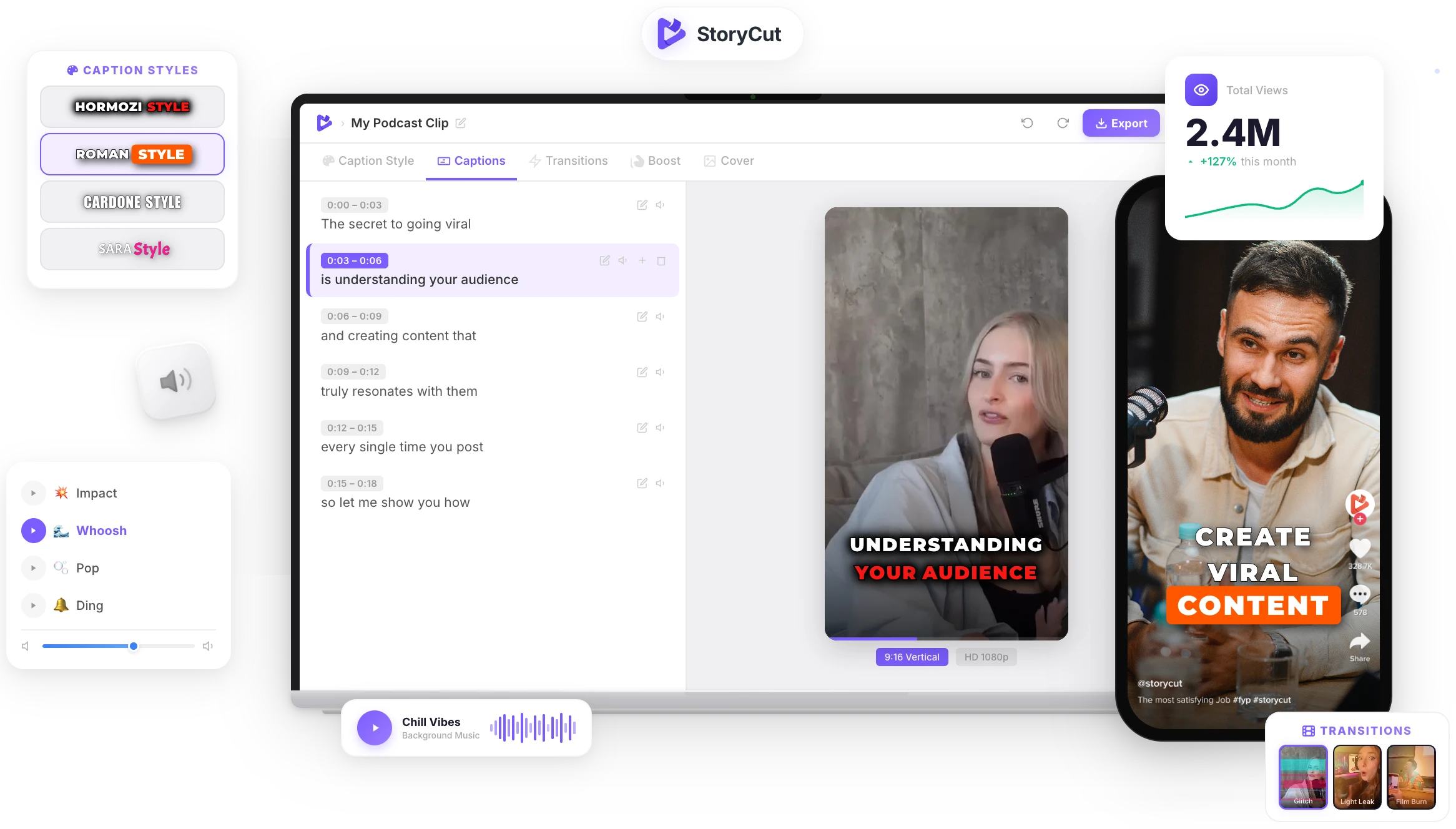
Upload your video to StoryCut: it transcribes the speech and adds animated, word-by-word captions in 1,000+ styles, ready for TikTok, Reels and Shorts. No subtitle file needed.
AI Captions in 1 Click
50+ Transitions
Auto Zoom Effects
Clean Audio AI
Video & Subtitle Tools
Why convert VTT to SRT?
WebVTT is the subtitle format of the web: online players, YouTube and meeting tools export .vtt. SRT is the older, simpler format that almost every video editor, TV, media player and upload form accepts. Converting keeps the text and the timing and drops what SRT can’t store, such as cue positions, voice names and CSS classes.
What changes when you convert
- Each caption gets a number, starting at 1, and the milliseconds use a comma (00:00:01,000).
- The WEBVTT header, NOTE comments, STYLE and REGION blocks are removed.
- Cue settings such as "align:start" or "position:10%" are dropped: SRT has no equivalent.
- Voice and class tags are removed, bold, italic and underline are kept. Turn on "Remove all formatting" for plain text.
- Entities like & become normal characters again.
Clean SRT, every time
Renumbered Captions
Every caption gets a fresh, sequential number and the comma millisecond format SRT expects, even when the VTT had no identifiers.
VTT Extras Removed
Headers, notes, style and region blocks, cue settings and voice or class tags are cleaned out so strict SRT readers accept the file.
Forgiving Parser
Short timestamps without hours, identifiers, odd spacing and Windows line endings are all handled. Anything skipped is reported.
Nothing Uploaded
The conversion runs in your browser, so meeting transcripts and unreleased videos stay on your device.
FAQ
You Might Wanna Know...
You’ve Got the Subtitles.
Now Make the Video.
You just used a free tool to convert your subtitles. Now imagine dropping a raw video into StoryCut and getting it back fully edited — captions styled to your brand, zoom effects synced to every beat, transitions between scenes, audio cleaned up — all in under 2 minutes.
No timeline. No learning curve. No exporting headaches. Just upload, let the AI work, and post. That’s what 10,000+ creators do every day with StoryCut.
This tool gave you the words. StoryCut gives you the video.
Your Next Viral Video Starts Here
Join 10,000+ creators who save hours every week with AI-powered editing. Upload a video, get a scroll-stopper back.
No credit card required • Free plan, no time limit • Cancel anytime

AI video editor for creators who want viral content without the editing grind.
Features
All FeaturesAI CaptionsHormozi CaptionsMrBeast CaptionsAdd Subtitles to VideoSubtitle GeneratorAI Video EditorAI Clip GeneratorYouTube to ShortsEye Contact FixMagic ZoomTransitionsClean AudioAI MusicSound EffectsAI Auto EditRemove SilenceAI ThumbnailsBrand KitsCommunity StylesAI Video TranslatorFree Tools
Video Hook GeneratorTikTok CaptionsInstagram CaptionsYouTube TitlesTikTok HashtagsVideo Script GeneratorAI Video IdeasContent CalendarTikTok TranscriptVideo to TextFree SRT GeneratorSubtitle TranslatorFree TeleprompterWords to MinutesSRT to VTT ConverterTikTok Safe ZoneFree Sound EffectsAll 40 Tools →Use Cases
TikTok CreatorsYouTube ShortsInstagram ReelsPodcastersClippersAgencies & TeamsLinkedIn VideosTeleprompter Eye ContactPremiere Pro Eye ContactDaVinci Resolve Eye ContactFinal Cut Pro Eye ContactLoom Eye Contact