
Features
Tools
Pricing
Affiliate
Made for long-form videos
From one video title to a tag list YouTube Studio accepts
Type the title of your video, and your main keyword if you have one. You get broad, specific and long-tail tags, then one comma-separated list that fits the 500-character Tags field, so you can paste it without trimming anything.
Your main keyword first, then the ways people phrase it
Spelling variants and alternative names, where tags still help
Accurate tags only: nothing that could count as misleading metadata
How to add tags to a YouTube video
Generate your tags
Enter the video title or topic (and your main keyword if you have one), then click Generate.
Copy the list
Copy the comma-separated list at the end: it stays under YouTube’s 500-character limit. Remove any tag that doesn’t describe your video.
Paste it in YouTube Studio
In YouTube Studio, open the video details, click "Show more" and paste the list into the Tags field, then save.
YouTube tag examples
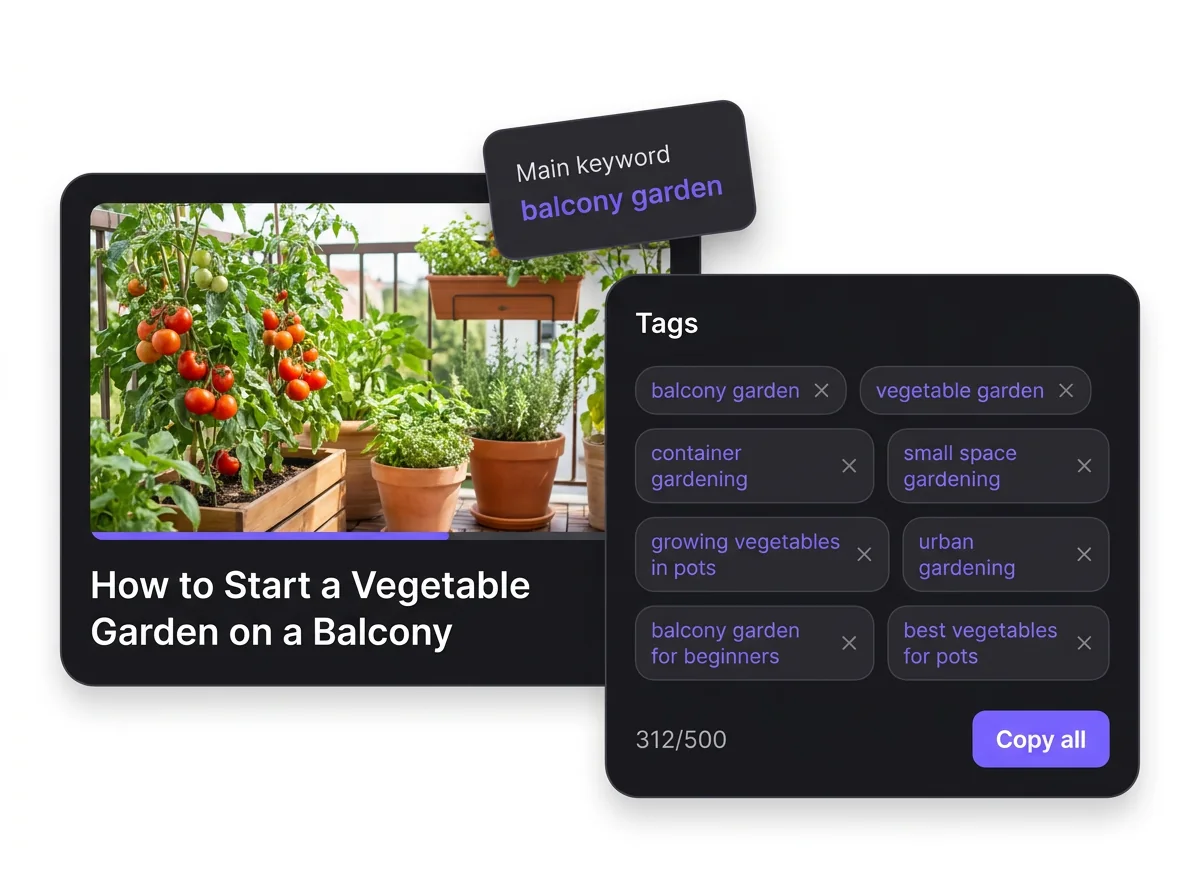
Tags the generator suggests for a video titled "How to start a vegetable garden on a balcony".
Broad
gardening, vegetable garden, balcony garden, urban gardening
Specific
balcony vegetable garden, container gardening, growing vegetables in pots, small space gardening
Long-tail
how to start a balcony garden, best vegetables for balcony pots, balcony garden for beginners
Tags, hashtags, title and description on YouTube
Four places to put keywords, and what each one does for your video.
| Field | Where it goes | Who sees it | Limit | What it does |
|---|---|---|---|---|
| Tags | Tags field in YouTube Studio (video details, “Show more”) | Not displayed on the video page | 500 characters in total; commas and the quotes around multi-word tags count | A minor signal, mostly useful for misspellings and other names of your topic |
| Hashtags | Title or description, written #like-this | Viewers, as clickable links; up to 3 appear by the title | Over 60 hashtags and YouTube ignores all of them | Link your video to the results page of each hashtag |
| Title | Title field | Everyone, in search and recommendations | 100 characters | With the thumbnail, the first thing viewers judge; put your main words here |
| Description | Description field | Everyone; the first lines show before “more” | 5,000 characters | Keywords here help viewers find the video in search |
Checked October 3, 2026. Sources: YouTube Help (tags), YouTube Help (hashtags), YouTube Help (limits), YouTube Help (descriptions), YouTube Data API

Turn Your Words Into Viral Videos
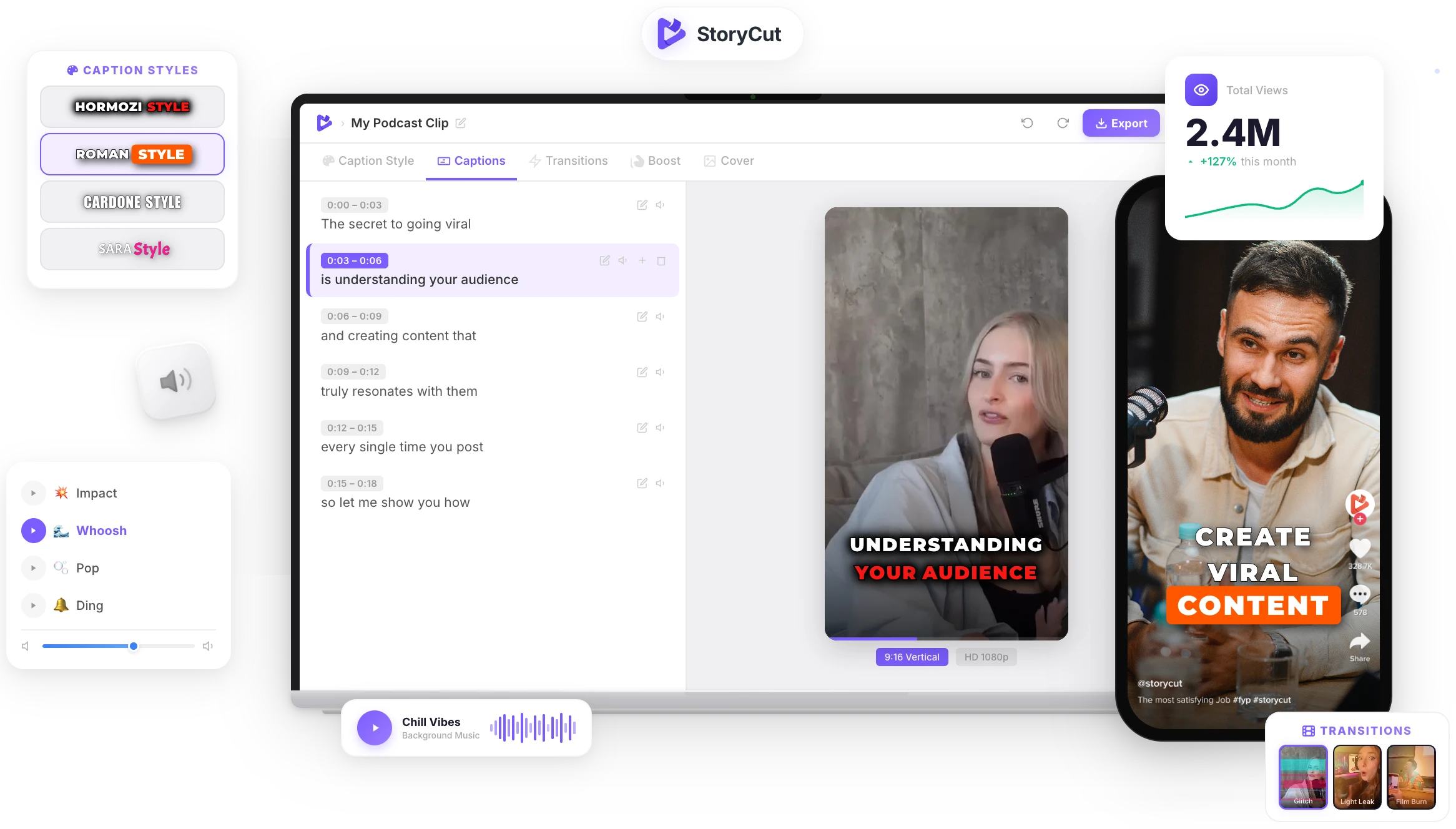
You’ve got the hooks, captions, and ideas. Now bring them to life. StoryCut auto-generates captions with 1,000+ styles, adds zoom effects that match your beats, and drops in transitions—all from a single upload. No editing skills needed.
AI Captions in 1 Click
50+ Transitions
Auto Zoom Effects
Clean Audio AI
Hashtags
Do YouTube tags still matter?
Less than most people think. YouTube says your title, thumbnail and description are more important for discovery and that tags play a minimal role, mostly helping when your topic is often misspelled. That’s why the best approach is a short list of accurate tags (the exact topic, its main variations and common misspellings) rather than 30 loosely related ones, and more time spent on the title and description.
YouTube tag best practices
- Put your main keyword first, written exactly as people search it.
- Add variations and common misspellings of your topic: that’s where tags still help.
- Stay relevant: tags that don’t describe the video can count as misleading metadata under YouTube’s spam policies.
- Keep the whole list under 500 characters, the limit for the Tags field. Multi-word tags count their quotation marks too.
- Spend more time on the title, thumbnail and description: they matter more for discovery.
What makes good YouTube tags?
Broad to Long-Tail
Tags grouped from broad topics to specific and long-tail phrases, so you can keep the mix that fits your video.
Under 500 Characters
A ready-to-paste, comma-separated list that fits the 500-character limit of YouTube Studio’s Tags field.
Relevant, Not Stuffed
Tags stay close to what the video is about, the way YouTube recommends, instead of padding the list with loosely related terms.
Variations Included
Synonyms, plural forms and common ways people phrase the topic, where tags still make a difference.
FAQ
You Might Wanna Know...
You’ve Got the Tags.
Now Make the Video.
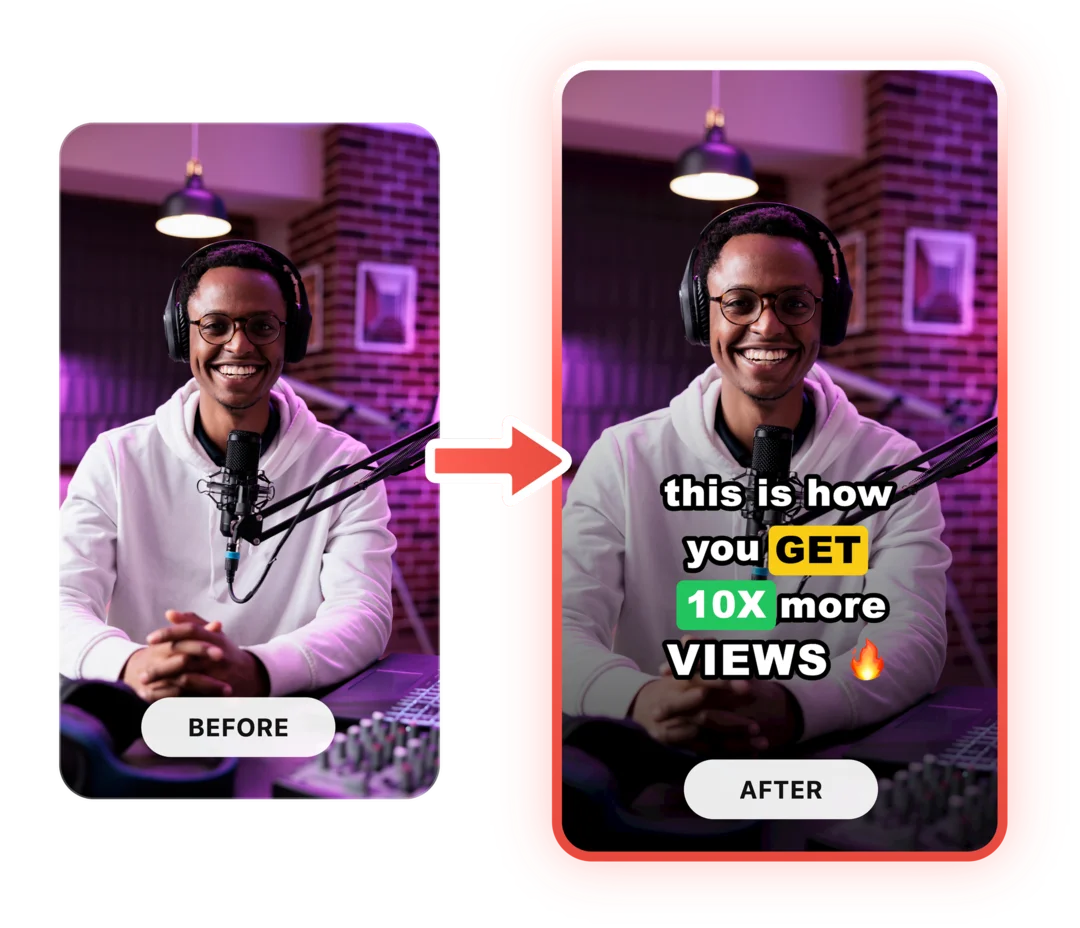
You just used a free tool to find tags for your YouTube video. Now imagine dropping a raw video into StoryCut and getting it back fully edited — captions styled to your brand, zoom effects synced to every beat, transitions between scenes, audio cleaned up — all in under 2 minutes.
No timeline. No learning curve. No exporting headaches. Just upload, let the AI work, and post. That’s what 10,000+ creators do every day with StoryCut.
This tool gave you the words. StoryCut gives you the video.
Your Next Viral Video Starts Here
Join 10,000+ creators who save hours every week with AI-powered editing. Upload a video, get a scroll-stopper back.
No credit card required • Free plan, no time limit • Cancel anytime

AI video editor for creators who want viral content without the editing grind.
Features
All FeaturesAI CaptionsHormozi CaptionsMrBeast CaptionsAdd Subtitles to VideoSubtitle GeneratorAI Video EditorAI Clip GeneratorYouTube to ShortsEye Contact FixMagic ZoomTransitionsClean AudioAI MusicSound EffectsAI Auto EditRemove SilenceAI ThumbnailsBrand KitsCommunity StylesAI Video TranslatorFree Tools
Video Hook GeneratorTikTok CaptionsInstagram CaptionsYouTube TitlesTikTok HashtagsVideo Script GeneratorAI Video IdeasContent CalendarTikTok TranscriptVideo to TextFree SRT GeneratorSubtitle TranslatorFree TeleprompterWords to MinutesSRT to VTT ConverterTikTok Safe ZoneFree Sound EffectsAll 40 Tools →Use Cases
TikTok CreatorsYouTube ShortsInstagram ReelsPodcastersClippersAgencies & TeamsLinkedIn VideosTeleprompter Eye ContactPremiere Pro Eye ContactDaVinci Resolve Eye ContactFinal Cut Pro Eye ContactLoom Eye Contact