
Features
Tools
Pricing
Affiliate
| Edge | Keep clear | What is there |
|---|---|---|
| Top | 192 px (10%) | Search, camera & menu |
| Bottom | 480 px (25%) | Channel, title, Subscribe & sound |
| Left | 0 px (0%) | – |
| Right | 108 px (10%) | Like, dislike, comment, share, remix |
How to check the YouTube Shorts safe zone
Upload a frame
Drop a screenshot or the video itself on the 9:16 frame. For a video, pick the frame with the slider.
Check the red areas
Red areas are covered by the search bar, the like, comment and share buttons, the channel name, the title and Subscribe. Switch to "Vertical video ads" for the stricter ad template.
Download the template
Download the transparent PNG and put it on top of your timeline while you edit.

Captions that stay inside the safe zone
StoryCut adds animated captions to your video in 1,000+ styles, lets you move them where the player’s buttons won’t cover them, and exports in 9:16 for Shorts, TikTok and Reels.
AI Captions in 1 Click
50+ Transitions
Auto Zoom Effects
Clean Audio AI
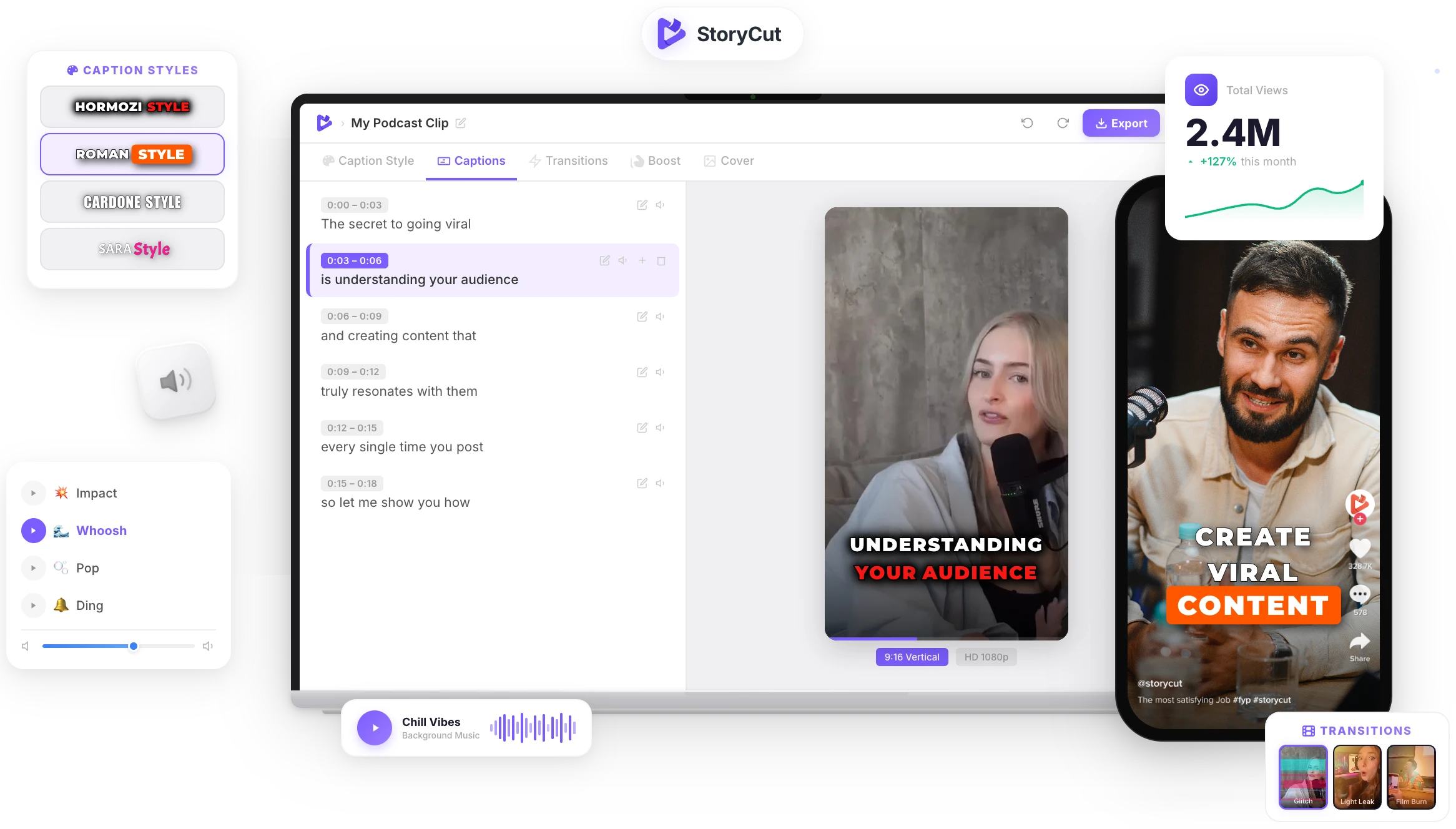
Video & Subtitle Tools
What is the YouTube Shorts safe zone?
Google advises keeping critical elements out of the top 10%, the bottom 25% and the right 10% of a Short, where the channel name, title and engagement buttons sit. On a 1080×1920 video that’s 192 px at the top, 480 px at the bottom and 108 px on the right. Ads add a call-to-action button, so Google’s ad overlay is stricter: 288 px top, 672 px bottom, 48 px left and 192 px right.
YouTube Shorts safe zone tips
- Keep text and faces between 192 px and 1,440 px from the top of a 1080×1920 frame.
- The buttons run down the right side: keep about 108 px clear on the right, more in the lower half.
- The bottom quarter holds the channel name, title and Subscribe button: never put captions there.
- Running the Short as an ad? Use the stricter "Vertical video ads" template.
- Preview the Short in the YouTube app before you publish to confirm nothing important is hidden on a real phone.
A safe zone check in seconds
Google’s Numbers
Uses Google’s guidance for Shorts (top 10%, bottom 25%, right 10%) and the stricter Google Ads vertical overlay, in pixels for 1080×1920.
Your Own Frame
Upload a screenshot or a video and see the overlay on your real content, with buttons and caption placeholders.
PNG Template
Download a transparent 1080×1920 overlay to use in any editor, or a preview of your frame with the overlay.
Shorts, TikTok and Reels
Switch platforms in one click to check the same frame for TikTok and Instagram Reels.
FAQ
You Might Wanna Know...
You’ve Got the Safe Zone.
Now Make the Video.
You just used a free tool to check your Shorts safe zone. Now imagine dropping a raw video into StoryCut and getting it back fully edited — captions styled to your brand, zoom effects synced to every beat, transitions between scenes, audio cleaned up — all in under 2 minutes.
No timeline. No learning curve. No exporting headaches. Just upload, let the AI work, and post. That’s what 10,000+ creators do every day with StoryCut.
This tool gave you the words. StoryCut gives you the video.
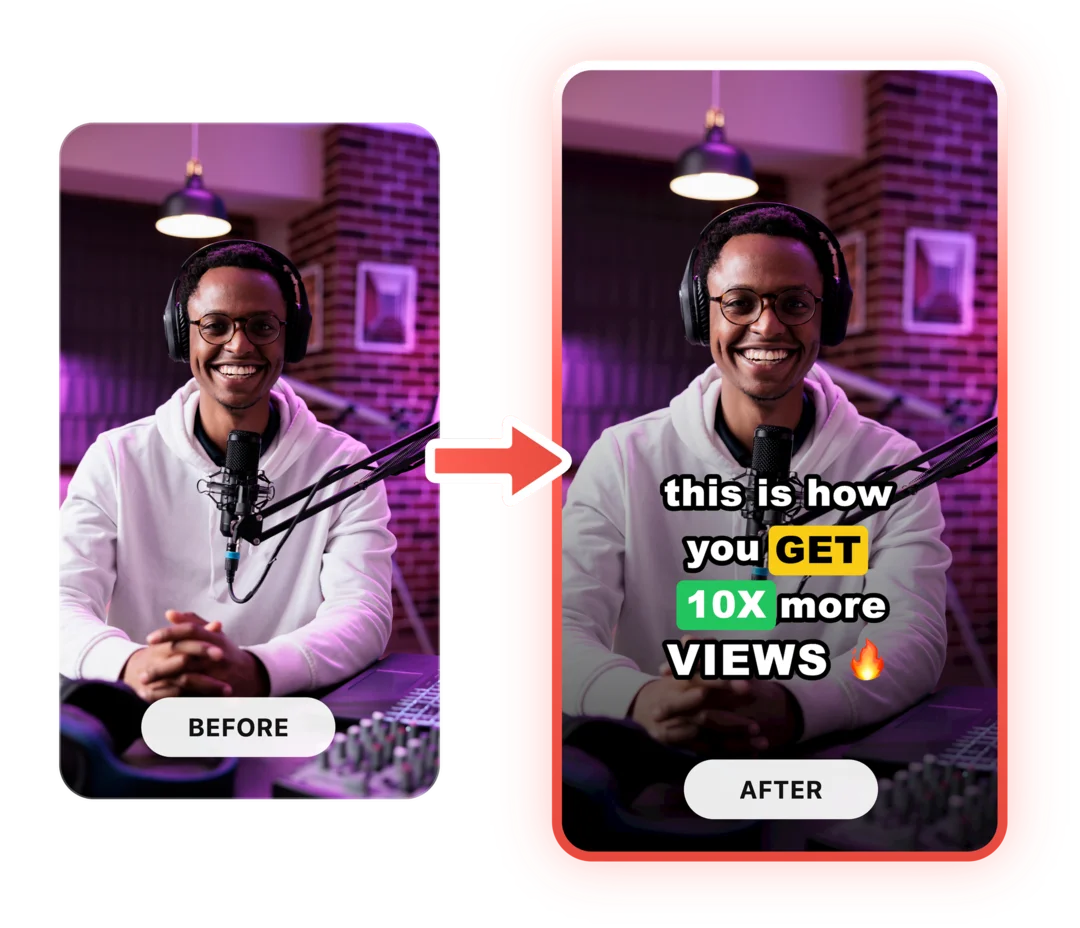
Your Next Viral Video Starts Here
Join 10,000+ creators who save hours every week with AI-powered editing. Upload a video, get a scroll-stopper back.
No credit card required • Free plan, no time limit • Cancel anytime

AI video editor for creators who want viral content without the editing grind.
Features
All FeaturesAI CaptionsHormozi CaptionsMrBeast CaptionsAdd Subtitles to VideoSubtitle GeneratorAI Video EditorAI Clip GeneratorYouTube to ShortsEye Contact FixMagic ZoomTransitionsClean AudioAI MusicSound EffectsAI Auto EditRemove SilenceAI ThumbnailsBrand KitsCommunity StylesAI Video TranslatorFree Tools
Video Hook GeneratorTikTok CaptionsInstagram CaptionsYouTube TitlesTikTok HashtagsVideo Script GeneratorAI Video IdeasContent CalendarTikTok TranscriptVideo to TextFree SRT GeneratorSubtitle TranslatorFree TeleprompterWords to MinutesSRT to VTT ConverterTikTok Safe ZoneFree Sound EffectsAll 40 Tools →Use Cases
TikTok CreatorsYouTube ShortsInstagram ReelsPodcastersClippersAgencies & TeamsLinkedIn VideosTeleprompter Eye ContactPremiere Pro Eye ContactDaVinci Resolve Eye ContactFinal Cut Pro Eye ContactLoom Eye Contact